
A full-featured download manager.
docs: update app screenshots
Dr_rOotfa7daf377f3f
diff --git a/README-CN.md b/README-CN.mdindex 861cc95a..b8b6249b 100644--- a/README-CN.md+++ b/README-CN.md@@ -43,7 +43,7 @@ brew update && brew cask install motrix你可以下载 AppImage(适用于所有 Linux 发行版)软件包或 snap 或从源代码构建安装 Motrix(构建请阅读 **编译打包** 部分)-Motrix 已经上架 [Snapcraft](https://snapcraft.io/motrix),Ubuntu 用户推荐从 Snap 应用商店下载。+Motrix 已经上架 [Snapcraft](https://snapcraft.io/motrix) ,Ubuntu 用户推荐从 Snap 应用商店下载。Deepin 20 Beta 用户安装 Motrix 失败的问题,请按照以下方法处理:@@ -83,7 +83,7 @@ Motrix 在 Linux 中首次启动可能需要使用 `sudo` 运行,因为可能## 🖥 应用界面-+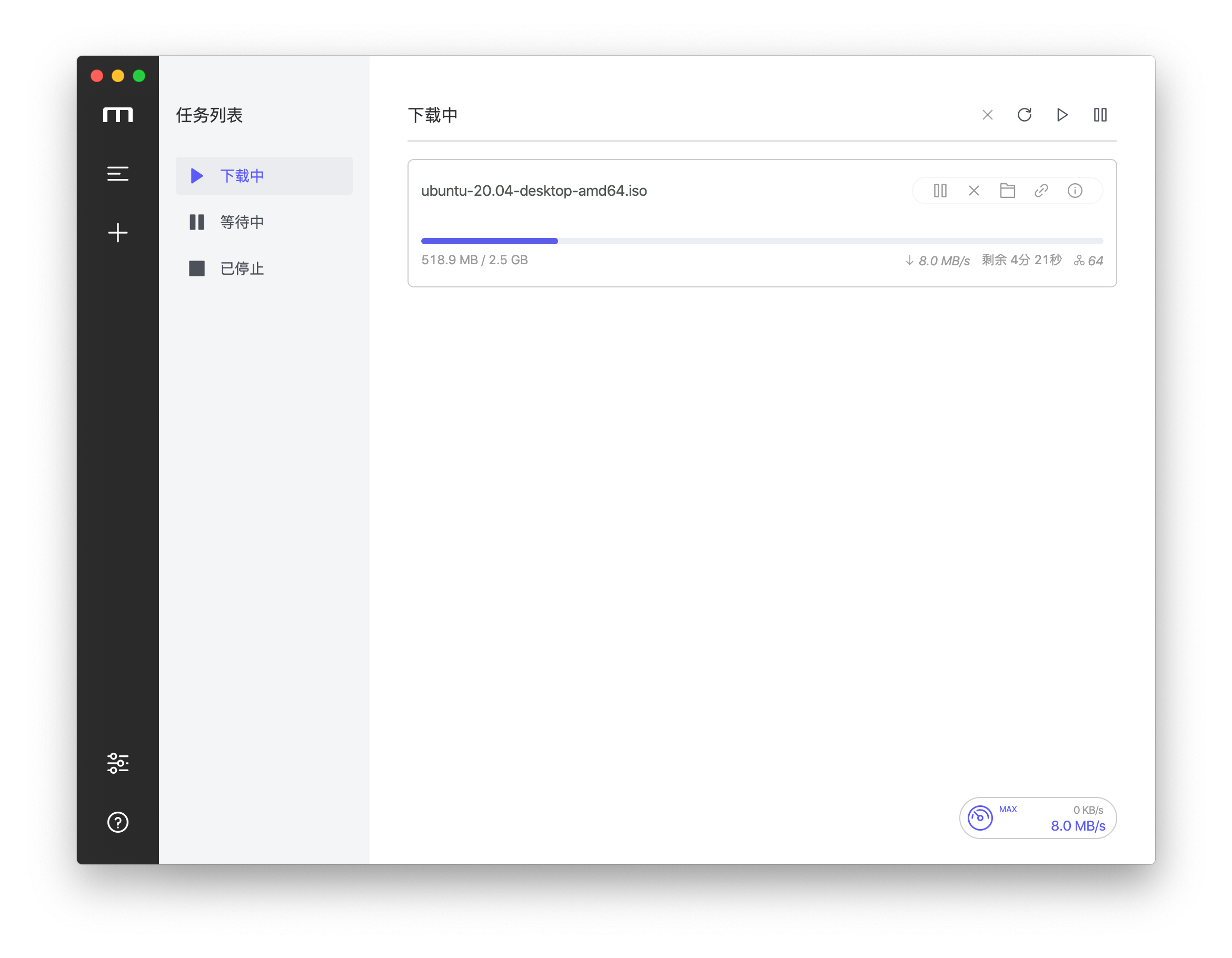## ⌨️ 本地开发@@ -165,3 +165,4 @@ npm run build## 📜 开源许可基于 [MIT license](https://opensource.org/licenses/MIT) 许可进行开源。+diff --git a/README.md b/README.mdindex a144b761..eabb5a17 100644--- a/README.md+++ b/README.md@@ -43,7 +43,7 @@ brew update && brew cask install motrixYou can download the AppImage (for all Linux distributions) package or snap or just build from source code to install Motrix (Please read the **Build** section).-Motrix has been listed on [Snapcraft] (https://snapcraft.io/motrix), Ubuntu users recommend downloading from the Snap App Store.+Motrix has been listed on [Snapcraft](https://snapcraft.io/motrix), Ubuntu users recommend downloading from the Snap App Store.Deepin 20 Beta users failed to install Motrix, please follow the steps below:@@ -84,7 +84,7 @@ Motrix may need to run with `sudo` for the first time in Linux because there is## 🖥 User Interface-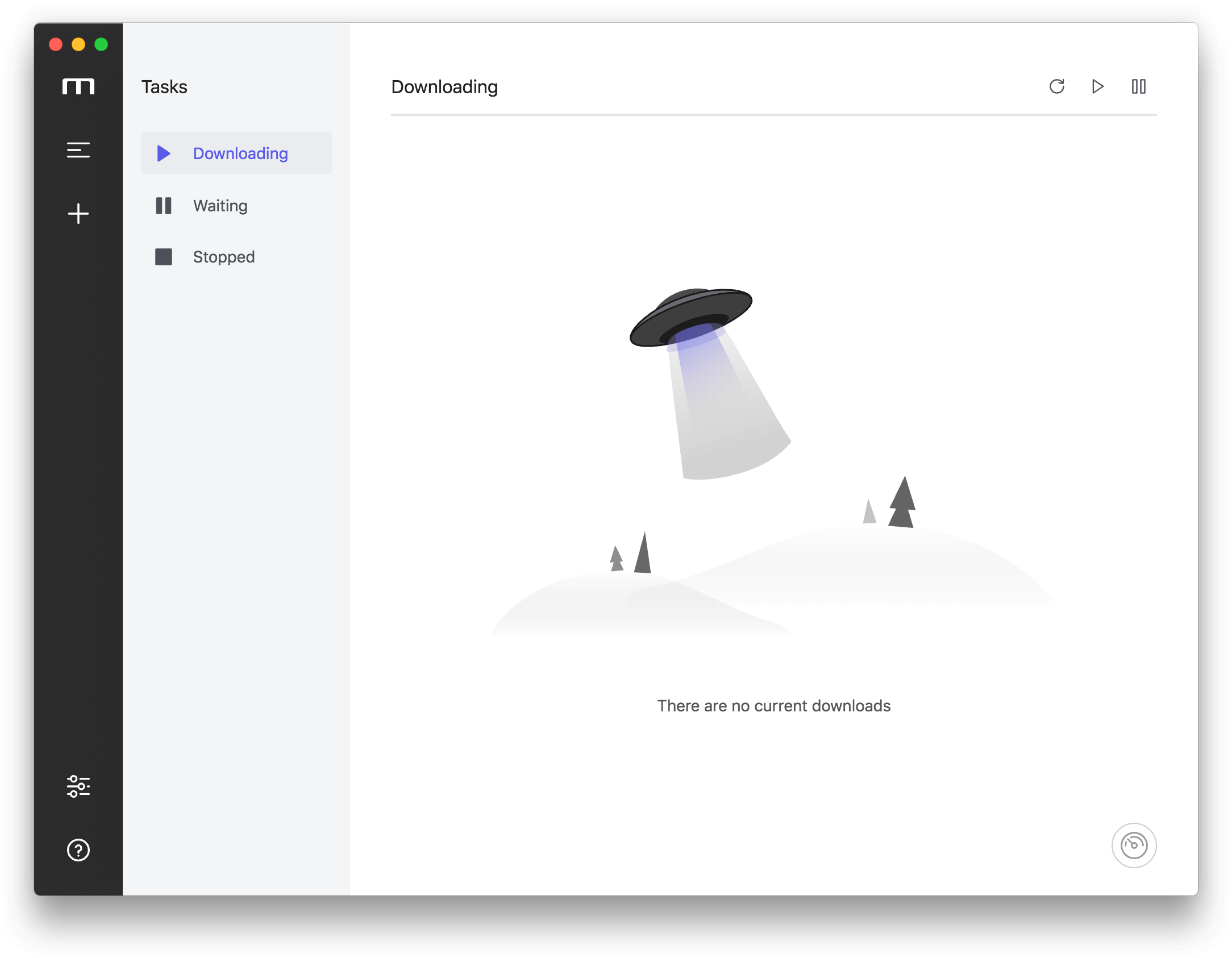+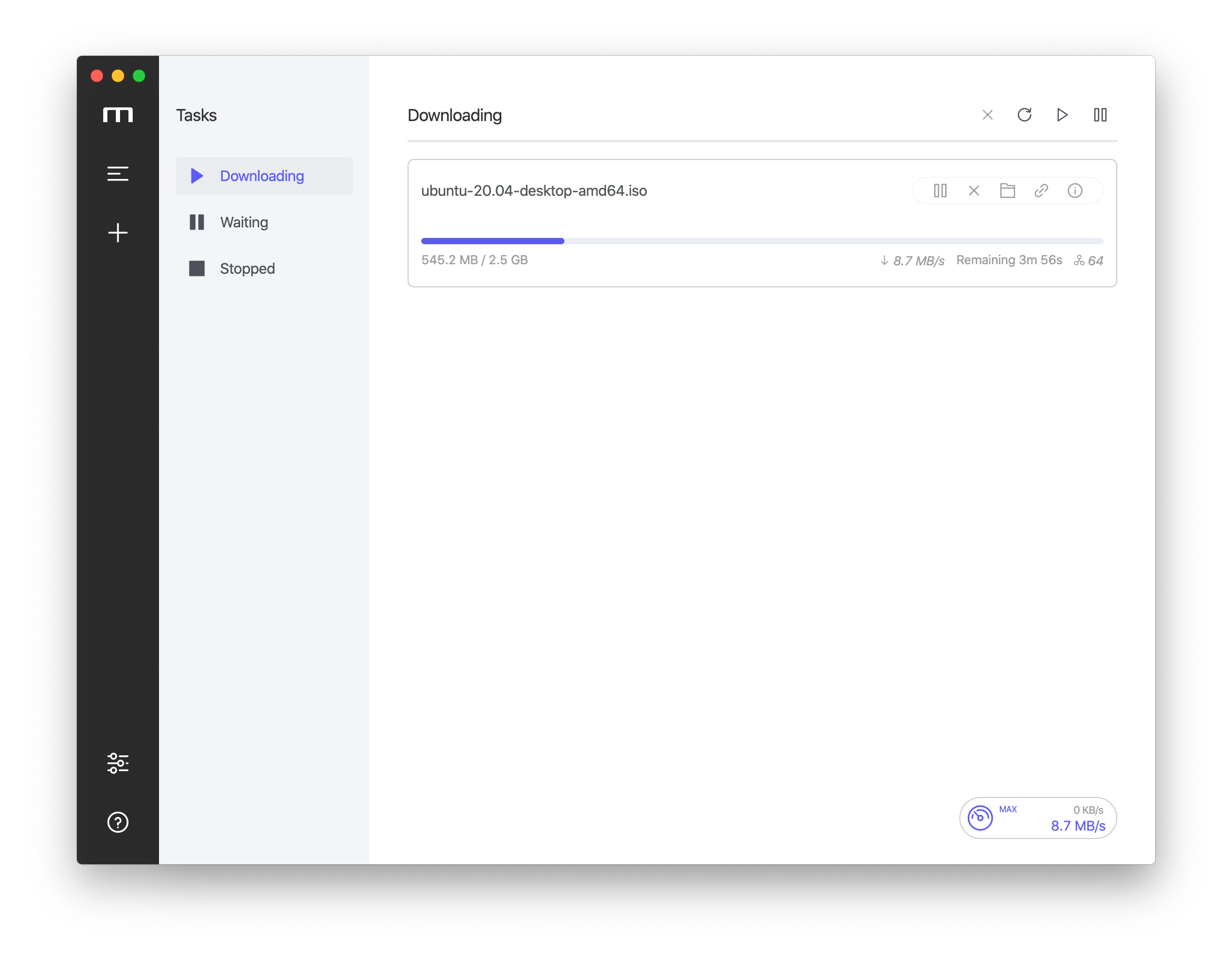## ⌨️ Development