
GlazeWM is a tiling window manager for macOS and Windows inspired by i3wm.
fix: focus borders is set correctly when using `focus_borders` + readme fix for system tray (#413)
lars-bergerf29274438bdb
diff --git a/GlazeWM.Domain/UserConfigs/UserConfig.cs b/GlazeWM.Domain/UserConfigs/UserConfig.csindex cbd4136c..25324a9f 100644--- a/GlazeWM.Domain/UserConfigs/UserConfig.cs+++ b/GlazeWM.Domain/UserConfigs/UserConfig.cs@@ -7,7 +7,7 @@ namespace GlazeWM.Domain.UserConfigs{public GapsConfig Gaps { get; set; } = new();- public FocusBordersConfig FocusBorderColor { get; set; } = new();+ public FocusBordersConfig FocusBorders { get; set; } = new();public GeneralConfig General { get; set; } = new();diff --git a/GlazeWM.Domain/UserConfigs/UserConfigService.cs b/GlazeWM.Domain/UserConfigs/UserConfigService.csindex 3cfe30ae..203edd7d 100644--- a/GlazeWM.Domain/UserConfigs/UserConfigService.cs+++ b/GlazeWM.Domain/UserConfigs/UserConfigService.cs@@ -16,7 +16,7 @@ namespace GlazeWM.Domain.UserConfigspublic UserConfig UserConfig { private get; set; }public GapsConfig GapsConfig => UserConfig.Gaps;- public FocusBordersConfig FocusBorderConfig => UserConfig.FocusBorderColor;+ public FocusBordersConfig FocusBorderConfig => UserConfig.FocusBorders;public GeneralConfig GeneralConfig => UserConfig.General;public List<BarConfig> BarConfigs => UserConfig.BarConfigs;public List<WorkspaceConfig> WorkspaceConfigs => UserConfig.Workspaces;diff --git a/README.md b/README.mdindex b7117c7e..01eabca2 100644--- a/README.md+++ b/README.md@@ -11,8 +11,8 @@ Why use a tiling window manager? A tiling WM lets you easily organize windows an- Easy one-click installation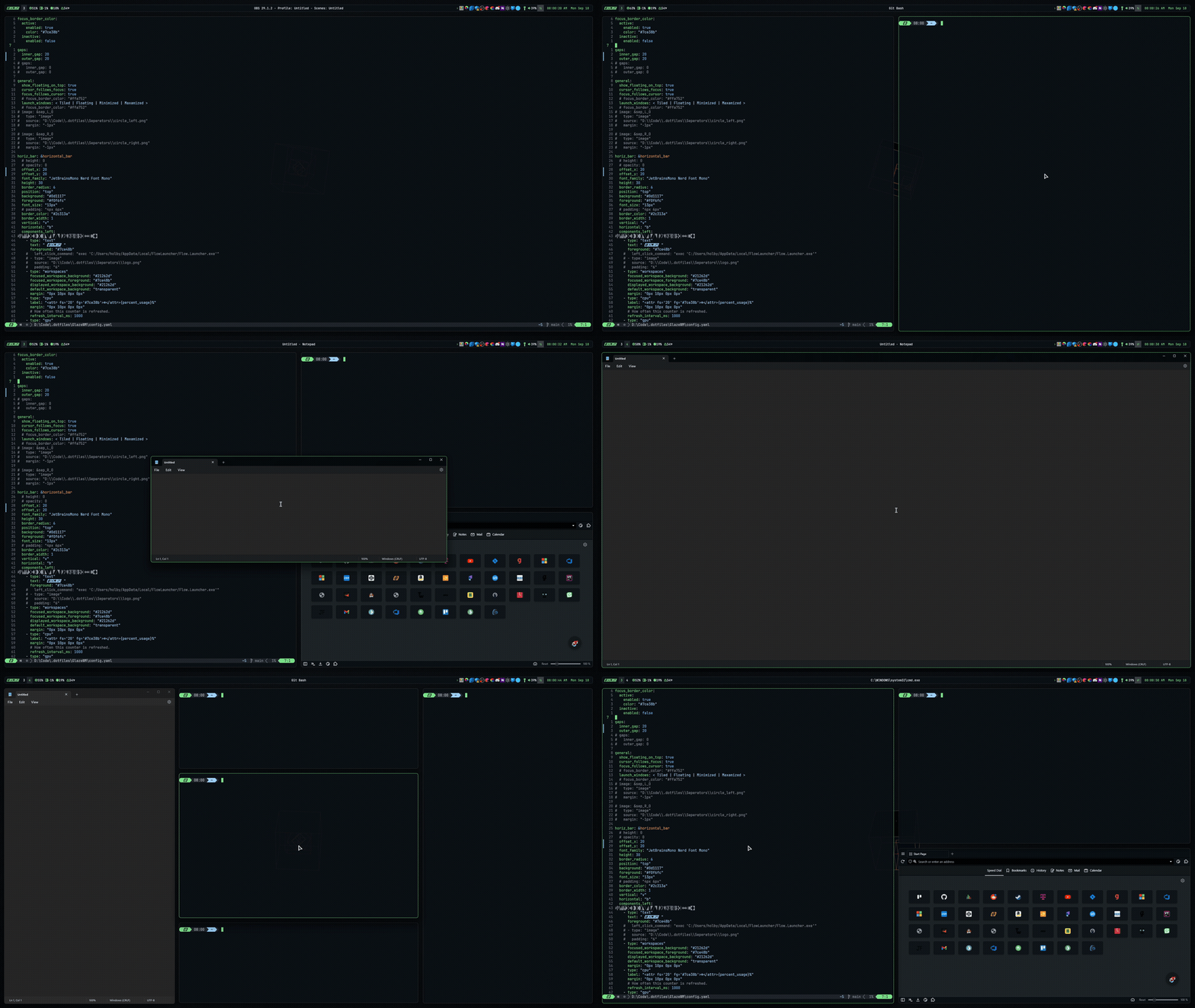-<p align="center"><i>Showcase GIF by <a href="https://github.com/HolbyFPV">@HolbyFPV</a></i></p>+<p align="center"><i>Showcase GIF by <a href="https://github.com/HolbyFPV">@HolbyFPV</a></i></p>Under the hood, GlazeWM adds functionality to the built-in window manager and uses the Windows API via P/Invoke to position windows.@@ -91,7 +91,6 @@ general:# Whether to globally enable/disable window transition animations (on minimize, close,# etc). Set to 'unchanged' to make no setting changes.window_animations: "unchanged"-```## Keybindings@@ -437,7 +436,7 @@ Supports `.png` and `.jpg` formats.### Bar Component: System Tray-Use `Ctrl+Click` to pin and un-pin an icon.+Use `Alt+Click` to pin and un-pin an icon.```yaml- type: "system tray"@@ -455,7 +454,7 @@ bar:- type: "cpu"# Change font family (ie. ff) to Comic Sans for part of the label:label: "<attr ff='Comic Sans'>CPU:</attr> {percent_usage}%"-+- type: "battery"# Show an icon by using an icon font:label_draining: "<attr ff='Material Icons'></attr> {battery_level}%"