
Bulk asynchronous downloader for multiple file hosts
Python asynciobunkrcyberdropdownloaderdropboxfilestergofilegoogle-drivemediafiremegamega-nzonedrivepatreonpawchivepinterestpixeldraintransfer-ittwitchtwittervk
docs: remove images from README
NTFSvolume62c98fc1ea12
diff --git a/README.md b/README.mdindex abca6c5ba..8e72c3ad4 100644--- a/README.md+++ b/README.md@@ -34,30 +34,18 @@ Run `--help` to see all available commands and options:cyberdrop-dl --help```-<div align="center">--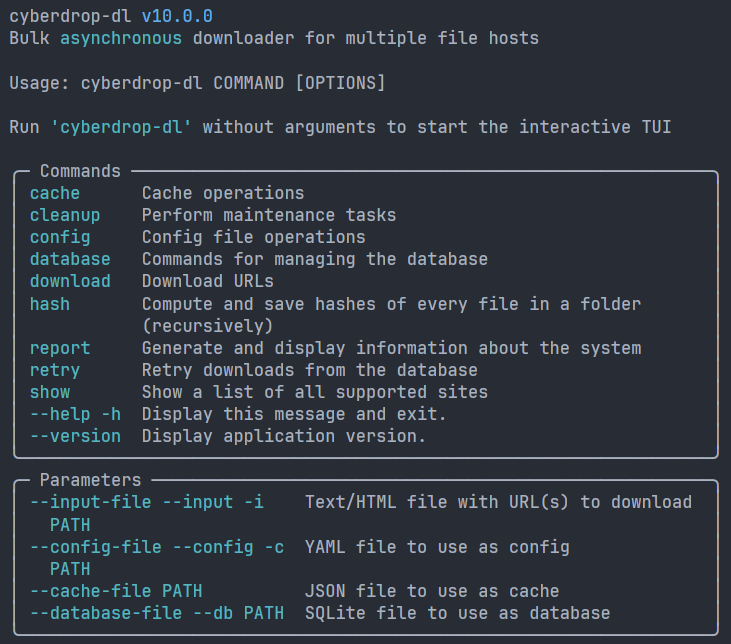--</div>--`cyberdrop-dl` has an extensive list of configuration options. But if you don't care about that and just want to download a file, run:+If you don't care about any config option and just want to quickly download a file, run:```powershellcyberdrop-dl download <URL>```-or just run it without any arguments to start the interactive TUI:+or run it without any arguments to start the interactive TUI:```powershellcyberdrop-dl```-<div align="center">--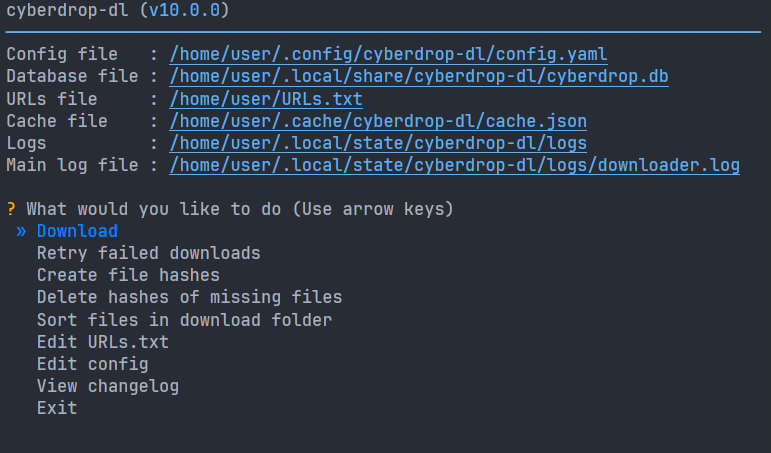--</div>-From the [releases page](https://github.com/Cyberdrop-DL/cyberdrop-dl/releases/latest) you can download scripts to install, update and use `cyberdrop-dl` without ever writing any command in your terminal.Follow the [getting-started guide](https://script-ware.gitbook.io/cyberdrop-dl/getting-started) for additional instructions and configuration details.