
The modern link attribution platform. Loved by world-class engineering teams at Twilio, Zillow, Jobber, Vercel, Raycast, and more.
Configuring Segment to track lead events when a new user signs up.
Step 1: Add Dub (Actions) destination
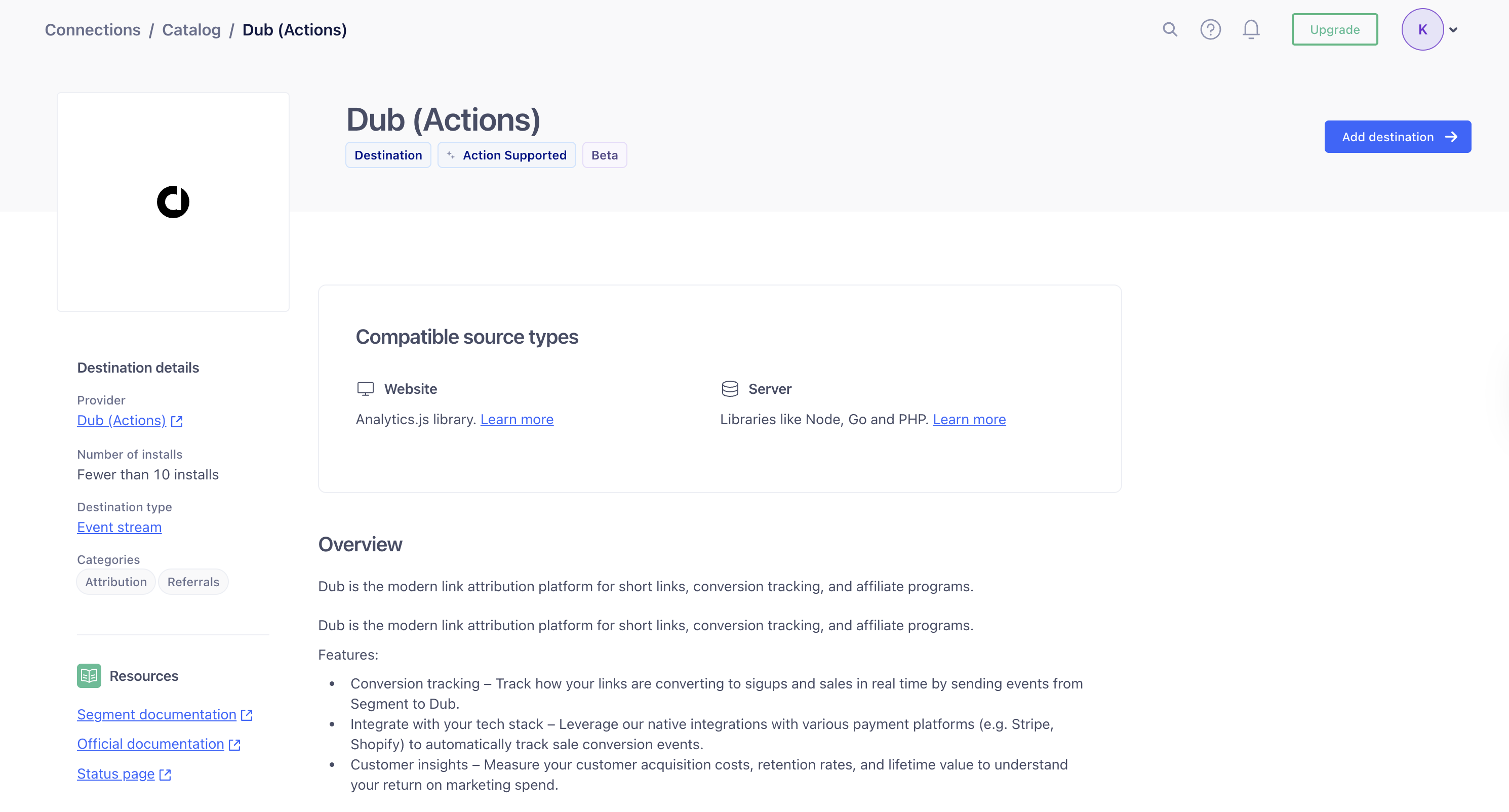
Head to Segment Dub (Actions) and add the destination to your Segment workspace.
Step 2: Configure Dub API Key
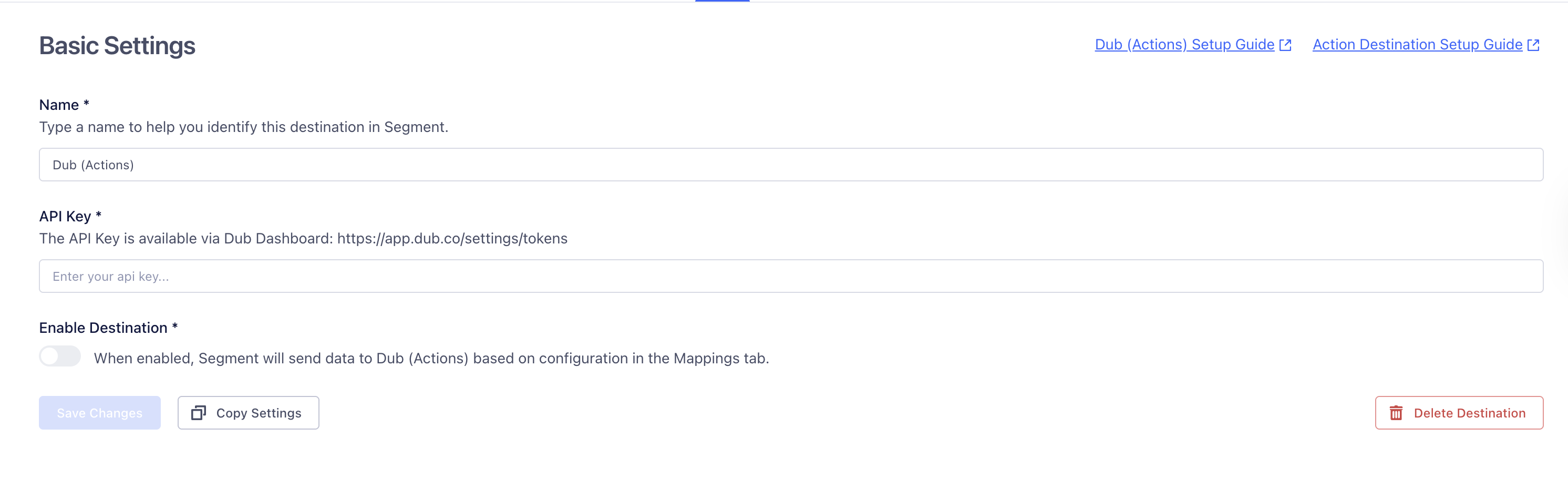
In the Dub (Actions) destination settings, fill out the following fields:
- Name: Enter a name to help you identify this destination in Segment.
- API Key: Enter your Dub API key. You can find this in the Dub Dashboard.
- Enable Destination: Toggle this on to allow Segment to send data to Dub.
Once completed, click Save Changes.
Step 3: Add Mapping
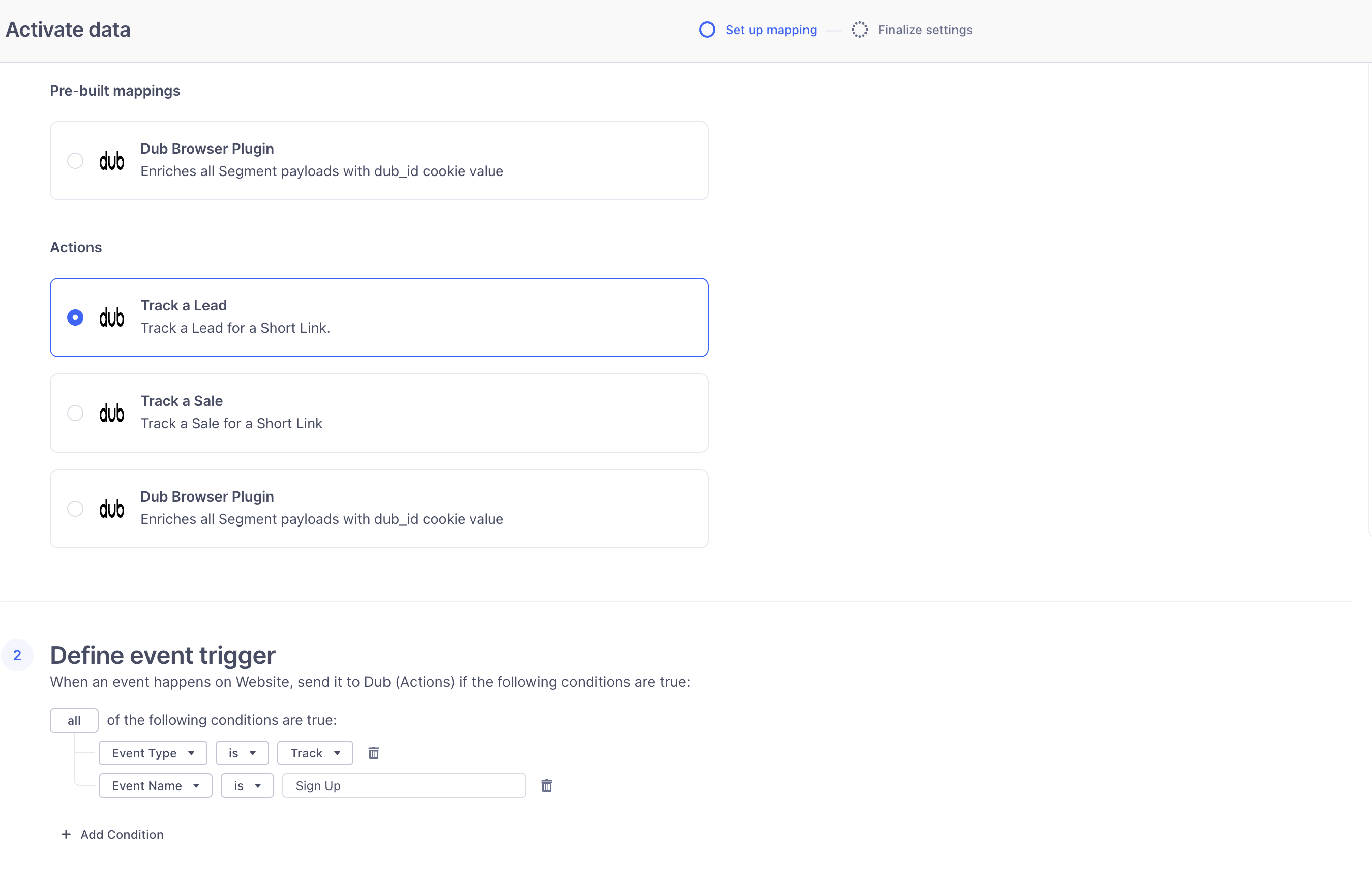
Next, you’ll choose the Track a lead action from the list of available actions.
By default, this action is configured to send lead data to Dub when the Event Name is Sign Up.
Below the selected action, you’ll see the mapping for that action.
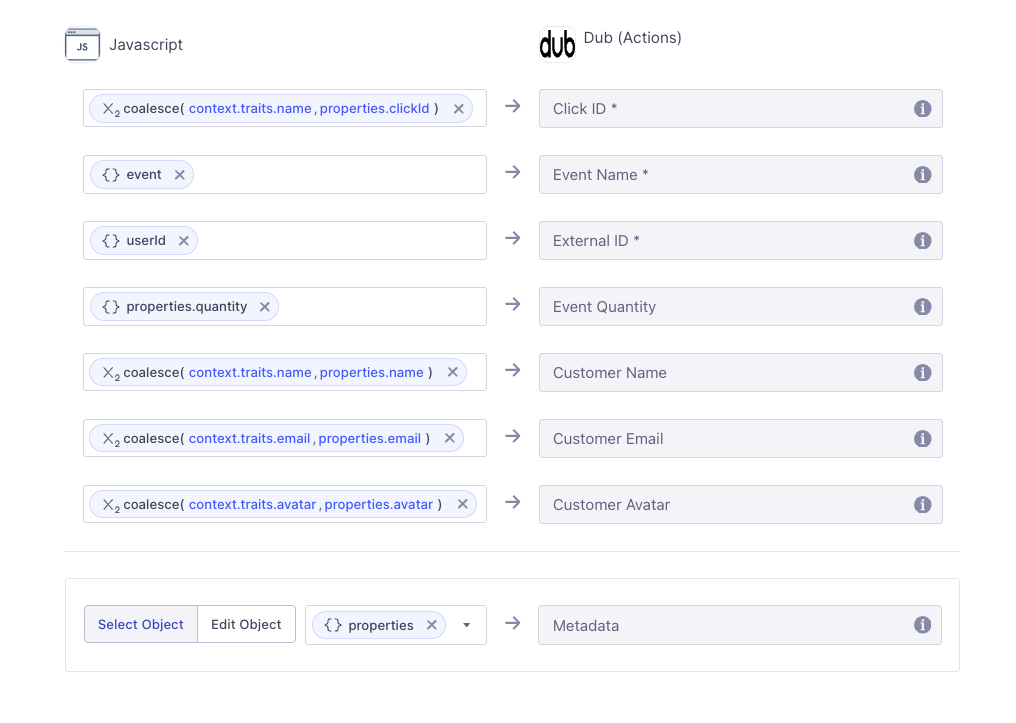
You can customize the trigger and mapping to fit the specific needs of your application.
Finally, click Next and then Save and enable to add the mapping to the destination.
Step 4: Send lead events to Dub
On the server side, you’ll use the @segment/analytics-node SDK to send lead events to Segment.
Make sure to include relevant user traits such as name, email, and clickId in the payload.
You’ll also need to ensure that the clickId field is properly mapped in your Segment Actions destination so that it’s forwarded correctly to Dub.
import { Analytics } from "@segment/analytics-node";

const segment = new Analytics({
  writeKey: "<YOUR_SEGMENT_WRITE_KEY>",
});

const cookieStore = await cookies();
const clickId = cookieStore.get("dub_id")?.value;

segment.track({
  userId: id,
  event: "Sign Up",
  context: {
    traits: {
      name,
      email,
      avatar,
      clickId,
    },
  },
  integrations: {
    All: true,
  },
});
Once the event is tracked, Segment will forward the lead data to Dub based on the mappings you’ve configured.