
The modern link attribution platform. Loved by world-class engineering teams at Twilio, Zillow, Jobber, Vercel, Raycast, and more.
TypeScript clickhousemysqlnextjsopen-sourceplanetscaleprismatailwindcsstinybirdtypescriptupstashvercel
You can add the Dub client-side script to your Shopify store simply by installing the Dub Shopify App from the App Store.
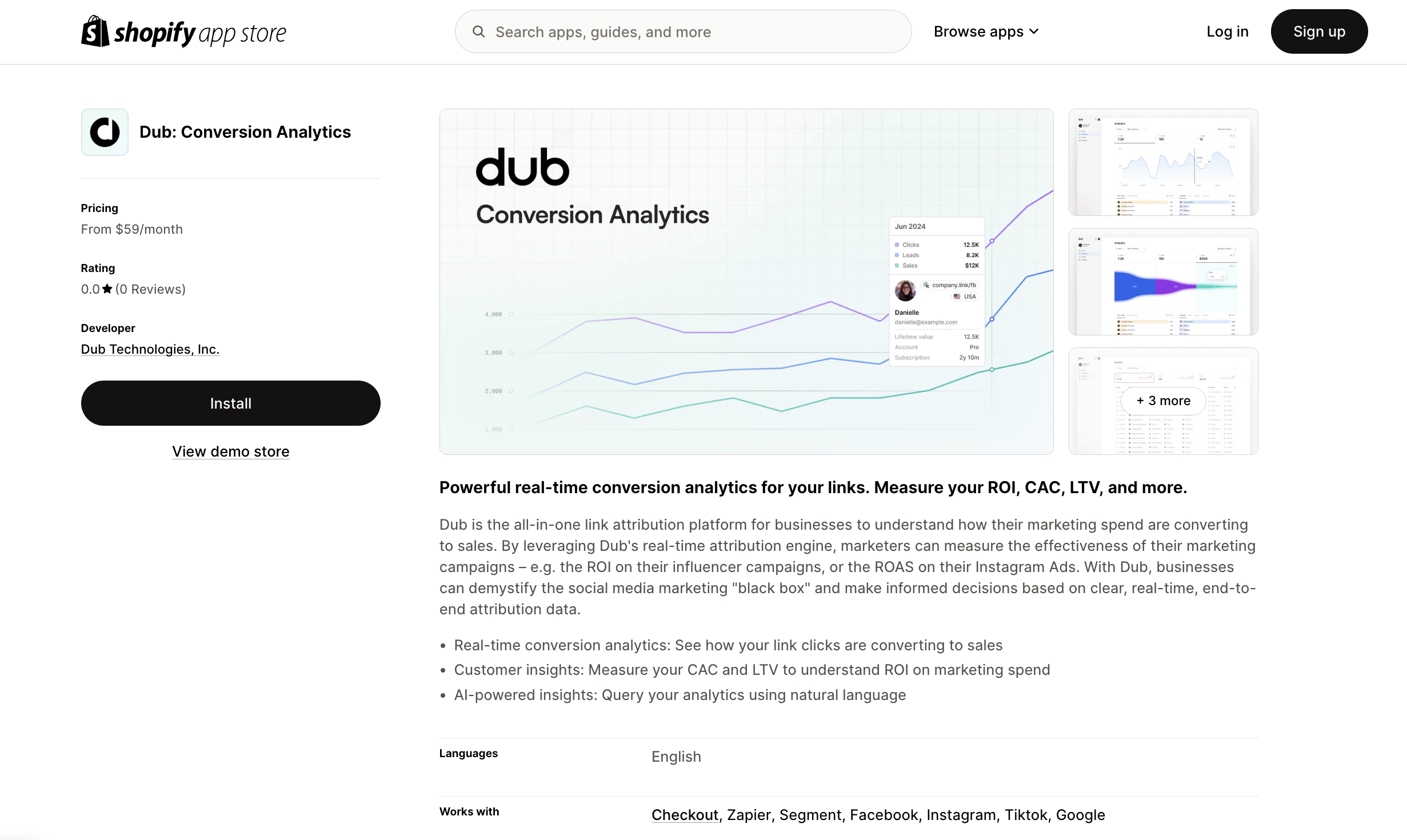
Then, make sure to activate the script by following these steps:
- Navigate to your Shopify admin panel.
- Go to Online Store > Themes.
- Click on Customize for your current theme.
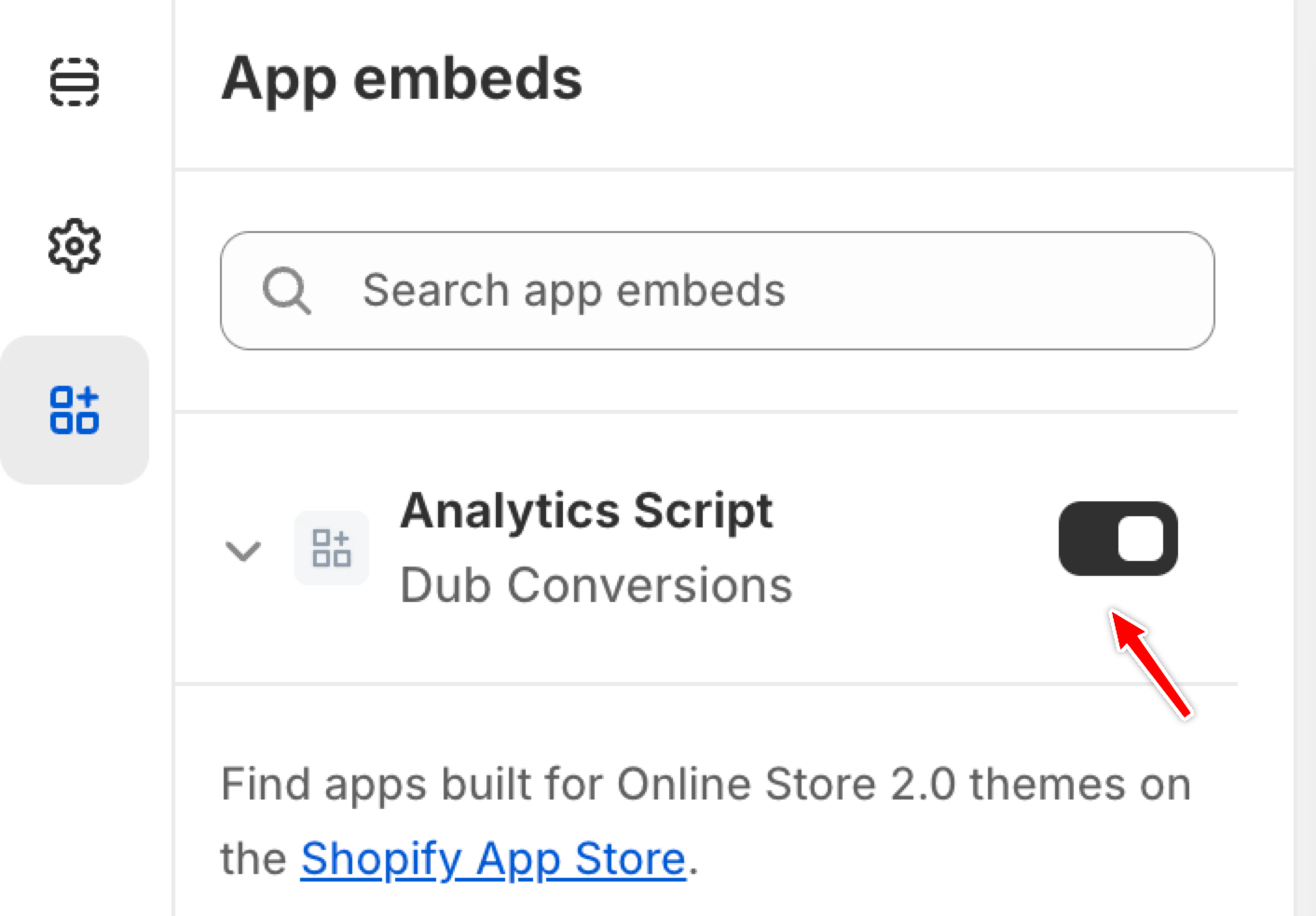
- In the theme editor, select the App embeds tab.
- Locate the Analytics Script for the Dub Conversions app and toggle it to activate.
Installation video
Here's a video showing how to install and activate the Dub client-side script in your Shopify store: