
The modern link attribution platform. Loved by world-class engineering teams at Twilio, Zillow, Jobber, Vercel, Raycast, and more.
TypeScript clickhousemysqlnextjsopen-sourceplanetscaleprismatailwindcsstinybirdtypescriptupstashvercel
fix typos
Steven Tey0711cfa1d2aa
diff --git a/apps/web/guides/gtm-client-sdk.md b/apps/web/guides/gtm-client-sdk.mdindex ef5d9e2092..e35df0a2d0 100644--- a/apps/web/guides/gtm-client-sdk.md+++ b/apps/web/guides/gtm-client-sdk.md@@ -6,7 +6,7 @@ First, navigate to your Google Tag Manager account and create a new tag:- Click on **Tags** in the left sidebar- Click the **New** button-- Select **Custom H**TML as the tag type+- Select **Custom HTML** as the tag type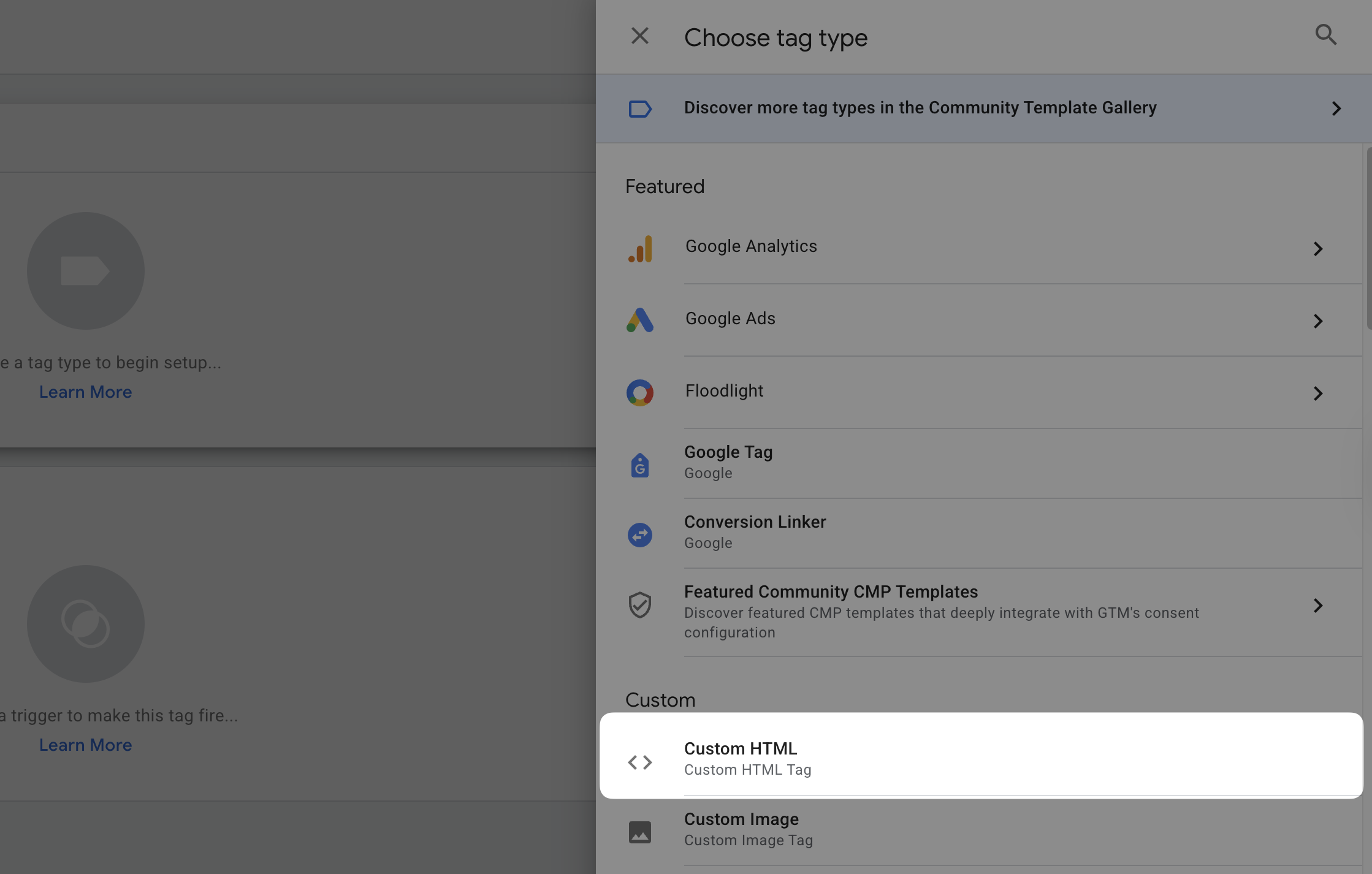diff --git a/apps/web/guides/gtm-track-sale.md b/apps/web/guides/gtm-track-sale.mdindex 37bcd6d7d2..815aa56531 100644--- a/apps/web/guides/gtm-track-sale.md+++ b/apps/web/guides/gtm-track-sale.md@@ -41,6 +41,7 @@ Next, import the Dub GTM Server Tag template to handle sales tracking:1. In your server container, go to **Tags** → **New**2. Click **Import** and upload the [Dub GTM Server Tag template](https://github.com/dubinc/gtm-server-tag-template)3. This template is specifically designed to send conversion events directly to Dub+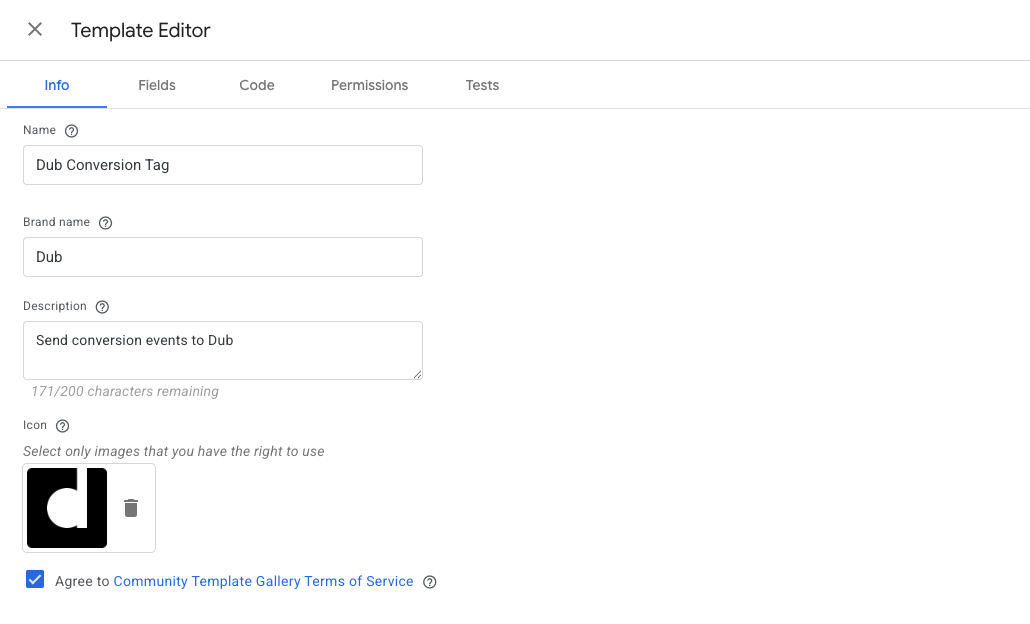## Step 5: Add Sales Tracking Tag