
The modern link attribution platform. Loved by world-class engineering teams at Twilio, Zillow, Jobber, Vercel, Raycast, and more.
TypeScript clickhousemysqlnextjsopen-sourceplanetscaleprismatailwindcsstinybirdtypescriptupstashvercel
improve guides
Steven Tey90427467e96b
diff --git a/apps/web/guides/better-auth.md b/apps/web/guides/better-auth.mdnew file mode 100644index 0000000000..c5477149ef--- /dev/null+++ b/apps/web/guides/better-auth.md@@ -0,0 +1,32 @@+Configure Better Auth to track lead conversion events when a new user signs up.++## Step 1: Install the @dub/better-auth plugin++To get started, simply install the [`@dub/better-auth` plugin](https://www.npmjs.com/package/@dub/better-auth) via your preferred package manager:++```bash+npm install @dub/better-auth+yarn add @dub/better-auth+pnpm add @dub/better-auth+bun add @dub/better-auth+```++## Step 2: Configure the plugin++Then, add the plugin to your better-auth config file:++```ts auth.ts+import { dubAnalytics } from "@dub/better-auth";+import { betterAuth } from "better-auth";+import { Dub } from "dub";++const dub = new Dub();++export const auth = betterAuth({+ plugins: [+ dubAnalytics({+ dubClient: dub,+ }),+ ],+});+```diff --git a/apps/web/guides/betterauth.md b/apps/web/guides/betterauth.mddeleted file mode 100644index d882b754f8..0000000000--- a/apps/web/guides/betterauth.md+++ /dev/null@@ -1,64 +0,0 @@-Configure Better Auth to track lead conversion events when a new user signs up.--## Step 1: Track authentication events--You can track authentication events by calling the `track` function from the Dub Analytics package:--```javascript-import { track } from "@dub/analytics";--// Track user sign up-track("user_signed_up", {- userId: user.id,- email: user.email,- provider: "better-auth",-});--// Track user sign in-track("user_signed_in", {- userId: user.id,- email: user.email,- provider: "better-auth",-});-```--## Step 2: Integration with Better Auth hooks--If you're using Better Auth's React hooks, you can integrate tracking directly into your authentication flow:--```javascript-import { useAuth } from 'better-auth/react';-import { track } from '@dub/analytics';--function AuthComponent() {- const { user, signIn, signUp } = useAuth();-- const handleSignIn = async (credentials) => {- const result = await signIn(credentials);- if (result.success) {- track('user_signed_in', {- userId: result.user.id,- email: result.user.email,- provider: 'better-auth'- });- }- };-- const handleSignUp = async (credentials) => {- const result = await signUp(credentials);- if (result.success) {- track('user_signed_up', {- userId: result.user.id,- email: result.user.email,- provider: 'better-auth'- });- }- };-- return (- // Your auth UI components- );-}-```--Read the [client-side click-tracking guide](https://dub.co/docs/sdks/client-side/features/client-side-click-tracking) for more information.diff --git a/apps/web/guides/framer.md b/apps/web/guides/framer.mdindex 31284f822e..a1a8bc2ab0 100644--- a/apps/web/guides/framer.md+++ b/apps/web/guides/framer.md@@ -1,4 +1,4 @@-Follow these steps to add `@dub/analytics` script to your Framer site:+Follow these steps to add Dub client-side script to your Framer site:- Go to your Framer project and open the **Project Settings** menu.- Open the **General** tab and scroll down to the **Custom Code** section.diff --git a/apps/web/guides/manual-client-sdk.md b/apps/web/guides/manual-client-sdk.mdindex 1dd3fcaa74..31321d5c59 100644--- a/apps/web/guides/manual-client-sdk.md+++ b/apps/web/guides/manual-client-sdk.md@@ -1,4 +1,4 @@-You can add the `@dub/analytics` script to your website same way you would add Google Analytics script or any other JavaScript code – by adding the `@dub/analytics` script in the `<head>` section of your HTML file.+You can add the Dub client-side script to your website same way you would add Google Analytics script or any other JavaScript code – by adding it in the `<head>` section of your HTML file.```html<script src="https://www.dubcdn.com/analytics/script.js" defer></script>diff --git a/apps/web/guides/nextauth.md b/apps/web/guides/next-auth.mdsimilarity index 100%rename from apps/web/guides/nextauth.mdrename to apps/web/guides/next-auth.mddiff --git a/apps/web/guides/shopify.md b/apps/web/guides/shopify.mdindex 2dfb5736a2..f0a34d9e98 100644--- a/apps/web/guides/shopify.md+++ b/apps/web/guides/shopify.md@@ -1,8 +1,8 @@-You can add the `@dub/analytics` script to your Shopify store simply by installing the [Dub Shopify App](https://d.to/shopify/app) from the App Store.+You can add the Dub client-side script to your Shopify store simply by installing the [Dub Shopify App](https://d.to/shopify/app) from the App Store.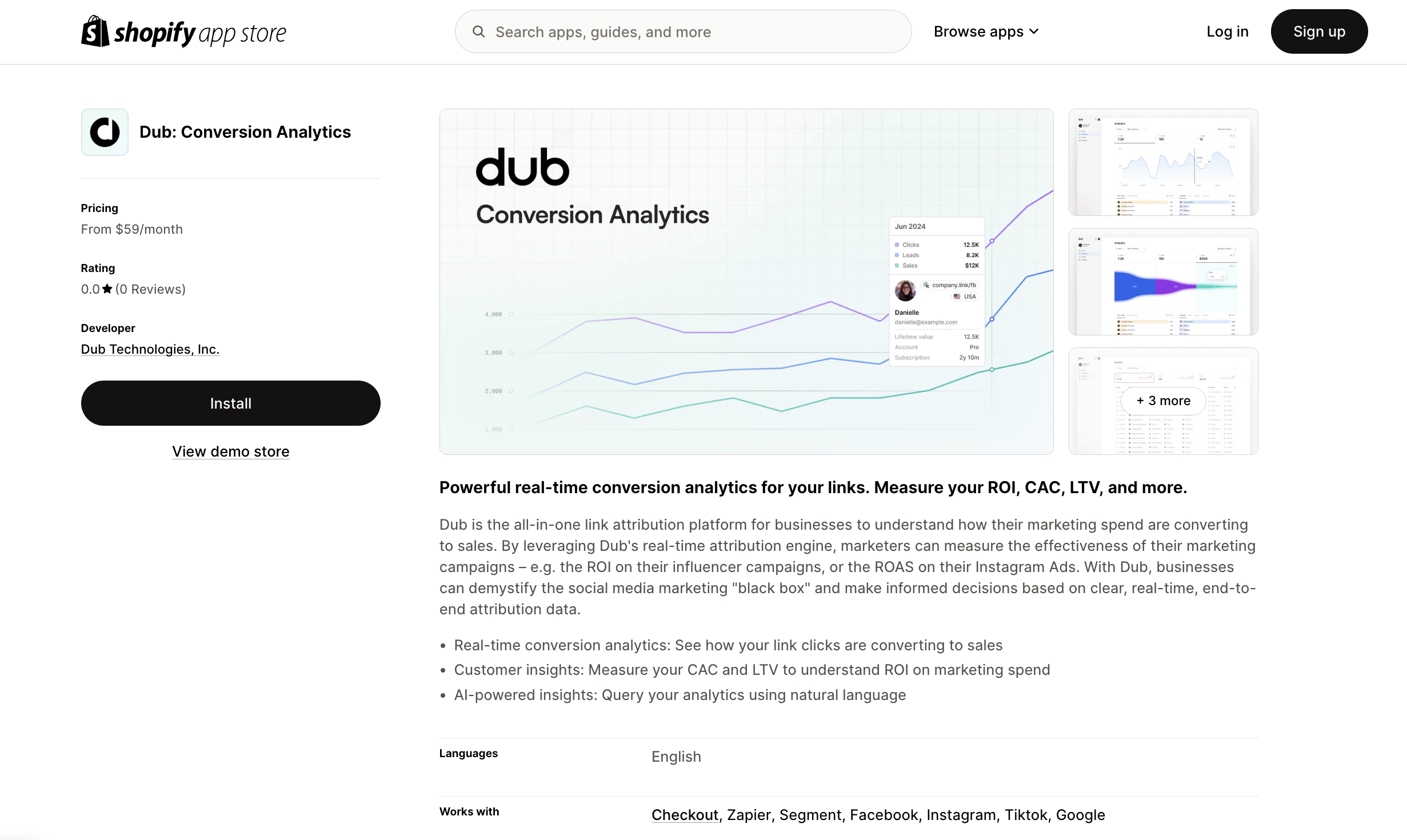-Then, make sure to activate the `@dub/analytics` script by following these steps:+Then, make sure to activate the script by following these steps:1. Navigate to your Shopify admin panel.2. Go to **Online Store** > **Themes**.@@ -14,6 +14,6 @@ Then, make sure to activate the `@dub/analytics` script by following these steps### Installation video-Here's a video showing how to install and activate the `@dub/analytics` script in your Shopify store:+Here's a video showing how to install and activate the Dub client-side script in your Shopify store:[Watch the installation video](https://www.loom.com/embed/936970b8db5b41488657fa92ffec384a?sid=04030975-6d7e-4126-8487-a1d9a3095efc)diff --git a/apps/web/guides/webflow.md b/apps/web/guides/webflow.mdindex 8bd3248492..05c05e7144 100644--- a/apps/web/guides/webflow.md+++ b/apps/web/guides/webflow.md@@ -1,4 +1,4 @@-Follow these steps to add `@dub/analytics` script to your Webflow site:+Follow these steps to add Dub client-side script to your Webflow site:- On your project's page, click on the **Webflow logo** in the left-hand side menu and choose **Project Settings**.- Choose **[Custom Code](https://university.webflow.com/lesson/custom-code-in-the-head-and-body-tags?topics=site-settings)** from the menu and paste the Dub analytics script in the **Head Code** section.diff --git a/apps/web/guides/wordpress.md b/apps/web/guides/wordpress.mdindex be3913ea4d..f8efc35842 100644--- a/apps/web/guides/wordpress.md+++ b/apps/web/guides/wordpress.md@@ -1,4 +1,4 @@-Follow these steps to add the `@dub/analytics` script to your WordPress site:+Follow these steps to add the Dub client-side script to your WordPress site:- On your WordPress dashboard, navigate to the **Theme Editor** section under the **Appearance** menu.- Open the **Theme Header (header.php)** file on the right column.diff --git a/apps/web/ui/guides/guide-list.tsx b/apps/web/ui/guides/guide-list.tsxindex c1068ce78d..31ebe0c85b 100644--- a/apps/web/ui/guides/guide-list.tsx+++ b/apps/web/ui/guides/guide-list.tsx@@ -81,6 +81,17 @@ export function GuideList() {href={`${pathname}/${guide.key}`}className="group relative flex h-[140px] cursor-pointer flex-col items-center justify-center gap-3 rounded-lg bg-neutral-100 px-2 py-4 text-center transition-colors hover:bg-neutral-200/75">+ {guide.recommended && (+ <div className="absolute -top-2 left-1/2 z-10 -translate-x-1/2">+ <div className="relative">+ <div className="rotate-1 transform rounded-full bg-gradient-to-r from-blue-500 to-purple-600 px-3 py-1 text-xs font-semibold text-white shadow-lg">+ Recommended+ </div>+ <div className="absolute -bottom-1 left-1/2 h-2 w-2 -translate-x-1/2 rotate-45 transform bg-gradient-to-r from-blue-500 to-purple-600"></div>+ </div>+ </div>+ )}+<div className="flex h-16 w-full items-center justify-center"><guide.icon className="size-10" /></div>diff --git a/apps/web/ui/guides/integrations.ts b/apps/web/ui/guides/integrations.tsindex 1a956e8b95..f33a626e89 100644--- a/apps/web/ui/guides/integrations.ts+++ b/apps/web/ui/guides/integrations.ts@@ -107,14 +107,14 @@ export const guides: IntegrationGuide[] = [},{type: "track-leads",- key: "betterauth",+ key: "better-auth",title: "Better Auth",icon: BetterAuth,url: "https://dub.co/docs/conversions/leads/better-auth",},{type: "track-leads",- key: "nextauth",+ key: "next-auth",title: "NextAuth.js",icon: NextAuth,url: "https://dub.co/docs/conversions/leads/next-auth",@@ -161,6 +161,7 @@ export const guides: IntegrationGuide[] = [key: "stripe-checkout",title: "Stripe",subtitle: "Checkout",+ recommended: true,description: "Stripe Checkout",icon: Stripe,url: "https://dub.co/docs/conversions/sales/stripe#option-2%3A-using-stripe-checkout-recommended",diff --git a/apps/web/ui/layout/sidebar/sidebar-nav.tsx b/apps/web/ui/layout/sidebar/sidebar-nav.tsxindex 099d33df59..f9e5b07b3d 100644--- a/apps/web/ui/layout/sidebar/sidebar-nav.tsx+++ b/apps/web/ui/layout/sidebar/sidebar-nav.tsx@@ -146,7 +146,7 @@ export function SidebarNav<T extends Record<any, any>>({<div className="relative flex grow flex-col p-3 text-neutral-500"><div className="relative w-full grow">{Object.entries(areas).map(([area, areaConfig]) => {- const { title, backHref, content, showNews, direction } =+ const { title, backHref, content, direction } =areaConfig(data);const TitleContainer = backHref ? Link : "div";@@ -159,9 +159,8 @@ export function SidebarNav<T extends Record<any, any>>({>{title &&(typeof title === "string" ? (- // @ts-ignore - TS can't handle the conditional Link+href<TitleContainer- {...(backHref ? { href: backHref } : {})}+ href={backHref ?? "#"}className="group mb-2 flex items-center gap-3 px-3 py-2">{backHref && (