
The modern link attribution platform. Loved by world-class engineering teams at Twilio, Zillow, Jobber, Vercel, Raycast, and more.
TypeScript clickhousemysqlnextjsopen-sourceplanetscaleprismatailwindcsstinybirdtypescriptupstashvercel
add shopify content
Kiran Kb7eef06b7edb
diff --git a/apps/web/app/(ee)/app.dub.co/(new-program)/[slug]/program/new/connect/integration-guides.ts b/apps/web/app/(ee)/app.dub.co/(new-program)/[slug]/program/new/connect/integration-guides.tsindex 270b165fac..da900cccb4 100644--- a/apps/web/app/(ee)/app.dub.co/(new-program)/[slug]/program/new/connect/integration-guides.ts+++ b/apps/web/app/(ee)/app.dub.co/(new-program)/[slug]/program/new/connect/integration-guides.ts@@ -1,9 +1,16 @@import { Shopify } from "@/ui/layout/sidebar/conversions/icons/shopify";import { Code, Framer, Globe } from "lucide-react";-import { IntegrationGuide } from "./types";export const guides: IntegrationGuide[] = [+ {+ type: "code",+ key: "react",+ title: "React",+ description: "How to add @dub/analytics to your React or Next.js site",+ shortDescription: "Dub Analytics",+ icon: Code,+ },{type: "no-code",key: "webflow",@@ -12,6 +19,14 @@ export const guides: IntegrationGuide[] = [shortDescription: "Dub Analytics",icon: Globe,},+ {+ type: "code",+ key: "wordpress",+ title: "WordPress",+ description: "How to add @dub/analytics to your WordPress site",+ shortDescription: "Dub Analytics",+ icon: Code,+ },{type: "no-code",key: "framer",@@ -24,23 +39,15 @@ export const guides: IntegrationGuide[] = [type: "no-code",key: "shopify",title: "Shopify",- description: "Dub Analytics",+ description: "How to add @dub/analytics to your Shopify store",shortDescription: "Dub Analytics",icon: Shopify,},{type: "code",- key: "wordpress",- title: "WordPress",- description: "Dub Analytics",- shortDescription: "Dub Analytics",- icon: Code,- },- {- type: "code",- key: "react",- title: "React",- description: "How to add @dub/analytics to your React or Next.js site",+ key: "manual",+ title: "Manual",+ description: "How to add @dub/analytics to your site",shortDescription: "Dub Analytics",icon: Code,},diff --git a/apps/web/integration-guides/manual.md b/apps/web/integration-guides/manual.mdnew file mode 100644index 0000000000..e69de29bb2diff --git a/apps/web/integration-guides/shopify.md b/apps/web/integration-guides/shopify.mdnew file mode 100644index 0000000000..2dfb5736a2--- /dev/null+++ b/apps/web/integration-guides/shopify.md@@ -0,0 +1,19 @@+You can add the `@dub/analytics` script to your Shopify store simply by installing the [Dub Shopify App](https://d.to/shopify/app) from the App Store.++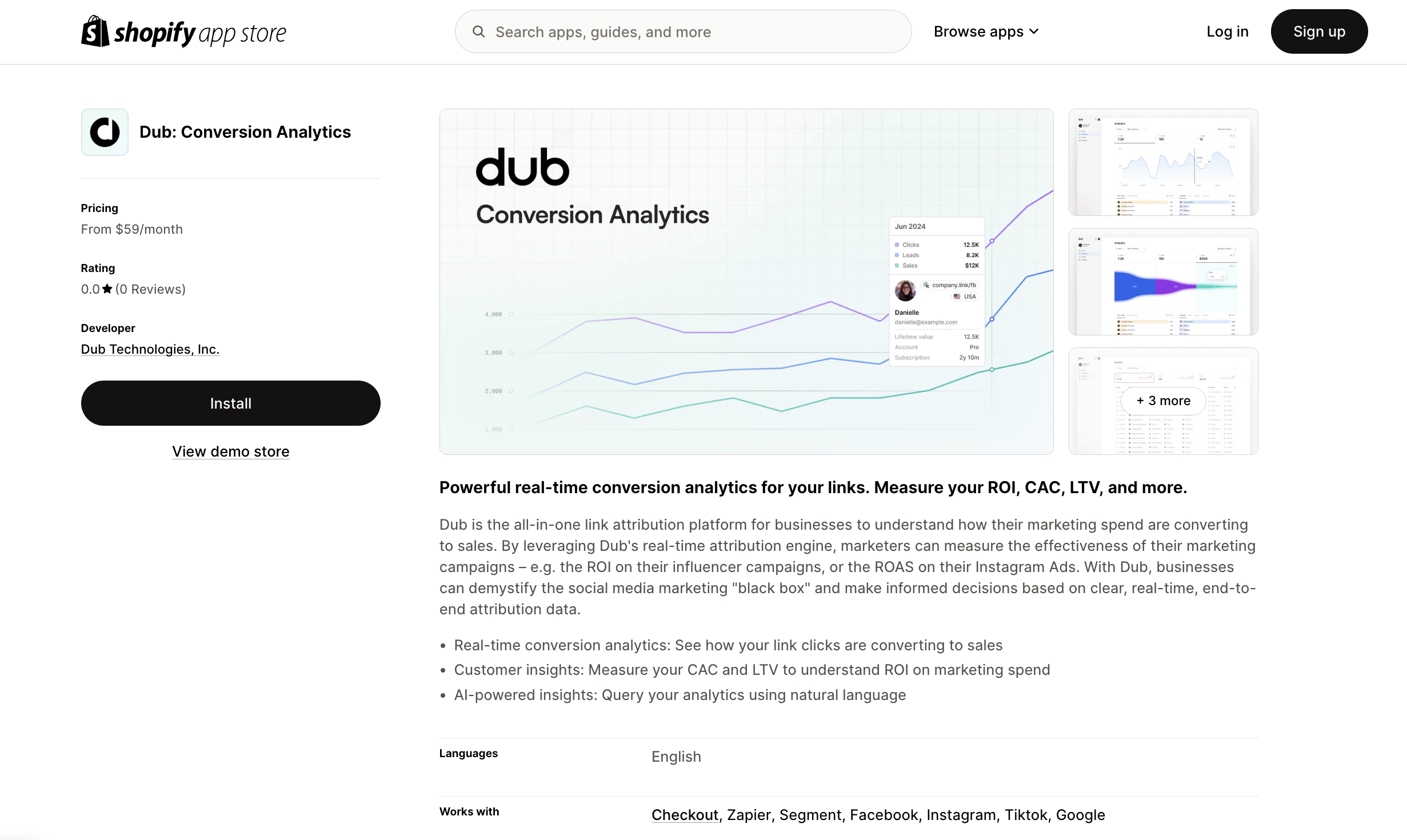++Then, make sure to activate the `@dub/analytics` script by following these steps:++1. Navigate to your Shopify admin panel.+2. Go to **Online Store** > **Themes**.+3. Click on **Customize** for your current theme.+4. In the theme editor, select the **App embeds** tab.+5. Locate the **Analytics Script** for the Dub Conversions app and toggle it to activate.++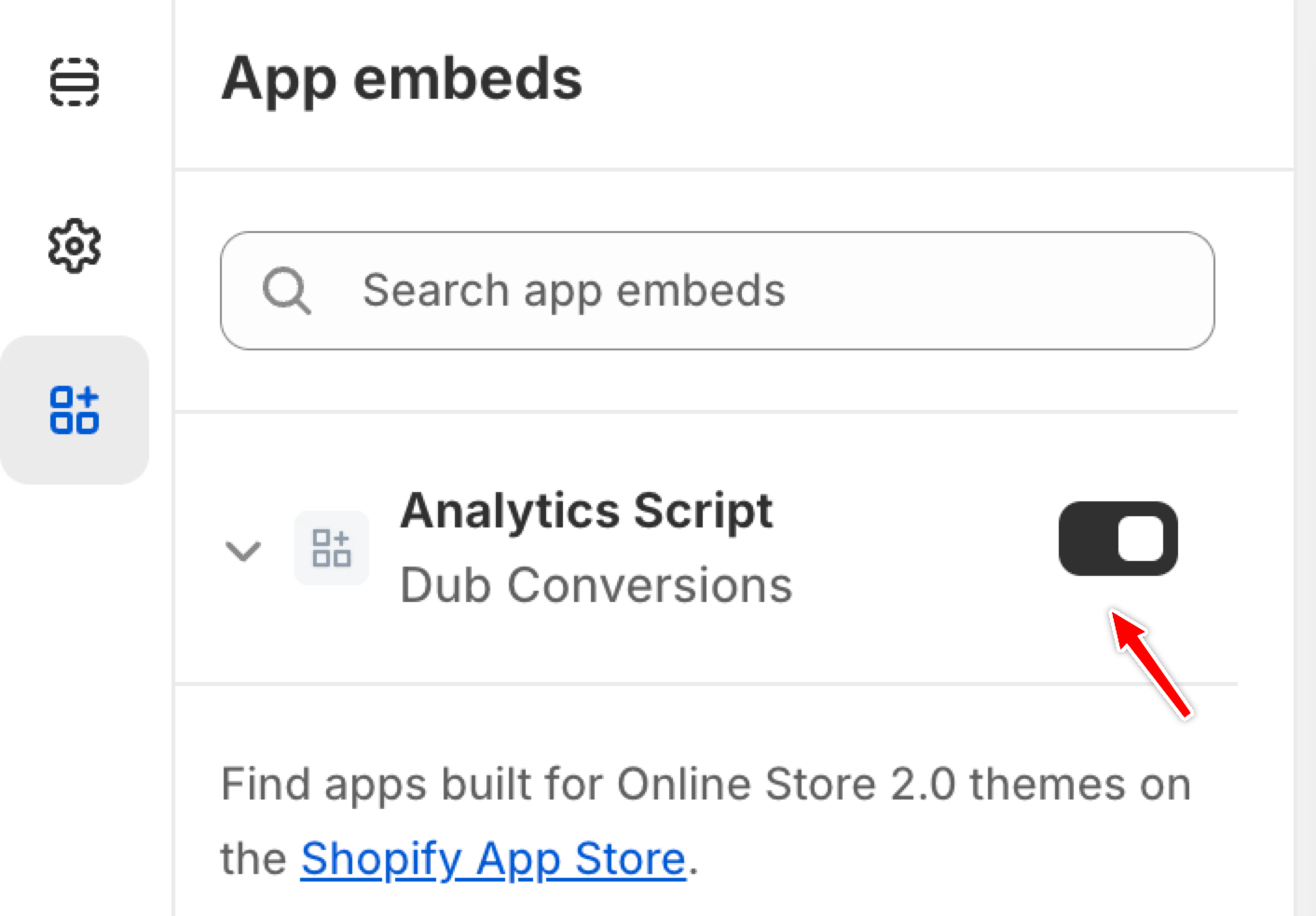++### Installation video++Here's a video showing how to install and activate the `@dub/analytics` script in your Shopify store:++[Watch the installation video](https://www.loom.com/embed/936970b8db5b41488657fa92ffec384a?sid=04030975-6d7e-4126-8487-a1d9a3095efc)diff --git a/apps/web/integration-guides/wordpress.md b/apps/web/integration-guides/wordpress.mdnew file mode 100644index 0000000000..e69de29bb2