
A live bird collage card for your Home Assistant dashboard.
README: document the ring layout + recent options (new screenshot) (#45)
Adam Oberley58c4b13c3722
diff --git a/CHANGELOG.md b/CHANGELOG.mdindex ca6cb9ed..47c16980 100644--- a/CHANGELOG.md+++ b/CHANGELOG.md@@ -3,6 +3,18 @@## Unreleased### Added+- **Ring collage layout.** A second collage *shape* alongside the default+ cluster: the flock scatters across the whole frame around an open centre —+ the look of the original AvianVisitors poster. Card editor **Collage shape**+ dropdown + **Ring centre size** slider; static-page `config.js`+ `collageShape` / `collageHole`, with `?ring` / `?hole=` URL overrides; and a+ matching option on the Bird Frame app. Cluster stays the default, unchanged.+- **Bird Frame app — push the collage to a Samsung Frame TV.** An optional Home+ Assistant app renders the collage headlessly on an interval and uploads it to+ a Frame's Art Mode, replacing the previous image each time (no duplicate+ buildup). Auto-discovers BirdNET-Go and the TV's IP; carries its own+ appearance options (theme, time window, fill, shape, clock/weather, caption,+ interval) and a sidebar panel with a live preview + "render & push now".- **Custom paper background — colour per theme + texture.** With`background: paper`, set `paper_color` (light mode) and `paper_color_dark`(dark mode) to any hex, and `paper_texture` (0–0.2) for a faint grayscalediff --git a/README.md b/README.mdindex 052969b1..32a770fd 100644--- a/README.md+++ b/README.md@@ -34,13 +34,24 @@ layout are AvianVisitors' work, used and adapted with attribution underCC-BY-NC-SA; everything else - the data layer, the confidence-based poses,the Home Assistant card - was built here for Home Assistant + BirdNET-Go.+<img alt="The ring collage layout on a wall display" src="https://raw.githubusercontent.com/adamoberley/HABirdDashboard/HABirdDashboard/docs/screenshot-ring.png" />++*The collage comes in **two shapes**: the default **cluster** (the image at the+top of this page) packs one dense, centred flock, while **ring** (just above)+scatters the birds across the whole frame around an open centre, echoing the+original [AvianVisitors](https://github.com/Twarner491/AvianVisitors) poster.+Shown here on a wall display with the optional clock and weather - and equally+at home [pushed to a Samsung Frame TV](#display-it-on-a-samsung-frame-tv-optional-app).*+---## What you get- **The collage** - every species heard in the selected window (1H / 12H /24H / 7D / ALL), nested by silhouette masks with no overlaps, area scaled- to call count. Hover for counts, click a bird for its detail card.+ to call count. Hover for counts, click a bird for its detail card. Pick its+ shape: a packed **cluster** (one dense, centred flock - the default) or an+ open **ring** (the flock scattered around an empty centre, poster-style).- **Sitting or flying** - a species shows its perched illustration when itsbest detection confidence in the window is ≥ 90% (configurable), and itsflight pose otherwise. A clear, close bird has settled in; a faint maybe is@@ -77,7 +88,7 @@ the Home Assistant card - was built here for Home Assistant + BirdNET-Go.| [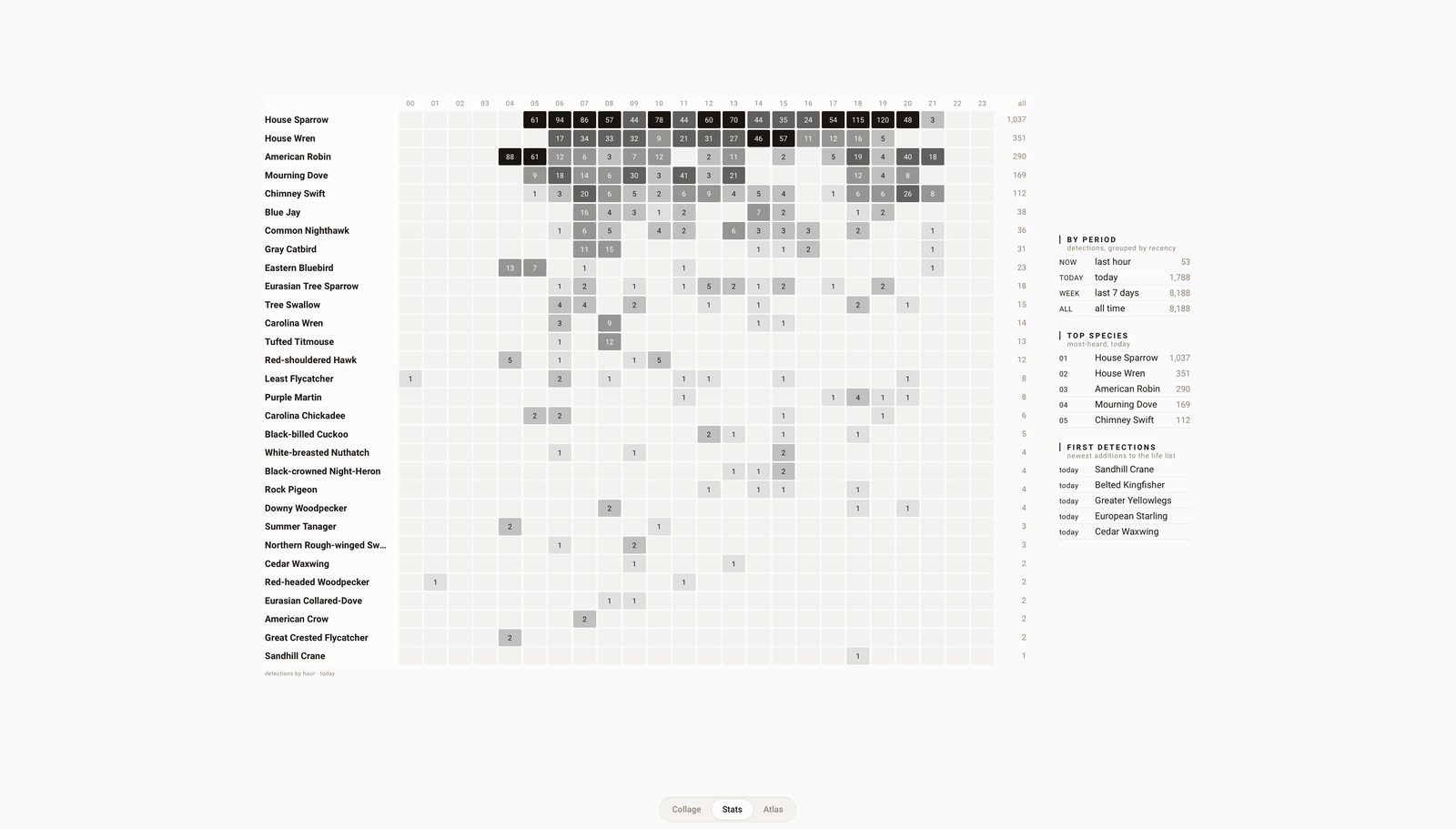](https://raw.githubusercontent.com/adamoberley/HABirdDashboard/HABirdDashboard/docs/screenshot-stats.png) | [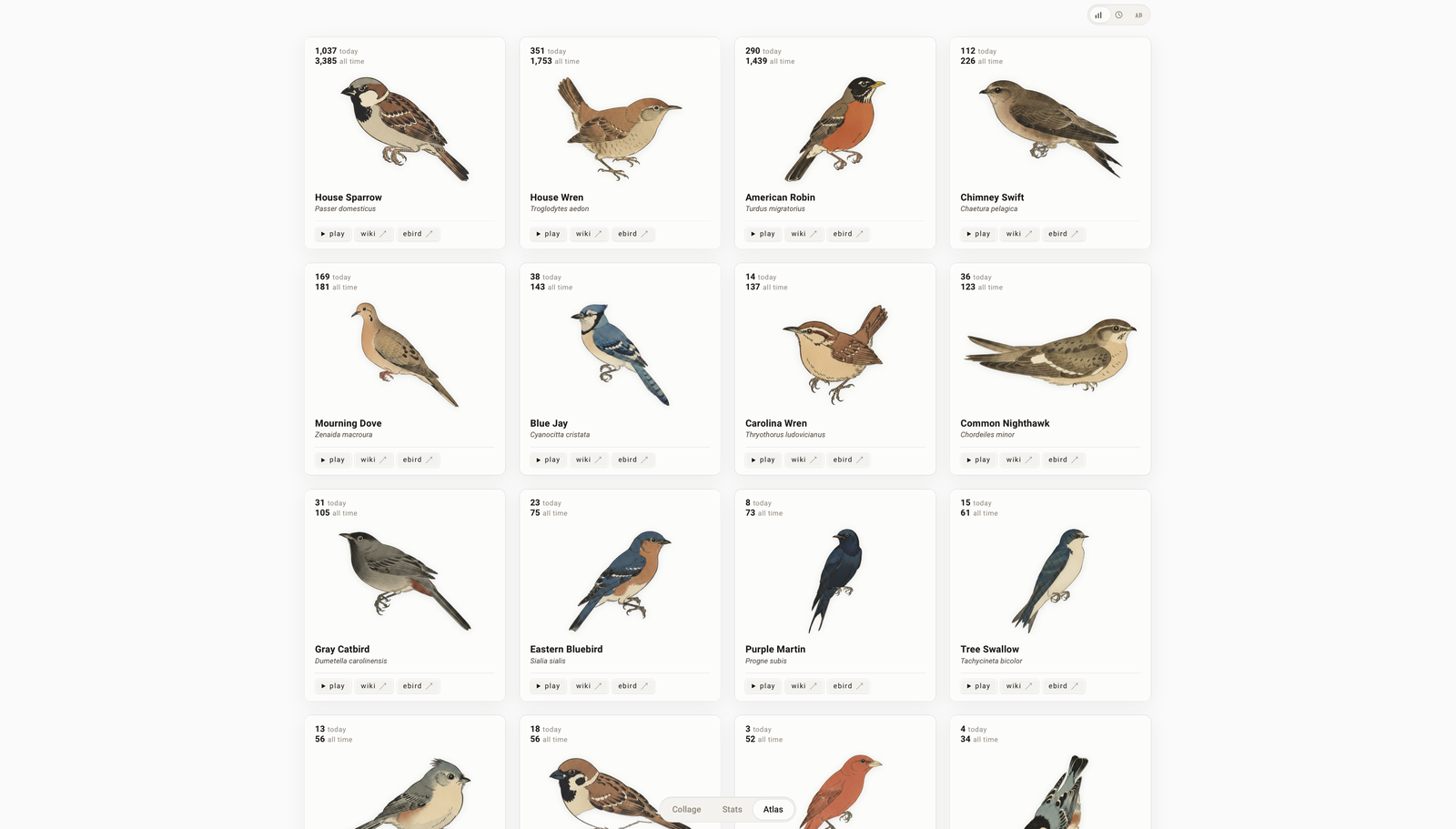](https://raw.githubusercontent.com/adamoberley/HABirdDashboard/HABirdDashboard/docs/screenshot-atlas.png) || **Stats** — an hourly activity heatmap, by-period counts, and top species | **Atlas** — a field-guide grid of every species heard || [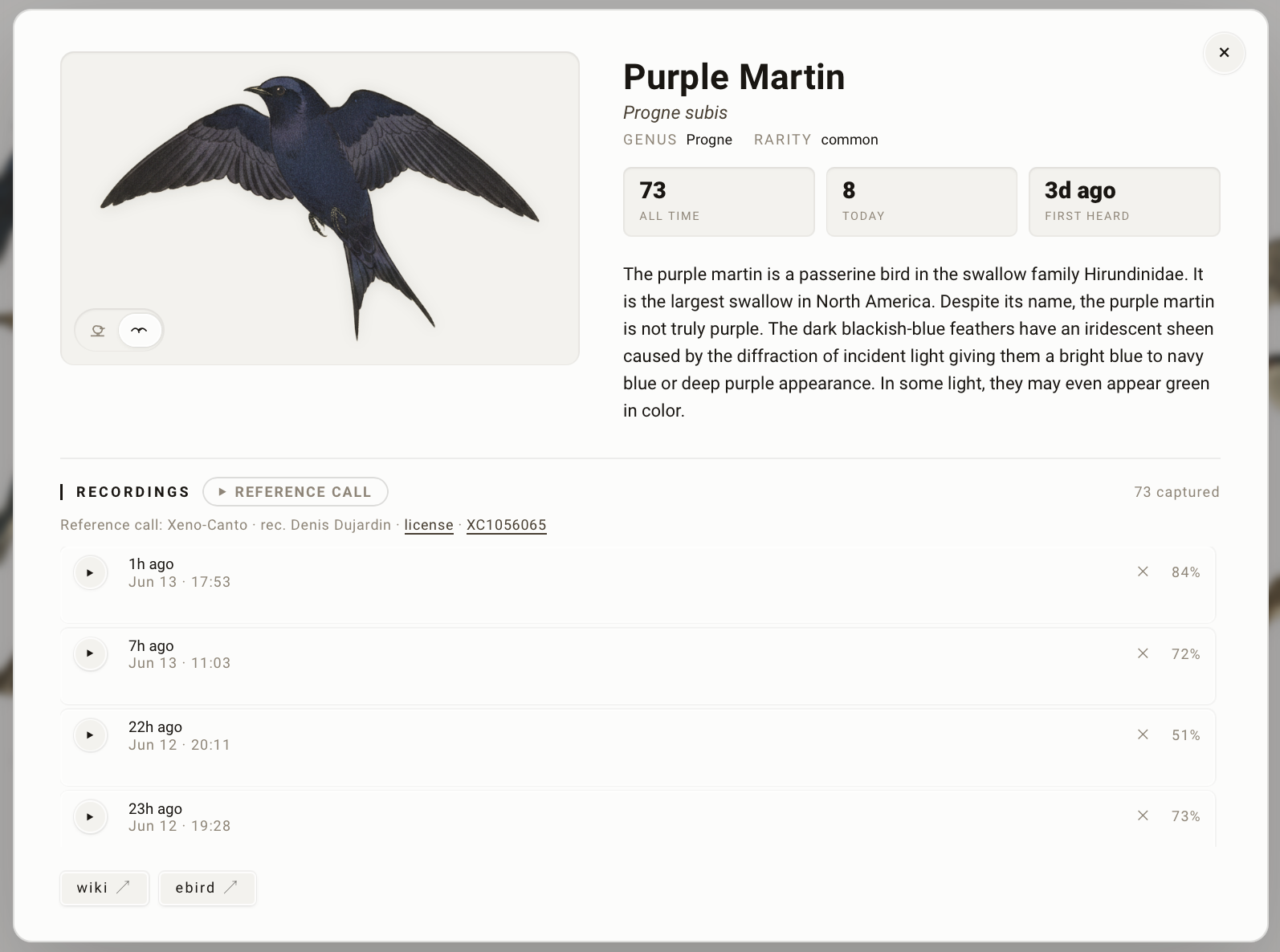](https://raw.githubusercontent.com/adamoberley/HABirdDashboard/HABirdDashboard/docs/screenshot-detail.png) | [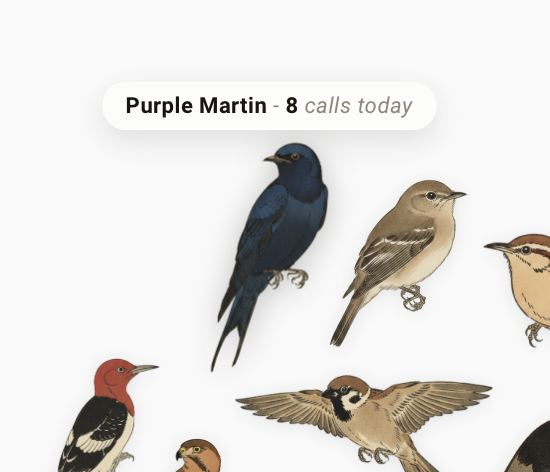](https://raw.githubusercontent.com/adamoberley/HABirdDashboard/HABirdDashboard/docs/screenshot-hover.png) |-| **Detail** — recordings, description, and a Xeno-Canto **reference call** to compare against your own | **Hover and Click** — any bird shows its name, today's count and plays it's refence bird call |+| **Detail** — recordings, description, and a Xeno-Canto **reference call** to compare against your own | **Hover and Click** — any bird shows its name, today's count, and plays its reference call |---@@ -229,10 +240,13 @@ history_days: 10 # ha-source span; bounded by recorder retentionsit_confidence: 0.90 # perched at/above, flying belowcollage_fill: 0.5 # screen fill 0.1-1.0 (0.5 = half, 1.0 = full; busier = wider)size_contrast: 0.5 # how much bigger your most-heard birds are (0.2-0.8; lower = more even)+collage_shape: cluster # cluster (one filled flock) | ring (birds scattered around an open centre)+collage_hole: 0.5 # ring only: open-centre size 0.1-0.7 (bigger = a wider void)tap_action: both # both (open details + play call, default) |# info (details only) | call (reference call only)xeno_canto_key: "" # free key from xeno-canto.org/account; enables the# reference-call feature below (empty = off)+audio_boost: 24 # recording playback boost in dB, 0-48 (0 = off) - for quiet micsclock: true # time + date in a corner of the collageweather: true # conditions + sunrise/sunset from HAweather_entity: "" # empty = first weather.* entity found@@ -421,7 +435,8 @@ automatically). Put the TV in Art Mode and your birds appear within one interval**Tuning it for the wall.** The Frame render has its *own* settings, independentof your dashboard card - set them in the app's options (theme, time window,-collage fill, clock/weather, caption on/off, interval). A **Bird Frame** panel+collage fill, collage shape - cluster or ring - clock/weather, caption on/off,+interval). A **Bird Frame** panelin the HA sidebar has a **Render & push now** button and a live preview, soyou can change a setting and see the result instantly instead of waiting for theinterval (restarting the app also pushes immediately). Full setup and option@@ -468,9 +483,11 @@ rm -rf /tmp/habirdConfigure via `/config/www/habird/config.js` (BirdNET-Go URL, sitconfidence, and `wall: {...}` for clock/weather - same features as thecard; weather defaults to BirdNET-Go's built-in support, or set-`wall.haToken` to use HA's). Add it with a **Webpage** dashboard pointing-at `/local/habird/index.html`, and use `?wall` / `?corner=top-left` URL-params to dress up a specific display.+`wall.haToken` to use HA's; `collageShape: 'ring'` + `collageHole` switch on the+ring layout). Add it with a **Webpage** dashboard pointing at+`/local/habird/index.html`, and dress up a specific display with URL params:+`?wall` / `?corner=top-left` for the clock block, `?ring` / `?hole=0.5` for the+ring layout.---diff --git a/docs/screenshot-ring.png b/docs/screenshot-ring.pngnew file mode 100644index 00000000..5df4a93aBinary files /dev/null and b/docs/screenshot-ring.png differ