
Get up and running with Kimi, GLM, MiniMax, DeepSeek, gpt-oss, Qwen, Gemma and other models.
docs: hermes desktop (#16549)
Bruce MacDonald5c1e37eb673c
diff --git a/docs/docs.json b/docs/docs.jsonindex aa1ef31b3..507aad3ac 100644--- a/docs/docs.json+++ b/docs/docs.json@@ -115,7 +115,8 @@"expanded": true,"pages": ["/integrations/openclaw",- "/integrations/hermes"+ "/integrations/hermes",+ "/integrations/hermes-desktop"]},{diff --git a/docs/integrations/hermes-desktop.mdx b/docs/integrations/hermes-desktop.mdxnew file mode 100644index 000000000..7126649b0--- /dev/null+++ b/docs/integrations/hermes-desktop.mdx@@ -0,0 +1,28 @@+---+title: Hermes Desktop+---++Hermes Desktop is a native AI assistant app by Nous Research. It provides a desktop chat interface for Hermes Agent, an AI agent that can work with models, run tools, manage projects, use memory and skills, and connect to messaging gateways.++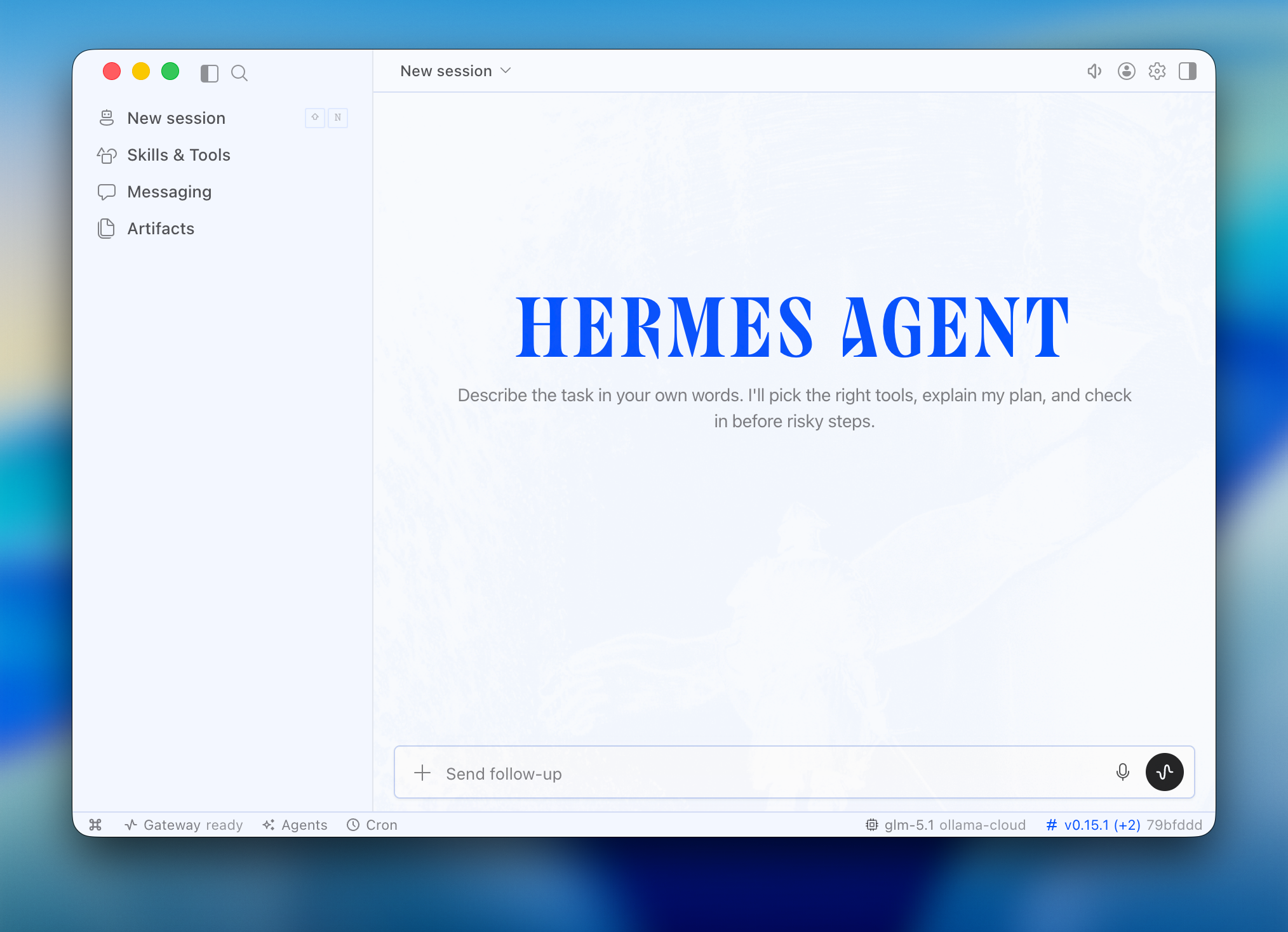++## Quick start++```bash+ollama launch hermes-desktop+```++Ollama handles the setup flow automatically:++1. **Install** - If Hermes Desktop isn't installed, Ollama prompts to install it+2. **Model** - Pick a model from the selector+3. **Configure** - Ollama configures Hermes Desktop to use your selected Ollama model+4. **Launch** - Ollama opens Hermes Desktop++## Run directly with a model++```bash+ollama launch hermes-desktop --model <model>+```++Run `ollama launch hermes-desktop` again to switch models later.diff --git a/docs/integrations/hermes.mdx b/docs/integrations/hermes.mdxindex cab17e54d..fc0921f08 100644--- a/docs/integrations/hermes.mdx+++ b/docs/integrations/hermes.mdx@@ -115,25 +115,3 @@ Connect a messaging platform? (Telegram, Discord, etc.)Launch hermes chat now? [Y/n]: Y```-### Configure desktop app with Ollama cloud models--To configure Hermes Desktop with cloud models, run:--```bash-hermes model-```--In the model wizard:--1. Select **Ollama Cloud** as the provider-2. Enter your [Ollama API key](https://ollama.com/settings/keys)-3. Leave the default base URL as `https://ollama.com/v1`-4. Pick a model. Recommended: `glm-5.1` or `kimi-k2.6`--Then launch Hermes Desktop:--```bash-hermes desktop-```--This can take some time to configure before the desktop app starts.diff --git a/docs/integrations/index.mdx b/docs/integrations/index.mdxindex b5db49ecf..2bfc5955a 100644--- a/docs/integrations/index.mdx+++ b/docs/integrations/index.mdx@@ -25,6 +25,7 @@ AI assistants that help with everyday tasks.- [OpenClaw](/integrations/openclaw)- [Hermes Agent](/integrations/hermes)+- [Hermes Desktop](/integrations/hermes-desktop)## IDEs & Editors