
Get up and running with Kimi, GLM, MiniMax, DeepSeek, gpt-oss, Qwen, Gemma and other models.
docs: update claude code docs (#14770)
Parth Sareenbc72b140161d
diff --git a/docs/integrations/claude-code.mdx b/docs/integrations/claude-code.mdxindex 196ab1217..5bae29ebb 100644--- a/docs/integrations/claude-code.mdx+++ b/docs/integrations/claude-code.mdx@@ -4,7 +4,7 @@ title: Claude CodeClaude Code is Anthropic's agentic coding tool that can read, modify, and execute code in your working directory.-Open models can be used with Claude Code through Ollama's Anthropic-compatible API, enabling you to use models such as `glm-4.7`, `qwen3-coder`, `gpt-oss`.+Open models can be used with Claude Code through Ollama's Anthropic-compatible API, enabling you to use models such as `qwen3.5`, `glm-5:cloud`, `kimi-k2.5:cloud`.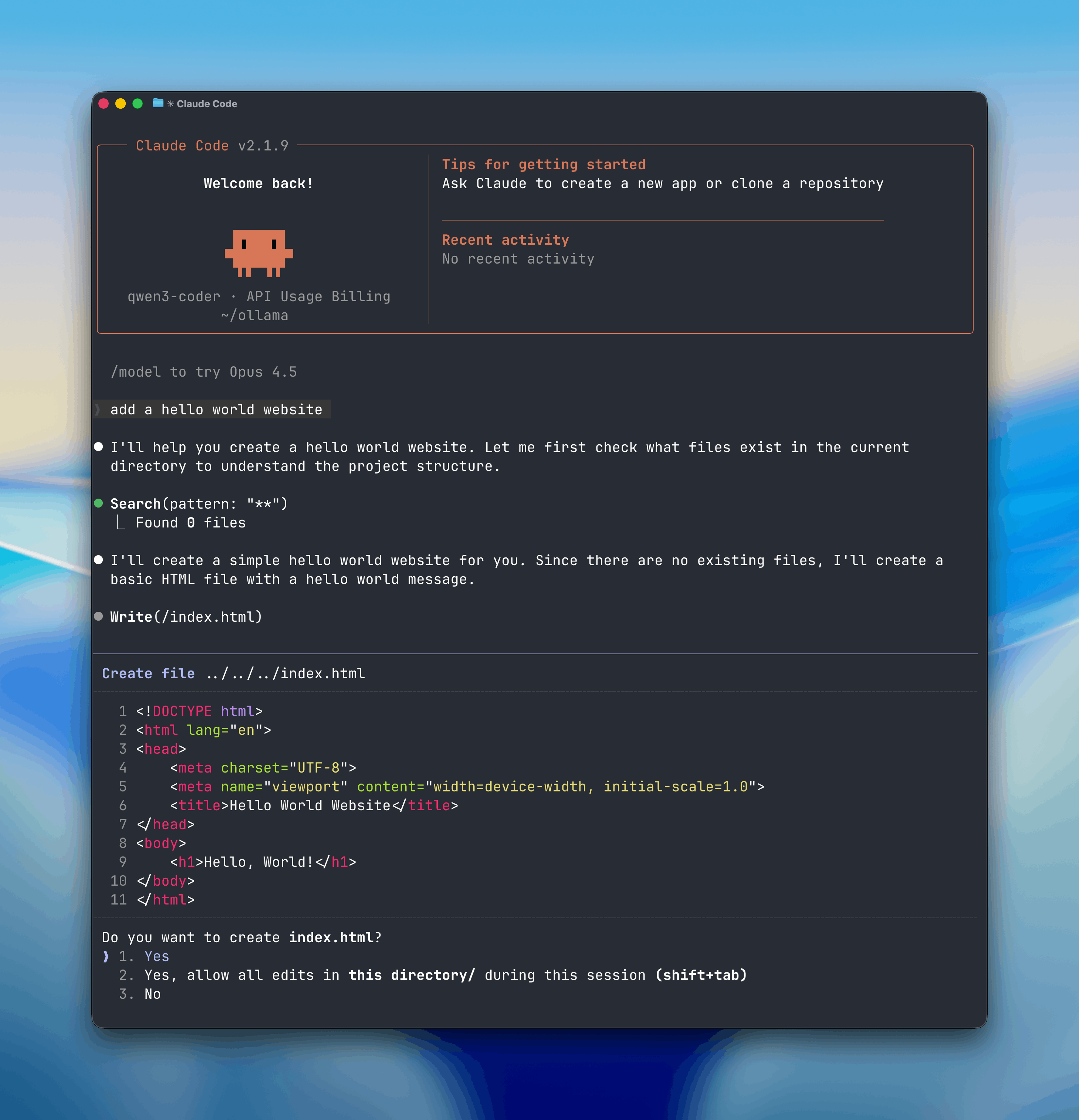@@ -32,13 +32,57 @@ irm https://claude.ai/install.ps1 | iexollama launch claude```-To configure without launching:-+### Run directly with a model```shell-ollama launch claude --config+ollama launch claude --model kimi-k2.5:cloud```-### Manual setup+## Recommended Models++- `kimi-k2.5:cloud`+- `glm-5:cloud`+- `minimax-m2.5:cloud`+- `qwen3.5:cloud`+- `glm-4.7-flash`+- `qwen3.5`++Cloud models are also available at [ollama.com/search?c=cloud](https://ollama.com/search?c=cloud).++## Scheduled Tasks with `/loop`++The `/loop` command runs a prompt or slash command on a recurring schedule inside Claude Code. This is useful for automating repetitive tasks like checking PRs, running research, or setting reminders.++```+/loop <interval> <prompt or /command>+```++### Examples++**Check in on your PRs**++```+/loop 30m Check my open PRs and summarize their status+```++**Automate research tasks**++```+/loop 1h Research the latest AI news and summarize key developments+```++**Automate bug reporting and triaging**++```+/loop 15m Check for new GitHub issues and triage by priority+```++**Set reminders**++```+/loop 1h Remind me to review the deploy status+```++## Manual setupClaude Code connects to Ollama using the Anthropic-compatible API.@@ -53,23 +97,14 @@ export ANTHROPIC_BASE_URL=http://localhost:114342. Run Claude Code with an Ollama model:```shell-claude --model gpt-oss:20b+claude --model qwen3.5```Or run with environment variables inline:```shell-ANTHROPIC_AUTH_TOKEN=ollama ANTHROPIC_BASE_URL=http://localhost:11434 ANTHROPIC_API_KEY="" claude --model qwen3-coder+ANTHROPIC_AUTH_TOKEN=ollama ANTHROPIC_BASE_URL=http://localhost:11434 ANTHROPIC_API_KEY="" claude --model glm-5:cloud```**Note:** Claude Code requires a large context window. We recommend at least 64k tokens. See the [context length documentation](/context-length) for how to adjust context length in Ollama.-## Recommended Models--- `qwen3-coder`-- `glm-4.7`-- `gpt-oss:20b`-- `gpt-oss:120b`--Cloud models are also available at [ollama.com/search?c=cloud](https://ollama.com/search?c=cloud).-