
The ultimate harness for coding agents and beyond. All your agents. All your machines. One command center. Start with code, then follow your curiosity and build across disciplines: CAD, circuits, robots, games and music.
Device photography
Original product photography from https://www.autonomous.ai/harness-device, retrieved 2026-10-01. These are the existing Harness product visuals, not representations of a separate Pro enclosure or a connected device's live display.
harness-front.webp: https://cdn.autonomous.ai/development/ecm/260924/1%281%29.webpharness-side.webp: https://cdn.autonomous.ai/development/ecm/260924/2%281%29.webpharness-desk.webp: https://cdn.autonomous.ai/development/ecm/260924/b3-1-new.webp
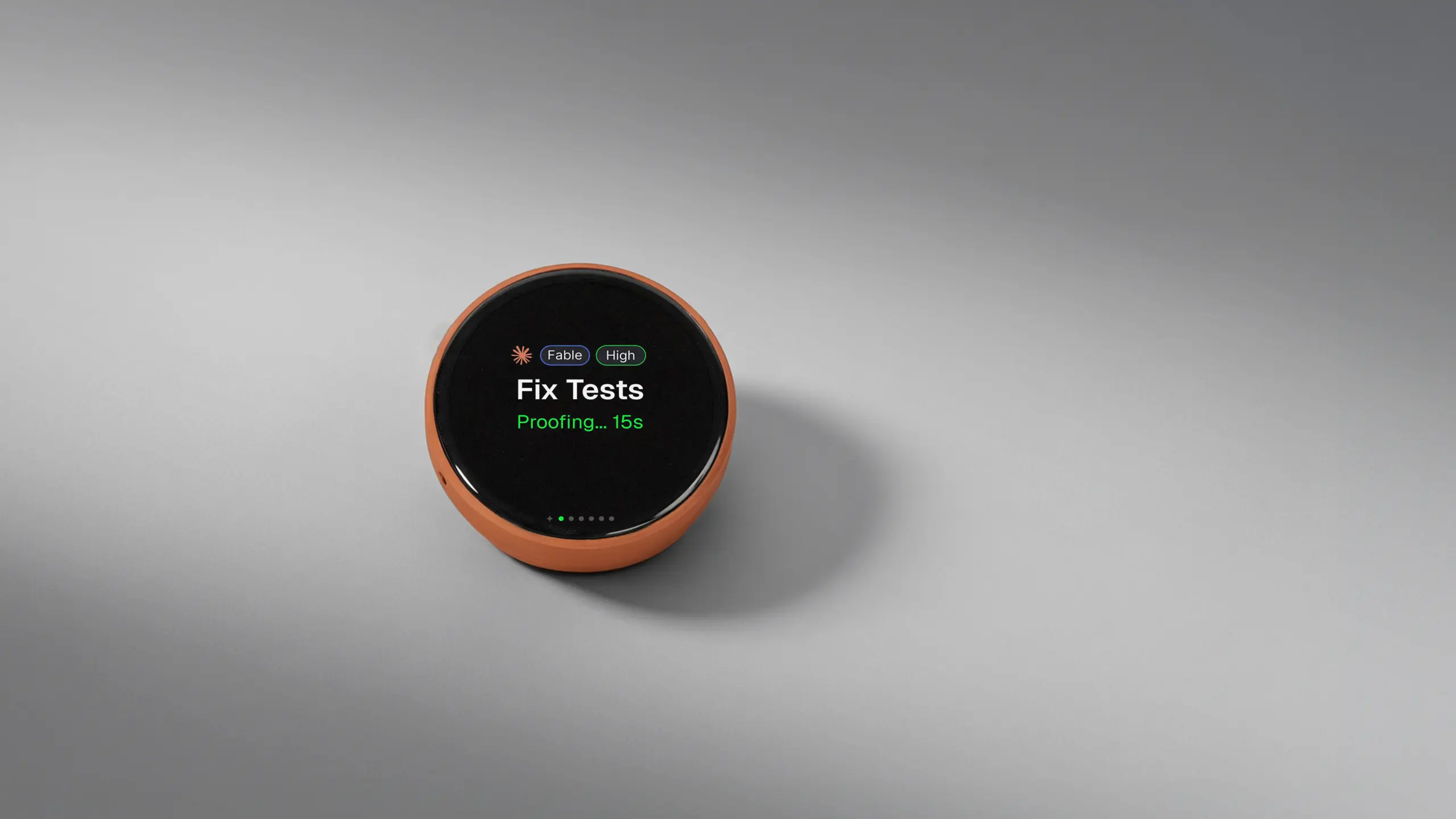
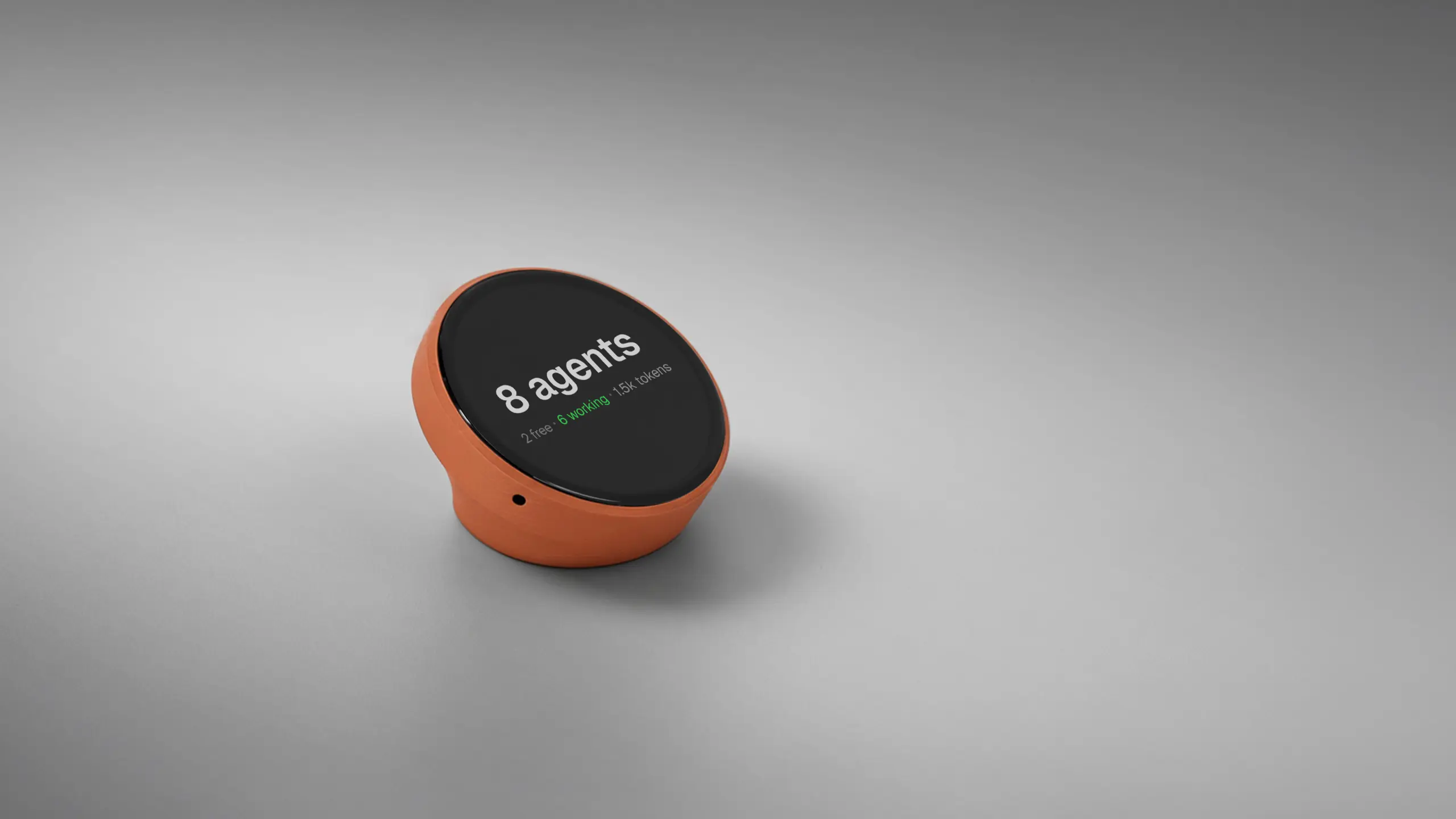
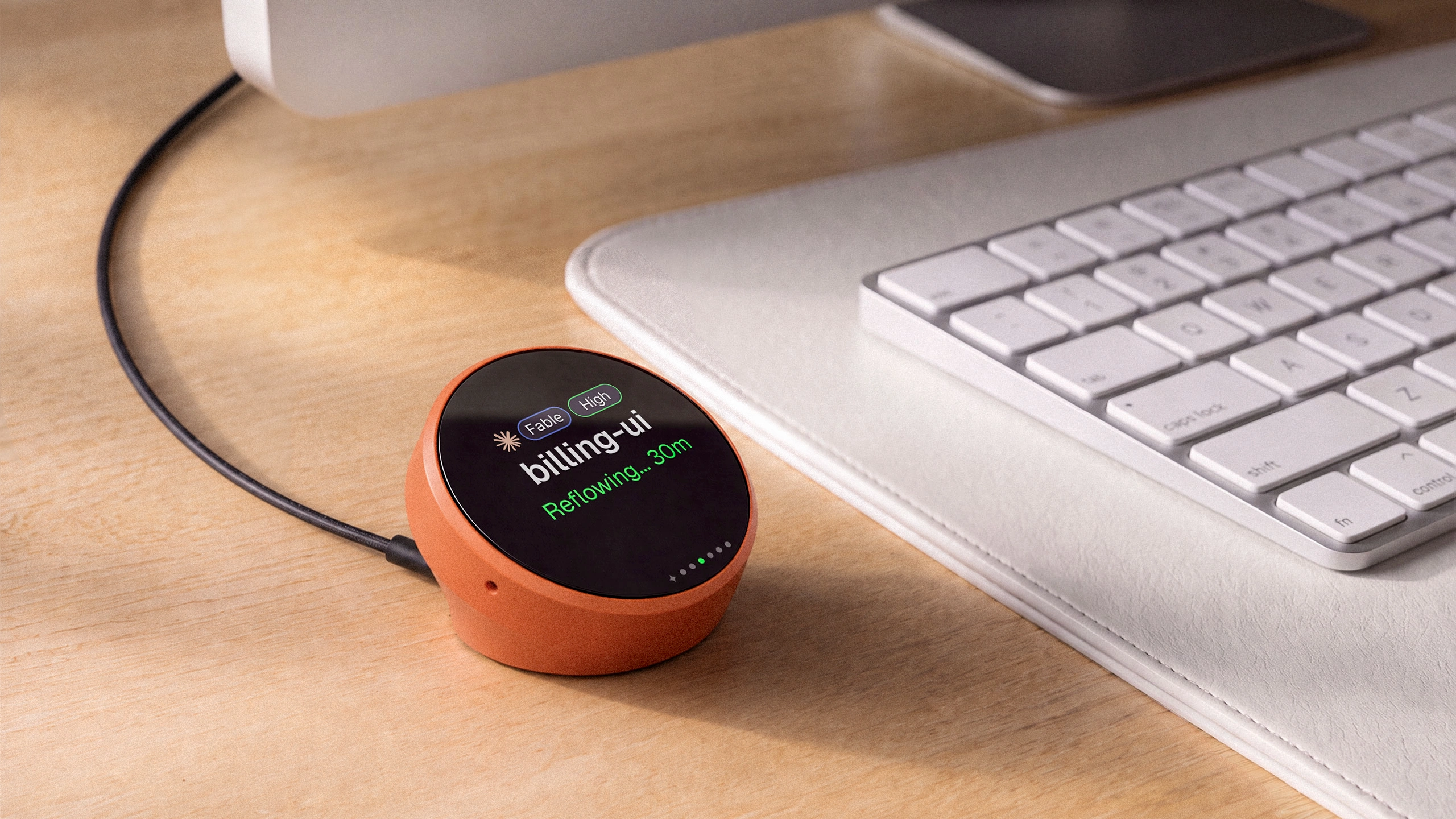
Bundled for offline device management. Presentation crops happen in
DeviceArtwork; the original images are unchanged.
harness-square.png is the square-unit photograph supplied by the user on
2026-10-02, copied unchanged. Connected-device cards and details select it from
the firmware's round: false setting or the explicit harness-pro hardware ID
when settings are unavailable. Resolution and user-selected model labels do
not determine the enclosure artwork. This photograph is not a live display.
Devices navigation mark
harness-mark.png is a transparent product illustration generated with the
built-in imagegen tool from harness-front.webp on 2026-10-01. Both Flutter and
AppKit use this same asset at 20 points; it retains its orange product color in
light and dark appearances. It is an identity mark, not a live status display.
Generation prompt:
Use case: product-mockup. Create one polished macOS toolbar product-identity icon of the orange Harness desktop device shown in the reference photograph. The photograph is a shape/material reference, not a scene to reproduce. One single compact circular orange enclosure, glossy near-black round display, subtly tilted three-quarter front view with enough lower orange casing depth to read as real hardware rather than a flat ring. Refined miniature 3D product rendering, crisp silhouette and restrained highlights, warm orange edge, a tiny bright mint status stroke and two short ivory horizontal strokes on the black display; no text, logos, numbers, badges or cables. The device should occupy 90 percent of a square canvas and be centered. Optimize for recognition at 20 pixels beside the words Devices in a dark or light desktop toolbar: bold simple details, strong silhouette, no tiny photoreal texture. Transparent background with true alpha; no background square, no tile, no floor, no cast shadow, no glow outside the silhouette. Keep the physical orange Harness product recognizable and elegant.