
Playwright is a framework for Web Testing and Automation. It allows testing Chromium, Firefox and WebKit with a single API.
TypeScript automationchromechromiume2e-testingelectronend-to-end-testingfirefoxjavascriptplaywrighttesttest-automationtestingtesting-toolswebwebkit
docs: update screenshots (#27207)
Debbie O'Brien4b8e52813664
diff --git a/docs/src/ci-intro.md b/docs/src/ci-intro.mdindex 968c3b5b1d..dec2210ce9 100644--- a/docs/src/ci-intro.md+++ b/docs/src/ci-intro.md@@ -416,7 +416,7 @@ Locally opening the report will not work as expected as you need a web server innpx playwright show-report name-of-my-extracted-playwright-report```-<img width="1404" alt="Playwright HTML Report" src="https://user-images.githubusercontent.com/13063165/212745273-c19487d2-bc5e-483f-9f67-f9c9e5413ff4.png" />+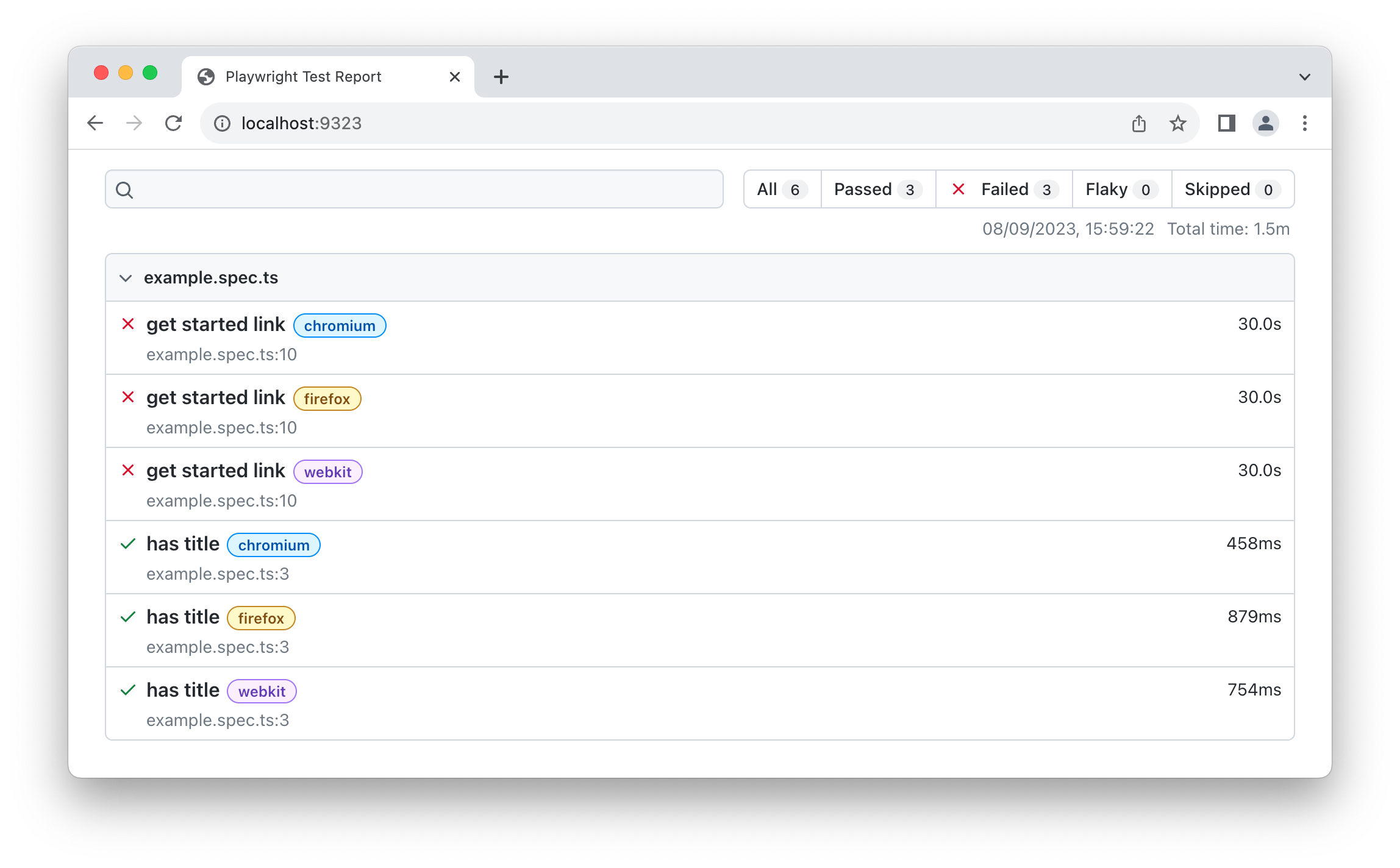To learn more about reports check out our detailed guide on [HTML Reporter](/test-reporters.md#html-reporter)@@ -425,14 +425,14 @@ To learn more about reports check out our detailed guide on [HTML Reporter](/tesOnce you have served the report using `npx playwright show-report`, click on the trace icon next to the test's file name as seen in the image above. You can then view the trace of your tests and inspect each action to try to find out why the tests are failing.-<img width="1976" alt="Playwright Trace Viewer" src="https://user-images.githubusercontent.com/13063165/212869694-61368b16-f176-4083-bbc2-fc85b95131f0.png" />+## Viewing the Trace* langs: python, java, csharp[trace.playwright.dev](https://trace.playwright.dev) is a statically hosted variant of the Trace Viewer. You can upload trace files using drag and drop.-<img width="1119" alt="Drop Playwright Trace to load" src="https://user-images.githubusercontent.com/13063165/194577918-b4d45726-2692-4093-8a28-9e73552617ef.png" />+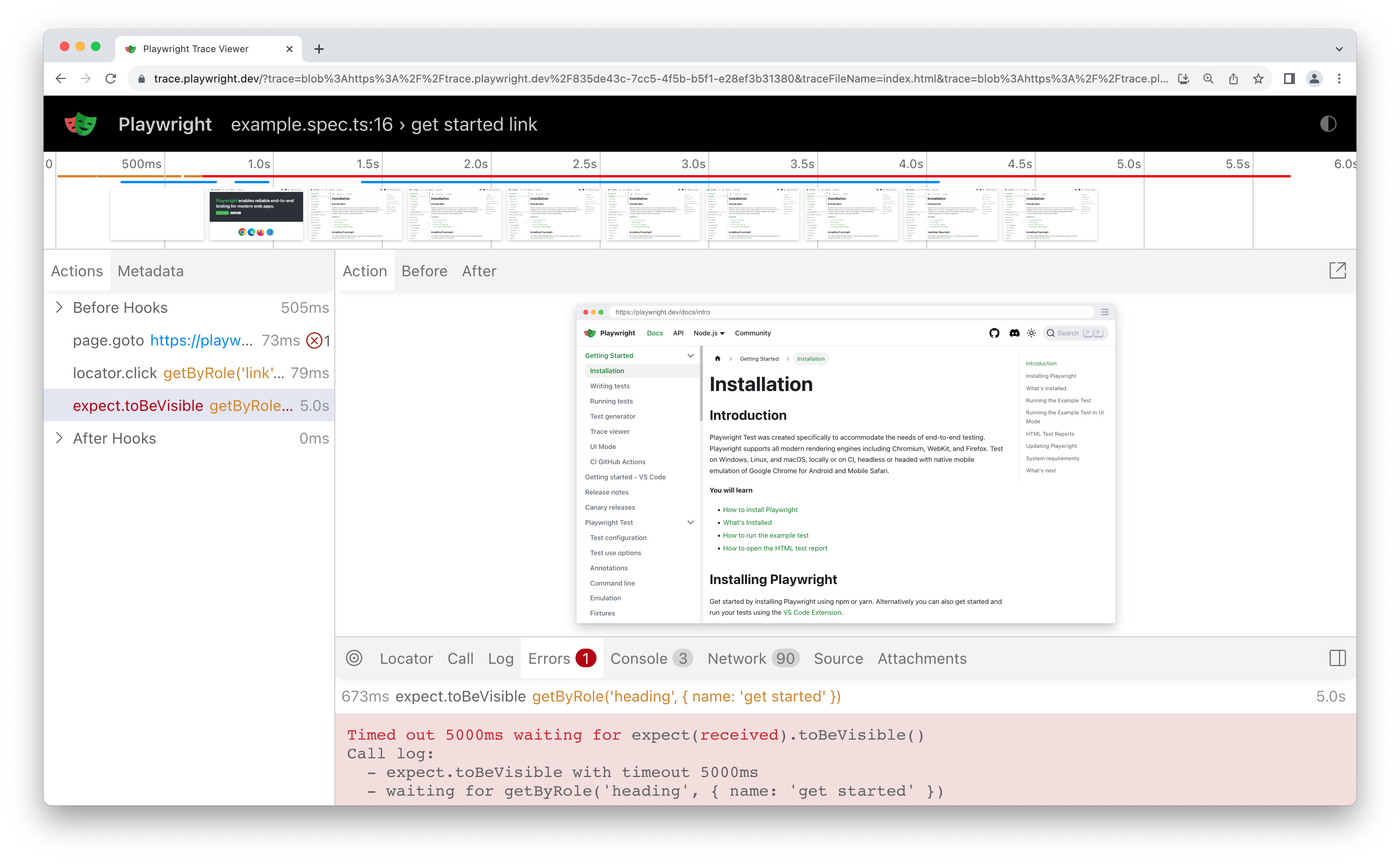## Publishing report on the web* langs: js