
Playwright is a framework for Web Testing and Automation. It allows testing Chromium, Firefox and WebKit with a single API.
TypeScript automationchromechromiume2e-testingelectronend-to-end-testingfirefoxjavascriptplaywrighttesttest-automationtestingtesting-toolswebwebkit
docs: add a note about CodeSpaces UI mode (#23580)
Andrey Lushnikove0c4576e29af
diff --git a/docs/src/test-ui-mode-js.md b/docs/src/test-ui-mode-js.mdindex 910bff4723..27edc2957e 100644--- a/docs/src/test-ui-mode-js.md+++ b/docs/src/test-ui-mode-js.md@@ -81,3 +81,13 @@ Click on the pick locator button and hover over the DOM snapshot to see the locaNext to the name of each test in the sidebar you will find an eye icon. Clicking on the icon will activate watch mode which will re-run the test when you make changes to it. You can watch a number of tests at the same time be clicking the eye icon next to each one or all tests by clicking the eye icon at the top of the sidebar. If you are using VS Code then you can easily open your test by clicking on the file icon next to the eye icon. This will open your test in VS Code right at the line of code that you clicked on.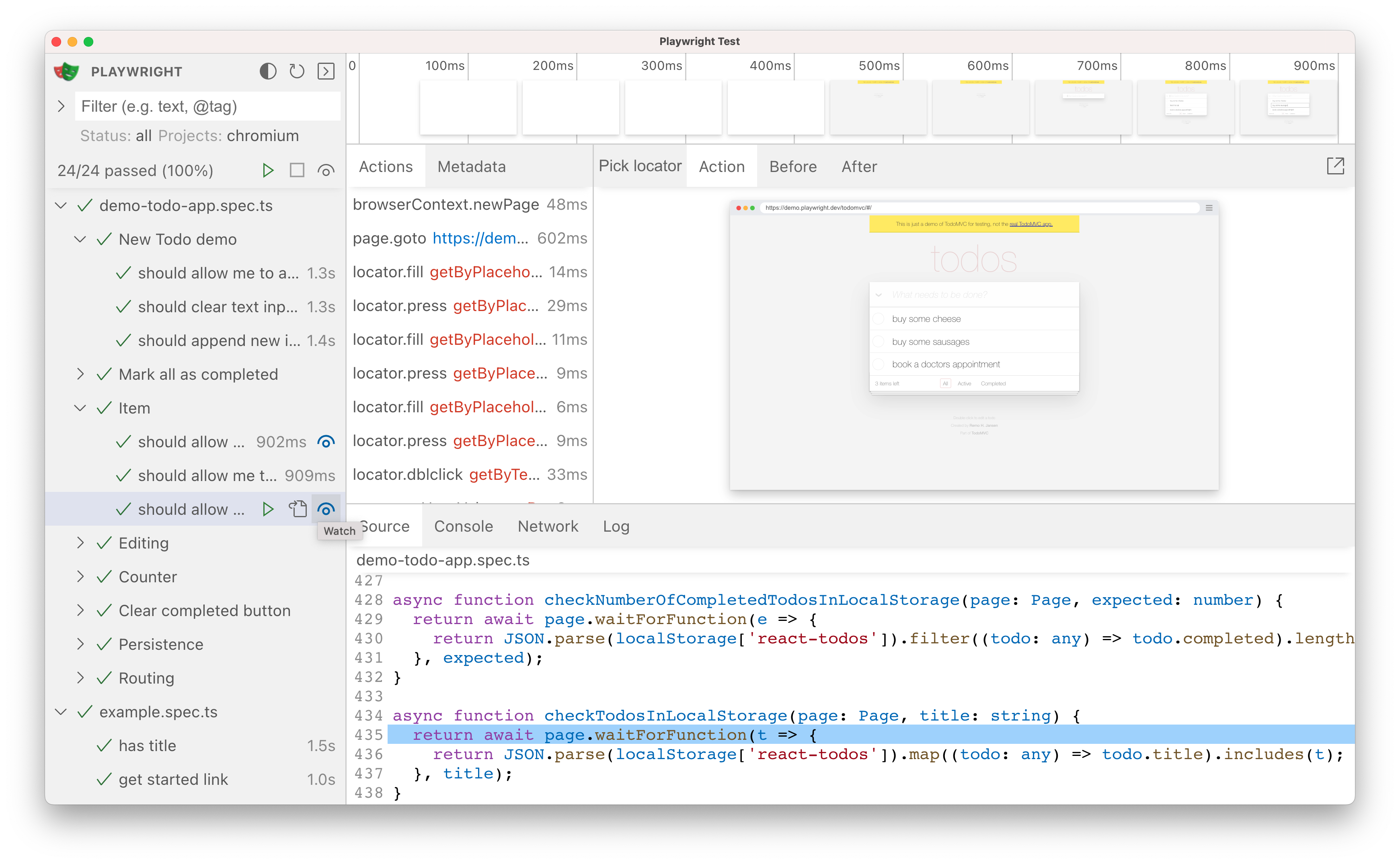++### Github CodeSpaces support++To run UI mode inside Github CodeSpaces, run the following:++ ```bash+ npx playwright test --ui-port=0+ ```++After that, the UI mode will be automatically available to you in a separate browser tab, thanks to the [CodeSpaces automatic port forwarding](https://docs.github.com/en/codespaces/developing-in-codespaces/forwarding-ports-in-your-codespace#about-forwarded-ports).