
:hedgehog: PostHog is the leading platform for building self-driving products. Our developer tools – AI observability, analytics, session replay, flags, experiments, error tracking, logs, and more – capture all the context agents need to diagnose problems, uncover opportunities, and ship fixes. Steer it all from Slack, web, desktop, or the MCP.
Hedgehog widget
A home-screen widget for iOS and Android with a PostHog hedgehog that wanders, jumps, waves and dances. Tapping the hog cycles through seven illustrated characters: coffee, party, wizard, explorer, superhero, reading and float. The selected character stays until the next tap, including across app launches and daily script syncs. The app has no hedgehog mode of its own yet; the widget is the only place the hedgehog appears.
How it moves
Widgets cannot run JavaScript and cannot animate at frame rate on their own. So the app's JavaScript plans the choreography and the widget plays it back:
src/features/hedgehog/choreography.tsgenerates a deterministic, seeded script for the day. The motion comes fromsrc/features/hedgehog/physics.ts, a 60 Hz port of the hedgehog actor in@posthog/hedgehog-mode(the Matter.js body, the sprite rule and the AI that the web and desktop apps run), so the widget hedgehog walks, jumps, bounces and waves with the same speeds and timing. See "Physics" below.useHedgehogWidgetSynchands the script to this native module on launch and when the app returns to the foreground. The module writes it to shared storage the widget can read (an App Group on iOS, SharedPreferences on Android) and asks the OS to refresh the widget.- Each platform plays the script with what the OS allows:
- iOS (WidgetKit) cannot animate continuously, so it uses the script's keyframes, one timeline entry per 2-second beat.
From iOS 17 WidgetKit animates the change between entries, and each keyframe's
motionsays what that change is. A walk glides x linearly over the whole beat, at hedgehog-mode's walking speed. A jump plays its main hop for itsairtime, then up to two bounces as delayed, nested full-turn rotations: each is a loop about a point above the sprite, sized by itsapex, with a counter-rotation that keeps the sprite upright.turnsadds whole flips during the main hop. A jump entry shows thefallsprite (the landedjumpframe with reduce motion), because the hog is airborne for most of the beat. A geometry group keeps the button's content updates from overriding its position animation; facing changes do not insert a stationary beat. Every entry ends upright on the ground, so a delayed or skipped update cannot leave the hog upside down. Image changes and facing changes do not crossfade or spring. Scripts withoutmotion(older app versions) hop in place fromyandturnand glide walk keyframes as before. The widget saves its scheduled entries per family: tapping changes only the character, and a refresh resumes the existing timeline exactly. After it expires, the new routine starts at the last position; a plan that starts away from the script walks over at walking speed first. Dialogue is not rendered on either platform, including when reading an older script. The hedgehog is an interactiveButton(intent:); a tap anywhere else opens the app. - Android (RemoteViews) uses
ViewFlipperto play a closed loop, four frames per 120 ms tick (one every 30 ms, about 33 fps). Each frame interpolates the position between two ticks and shows the next sprite frame: ticks sample the 30 fps sheets 3 or 4 frames apart, so the frames in between fill the gap. A pose change holds the tick's sprite frame, except at a takeoff: frames that rise toward afalltick already showfall.y1 is the highest bottom offset that keeps the sprite inside the widget, so a jump arcs up to the top edge instead of flattening against it. The sprite uses the script's facing. When the facing changes before the next tick, the frames in between face the way they move, so a turn shows once and the hog never walks backwards. A tick withoutfacingfaces the way it walks. A placed widget keeps its loop across daily script syncs. The saved loop's key carries a version (loop.v2.<id>), so a renderer update that changes loops replaces the pinned loop once. Android 12+ reuses stable frame views so taps, refreshes and resizing retain the launcher's displayed frame. On older Android versions, a tap carries the visible frame's index and restores it when the views are rebuilt; an OS recreation or resize may restart the loop. There are no periodic loop replacements or reaction-end alarms. Each frame's sprite sends its own poke broadcast, scoped to that widget, and a tap anywhere else opens the app.
- iOS (WidgetKit) cannot animate continuously, so it uses the script's keyframes, one timeline entry per 2-second beat.
From iOS 17 WidgetKit animates the change between entries, and each keyframe's
- With no script in shared storage (the app was never opened) each platform plays a small built-in fallback.
Physics
The simulation uses sprite heights (one 80 px sprite) as its unit and hedgehog-mode's constants:
| hedgehog-mode (Matter.js) | Simulation | |
|---|---|---|
| Step | 60 Hz runner | fixed 1/60 s |
| Gravity | gravity.y 2, scale 0.001 |
25 sprites/s² |
| Jump | velocity y -15 px/step, at most 2 jumps before landing | 11.25 sprites/s |
| Walk | walkSpeed ±1 px/step sets x velocity every step |
0.75 sprites/s |
| Air friction | frictionAir 0.01 |
velocity × 0.99 per step |
| Bounce | restitution 0.5 |
rebounds at half the impact speed; a rebound under 1.5 sprites/s settles |
| Sprites | airborne fall, sliding walk, else idle; 30 frames/s |
same |
| AI | walk 10, wait 3, jump 1, wave 1, a new action every 1 s; a wave adds its animation and 1 s |
same |
With air friction a jump from the ground flies 0.8 s, peaks at 2.05 sprites, and bounces twice (0.35 s and 0.15 s). The AI runs once per 2-second beat for iOS keyframes and once per second for Android loops.
Deviations from hedgehog-mode:
- At an edge the hedgehog turns around. hedgehog-mode wraps to the other side, which looks like a teleport on a widget.
x0..1 spans a travel width of 2.8 sprites (a medium iOS widget or a 4x2 Android widget). The widget is shorter than a jump, soy1 is the apex of a jump from the ground. Timing is unchanged.- A wave plants the feet first. In hedgehog-mode the slide after a walk replaces the wave with the walk sprite.
- AI decisions stay on the cadence grid, so a wave and its rest take two 1-second slots (1.87 s in hedgehog-mode).
- iOS keyframes add a rare flip (weight 0.3), a jump that the renderer turns over once. hedgehog-mode never rotates the hedgehog.
- Ground friction is a fixed slowdown that stops a walk within about 5 steps, close to Matter's friction impulse.
Choreography JSON (version 1)
type Pose = 'idle' | 'walk' | 'jump' | 'wave' | 'action' | 'fall'
type Facing = 'left' | 'right'

interface Tick {
  pose: Pose
  frame: number // index into the pose's sprite frames, see "Sprites"
  x: number // 0..1, centre of the hedgehog across the widget width (0 = left edge, 1 = right edge; renderers clamp so it stays inside)
  y: number // 0..1, height above the floor: 0 = feet on the floor, 1 = top of the available rise (the apex of a jump from the ground)
  facing: Facing
  motion?: Motion // iOS keyframes only, see below
  bubble?: string // legacy dialogue; ignored by the native renderers
  turn?: number // legacy half-turn markers; iOS plays one complete flip when entering an airborne sequence
  hoggie?: 'coffee_cup' | 'party' | 'wizard' | 'explorer' | 'superhero' | 'reading' | 'float'
  // A bundled illustration replaces the pixel sprite. Missing/unknown artwork falls back to the pixel sprite.
  // Consecutive ticks with a turn add up, and the run ends on whole turns with y 0, so the hedgehog lands upright
}

// How the hedgehog gets from the previous keyframe to this one within the beat. Every keyframe with a motion has y 0.
// Its pose and frame are the sprite the beat shows most: `fall` for a jump, `wave` for a wave, else `walk` or `idle`.
type Motion =
  | { kind: 'idle' } // stands still; x may differ by up to 0.02 from the slide after a walk; facing may change
  | { kind: 'walk' } // x glides linearly from the previous keyframe's x to this x over the whole beat
  | {
      kind: 'jump'
      airtime: number // seconds, takes off at the start of the beat
      apex: number // 0..1 of the available rise
      bounces: { airtime: number; apex: number }[] // in order after the landing; airtime + all bounce airtimes <= keyframeSec
      turns?: number // whole flips during the main airtime, clockwise on screen (negative = counterclockwise)
    }
// A jump does not move x: it stays at the previous keyframe's x. Legacy `turn` markers are not used by keyframes with a motion.

interface Choreography {
  version: 1
  seed: number
  generatedAt: string // ISO 8601 UTC
  startsAt: string // ISO 8601 UTC; keyframes[0] is shown from here
  keyframeSec: 2 // iOS: one keyframe every keyframeSec seconds
  keyframes: Tick[] // 900 (30 minutes). A renderer that runs past the end wraps around (index modulo length), and the last keyframe leads back to the first
  tickMs: 120 // Android: one tick every tickMs milliseconds
  loopMinutes: 10 // Android: loop index = floor(minutesSince(startsAt) / loopMinutes) modulo loops.length
  loops: Tick[][] // each loop is a closed cycle (last tick ends near the first) of at most 120 ticks
  // Loop ticks sample the simulation every tickMs: y follows the jump arc, pose is `fall` while airborne, and frames advance at 30 per second (3 or 4 per tick)
  reaction: { keyframes: Tick[]; ticks: Tick[] } // legacy tap reaction, retained for compatibility with older native builds.
  surprises?: { keyframes: Tick[]; ticks: Tick[] }[] // legacy illustrated reactions, retained for older native builds
  // Reaction ticks are authored at x 0.5 facing right. A renderer shifts every x by (current x - 0.5), clamps, and keeps the current facing, so the hedgehog reacts where it stands.
}
Illustrations and surprises remain in version 1 for older native builds. Current widgets ignore scripted character changes and apply their saved selection to every movement frame. Every tap advances to a different bundled character. New scripts contain no automatic visitor scenes. The first character is the pixel hedgehog until the first tap.
Shared storage:
| Platform | Store | Keys |
|---|---|---|
| iOS | UserDefaults(suiteName: "group.<app bundle id>"), for example group.com.posthog.code.mobile |
choreography (JSON string); per family: selectedHog.<family> and timeline.v2.<family> (encoded scheduled entries) |
| Android | SharedPreferences file hedgehog_widget |
choreography (JSON string); per widget ID: selectedHog.<id> and loop.v2.<id> (saved movement loop; the version in the key replaces loops pinned by older renderers once) |
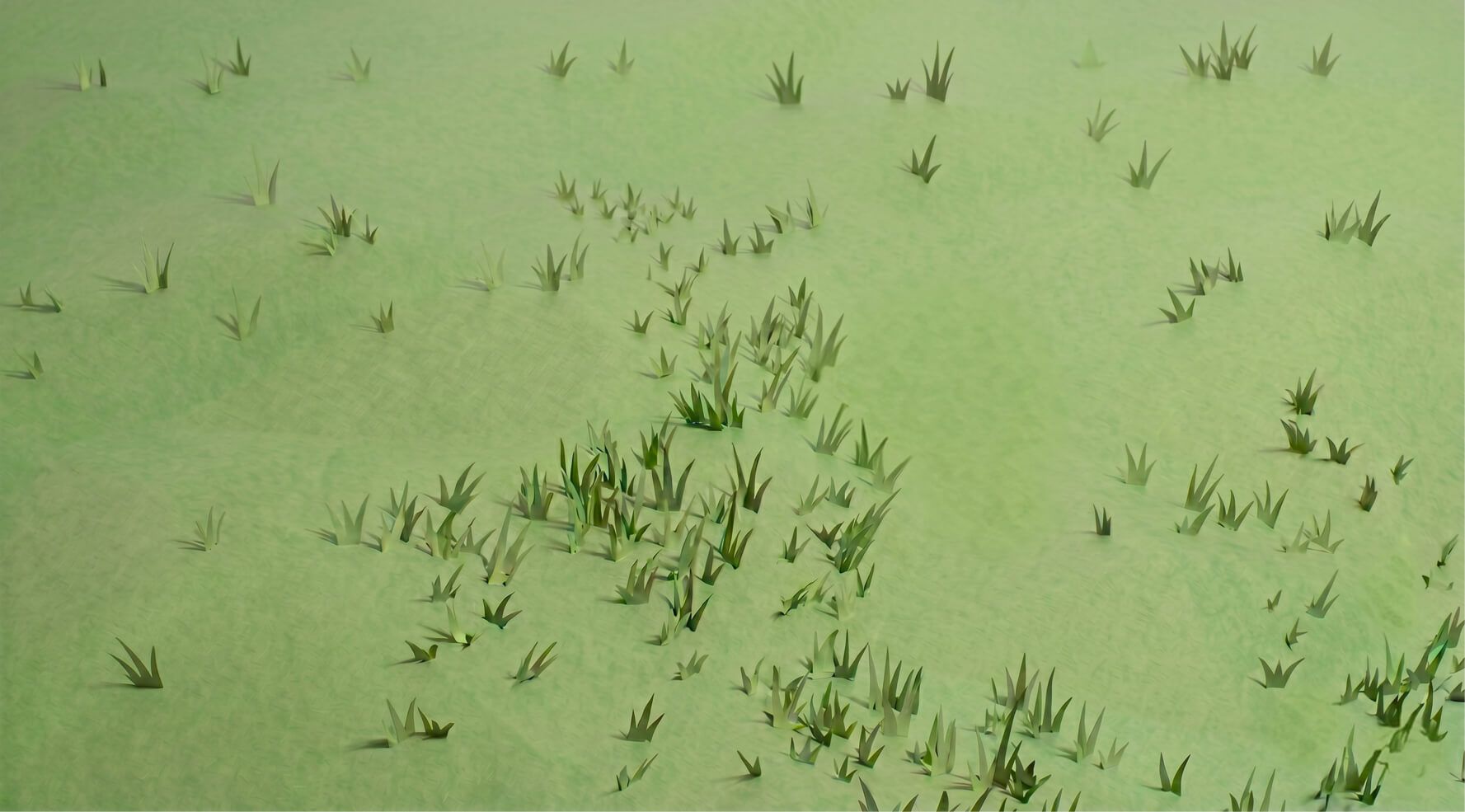
Garden background
Both widgets bundle the grass layer from PostHog's Keyboard Garden website wallpaper, used by
src/components/Desktop/Wallpapers.tsx.
The source is 9000_bg_light_07316896be.jpg,
downloaded at 1000px wide (/image/upload/w_1000/9000_bg_light_07316896be.jpg).
It is bundled as hoglet_garden.jpg in both native asset catalogs and fills the widget with a centered crop.
There is no runtime image download.
Native timeline check
From products/mobile on macOS:
swiftc targets/HedgehogWidget/{AppGroup,Choreography,HedgehogTimelineProvider}.swift scripts/check_hedgehog_timeline.swift -o /tmp/check-hoglet
/tmp/check-hoglet [choreography.json ...]
This checks the built-in routine, an inline contract sample and each JSON script given as an argument.
Walk entries glide over the whole beat; jump entries take their airtime, bounces and flips from motion and end upright on the floor.
Scripts without motion still play. The check also covers tap and reload continuity, character cycling, timeline persistence,
delayed refreshes and timelines saved by older builds.
Native module API (modules/hedgehog-widget)
import { isAvailable, setChoreography, clearChoreography } from 'hedgehog-widget'

isAvailable(): boolean // false on web and when the native module is missing
setChoreography(json: string): void // persist the script and refresh every placed widget
clearChoreography(): void // remove the source script; new routines use the fallback, placed widgets retain their current motion
Sprites
Frames come from @posthog/hedgehog-mode's TexturePacker atlas (assets/sprites.json + assets/sprites.png), default skin only.
scripts/extract_hedgehog_sprites.py cuts each 80x80 frame out, upscales it 2x with nearest-neighbour (pixel art stays crisp), and writes:
- Android:
modules/hedgehog-widget/android/src/main/res/drawable-nodpi/hog_<pose>_<NN>.png, plus a mirroredhog_<pose>_<NN>_l.pngforfacing: 'left'(RemoteViews cannot flip an ImageView) - iOS:
targets/HedgehogWidget/Assets.xcassets/hog_<pose>_<NN>.imageset/(withContents.json)
<NN> is the zero-padded frame index. Frame counts: idle 25, walk 11, jump 10, wave 26, action 16, fall 9.
Every atlas frame faces right. iOS mirrors with scaleEffect(x: -1); Android uses the _l resources.
The sprite's feet sit about 4px above the bottom of the 160px cell (opaque body x 28..130, y 36..156 in hog_idle_00), so put the cell's bottom edge on the floor line. Jump and fall frames do not move inside the cell; height comes only from y.
Illustrated visitors
The illustrations come from PostHog's hoggies library:
coffee-cup.png, party.png, wizard-1.png, explorer.png, superhero.png, reading.png and float.png.
Download them from https://brand.posthog.com/hoggies/<filename> into a local directory and name wizard-1.png as wizard.png.
Run scripts/prepare_widget_hoggies.py --source <directory> with Pillow available to regenerate both platforms' assets.
It trims transparent margins, normalizes facing, and fits each illustration into a 320px transparent cell with its bottom at 312px.
Artwork fits within x 40..280 and y 40..312; SwiftUI uses those bounds when clamping visitors inside the widget.
Android also bundles mirrored _l copies. The widget never downloads artwork at runtime.
Identifiers
| iOS | Android | |
|---|---|---|
| Widget | kind HedgehogWidget, target HedgehogWidget, bundle id <app bundle id>.HedgehogWidget |
receiver HedgehogWidgetProvider |
| App Group | group.<app bundle id> |
n/a |
| Tap on the hedgehog | PokeHedgehogIntent (AppIntent) |
broadcast com.posthog.code.mobile.HEDGEHOG_POKE |
| Tap anywhere else | opens the app (default widget tap) | launch intent on hedgehog_root |
The app bundle id depends on the build variant: com.posthog.code.mobile for store builds, with .dev or .preview appended for internal builds (see src/lib/appVariants.json).
Both Swift readers derive the App Group from their own bundle id, so the variants keep separate widget stores.
On Android the broadcasts name the provider class, so the same action strings stay inside each installed variant.