
RAGFlow is an agent-native database: a Retrieval-Augmented Generation (RAG) engine that grew into context infrastructure.
Go agent-harnessagent-native-databaseagentic-aiagentic-retrievalagentic-searchaiai-agentscontext-enginecontext-engineeringcontext-managementharness-engineeringknowledge-compilationragretrieval-augmented-generationretrieval-harnesssearch-harness
docs: Documentation Updates and UI Alignment (#21986)
YanZhangc841a1c897c7
diff --git a/docs/administrator/management/admin_ui/before_you_begin.md b/docs/administrator/management/admin_ui/before_you_begin.mdindex c3f1b1ac92..a9ff473ff3 100644--- a/docs/administrator/management/admin_ui/before_you_begin.md+++ b/docs/administrator/management/admin_ui/before_you_begin.md@@ -14,7 +14,7 @@ After entering the Admin UI, administrators can check service status, manage use-Regular users do not need to enter the Admin UI when they use business features such as knowledge bases, chat, Agent, files, and model providers.+Regular users do not need to enter the Admin UI when they use business features such as Datasets, chat, Agent, files, and model providers.## Initial Administrator Accountdiff --git a/docs/administrator/management/admin_ui/manage_user_accounts.md b/docs/administrator/management/admin_ui/manage_user_accounts.mdindex dc674dcc8c..66ea975ca7 100644--- a/docs/administrator/management/admin_ui/manage_user_accounts.md+++ b/docs/administrator/management/admin_ui/manage_user_accounts.md@@ -99,7 +99,7 @@ Before deleting a user, set their account status to **Inactive**. If their user**Caution:** The currently logged-in administrator cannot delete their own account through list **Actions**.-Deleting a user is a high-risk operation. Before doing it, confirm whether the user's related data, knowledge bases, Agents, files, API keys, and business responsibilities have been handed over. If you only need to temporarily prevent login, change the account status to `Inactive` first.+Deleting a user is a high-risk operation. Before doing it, confirm whether the user's related data, Datasets, Agents, files, API keys, and business responsibilities have been handed over. If you only need to temporarily prevent login, change the account status to `Inactive` first.## View User Details and Resource Impactdiff --git a/docs/administrator/monitoring/tracing.mdx b/docs/administrator/monitoring/tracing.mdxindex 5aaf1728ca..eb83530756 100644--- a/docs/administrator/monitoring/tracing.mdx+++ b/docs/administrator/monitoring/tracing.mdx@@ -44,19 +44,19 @@ RAGFlow stores the credentials _per tenant_. You can configure them either via t4. Click **Save**.-Once saved, the Go chat pipeline uses these credentials for chat requests that use a knowledge base or web search.+Once saved, the Go chat pipeline uses these credentials for chat requests that use a Dataset or web search.---## 3. Run a Pipeline and Watch the Traces-1. Send a message through a Chat configured with a knowledge base or web search.+1. Send a message through a Chat configured with a Dataset or web search.2. Open your Langfuse project ▸ **Traces**.3. Find the trace named `openai_chat` for the request.The trace contains:-- One `openai_chat` trace containing the tenant ID as `userId`, the chat ID as `sessionId`, and metadata indicating whether streaming was enabled and how many knowledge bases were configured.+- One `openai_chat` trace containing the tenant ID as `userId`, the chat ID as `sessionId`, and metadata indicating whether streaming was enabled and how many Datasets were configured.- One `chat` generation observation containing the model name and the prompt, citation prompt, and model message list as input.- A completion update for that generation containing the recorded output summary and prompt, completion, and total token counts.diff --git a/docs/administrator/upgrade_and_migration/backup_and_restore_v0.md b/docs/administrator/upgrade_and_migration/backup_and_restore_v0.mdindex 11b769d745..d644e08a61 100644--- a/docs/administrator/upgrade_and_migration/backup_and_restore_v0.md+++ b/docs/administrator/upgrade_and_migration/backup_and_restore_v0.md@@ -169,7 +169,7 @@ docker compose -p docker -f docker/docker-compose.yml psWait until the services report a running or healthy state. Then confirm that:- Existing users can sign in.-- Knowledge bases and files are present.+- Datasets and files are present.- Existing files can be opened.- Retrieval returns content from previously parsed documents.- A new document can be uploaded, parsed, and retrieved.diff --git a/docs/administrator/upgrade_and_migration/backup_and_restore_v1.md b/docs/administrator/upgrade_and_migration/backup_and_restore_v1.mdindex 98cc7224f8..f69a839a0c 100644--- a/docs/administrator/upgrade_and_migration/backup_and_restore_v1.md+++ b/docs/administrator/upgrade_and_migration/backup_and_restore_v1.md@@ -144,4 +144,4 @@ docker compose -p docker -f docker/docker-compose.yml ps --alldocker compose -p docker -f docker/docker-compose.yml logs --tail=200 ragflow-cpu```-Finally, sign in and confirm that existing knowledge bases and files are present, files can be opened, and retrieval returns content from previously parsed documents. After these checks pass, the backup and restore are complete.+Finally, sign in and confirm that existing Datasets and files are present, files can be opened, and retrieval returns content from previously parsed documents. After these checks pass, the backup and restore are complete.diff --git a/docs/administrator/upgrade_and_migration/upgrade_from_v0_to_v1.md b/docs/administrator/upgrade_and_migration/upgrade_from_v0_to_v1.mdindex 5576a3bafb..e04c2488f3 100644--- a/docs/administrator/upgrade_and_migration/upgrade_from_v0_to_v1.md+++ b/docs/administrator/upgrade_and_migration/upgrade_from_v0_to_v1.md@@ -93,7 +93,7 @@ Keep one application replica running and do not resume data-writing tasks untilAt every checkpoint, confirm that:-- Existing users can sign in and see their knowledge bases.+- Existing users can sign in and see their Datasets.- Existing files can be listed and opened.- Retrieval returns content from previously parsed documents.- A new document can be uploaded, parsed, and retrieved.@@ -109,7 +109,7 @@ These sections contain only the additional checks for each release. Use them tog### 2.1. v0.22.1-Use `v0.22.1` rather than `v0.22.0`. If a knowledge base used the embedding model from the former `full` image, select an available replacement model. If the compatibility check fails, use another compatible model or re-parse the existing chunks with the new model.+Use `v0.22.1` rather than `v0.22.0`. If a Dataset used the embedding model from the former `full` image, select an available replacement model. If the compatibility check fails, use another compatible model or re-parse the existing chunks with the new model.### 2.2. v0.25.6diff --git a/docs/administrator/upgrade_and_migration/upgrade_from_v1_to_later_releases.md b/docs/administrator/upgrade_and_migration/upgrade_from_v1_to_later_releases.mdindex 8d791d1f8b..27bc4b93c4 100644--- a/docs/administrator/upgrade_and_migration/upgrade_from_v1_to_later_releases.md+++ b/docs/administrator/upgrade_and_migration/upgrade_from_v1_to_later_releases.md@@ -79,7 +79,7 @@ After migration, confirm that:- All expected containers are running and healthy.- Existing users can sign in.-- Existing knowledge bases and files are visible.+- Existing Datasets and files are visible.- Existing files can be opened and retrieved.- A new document can be uploaded, parsed, and retrieved.- Existing conversation history is available.diff --git a/docs/basics/rag.md b/docs/basics/rag.mdindex 9ea6a09b8d..4ee3feeeab 100644--- a/docs/basics/rag.md+++ b/docs/basics/rag.md@@ -4,7 +4,7 @@ slug: /what-is-rag---# What Is Retrieval-Augmented Generation (RAG)?-Since large language models (LLMs) became the focus of technology, their ability to handle general knowledge has been astonishing. However, when questions shift to internal corporate documents, proprietary knowledge bases, or real-time data, the limitations of LLMs become glaringly apparent: they cannot access private information outside their training data. Retrieval-Augmented Generation (RAG) was born precisely to address this core need. Before an LLM generates an answer, it first retrieves the most relevant context from an external knowledge base and inputs it as "reference material" to the LLM, thereby guiding it to produce accurate answers. In short, RAG elevates LLMs from "relying on memory" to "having evidence to rely on," significantly improving their accuracy and trustworthiness in specialized fields and real-time information queries.+Since large language models (LLMs) became the focus of technology, their ability to handle general knowledge has been astonishing. However, when questions shift to internal corporate documents, proprietary Datasets, or real-time data, the limitations of LLMs become glaringly apparent: they cannot access private information outside their training data. Retrieval-Augmented Generation (RAG) was born precisely to address this core need. Before an LLM generates an answer, it first retrieves the most relevant context from an external Dataset and inputs it as "reference material" to the LLM, thereby guiding it to produce accurate answers. In short, RAG elevates LLMs from "relying on memory" to "having evidence to rely on," significantly improving their accuracy and trustworthiness in specialized fields and real-time information queries.## Why Is RAG Important?@@ -16,7 +16,7 @@ Although LLMs excel in language understanding and generation, they have inherentThe introduction of RAG provides LLMs with real-time, credible "factual grounding." Its core mechanism is divided into two stages:-- Retrieval Stage: Based on the user's question, quickly retrieve the most relevant documents or data fragments from an external knowledge base.+- Retrieval Stage: Based on the user's question, quickly retrieve the most relevant documents or data fragments from an external Dataset.- Generation Stage: The LLM organizes and generates the final answer by incorporating the retrieved information as context, combined with its own linguistic capabilities.This upgrades LLMs from "speaking from memory" to "speaking with documentation," significantly enhancing reliability in professional and enterprise-level applications.diff --git a/docs/develop/deepwiki.md b/docs/develop/deepwiki.mdindex 9d544c2e46..11adce15cb 100644--- a/docs/develop/deepwiki.md+++ b/docs/develop/deepwiki.md@@ -8,7 +8,7 @@ sidebar_custom_props: {# Explore RAGFlow on DeepWiki-An AI-generated, always-up-to-date knowledge base for understanding RAGFlow's codebase — designed for developers doing secondary development or deep-diving into RAGFlow's internals.+An AI-generated, always-up-to-date Dataset for understanding RAGFlow's codebase — designed for developers doing secondary development or deep-diving into RAGFlow's internals.---@@ -35,7 +35,7 @@ This resource is primarily intended for:- **Researchers and engineers** who want to study RAGFlow's internal design principles — chunking strategies, embedding pipelines, graph-based retrieval, and agent orchestration.:::tip NOTE-For general usage of RAGFlow (configuring knowledge bases, running chat, etc.), the [Guides](../guides/) section is a better starting point.+For general usage of RAGFlow (configuring Datasets, running chat, etc.), the [Guides](../guides/) section is a better starting point.:::## What You Can Find on DeepWikidiff --git a/docs/guides/agent/agent_workflow/basic_component.md b/docs/guides/agent/agent_workflow/basic_component.mdindex 7347ddfea0..4ef5a48ec0 100644--- a/docs/guides/agent/agent_workflow/basic_component.md+++ b/docs/guides/agent/agent_workflow/basic_component.md@@ -64,7 +64,7 @@ Variable types:| Single-line text | Used to enter short text, such as names, keywords, and serial numbers. || Paragraph text | Used to enter longer content, such as problem descriptions, requirement descriptions, and prompts. || Dropdown options | Provides predefined options for users to select. You can click **Add option** to add multiple options. This is suitable for fixed-value inputs such as language, department, and model type. |-| File upload | Allows users to upload files as workflow input. This can be used for document analysis, image processing, and similar scenarios. Uploaded files are not automatically saved to knowledge bases, and are used only in the current workflow. |+| File upload | Allows users to upload files as workflow input. This can be used for document analysis, image processing, and similar scenarios. Uploaded files are not automatically saved to Datasets, and are used only in the current workflow. || Number | Used to enter numeric values, such as quantity, threshold, `Top K`, and maximum returned items. || Boolean | Provides a switch (`True`/`False`) or yes/no option, used to control whether a feature is enabled or whether a branch is executed. || JSON object | Used to enter structured JSON data, such as parameters, configurations, or other complex data containing multiple fields. |@@ -73,7 +73,7 @@ Variable types::::tip NOTE-Files uploaded through **Begin** are available to the workflow without being added to a knowledge base.+Files uploaded through **Begin** are available to the workflow without being added to a Dataset.- For documents, add a **File upload** input and select a parser. Reference the parsed content through `sys.files` in subsequent components.- For images, select a vision-capable model in the Agent component to analyze the uploaded image. Image uploads are not automatically converted to text.@@ -145,7 +145,7 @@ Parameter description:| Parameter | Description | Suggestion ||---------------------|--------------------------------------------------------------------------------------------------------------------------------------------------------------------------------------------------------------------------------|---------------------------------------------------------------------------------------------------------------------|| Message window size | Sets the number of historical messages retained by the Agent during reasoning. A larger window provides more context, but increases token consumption. | Keep the default value in general. Increase it for multi-turn conversations, and decrease it for single-turn tasks. |-| Citation | Specifies whether to return citation information in answers. When the Agent uses knowledge bases or retrieval results to generate answers, source citations can be enabled to make it easier to view the basis for the answer. | Recommended for knowledge base Q&A scenarios. |+| Citation | Specifies whether to return citation information in answers. When the Agent uses Datasets or retrieval results to generate answers, source citations can be enabled to make it easier to view the basis for the answer. | Recommended for Dataset Q&A scenarios. |If an Agent run fails, check the error details in the run results, correct the cause, and run again.@@ -164,16 +164,17 @@ For structured output, after enabling **Structured output**, click **Configurati## Retrieval Component-The knowledge retrieval component is used to retrieve relevant content from specified knowledge bases or memories. It can be used as a regular workflow component, or as a tool for the Agent component.+The knowledge retrieval component is used to retrieve relevant content from specified Datasets or memories. It can be used as a regular workflow component, or as a tool for the Agent component.Configuration steps:1. Click the knowledge retrieval component.2. In **Query variable**, select the query source. `sys.query` is commonly used.-3. In **Retrieval source**, select one or more knowledge bases, or select **Memory**.-4. Expand **Advanced settings** and adjust **Similarity threshold**, **Keyword similarity weight**, **Rerank candidate count**, and **Top N** as needed. Select a **Rerank model** if required.-5. For cross-language retrieval, select a **Cross-language search** language.-6. Click **Run** to test the retrieval results.+3. In **Retrieval from**, select **Dataset** or **Memory**.+4. In the corresponding source selection field below, select at least one Dataset or Memory.+5. Expand **Advanced settings** and adjust **Similarity threshold**, **Keyword similarity weight**, **Rerank candidate count**, and **Top N** as needed. Select a **Rerank model** if required.+6. For cross-language retrieval, select a **Cross-language search** language.+7. Click **Run** to test the retrieval results.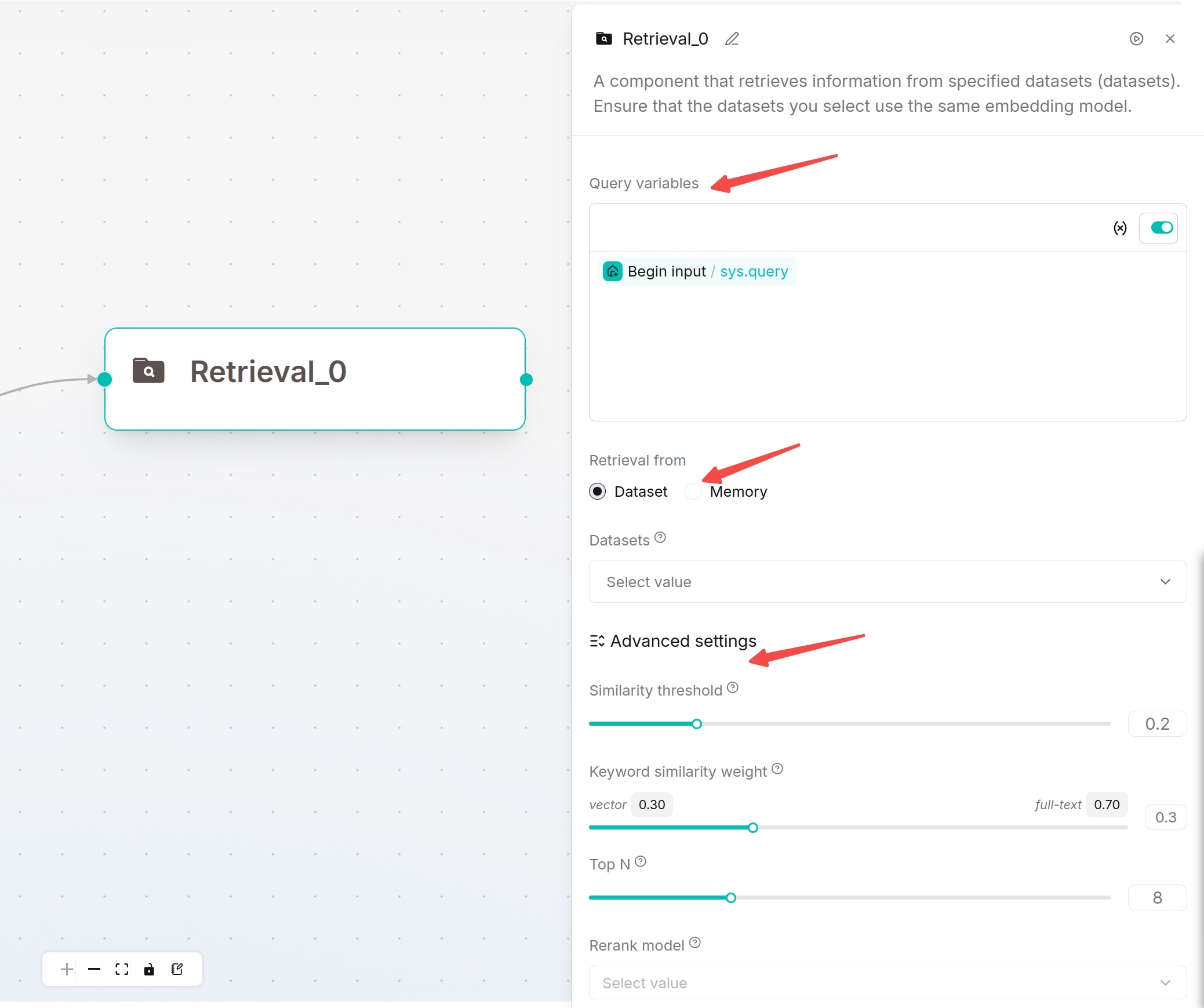@@ -183,7 +184,7 @@ Configuration steps:**Similarity threshold** is used to filter low-relevance chunks. The higher the threshold, the stricter the returned content, but useful information may be missed.-**Keyword similarity weight** controls the full-text keyword weight in the combined retrieval score. Its default is `0.7`, with a corresponding vector weight of `1 - 0.7 = 0.3`. The panel shows both weights. Increasing the keyword weight favors keyword matching; decreasing it favors vector similarity. When retrieving from multiple knowledge bases together, make sure they use the same embedding model.+**Keyword similarity weight** controls the full-text keyword weight in the combined retrieval score. Its default is `0.7`, with a corresponding vector weight of `1 - 0.7 = 0.3`. The panel shows both weights. Increasing the keyword weight favors keyword matching; decreasing it favors vector similarity. When retrieving from multiple Datasets together, make sure they use the same embedding model.**Rerank candidate count** controls the number of retrieval candidates available for reranking. The default shown in the panel is `64`. This is separate from **Top N**, which limits the results passed to downstream components.diff --git a/docs/guides/agent/agent_workflow/tool_components.md b/docs/guides/agent/agent_workflow/tool_components.mdindex e33185cca3..02f6f30f8b 100644--- a/docs/guides/agent/agent_workflow/tool_components.md+++ b/docs/guides/agent/agent_workflow/tool_components.md@@ -710,6 +710,10 @@ The HTTP Request component calls external HTTP APIs, allowing business systems,| Clean HTML | Remove HTML markup from the response. || Parameter | Click `+` to add request parameters and set their values using constants or variables. |+To add a parameter, click **+** beside **Parameter**. In **Variable settings**, enter the **Key**, then select a **Variable** or enter a constant using **Type** and **Value**. Click **Confirm** to add it. The example below sends `topic=ragflow` as a string constant.++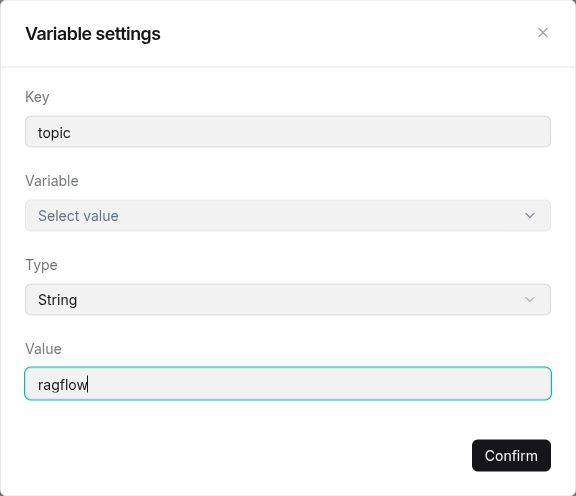+#### Configuration Example| Setting | Example Value |diff --git a/docs/guides/agent/ingestion_pipeline/configure_indexer_component.md b/docs/guides/agent/ingestion_pipeline/configure_indexer_component.mdindex b8ec1e7e6d..52d3c961ab 100644--- a/docs/guides/agent/ingestion_pipeline/configure_indexer_component.md+++ b/docs/guides/agent/ingestion_pipeline/configure_indexer_component.md@@ -10,7 +10,7 @@ sidebar_custom_props: {# Configure the Indexer Component-**Indexer** prepares chunk data for full-text and embedding search. Connect it after the Chunker, Transformer, or Compiler and use the pipeline with a knowledge base to index documents.+**Indexer** prepares chunk data for full-text and embedding search. Connect it after the Chunker, Transformer, or Compiler and use the pipeline with a Dataset to index documents.Click the Indexer node to open its panel. Review **Search method**, adjust **Filename embedding weight**, and select **Field** as described below.@@ -41,7 +41,7 @@ For Questions or Augmented context, first enable the corresponding function in T## Embedding model-The model comes from the connected knowledge base, rather than an independent model selector in this panel. Knowledge bases searched together must use the same embedding model.+The model comes from the connected Dataset, rather than an independent model selector in this panel. Datasets searched together must use the same embedding model.## Apply and Validatediff --git a/docs/guides/agent/ingestion_pipeline/connect_the_pipeline_to_a_knowledge_base.md b/docs/guides/agent/ingestion_pipeline/connect_the_pipeline_to_a_knowledge_base.mdindex ad4c9e66db..8ff8e585aa 100644--- a/docs/guides/agent/ingestion_pipeline/connect_the_pipeline_to_a_knowledge_base.md+++ b/docs/guides/agent/ingestion_pipeline/connect_the_pipeline_to_a_knowledge_base.md@@ -1,14 +1,14 @@---sidebar_position: 8-title: Connect the Pipeline to a Knowledge Base-sidebar_label: Connect the Pipeline to a Knowledge Base+title: Connect the Pipeline to a Dataset+sidebar_label: Connect the Pipeline to a Datasetslug: /connect_the_pipeline_to_a_knowledge_basesidebar_custom_props: {categoryIcon: RagAiAgent}----# Connect the Pipeline to a Knowledge Base+# Connect the Pipeline to a Dataset {#connect-the-pipeline-to-a-knowledge-base}Publish a pipeline version before applying a custom pipeline to a Dataset. Saving a draft alone does not make it selectable for document processing.diff --git a/docs/guides/agent/ingestion_pipeline/test_run.md b/docs/guides/agent/ingestion_pipeline/test_run.mdindex 006eef2884..0e5a2952c1 100644--- a/docs/guides/agent/ingestion_pipeline/test_run.md+++ b/docs/guides/agent/ingestion_pipeline/test_run.md@@ -10,11 +10,11 @@ sidebar_custom_props: {# Validate the Pipeline-Publish a pipeline version, then parse a sample document in a connected knowledge base to check the results. The pipeline canvas has no **Run** button; document processing is started from the knowledge base.+Publish a pipeline version, then parse a sample document in a connected Dataset to check the results. The pipeline canvas has no **Run** button; document processing is started from the Dataset.1. Click **Save draft**. If **Checklist** appears, resolve its configuration issues. Click **Publish** and confirm to create the version you want to test.-2. [Connect the pipeline to a knowledge base](./connect_the_pipeline_to_a_knowledge_base.md), expand it in **Configuration > Parsing mode**, select a published version within the dropdown, and click **Save**. Use a dedicated test knowledge base to avoid affecting existing documents.-3. Upload a small sample file and start parsing from the knowledge base's document controls.+2. [Connect the pipeline to a Dataset](./connect_the_pipeline_to_a_knowledge_base.md), expand it in **Configuration > Parsing mode**, select a published version within the dropdown, and click **Save**. Use a dedicated test Dataset to avoid affecting existing documents.+3. Upload a small sample file and start parsing from the Dataset's document controls.4. Check the document's parsing status and resulting chunks. Confirm that content, chunk boundaries, and enabled enrichment results meet your needs before processing more files.Check the functions you actually enabled: PDF reading order and page ranges, OCR or image descriptions, chunk size and heading structure, Transformer enrichment, and Compiler output. Check retrieval after indexing, especially when Indexer uses Questions or Augmented context.diff --git a/docs/guides/agent/quickstarts/build_customer_support_agent.md b/docs/guides/agent/quickstarts/build_customer_support_agent.mdindex 3178734543..dbe8174d00 100644--- a/docs/guides/agent/quickstarts/build_customer_support_agent.md+++ b/docs/guides/agent/quickstarts/build_customer_support_agent.md@@ -11,7 +11,7 @@ Build a workflow that answers product questions through retrieval and collects c## Prepare- Configure a chat model.-- Create a knowledge base containing a short product guide, and finish parsing it. For a repeatable test, include: “Model A supports Wi-Fi. To reset it, hold the reset button for five seconds.”+- Create a Dataset containing a short product guide, and finish parsing it. For a repeatable test, include: “Model A supports Wi-Fi. To reset it, hold the reset button for five seconds.”## Build the workflow@@ -27,7 +27,7 @@ Build a workflow that answers product questions through retrieval and collects c### Product help branch1. Connect **Product help → Retrieval → Agent → Message**.-2. In Retrieval, select the product knowledge base and use `sys.query` as the query.+2. In Retrieval, select the product Dataset and use `sys.query` as the query.3. In Agent, select the chat model and use this **System prompt**:```text@@ -52,4 +52,4 @@ Save, then click **Run** and test each path:| Does Model A support Bluetooth? | Product help branch; the answer says the guide does not establish this. || I want to arrange an installation. | Appointment branch; a form appears and the submitted name and time are displayed. |-If routing is wrong, refine the category descriptions and examples. If retrieval is empty, check parsing status, knowledge-base selection, and the query. If the answer ignores retrieved text, check the Agent's variable references. Publish only after both branches work as intended.+If routing is wrong, refine the category descriptions and examples. If retrieval is empty, check parsing status, Dataset selection, and the query. If the answer ignores retrieved text, check the Agent's variable references. Publish only after both branches work as intended.diff --git a/docs/guides/agent/workflow_overview.md b/docs/guides/agent/workflow_overview.mdindex 742841be18..867e2893fb 100644--- a/docs/guides/agent/workflow_overview.md+++ b/docs/guides/agent/workflow_overview.md@@ -14,17 +14,17 @@ sidebar_custom_props: {Open **Agent > Workflow** to build automated workflows by connecting components on a visual canvas. Connections define the execution order; conditions, categories, and loops control which steps run.Agents are commonly used in the following scenarios:-- Answering user questions based on knowledge bases.+- Answering user questions based on Datasets.- Identifying user intents and routing to different processing flows.- Calling HTTP interfaces, databases, MCP tools or custom code.- Splitting and batch processing long texts.- Saving session memory or exporting processing results.-## Relationship Between Agent and Knowledge Base Q&A-- **Chat**: Suitable for applications mainly based on knowledge base Q&A and multi-turn dialogue.+## Relationship Between Agent and Dataset Q&A {#relationship-between-agent-and-knowledge-base-qa}+- **Chat**: Suitable for applications mainly based on Dataset Q&A and multi-turn dialogue.- **Agent**: Suitable for business workflows requiring conditional branching, tool calling, data processing or multistep orchestration.-The `Retrieval` component can be used inside an Agent to query knowledge bases. Retrieval can also be used as a tool under the Agent component, allowing the LLM to autonomously decide when to perform retrieval.+The `Retrieval` component can be used inside an Agent to query Datasets. Retrieval can also be used as a tool under the Agent component, allowing the LLM to autonomously decide when to perform retrieval.For example, an after-sales Agent can first use `Categorize` to judge the type of user questions, then use `Retrieval` to query product materials. If the user requests installation reservation, an HTTP request is used to call the external work order system. Finally, the `Message` component outputs the result.diff --git a/docs/guides/chat/using_chat_sessions.md b/docs/guides/chat/using_chat_sessions.mdindex fcbfac0d7c..165fd56833 100644--- a/docs/guides/chat/using_chat_sessions.md+++ b/docs/guides/chat/using_chat_sessions.md@@ -11,7 +11,7 @@ sidebar_custom_props:After entering a Chat, users can ask questions in different conversations. The conversation list appears on the left, the current conversation appears in the center, and the message input box appears at the bottom.-A Chat can contain multiple conversations. Each conversation maintains its own context, while all conversations share the knowledge bases, model, system prompt, and retrieval parameters configured for the Chat.+A Chat can contain multiple conversations. Each conversation maintains its own context, while all conversations share the Datasets, model, system prompt, and retrieval parameters configured for the Chat.## Create and Manage conversations@@ -33,7 +33,7 @@ Enter a question in the message box and press **Enter**, or click **Send**. PresWhile an answer is being generated, click **Stop** to interrupt it. Before sending a question, select a Thinking mode, enable web search when available, or add attachments.-Chat generates an answer using the current conversation history together with the Chat's configured knowledge bases, model, and system prompt.+Chat generates an answer using the current conversation history together with the Chat's configured Datasets, model, and system prompt.## Choose a Thinking Mode@@ -55,7 +55,7 @@ Text files can be parsed into text for the model to reference. Processing images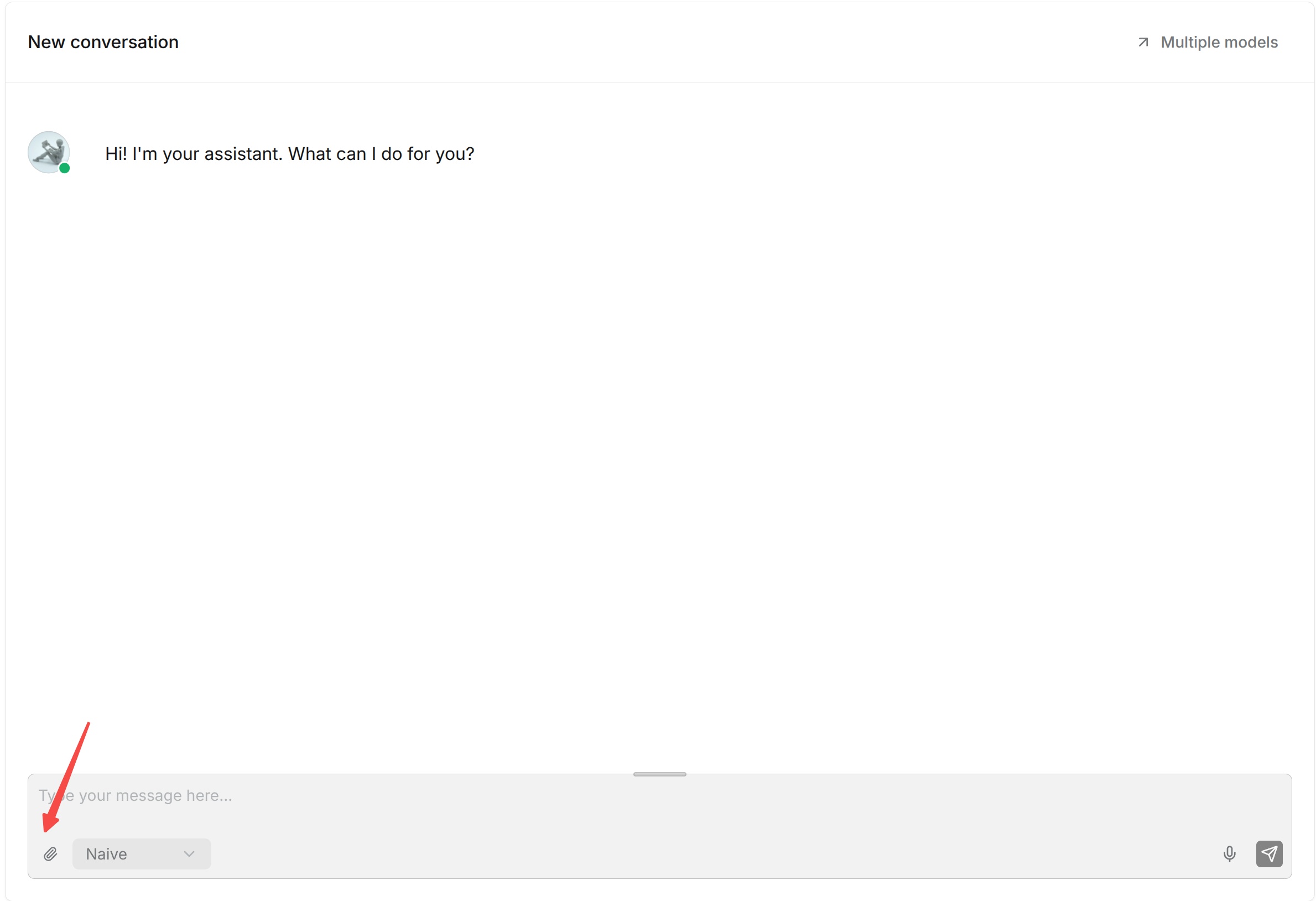-Files uploaded in a conversation provide supplemental context only and are not automatically added to a knowledge base. To make a file permanently available for knowledge base retrieval, add it to a knowledge base and complete parsing.+Files uploaded in a conversation provide supplemental context only and are not automatically added to a Dataset. To make a file permanently available for Dataset retrieval, add it to a Dataset and complete parsing.The supported number, size, and types of files depend on the deployment and answer configuration. Follow the instructions displayed in the interface.diff --git a/docs/guides/chatchannel/channel_access_and_configuration.md b/docs/guides/chatchannel/channel_access_and_configuration.mdindex 1daf2f4cc6..2dd06945dd 100644--- a/docs/guides/chatchannel/channel_access_and_configuration.md+++ b/docs/guides/chatchannel/channel_access_and_configuration.md@@ -177,28 +177,7 @@ Usage:The credentials for `Webhook` and `WebSocket` cannot be mixed. When selecting `WebSocket`, first create a smart bot in WeCom, then fill the obtained `BotID` and `Secret` into RAGFlow. When selecting `Webhook`, fill in `CorpID`, `AgentID`, `Secret`, `Token`, and `AESKey` according to the WeCom application callback configuration.-After saving the channel, connect the WeCom channel to a Chat, or bind it to a custom Agent (see below). After the connection succeeds, users can send messages to the bot in WeCom, and the bot calls the bound Chat or Agent to return replies.--### Binding a custom Agent--Besides a Chat, a WeCom channel can be bound to a custom Flow Agent, so inbound messages are answered by the workflow you designed on the **Agent** canvas instead of a regular Chat.--Prerequisites:--- Design a Flow Agent in RAGFlow (**Agent > Flow agents**) and make sure the models used by its components are configured for the tenant (for example, the LLM node must point to a valid model of the tenant that owns the channel).-- The agent must be owned by, or shared (permission `team`) with, the tenant that owns the WeCom channel.-- Complete the WeCom channel connection first (`Webhook` or `WebSocket`), as described above.--Configuration parameters:--- **Target**: The connect dialog shows a single dropdown whose entries are prefixed with their type. Entries labeled `[Chat assistant]` are the Chats of the current tenant; entries labeled `[Agent]` are the Flow Agents (canvas category `agent_canvas`) accessible to the current tenant. The stored value is the selected Chat id or Agent id, which is filled in automatically when you pick an entry, so no external credential is required. If you need the Agent id explicitly, open the Agent in **Agent > Flow agents** and copy the id from the browser URL. A channel can be bound to exactly one target at a time: picking another target replaces the previous binding, and clearing the selection disconnects the channel. If the selected agent has components without a configured model, the runtime replies with an error message.--Usage:--1. Open **User settings > Chat channels**, find the WeCom channel, and click the link icon to open the connect dialog.-2. In the connect dialog, pick the `[Agent]` entry of the Flow Agent (or a `[Chat assistant]` entry to bind a Chat) from the **Select an assistant or Agent** dropdown.-3. Click confirm; reopening the dialog shows the currently bound target.-4. Send a test message to the bot in WeCom and verify the reply.+After saving the channel, [connect it to a Chat](./connect_chat.md). Users can then send messages to the bot in WeCom and receive replies from the connected Chat.Connection verification:diff --git a/docs/guides/chatchannel/chat_channels_overview.md b/docs/guides/chatchannel/chat_channels_overview.mdindex 50715a6343..eaae2f49ac 100644--- a/docs/guides/chatchannel/chat_channels_overview.md+++ b/docs/guides/chatchannel/chat_channels_overview.md@@ -14,7 +14,7 @@ This chapter describes how to configure chat channels in RAGFlow, including suppWith chat channels, users can chat with a Chat directly in chat applications such as Discord, Telegram, WeCom, and Feishu / Lark. User messages from third-party platforms enter RAGFlow, where the bound Chat generates replies and sends them back to the original chat window.-Chat channels are responsible only for platform access and message forwarding. Reply content, knowledge base scope, model capabilities, and answer quality are determined by the bound chat model.+Chat channels are responsible only for platform access and message forwarding. Reply content, Dataset scope, model capabilities, and answer quality are determined by the bound chat model.**Supported channels**diff --git a/docs/guides/data_source/add_to_knowledge_base_and_sync.md b/docs/guides/data_source/add_to_knowledge_base_and_sync.mdindex ef7480179d..1a29416d87 100644--- a/docs/guides/data_source/add_to_knowledge_base_and_sync.md+++ b/docs/guides/data_source/add_to_knowledge_base_and_sync.md@@ -1,6 +1,6 @@---sidebar_position: 2-title: Add a Data Source to a Knowledge Base and Synchronization and Updates+title: Link and Sync a Data Sourcesidebar_label: Add and Syncslug: /add_data_source/add_to_knowledge_base_and_syncsidebar_custom_props: {@@ -8,11 +8,11 @@ sidebar_custom_props: {}----# Add a Data Source to a Knowledge Base and Synchronization and Updates+# Link and Sync a Data Source {#add-a-data-source-to-a-knowledge-base-and-synchronization-and-updates}-## Add a Data Source to a Knowledge Base+## Add a Data Source to a Dataset {#add-a-data-source-to-a-knowledge-base}-Creating a data source connection only saves the access configuration for the external system. To bring external content into a knowledge base, you also need to add that data source in the target knowledge base and start synchronization.+Creating a data source connection only saves the access configuration for the external system. To bring external content into a Dataset, you also need to add that data source in the target Dataset and start synchronization.1. Open **Dataset** and select the target Dataset.2. Open **Configuration** and find the **Data source** section.@@ -23,18 +23,18 @@ Creating a data source connection only saves the access configuration for the exTo change credentials, synchronization scope, or refresh intervals, open the connection under **User settings > Data sources**. These connection settings are separate from the Dataset's parsing settings.-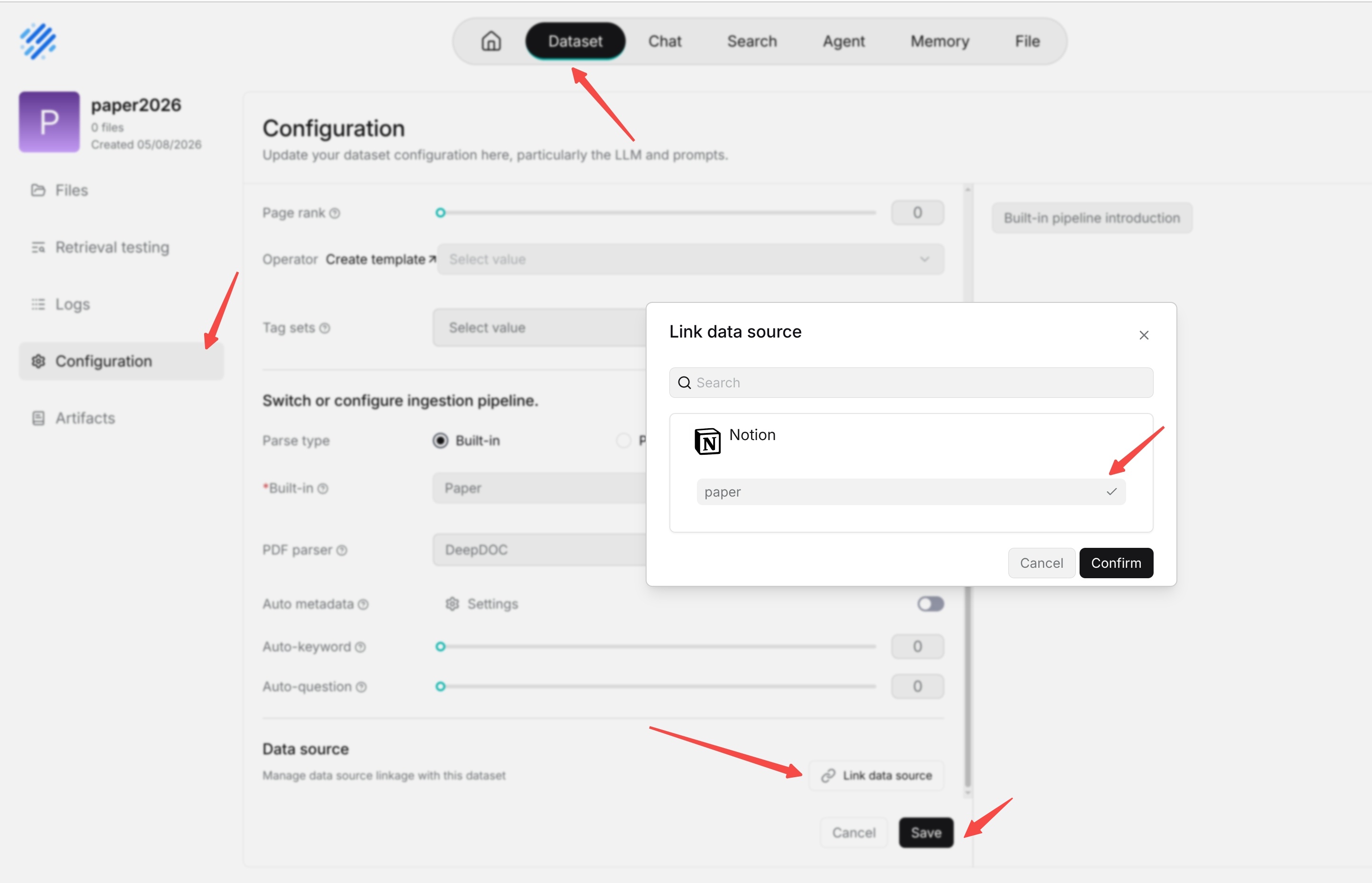+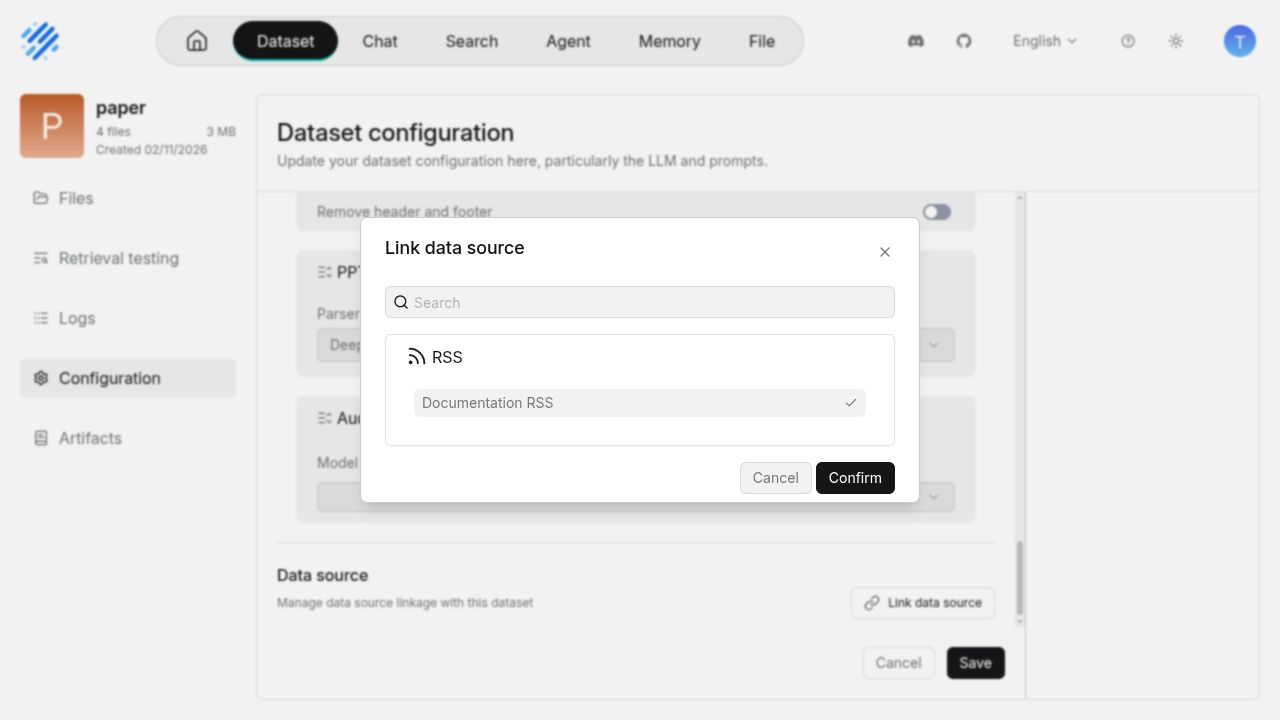## Synchronization and Updates-After synchronization starts, RAGFlow reads content from the external system and writes parseable content to the knowledge base index.+After synchronization starts, RAGFlow reads content from the external system and writes parseable content to the Dataset index.-After synchronization is complete, users can retrieve and ask questions about this content in the knowledge base. Synchronization results can be understood according to the following rules:+After synchronization is complete, users can retrieve and ask questions about this content in the Dataset. Synchronization results can be understood according to the following rules:- The first synchronization imports the existing content in the current synchronization scope.-- Content newly added or modified in the external system is usually synchronized to the knowledge base when the next refresh interval arrives.-- If sync deleted files is enabled, content deleted from the external system is removed from the knowledge base index during subsequent synchronization or cleanup tasks.+- Content newly added or modified in the external system is usually synchronized to the Dataset when the next refresh interval arrives.+- If sync deleted files is enabled, content deleted from the external system is removed from the Dataset index during subsequent synchronization or cleanup tasks.-If changes to external content do not appear in the knowledge base immediately, first check the refresh interval, synchronization status, and data source logs.+If changes to external content do not appear in the Dataset immediately, first check the refresh interval, synchronization status, and data source logs.-Some data sources support the test connection feature. After saving or modifying a connection, you can test the connection first to confirm that account permissions, connection parameters, and data access are normal, and then start synchronization in the knowledge base.+Some data sources support the test connection feature. After saving or modifying a connection, you can test the connection first to confirm that account permissions, connection parameters, and data access are normal, and then start synchronization in the Dataset.diff --git a/docs/guides/data_source/data_source_categories_and_selection.md b/docs/guides/data_source/data_source_categories_and_selection.mdindex 08dc46cbe2..14ac56458d 100644--- a/docs/guides/data_source/data_source_categories_and_selection.md+++ b/docs/guides/data_source/data_source_categories_and_selection.md@@ -12,7 +12,7 @@ sidebar_custom_props: {RAGFlow supports many data sources. It is recommended to first select a major category according to the content source, and then go to the corresponding data source configuration. The following categories help users quickly determine which connection method to choose.-**Documents and collaboration platforms**: Used to synchronize team documents, wikis, cloud drive files, and collaborative documents. This category is suitable for building enterprise knowledge bases or project repositories. It includes Confluence, Notion, Feishu Wiki, Google Drive, OneDrive, SharePoint, Box, Dropbox, WebDAV, and SeaFile.+**Documents and collaboration platforms**: Used to synchronize team documents, wikis, cloud drive files, and collaborative documents. This category is suitable for building enterprise Datasets or project repositories. It includes Confluence, Notion, Feishu Wiki, Google Drive, OneDrive, SharePoint, Box, Dropbox, WebDAV, and SeaFile.**Research libraries**: Use **Zotero** to synchronize PDF attachments from papers and references. Choose Zotero cloud or WebDAV according to where the attachments are stored.@@ -24,7 +24,7 @@ RAGFlow supports many data sources. It is recommended to first select a major ca**Email, messages, and collaborative communication**: Used to synchronize emails, channel messages, and team discussion content. This category is suitable for customer service communication, business correspondence, and collaborative record queries. It includes Gmail, Outlook, IMAP, Microsoft Teams, Slack, and Discord.-**Business systems and tables**: Used to synchronize CRM, tickets, online tables, courses, or operation records. This category is suitable for building business ledgers and service knowledge bases. It includes Salesforce, Airtable, Dingtalk AI Table, Zendesk, and Moodle.+**Business systems and tables**: Used to synchronize CRM, tickets, online tables, courses, or operation records. This category is suitable for building business ledgers and service Datasets. It includes Salesforce, Airtable, Dingtalk AI Table, Zendesk, and Moodle.**General APIs and subscriptions**: Used to connect custom APIs, X search results, or public subscription feeds. This category is suitable for business systems without standard connectors and for collecting public content. It includes REST API, Xquik, RSS, and Sitemap.diff --git a/docs/guides/data_source/data_source_configuration.md b/docs/guides/data_source/data_source_configuration.mdindex afa15591e6..d165b64f52 100644--- a/docs/guides/data_source/data_source_configuration.md+++ b/docs/guides/data_source/data_source_configuration.md@@ -11,11 +11,9 @@ sidebar_custom_props: {# Data Source Configuration## Confluence-The Confluence data source is used to synchronize spaces, pages, and subpages maintained by a team in Confluence to a RAGFlow knowledge base. After configuration, users can query product documents, project descriptions, R&D standards, and other content in the knowledge base.+The Confluence data source is used to synchronize spaces, pages, and subpages maintained by a team in Confluence to a RAGFlow Dataset. After configuration, users can query product documents, project descriptions, R&D standards, and other content in the Dataset.-**Permission requirements**: Read permissions for Confluence spaces or pages. If attachments or subpages need to be synchronized, read permissions for the corresponding content are also required.--**Account version requirements**: Personal spaces or free team spaces in Confluence Cloud can be used. If enterprise spaces, Server, or Data Center content is synchronized, access permissions for the corresponding organization space are required.+**Requirements**: Use a Confluence account with read access to the target spaces, pages, and any attachments or subpages to synchronize. Select the deployment type that matches your site.**Configuration parameters**:@@ -28,34 +26,30 @@ The Confluence data source is used to synchronize spaces, pages, and subpages ma- **Page ID**: Fill this in when the index mode is **Page**.- **Space key**: Fill this in when the index mode is **Space**.- **Recursive indexing**: Available when the index mode is **Page**. After it is enabled, the page and its subpages are synchronized.-- **Sync deleted files**: After this is enabled, content deleted from the external system is removed from the knowledge base index.+- **Sync deleted files**: After this is enabled, content deleted from the external system is removed from the Dataset index.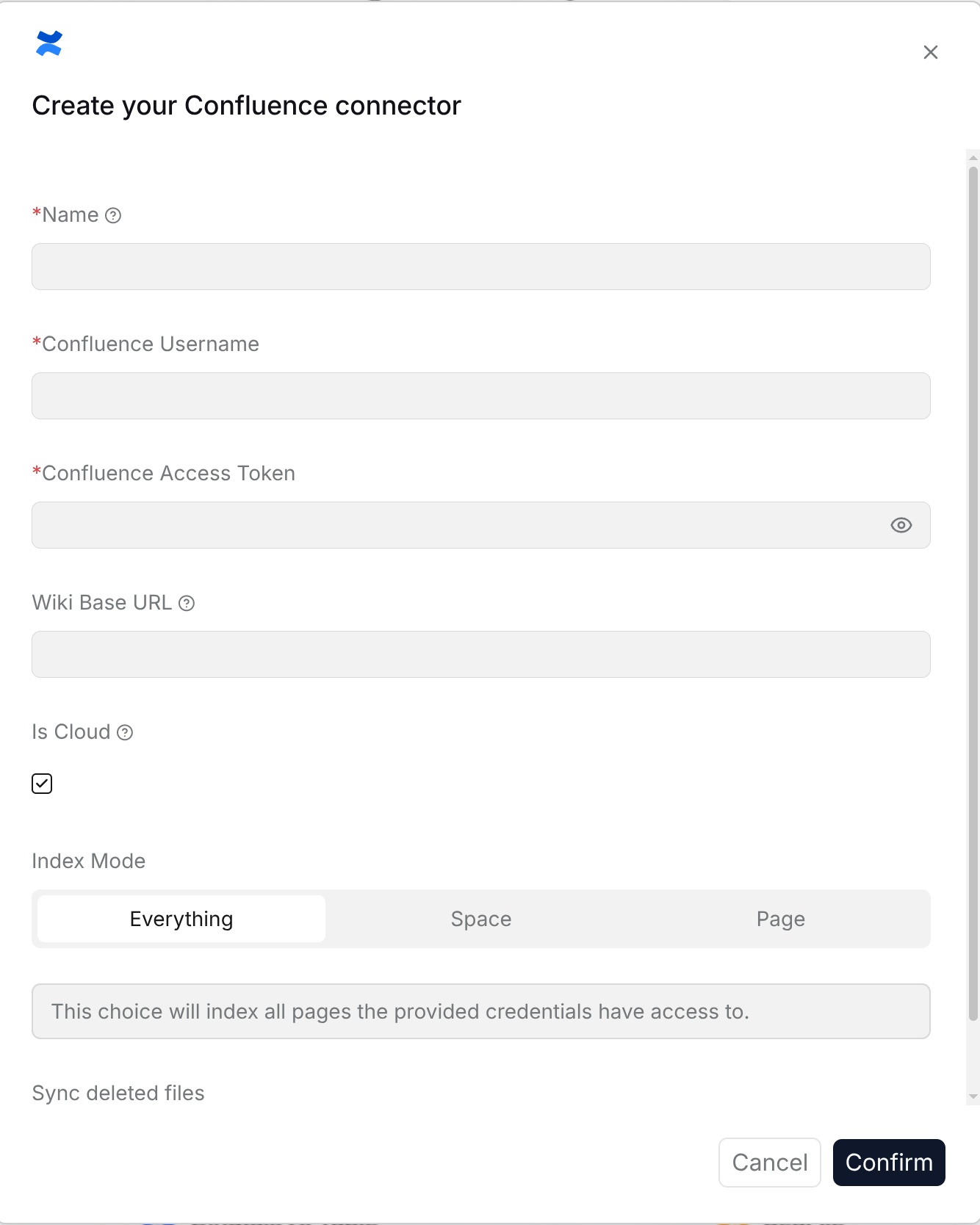## Notion-The Notion data source is used to synchronize Notion pages and database content to a RAGFlow knowledge base. After configuration, documents, project records, and knowledge cards organized by the team in Notion can be used for retrieval and Q&A.--**Permission requirements**: The Notion integration must be granted access to the target page or database.+The Notion data source is used to synchronize Notion pages and database content to a RAGFlow Dataset. After configuration, documents, project records, and knowledge cards organized by the team in Notion can be used for retrieval and Q&A.-**Account version requirements**: Both Notion personal pages and team spaces can be used. As long as the target page or database has been shared with the Notion integration, it can be synchronized to RAGFlow.+**Requirements**: Share the target pages or databases with the Notion integration used for this connection.**Configuration parameters**:- **Name**: Customize the name in RAGFlow to identify this Notion connection.- **Notion integration token**: Fill in the integration token used to access Notion.- **Root page ID**: Fill in the root page ID that needs to be synchronized.-- **Sync deleted files**: After this is enabled, content deleted from the external system is removed from the knowledge base index.+- **Sync deleted files**: After this is enabled, content deleted from the external system is removed from the Dataset index.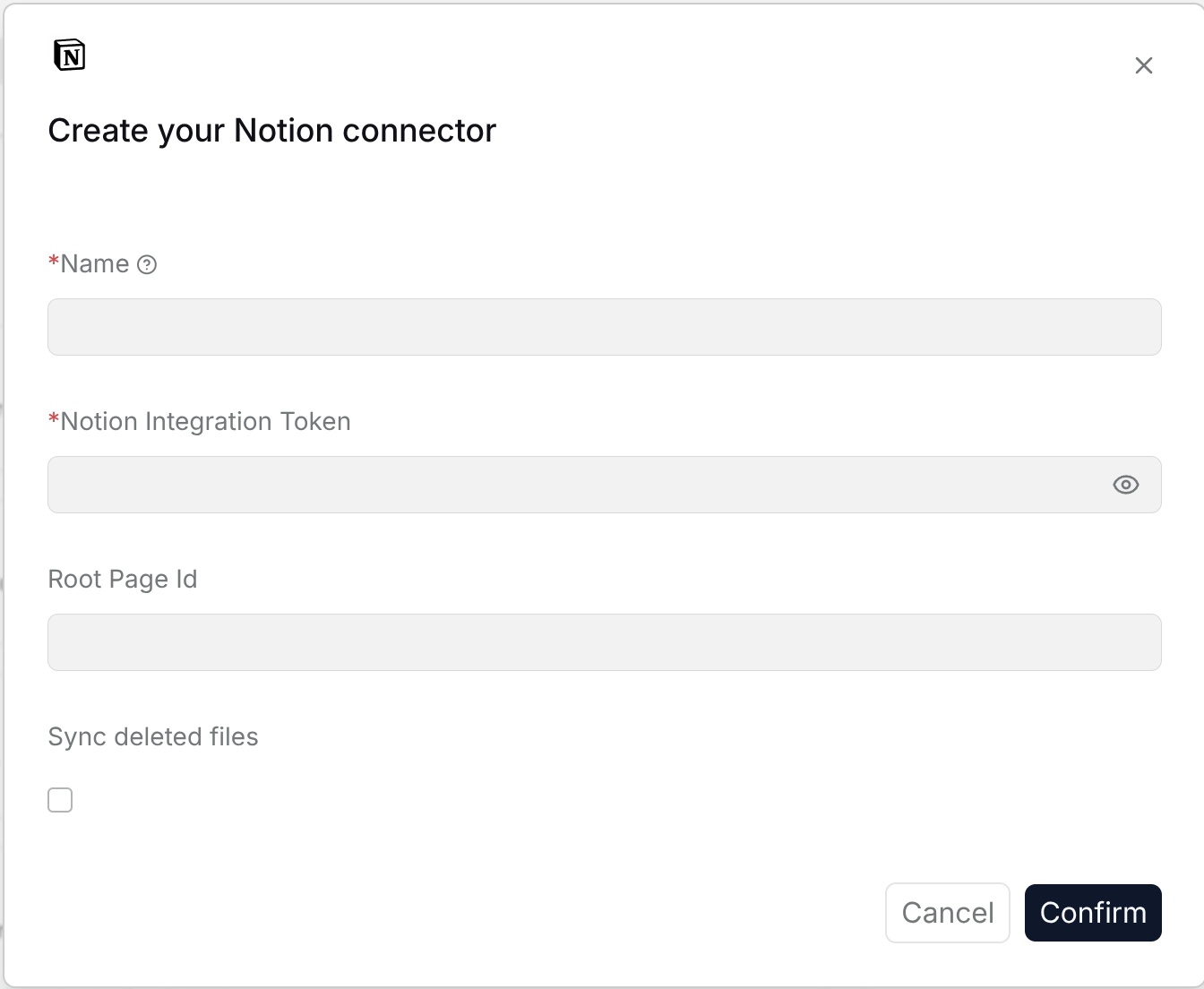## Google Drive-The Google Drive data source is used to synchronize files or folders in Google Drive to a RAGFlow knowledge base. After configuration, team cloud documents can be used directly for knowledge base retrieval and Q&A.+The Google Drive data source is used to synchronize files or folders in Google Drive to a RAGFlow Dataset. After configuration, team cloud documents can be used directly for Dataset retrieval and Q&A.-**Permission requirements**: The Google account or OAuth authorization must have read permissions for the target files, shared folders, or cloud drives.--**Account version requirements**: Folders that a user is authorized to access in a personal Google Drive can be used. To synchronize organization shared folders or multi-user cloud drives, a Google Workspace administrator or an account with the corresponding authorization is usually required.+**Requirements**: Use Google OAuth credentials with read access to the target files and folders. For organization-wide access, obtain the required Google Workspace administrator authorization.**Configuration parameters**:@@ -65,15 +59,13 @@ The Google Drive data source is used to synchronize files or folders in Google D- **My Drive email**: Fill in the email address of the user whose **My Drive** needs to be indexed.- **Shared folder URL**: Fill in the Google Drive shared folder URL that needs to be synchronized.-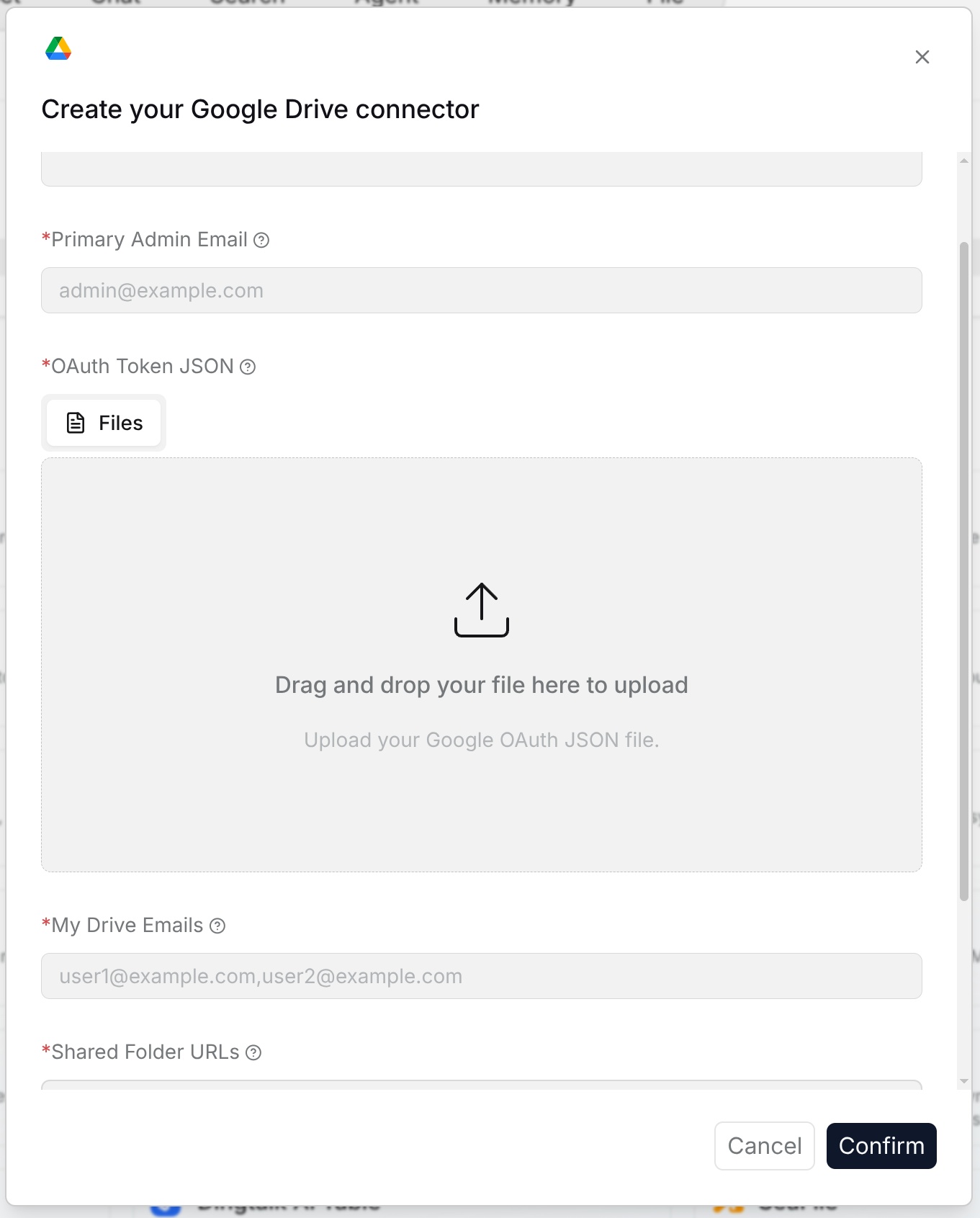+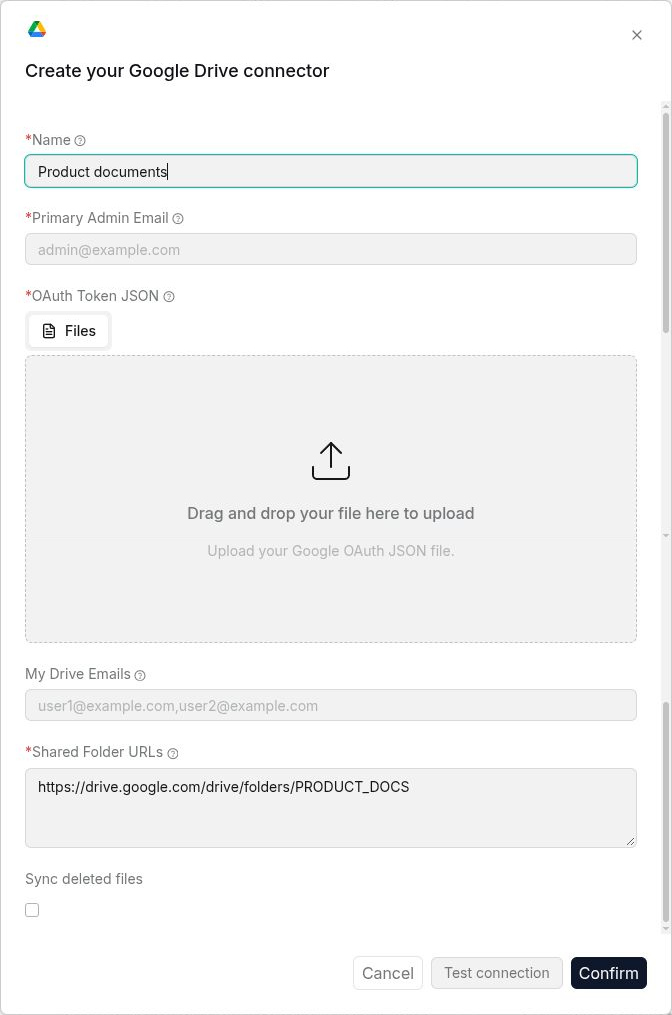## OneDrive-The OneDrive data source is used to synchronize files in OneDrive or OneDrive for Business to a RAGFlow knowledge base. After configuration, personal or department cloud files can be queried in a unified way.--**Permission requirements**: The Microsoft account or application authorization must have read permissions for the target folders and files.+The OneDrive data source is used to synchronize files in OneDrive or OneDrive for Business to a RAGFlow Dataset. After configuration, personal or department cloud files can be queried in a unified way.-**Account version requirements**: This is usually configured for Microsoft 365 or Entra ID organization accounts. Personal OneDrive is generally not suitable for the current connection method based on tenant, client ID, and client secret.+**Requirements**: Use a Microsoft 365 organization account and an Entra ID application with read access to the target files and folders.**Configuration parameters**:@@ -83,17 +75,15 @@ The OneDrive data source is used to synchronize files in OneDrive or OneDrive fo- **Client secret**: Fill in the client secret from the app registration.- **Folder path (optional)**: Fill in the OneDrive subfolder path.- **Batch size**: Set the number of items processed in each batch.-- **Sync deleted files**: After this is enabled, content deleted from the external system is removed from the knowledge base index.+- **Sync deleted files**: After this is enabled, content deleted from the external system is removed from the Dataset index.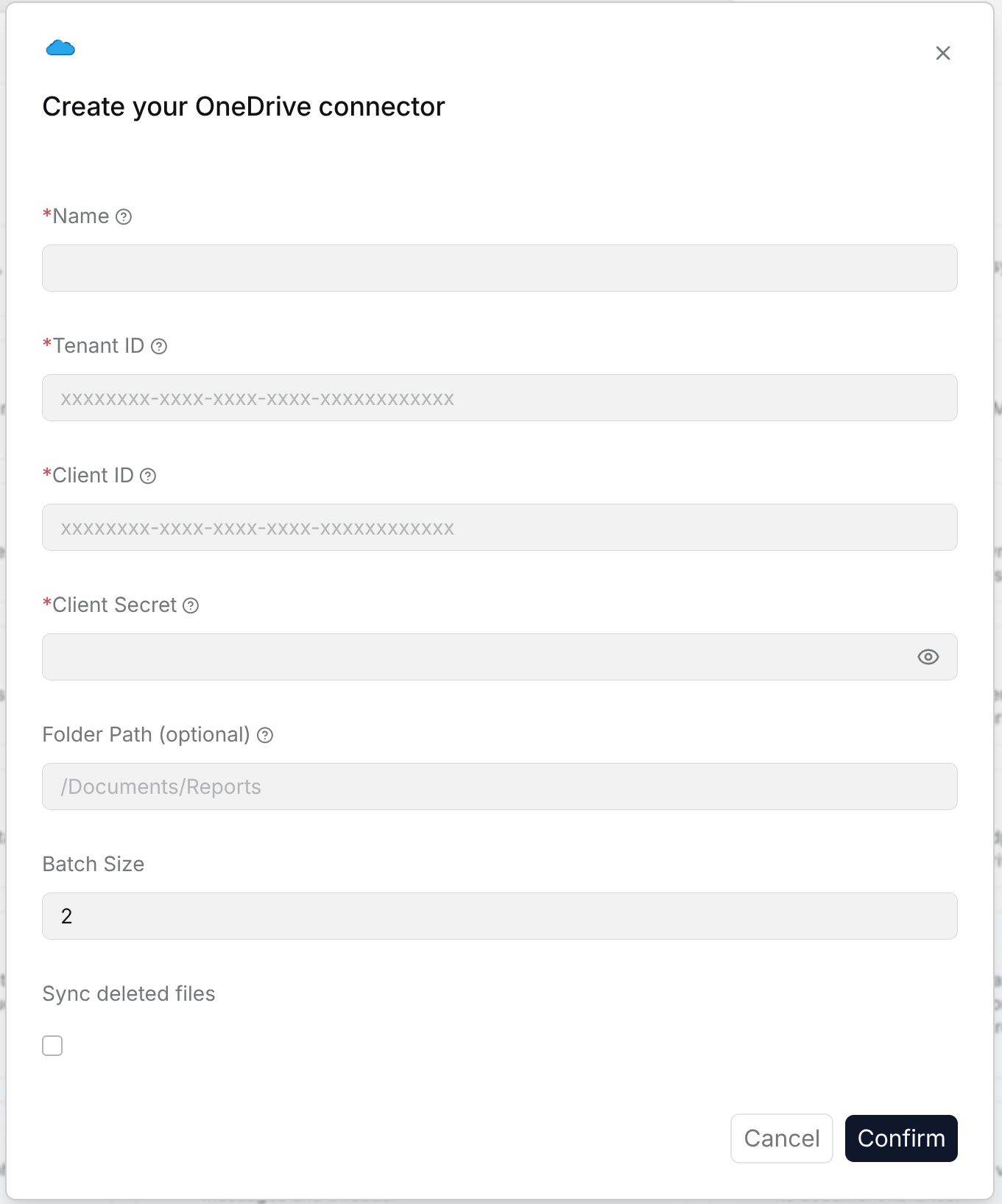## SharePoint-The SharePoint data source is used to synchronize SharePoint site document libraries to a RAGFlow knowledge base. After configuration, enterprise policies, department materials, and project files can be managed and queried in a unified way.+The SharePoint data source is used to synchronize SharePoint site document libraries to a RAGFlow Dataset. After configuration, enterprise policies, department materials, and project files can be managed and queried in a unified way.-**Permission requirements**: The Microsoft account or application authorization must have read permissions for the target site, document library, and files.--**Account version requirements**: A Microsoft 365 or SharePoint organization site and Entra ID application authorization are required. Personal accounts are not applicable.+**Requirements**: Use an Entra ID application authorized to read the target SharePoint site, document library, and files.**Configuration parameters**:@@ -102,51 +92,45 @@ The SharePoint data source is used to synchronize SharePoint site document libra- **Tenant ID**: Fill in the Microsoft Entra ID tenant ID.- **Client ID**: Fill in the client ID from the app registration.- **Client secret**: Fill in the client secret from the app registration.-- **Sync deleted files**: After this is enabled, content deleted from the external system is removed from the knowledge base index.+- **Sync deleted files**: After this is enabled, content deleted from the external system is removed from the Dataset index.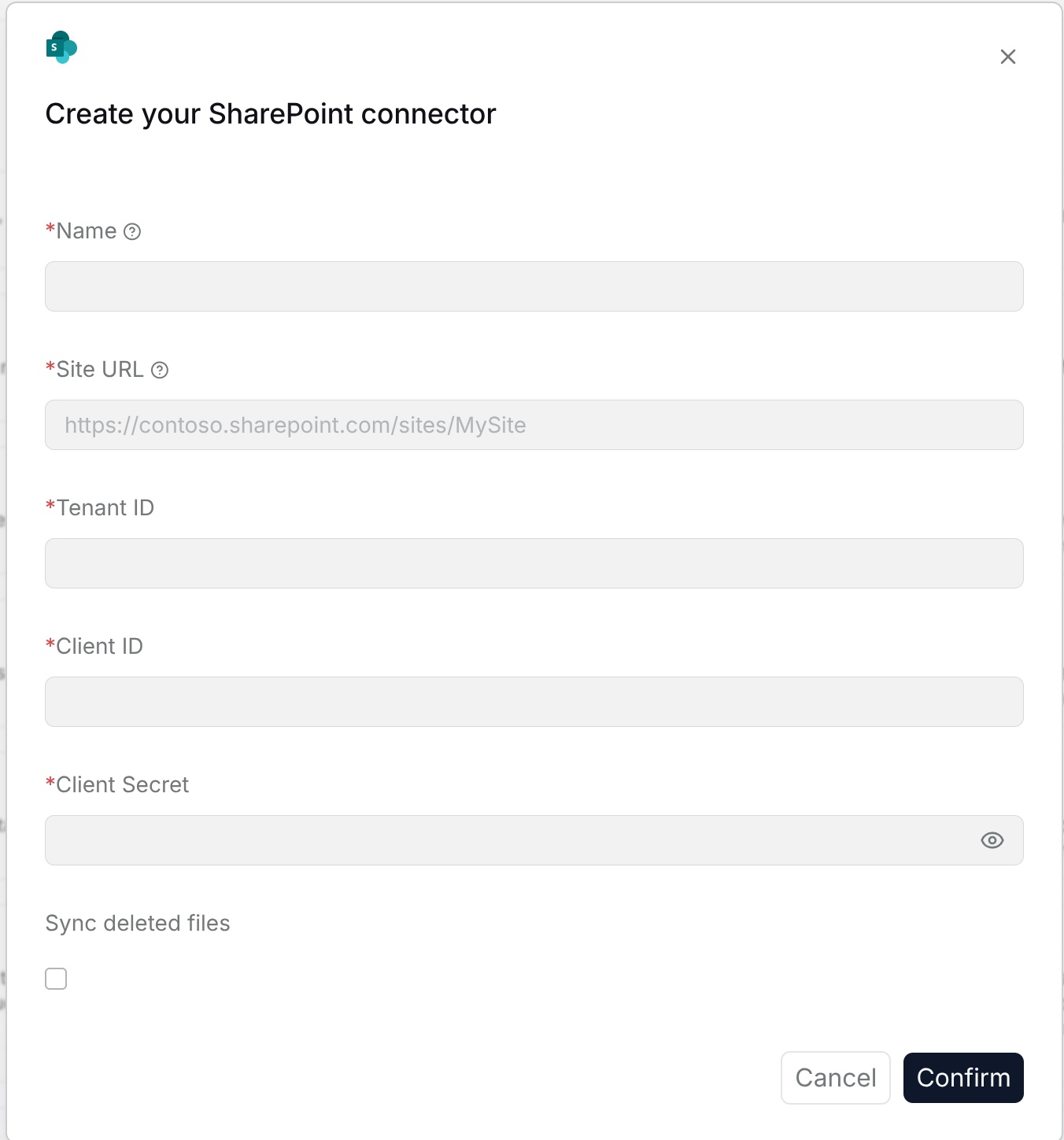## Box-The Box data source is used to synchronize files and folders in Box cloud drive to a RAGFlow knowledge base. After configuration, enterprise cloud drive materials and externally collaborated files can be queried in a unified way.--**Permission requirements**: The Box application or account must have read permissions for the target folders and files.+The Box data source is used to synchronize files and folders in Box cloud drive to a RAGFlow Dataset. After configuration, enterprise cloud drive materials and externally collaborated files can be queried in a unified way.-**Account version requirements**: Both personal Box folders and enterprise Box spaces can be used. Enterprise spaces require the administrator or application authorization to allow access to the target folder.+**Requirements**: Use a Box application or account with read access to the target folders and files. Obtain administrator authorization if required by your organization.**Configuration parameters**:- **Name**: Customize the name in RAGFlow to identify this Box connection.- **Box OAuth configuration**: Fill in the Box OAuth configuration information.- **Folder ID**: Fill in the Box folder ID that needs to be synchronized.-- **Sync deleted files**: After this is enabled, content deleted from the external system is removed from the knowledge base index.+- **Sync deleted files**: After this is enabled, content deleted from the external system is removed from the Dataset index.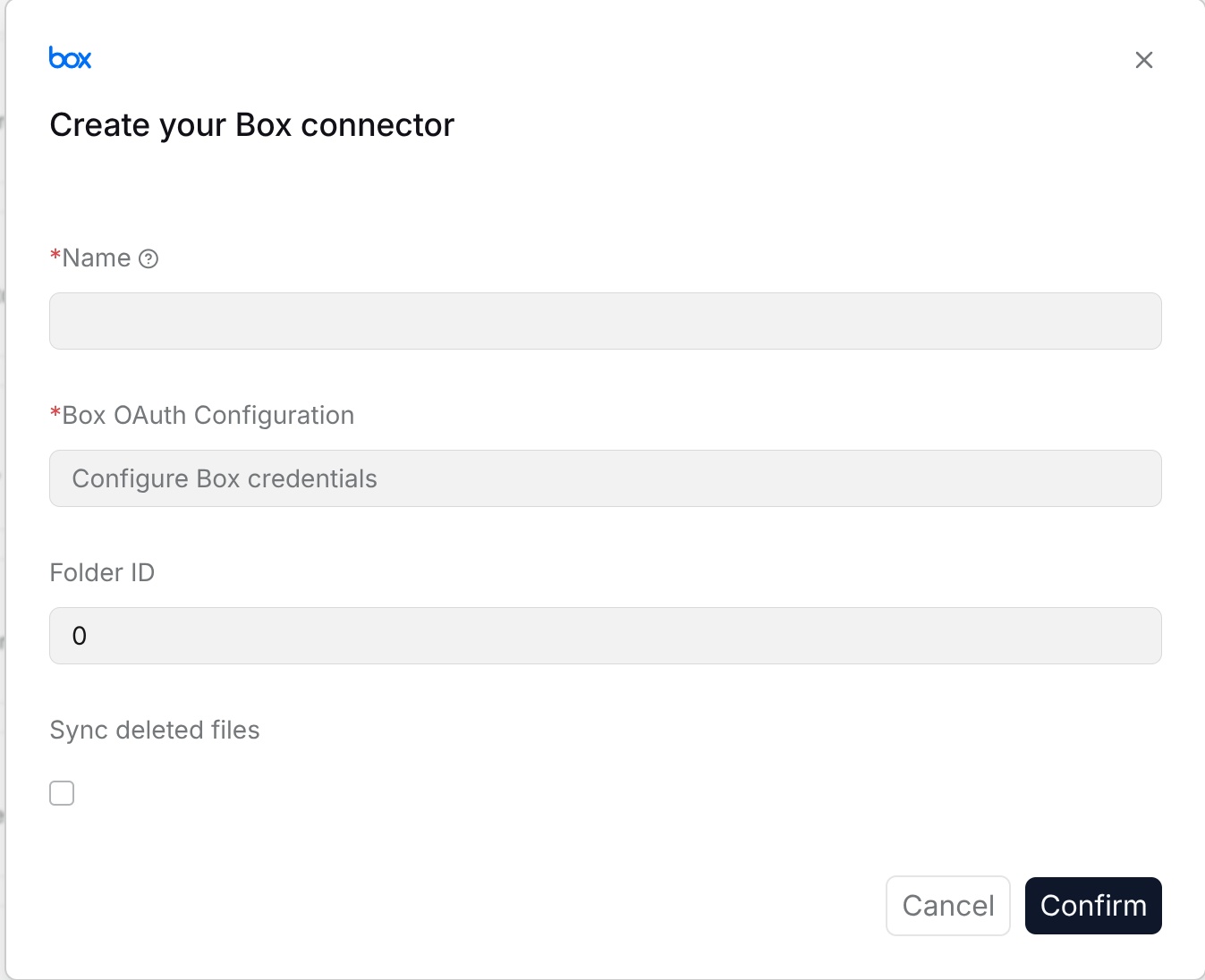## Dropbox-The Dropbox data source is used to synchronize files and folders in Dropbox to a RAGFlow knowledge base. After configuration, cloud collaboration files can be used for knowledge base retrieval and Q&A.--**Permission requirements**: The Dropbox application or account must have read permissions for the target folders and files.+The Dropbox data source is used to synchronize files and folders in Dropbox to a RAGFlow Dataset. After configuration, cloud collaboration files can be used for Dataset retrieval and Q&A.-**Account version requirements**: Both personal Dropbox and team Dropbox can be used. Team spaces require application authorization with read permissions for the target files or folders.+**Requirements**: Use a Dropbox access token with read access to the target folders and files, including any team folders to synchronize.**Configuration parameters**:- **Name**: Customize the name in RAGFlow to identify this Dropbox connection.- **Access token**: Fill in the Dropbox access token.- **Batch size**: Set the number of files synchronized in each batch.-- **Sync deleted files**: After this is enabled, content deleted from the external system is removed from the knowledge base index.+- **Sync deleted files**: After this is enabled, content deleted from the external system is removed from the Dataset index.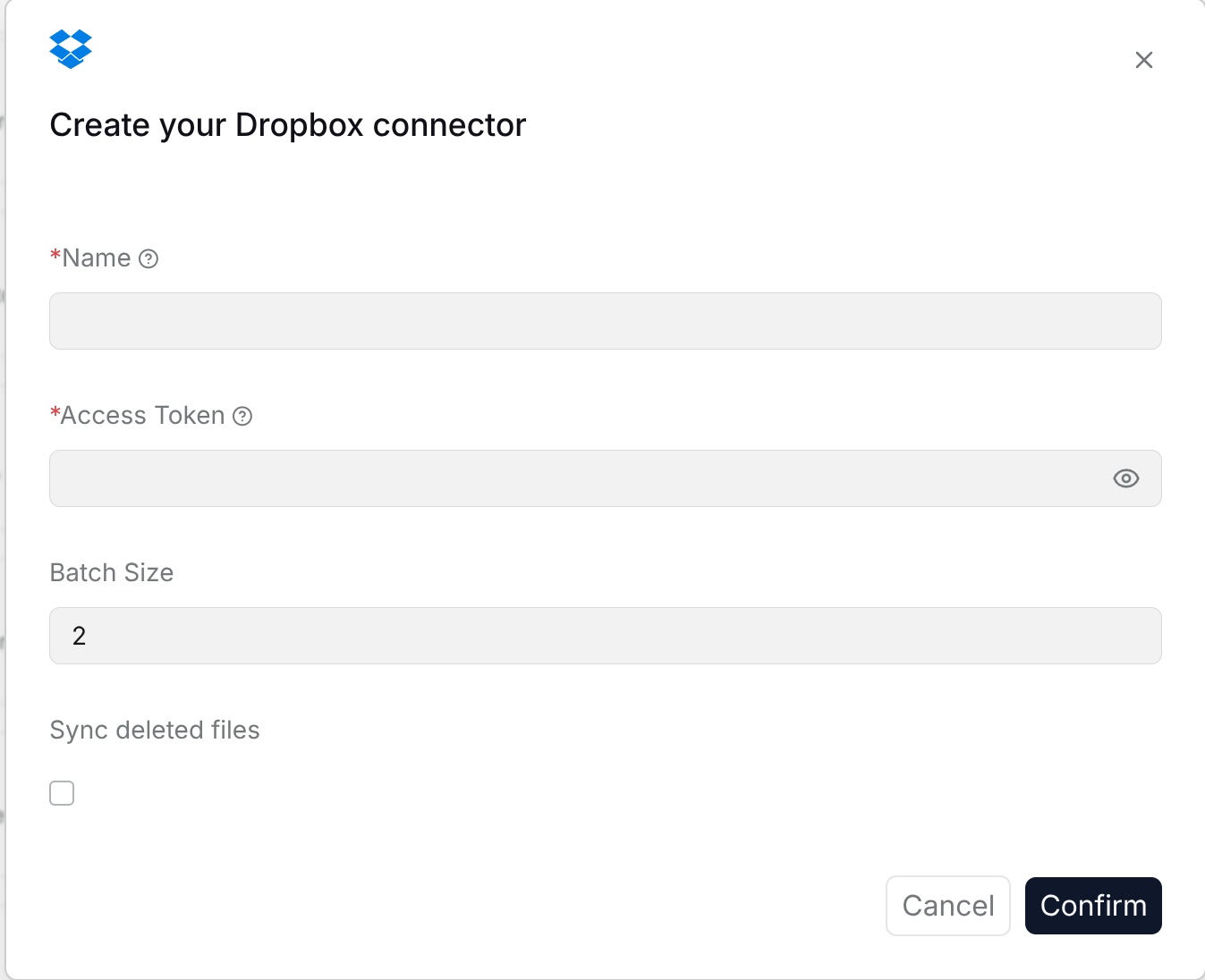## SeaFile-The SeaFile data source is used to synchronize account, library, or directory content in Seafile to a RAGFlow knowledge base. After configuration, private cloud drive materials and department files can be retrieved in a unified way.+The SeaFile data source is used to synchronize account, library, or directory content in Seafile to a RAGFlow Dataset. After configuration, private cloud drive materials and department files can be retrieved in a unified way.-**Permission requirements**: The SeaFile account must have read permissions for the target libraries, directories, and files.--**Account version requirements**: Both personal libraries and enterprise libraries can be used. When synchronizing shared libraries or specified directories, the corresponding library token or account permissions are required.+**Requirements**: Use a SeaFile account or library token with read access to the target libraries, directories, and files.**Configuration parameters**:@@ -159,17 +143,15 @@ The SeaFile data source is used to synchronize account, library, or directory co- **Library ID**: Fill this in when synchronizing a single library or specified directory.- **Directory path**: Fill this in when the synchronization scope is **Specified directory**.- **Batch size**: Set the number of items processed in each batch.-- **Sync deleted files**: After this is enabled, content deleted from the external system is removed from the knowledge base index.+- **Sync deleted files**: After this is enabled, content deleted from the external system is removed from the Dataset index.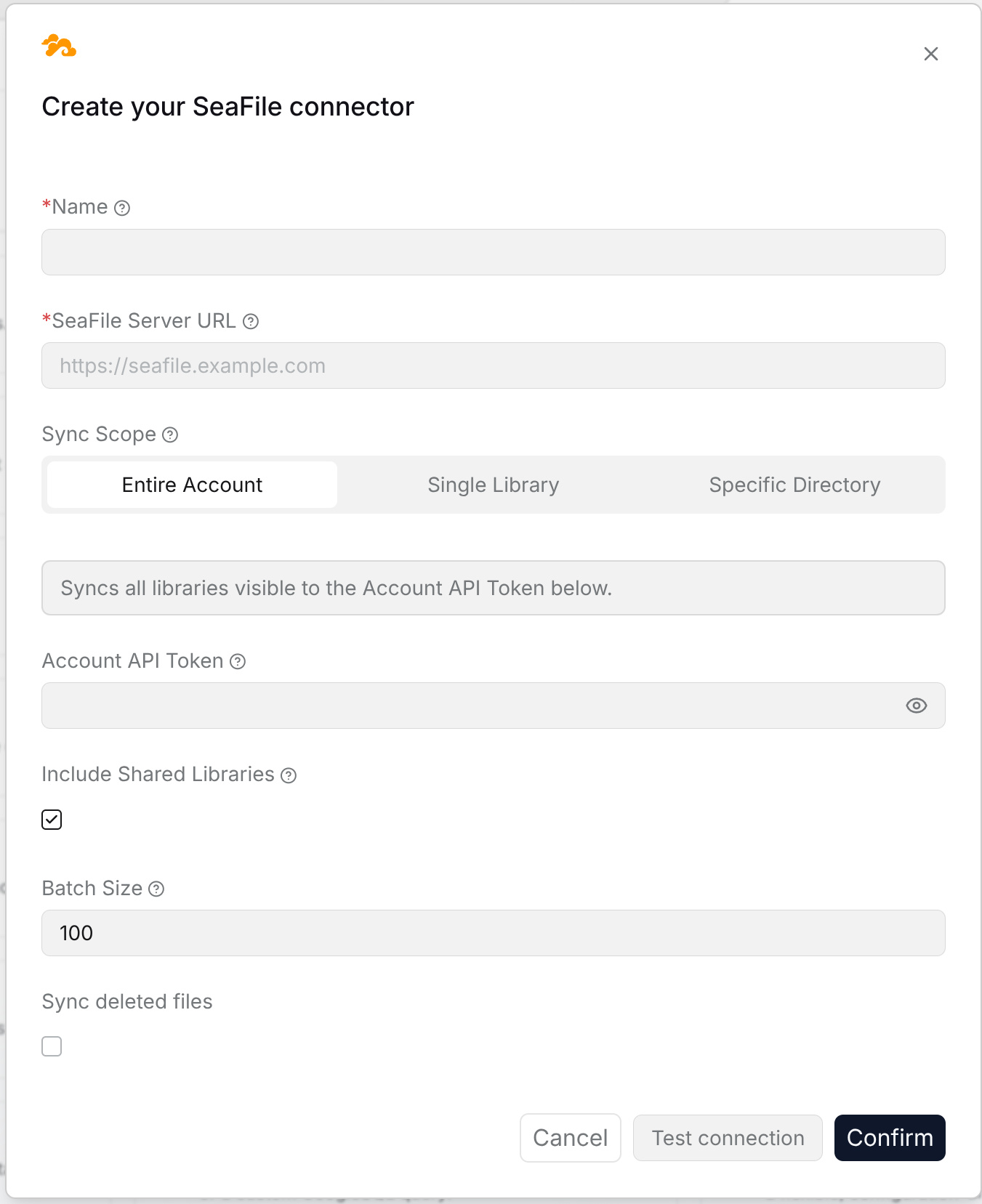## S3-The S3 data source is used to synchronize files in an object storage bucket to a RAGFlow knowledge base. After configuration, documents stored in the cloud or in private object storage can be uniformly included in knowledge base management.--**Permission requirements**: The access key, IAM role, or compatible storage account must have bucket listing and object reading permissions.+The S3 data source is used to synchronize files in an object storage bucket to a RAGFlow Dataset. After configuration, documents stored in the cloud or in private object storage can be uniformly included in Dataset management.-**Account version requirements**: An AWS S3 or S3-compatible object storage account is required. This type of data source is determined by cloud account and bucket permissions, and does not distinguish between personal and enterprise editions.+**Requirements**: Use AWS S3 or S3-compatible storage credentials with permission to list the target bucket and read its objects.**Configuration parameters**:@@ -184,15 +166,15 @@ The S3 data source is used to synchronize files in an object storage bucket to a- **Role ARN**: Fill this in when using an IAM role or AssumeRole.- **Addressing style**: Select virtual-hosted style or path style in S3-compatible mode.- **Endpoint URL**: Fill in the endpoint address in S3-compatible mode.-- **Sync deleted files**: After this is enabled, content deleted from the external system is removed from the knowledge base index.+- **Sync deleted files**: After this is enabled, content deleted from the external system is removed from the Dataset index.-## Google Cloud Storage+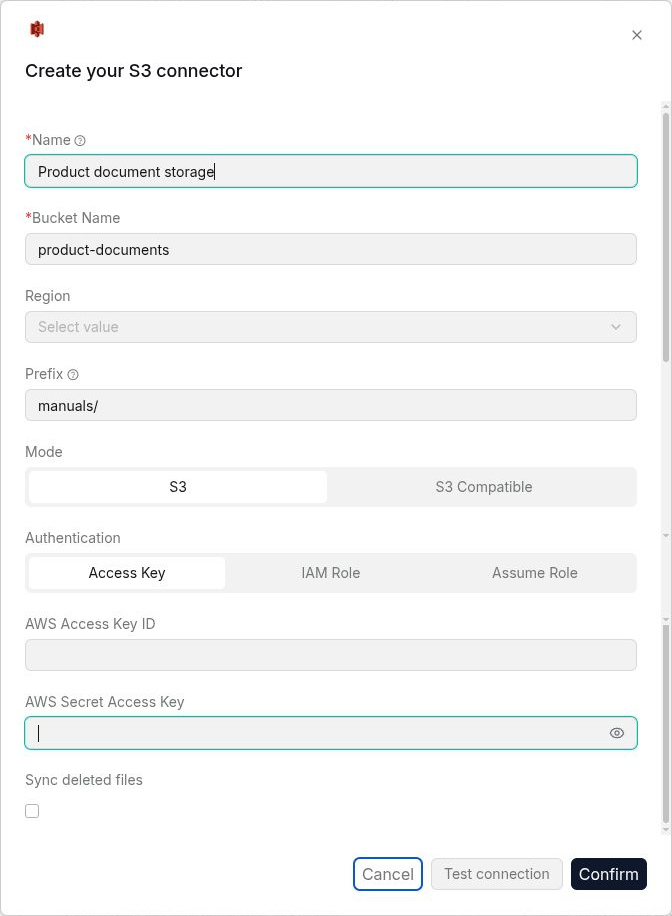-The Google Cloud Storage data source is used to synchronize files in a GCS bucket to a RAGFlow knowledge base. After configuration, project materials, reports, and documents on Google Cloud can enter the knowledge base for team retrieval.+## Google Cloud Storage-**Permission requirements**: The GCS credentials must have listing and object reading permissions for the target bucket.+The Google Cloud Storage data source is used to synchronize files in a GCS bucket to a RAGFlow Dataset. After configuration, project materials, reports, and documents on Google Cloud can enter the Dataset for team retrieval.-**Account version requirements**: Google Cloud project and bucket permissions are required. They are usually configured according to cloud project permissions, and do not distinguish between personal and enterprise editions.+**Requirements**: Use Google Cloud Storage credentials with permission to list the target bucket and read its objects.**Configuration parameters**:@@ -200,17 +182,15 @@ The Google Cloud Storage data source is used to synchronize files in a GCS bucke- **GCS access key ID**: Fill in the GCS access key ID.- **GCS access key**: Fill in the GCS access key.- **Bucket name**: Fill in the bucket name that needs to be synchronized.-- **Sync deleted files**: After this is enabled, content deleted from the external system is removed from the knowledge base index.+- **Sync deleted files**: After this is enabled, content deleted from the external system is removed from the Dataset index.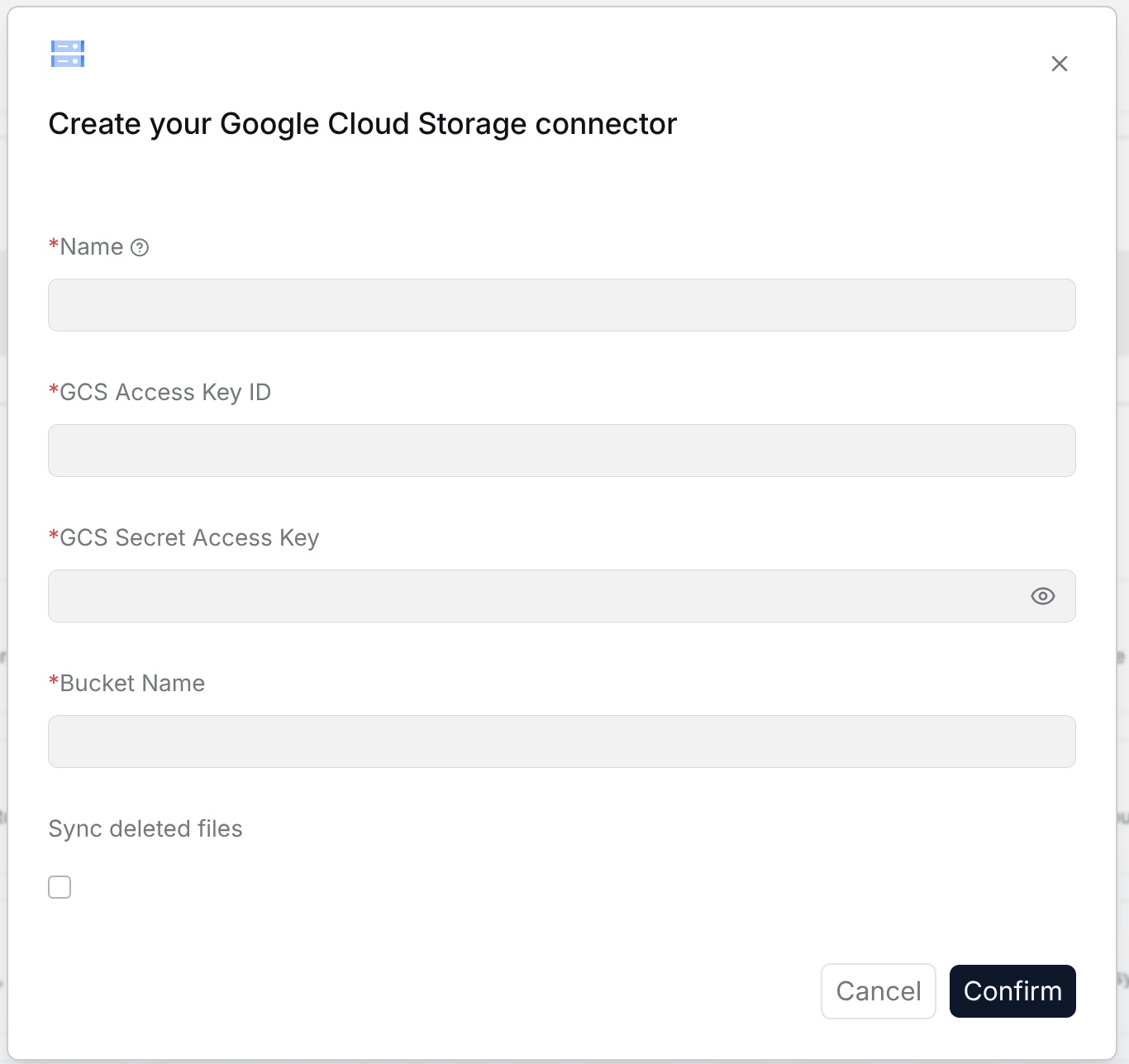## Oracle Storage-The Oracle Storage data source is used to synchronize files in Oracle Cloud Object Storage to a RAGFlow knowledge base. After configuration, documents and archive materials stored on OCI can be retrieved in a unified way.--**Permission requirements**: The OCI credentials must have listing and object reading permissions for the target bucket.+The Oracle Storage data source is used to synchronize files in Oracle Cloud Object Storage to a RAGFlow Dataset. After configuration, documents and archive materials stored on OCI can be retrieved in a unified way.-**Account version requirements**: Oracle Cloud tenancy and object storage permissions are required. They are usually configured according to cloud account permissions.+**Requirements**: Use OCI credentials with permission to list the target bucket and read its objects.**Configuration parameters**:@@ -220,17 +200,15 @@ The Oracle Storage data source is used to synchronize files in Oracle Cloud Obje- **OCI access key ID**: Fill in the OCI access key ID.- **OCI access key**: Fill in the OCI access key.- **Bucket name**: Fill in the bucket name that needs to be synchronized.-- **Sync deleted files**: After this is enabled, content deleted from the external system is removed from the knowledge base index.+- **Sync deleted files**: After this is enabled, content deleted from the external system is removed from the Dataset index.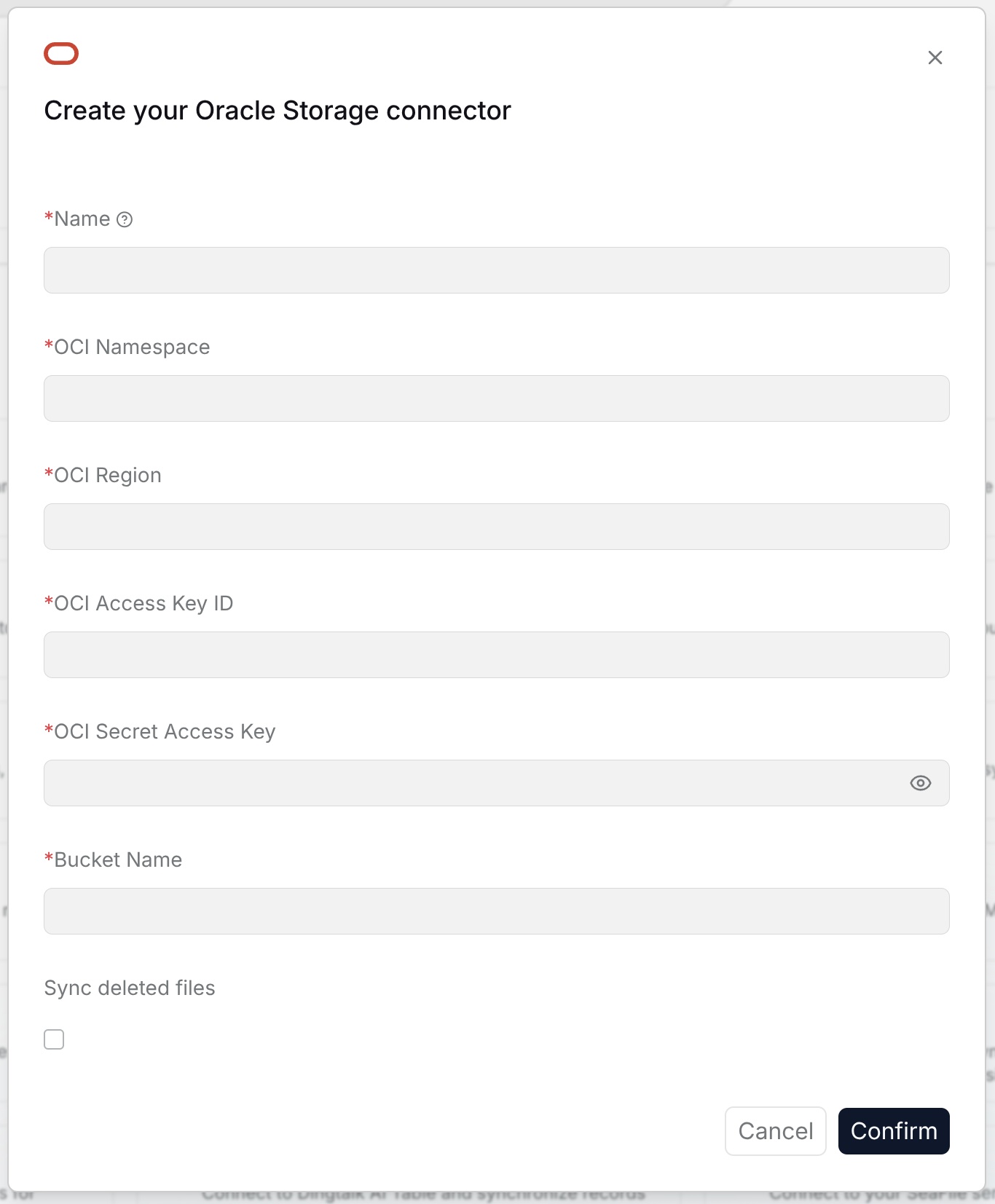## R2-The R2 data source is used to synchronize files in a Cloudflare R2 bucket to a RAGFlow knowledge base. After configuration, public materials, business files, or historical documents stored in R2 can be queried in a unified way.--**Permission requirements**: The R2 access key must have listing and object reading permissions for the target bucket.+The R2 data source is used to synchronize files in a Cloudflare R2 bucket to a RAGFlow Dataset. After configuration, public materials, business files, or historical documents stored in R2 can be queried in a unified way.-**Account version requirements**: A Cloudflare account and R2 bucket permissions are required. Both personal and enterprise Cloudflare accounts can be used, depending on whether they have access to the target bucket.+**Requirements**: Use a Cloudflare R2 access key with permission to list the target bucket and read its objects.**Configuration parameters**:@@ -239,17 +217,15 @@ The R2 data source is used to synchronize files in a Cloudflare R2 bucket to a R- **R2 access key ID**: Fill in the R2 access key ID.- **R2 access key**: Fill in the R2 access key.- **Bucket name**: Fill in the bucket name that needs to be synchronized.-- **Sync deleted files**: After this is enabled, content deleted from the external system is removed from the knowledge base index.+- **Sync deleted files**: After this is enabled, content deleted from the external system is removed from the Dataset index.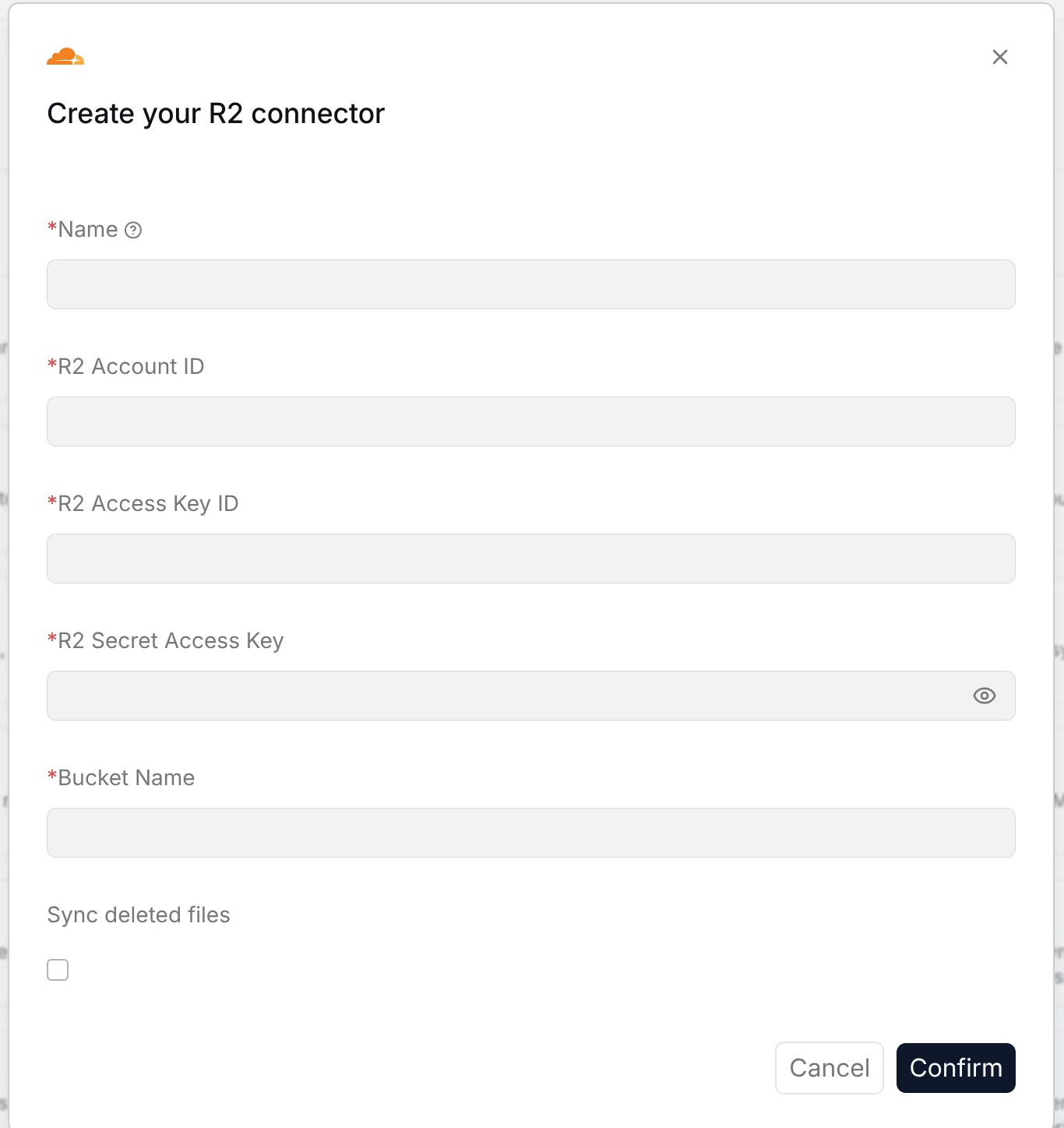## Azure Blob Storage-The Azure Blob Storage data source is used to synchronize files in an Azure Blob container to a RAGFlow knowledge base. After configuration, materials, reports, and archive files in an Azure cloud environment can be queried in a unified way.+The Azure Blob Storage data source is used to synchronize files in an Azure Blob container to a RAGFlow Dataset. After configuration, materials, reports, and archive files in an Azure cloud environment can be queried in a unified way.-**Permission requirements**: The Azure credentials must have read permissions for the target container and blobs.--**Account version requirements**: An Azure storage account, connection string, or SAS authorization is required. They are usually configured according to Azure subscription and storage container permissions.+**Requirements**: Use Azure storage credentials with read access to the target container and blobs.**Configuration parameters**:@@ -263,17 +239,15 @@ The Azure Blob Storage data source is used to synchronize files in an Azure Blob- **Container name**: Fill in the container name that needs to be synchronized.- **Prefix (optional)**: Used to limit the synchronization path.- **Batch size**: Set the number of files processed in each batch.-- **Sync deleted files**: After this is enabled, content deleted from the external system is removed from the knowledge base index.+- **Sync deleted files**: After this is enabled, content deleted from the external system is removed from the Dataset index.-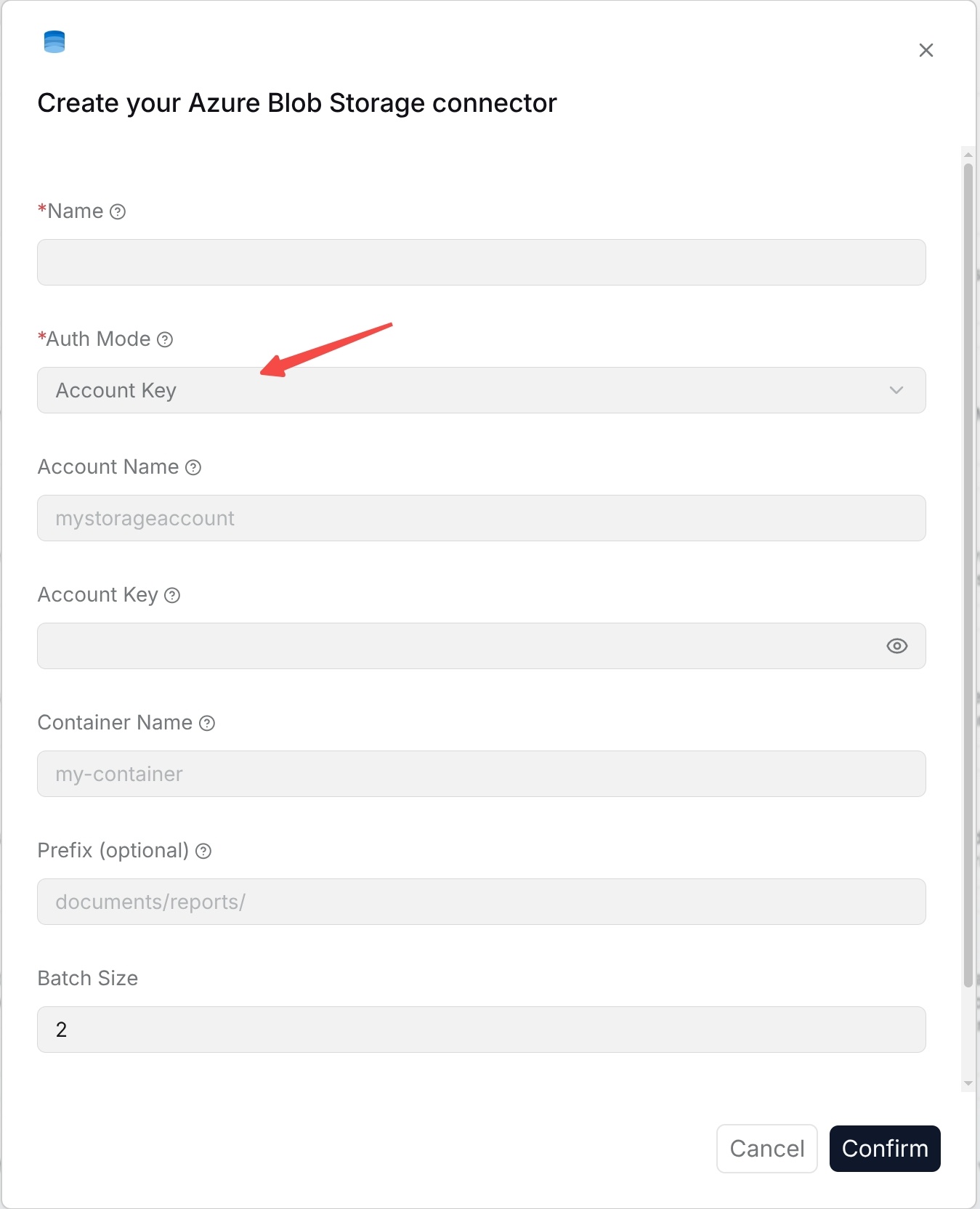+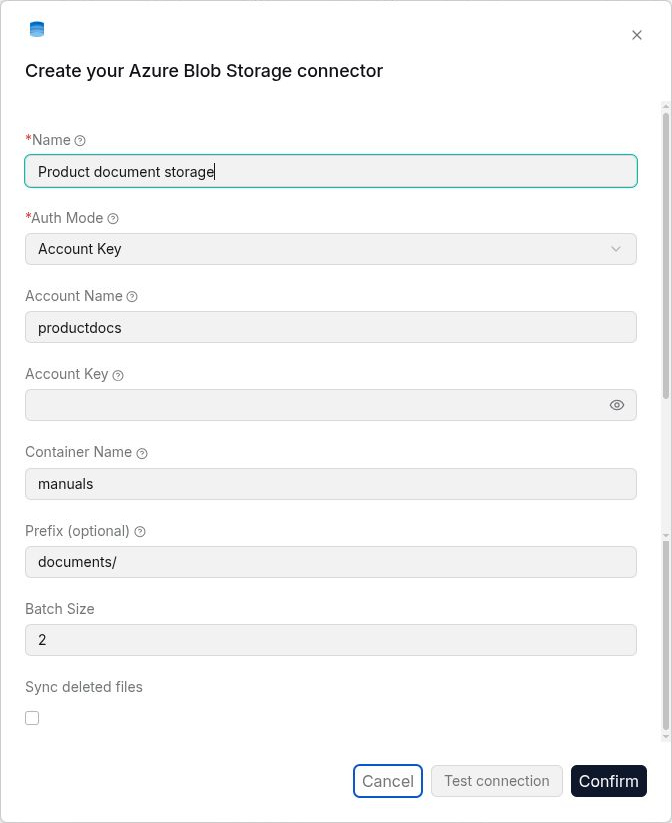## MySQL-The MySQL data source is used to synchronize table records or query results in MySQL to a RAGFlow knowledge base. After configuration, structured business data can be used for retrieval and Q&A.--**Permission requirements**: The database account must have SELECT permission on the target database tables. A read-only account is recommended.+The MySQL data source is used to synchronize table records or query results in MySQL to a RAGFlow Dataset. After configuration, structured business data can be used for retrieval and Q&A.-**Account version requirements**: Both personal self-built databases and enterprise databases can be used. It is recommended to use a read-only account to connect to the target database tables.+**Requirements**: Use a database account with SELECT permission on the target tables. A read-only account is recommended.**Configuration parameters**:@@ -299,11 +273,9 @@ When using a custom query, use the column names or aliases returned by that quer## PostgreSQL-The PostgreSQL data source is used to synchronize table records or query results in PostgreSQL to a RAGFlow knowledge base. After configuration, structured business data can be used for retrieval and Q&A.+The PostgreSQL data source is used to synchronize table records or query results in PostgreSQL to a RAGFlow Dataset. After configuration, structured business data can be used for retrieval and Q&A.-**Permission requirements**: The database account must have SELECT permission on the target database tables. A read-only account is recommended.--**Account version requirements**: Both personal self-built databases and enterprise databases can be used. It is recommended to use a read-only account to connect to the target database tables.+**Requirements**: Use a database account with SELECT permission on the target tables. A read-only account is recommended.**Configuration parameters**:@@ -317,11 +289,9 @@ Use the PostgreSQL service port, usually `5432`, and PostgreSQL syntax for a cus## BigQuery-The BigQuery data source is used to synchronize table records or query results in BigQuery to a RAGFlow knowledge base. After configuration, structured data and analysis results in Google Cloud can be retrieved and used for Q&A.--**Permission requirements**: The Google Cloud account or service account must have query and read permissions for the target BigQuery project, dataset, and table.+The BigQuery data source is used to synchronize table records or query results in BigQuery to a RAGFlow Dataset. After configuration, structured data and analysis results in Google Cloud can be retrieved and used for Q&A.-**Account version requirements**: Google Cloud project and BigQuery permissions are required. They are configured according to cloud project permissions.+**Requirements**: Use Google Cloud credentials with query and read permissions for the target BigQuery project, dataset, and table.**Configuration parameters**:@@ -350,11 +320,9 @@ Use source column names, or result aliases when using a custom query. Click **Te## GitHub-The GitHub data source is used to synchronize issues and pull requests in GitHub repositories to a RAGFlow knowledge base. After configuration, open-source project materials, development discussions, and issue handling records can be queried.+The GitHub data source is used to synchronize issues and pull requests in GitHub repositories to a RAGFlow Dataset. After configuration, open-source project materials, development discussions, and issue handling records can be queried.-**Permission requirements**: The GitHub token must have read permissions for the target repositories, issues, and pull requests.--**Account version requirements**: Both personal repositories and organization repositories can be used. Organization private repositories require the token to have read permissions for the corresponding repositories, issues, and pull requests.+**Requirements**: Use a GitHub token with read access to the target repositories, issues, and pull requests. Ensure the token is authorized for private organization repositories when applicable.**Configuration parameters**:@@ -364,17 +332,15 @@ The GitHub data source is used to synchronize issues and pull requests in GitHub- **GitHub access token**: Fill in the GitHub access token.- **Include Pull Requests**: Select whether to synchronize pull requests.- **Include Issues**: Select whether to synchronize issues.-- **Sync deleted files**: After this is enabled, content deleted from the external system is removed from the knowledge base index.+- **Sync deleted files**: After this is enabled, content deleted from the external system is removed from the Dataset index.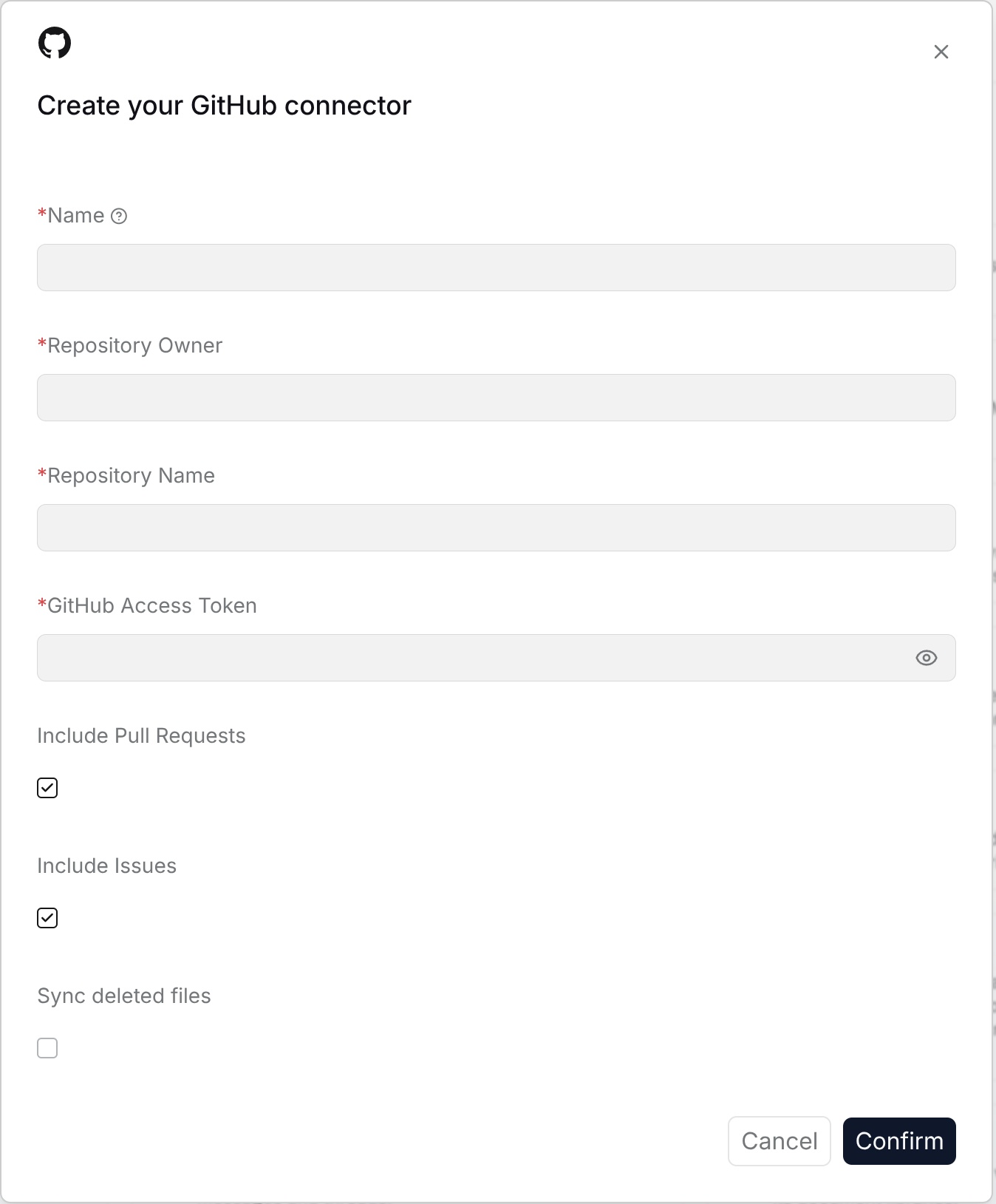## GitLab-The GitLab data source is used to synchronize GitLab repositories, issues, merge requests, and code files to a RAGFlow knowledge base. After configuration, project development records and code-related knowledge can be queried in a unified way.--**Permission requirements**: The GitLab access token must have read permissions for the target project, issues, merge requests, and repository files.+The GitLab data source is used to synchronize GitLab repositories, issues, merge requests, and code files to a RAGFlow Dataset. After configuration, project development records and code-related knowledge can be queried in a unified way.-**Account version requirements**: Both personal projects and group projects can be used. Private group projects require the token to have the corresponding read permissions.+**Requirements**: Use a GitLab access token with read access to the target project, issues, merge requests, and repository files.**Configuration parameters**:@@ -394,11 +360,9 @@ Select the content types you need, click **Test connection**, then **Confirm**.## Bitbucket-The Bitbucket data source is used to synchronize Bitbucket repository content, issues, and pull requests to a RAGFlow knowledge base. After configuration, team code collaboration records can be queried.--**Permission requirements**: The Bitbucket account, app password, or token must have read permissions for the target workspace and repository.+The Bitbucket data source is used to synchronize Bitbucket repository content, issues, and pull requests to a RAGFlow Dataset. After configuration, team code collaboration records can be queried.-**Account version requirements**: Both personal workspaces and team workspaces can be used. Private repositories require authorization with read permissions.+**Requirements**: Use Bitbucket credentials with read access to the target workspace and repositories, including private repositories to synchronize.**Configuration parameters**:@@ -409,17 +373,15 @@ The Bitbucket data source is used to synchronize Bitbucket repository content, i- **App password or access token**: Fill in the credential used to access Bitbucket.- **Include pull requests**: Select whether to synchronize pull requests.- **Include issues**: Select whether to synchronize issues.-- **Sync deleted files**: After this is enabled, content deleted from the external system is removed from the knowledge base index.+- **Sync deleted files**: After this is enabled, content deleted from the external system is removed from the Dataset index.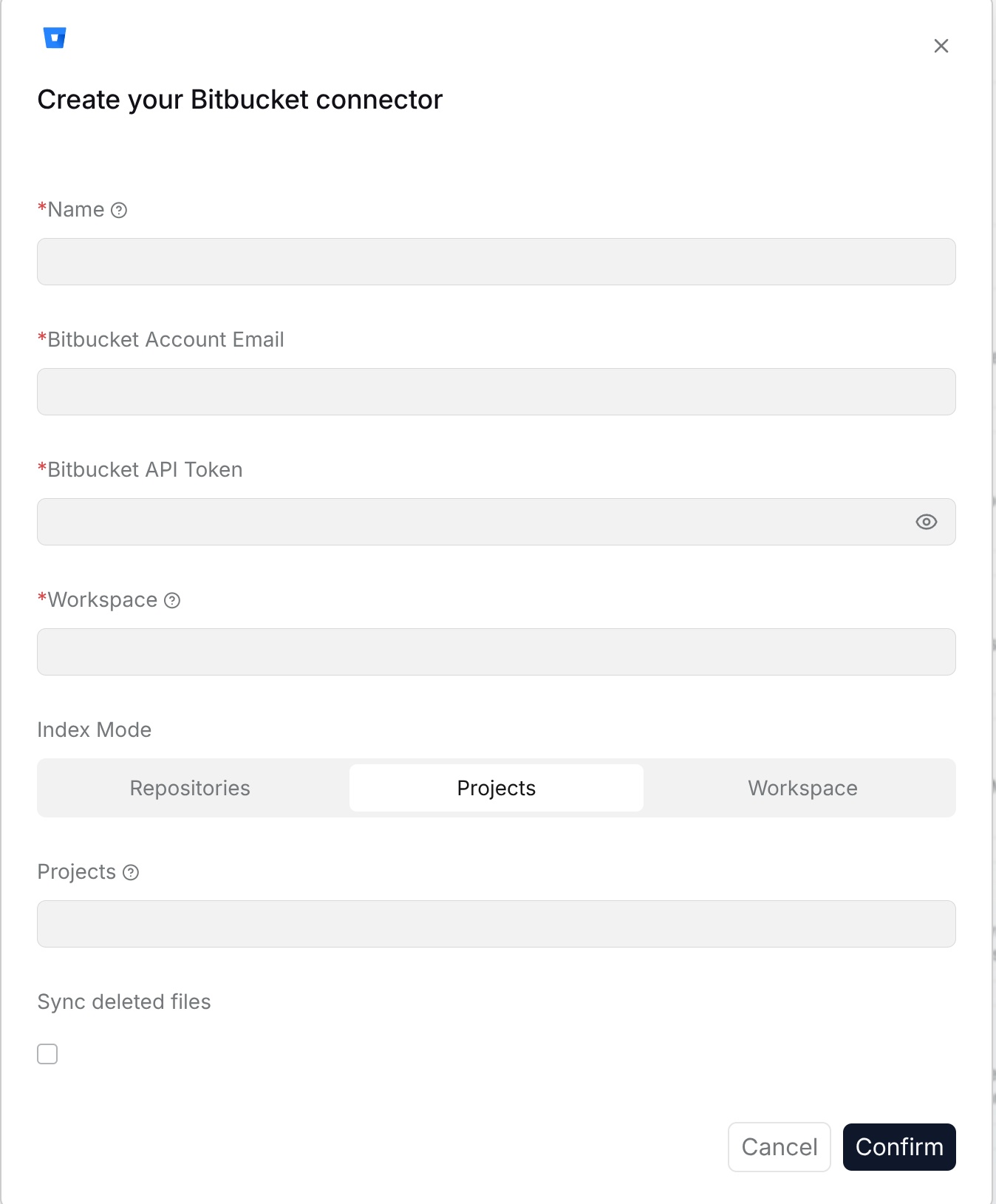## Azure DevOps-The Azure DevOps data source is used to synchronize Azure Repos source files and pull requests to a RAGFlow knowledge base. After configuration, repository content and code review history can be queried.+The Azure DevOps data source is used to synchronize Azure Repos source files and pull requests to a RAGFlow Dataset. After configuration, repository content and code review history can be queried.-**Permission requirements**: The personal access token (PAT) must have the **Code (Read)** scope for the target organization.--**Account version requirements**: Both Azure DevOps Services (`dev.azure.com`) and self-hosted Azure DevOps Server are supported. For a self-hosted server, provide its service or collection URL as described below. HTTP and HTTPS URLs are accepted; use HTTPS to protect the personal access token sent in the `Authorization` header.+**Requirements**: Use a personal access token (PAT) with **Code (Read)** access to the target organization. Azure DevOps Services (`dev.azure.com`) and self-hosted Azure DevOps Server are supported. For a self-hosted server, provide its service or collection URL. Use HTTPS to protect your credentials.**Configuration parameters**:@@ -433,17 +395,17 @@ The Azure DevOps data source is used to synchronize Azure Repos source files and- **Content types**: Choose whether to index source files, pull requests, or both.Pull request descriptions are re-fetched individually when they reach the 400-character limit imposed by the list endpoint, so long descriptions are indexed in full. Completed and abandoned pull requests are filtered by their close date; active ones are always re-indexed because Azure DevOps exposes no dependable "last updated" timestamp for them.-- **Sync deleted files**: After this is enabled, content deleted from the external system is removed from the knowledge base index.+- **Sync deleted files**: After this is enabled, content deleted from the external system is removed from the Dataset index.Build output and vendored directories such as `node_modules`, `bin`, `obj`, `dist`, and `vendor` are skipped, along with binary files and files larger than 1 MB.-## Jira+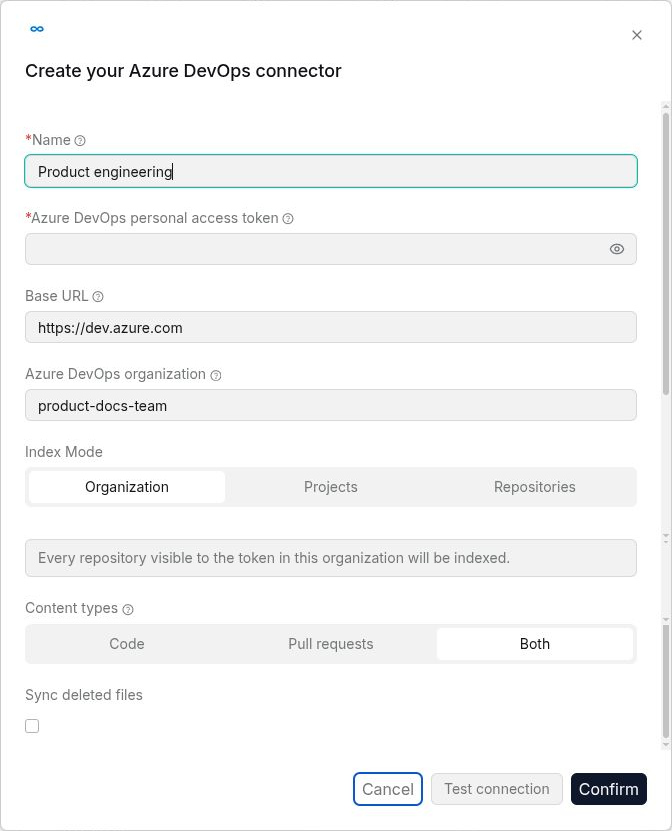-The Jira data source is used to synchronize issues, comments, and project records in Jira to a RAGFlow knowledge base. After configuration, project tasks, requirements, bugs, and handling records can be queried.+## Jira-**Permission requirements**: The Jira account or API token must have read permissions for the target project and issues.+The Jira data source is used to synchronize issues, comments, and project records in Jira to a RAGFlow Dataset. After configuration, project tasks, requirements, bugs, and handling records can be queried.-**Account version requirements**: Jira Cloud and Jira Server or Data Center can be used. Enterprise projects require the account to have access permissions for the corresponding project.+**Requirements**: Use a Jira account or API token with read access to the target project and issues. Select the mode that matches your Jira Cloud or Server deployment.**Configuration parameters**:@@ -471,51 +433,45 @@ Click **Test connection** to check the account and site settings, then **Confirm## Asana-The Asana data source is used to synchronize tasks, projects, and comments in Asana to a RAGFlow knowledge base. After configuration, team task records and project progress can be queried.+The Asana data source is used to synchronize tasks, projects, and comments in Asana to a RAGFlow Dataset. After configuration, team task records and project progress can be queried.-**Permission requirements**: The Asana account or access token must have read permissions for the target workspace, project, and tasks.--**Account version requirements**: Both personal projects and organization workspaces can be used. Organization workspaces require the account to have access permissions for the target project.+**Requirements**: Use an Asana API token with read access to the target workspace, projects, and tasks.**Configuration parameters**:-- **Name**: Customize the name in RAGFlow to identify this Asana connection.-- **Access token**: Fill in the Asana access token.-- **Workspace ID**: Fill in the Asana workspace ID.-- **Project ID**: Fill in the Asana project ID that needs to be synchronized.-- **Sync comments**: Select whether to synchronize task comments.-- **Sync attachments**: Select whether to synchronize attachments.-- **Sync deleted files**: After this is enabled, content deleted from the external system is removed from the knowledge base index.+- **Name**: Enter a name for the connection.+- **API Token**: Enter an Asana token with access to the target workspace.+- **Workspace ID**: Enter the workspace to synchronize.+- **Project IDs**: Optionally specify the projects to synchronize.+- **Team ID**: Optionally specify a team to limit the synchronization scope.+- **Sync deleted files**: Enable to remove source content deleted from Asana during synchronization.++Click **Test connection** to check the completed settings, then **Confirm** to create the connection.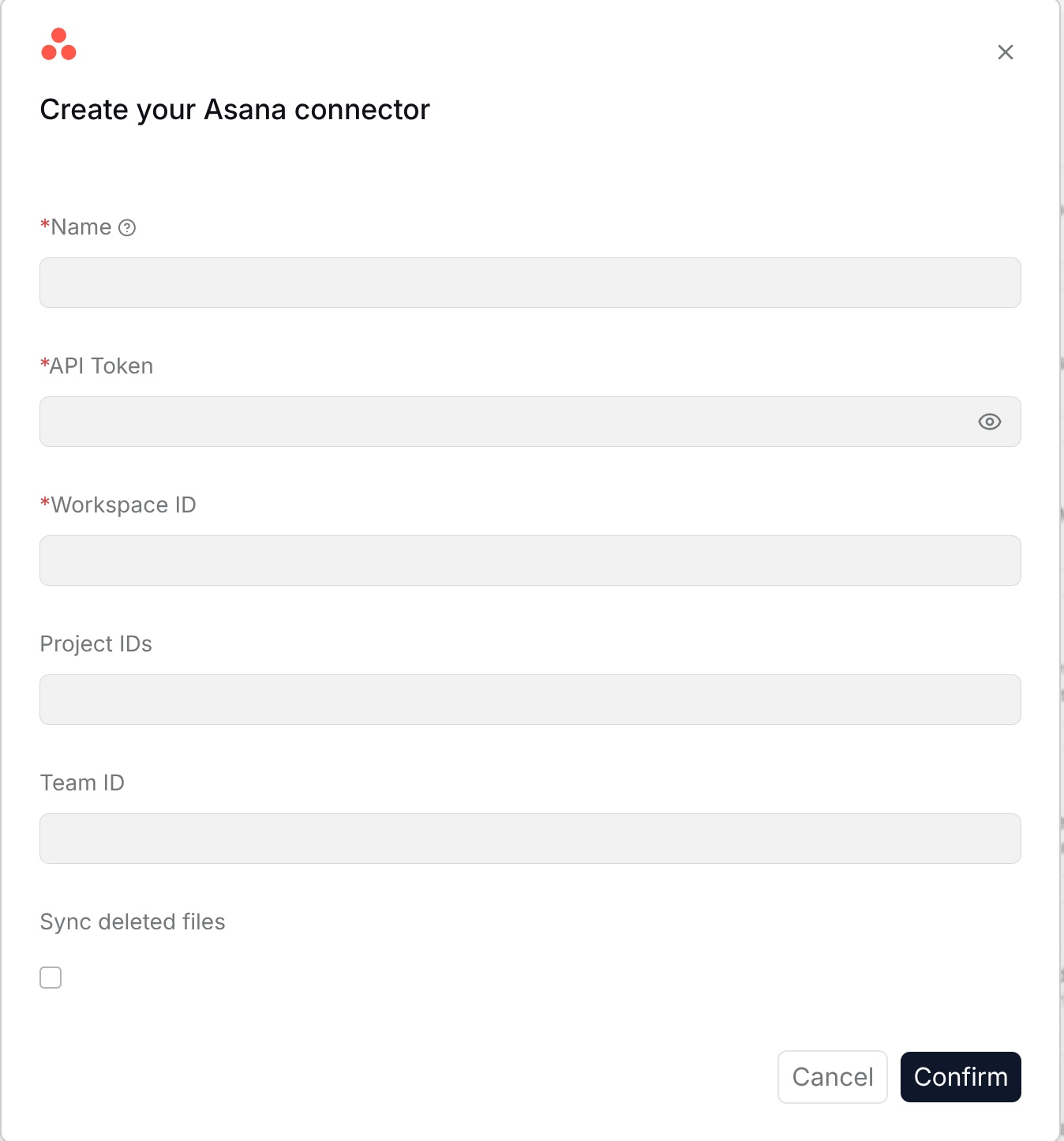## Gmail-The Gmail data source is used to synchronize Gmail email content to a RAGFlow knowledge base. After configuration, customer service emails, business correspondence, and historical communication records can be queried and reused.--**Permission requirements**: Google OAuth authorization must have read permissions for the target mailbox emails.+The Gmail data source is used to synchronize Gmail email content to a RAGFlow Dataset. After configuration, customer service emails, business correspondence, and historical communication records can be queried and reused.-**Account and authorization requirements**: To synchronize a Google Workspace domain, enter a Workspace administrator account as the primary administrator email and provide OAuth credentials authorized for the required Gmail and Admin Directory read-only scopes. To synchronize one Gmail mailbox, enter that mailbox address as the primary administrator email and provide OAuth token JSON containing a refresh token, client ID, and client secret for the same account. When the account does not expose a Workspace directory, the connector synchronizes the primary mailbox only.+**Requirements**: For a Google Workspace domain, use an administrator email and OAuth credentials authorized for Gmail and Admin Directory read access. For a single mailbox, use that mailbox address and its OAuth token JSON, including a refresh token, client ID, and client secret.**Configuration parameters**:-- **Name**: Customize the name in RAGFlow to identify this Gmail connection.-- **Primary administrator email**: Fill in the Google Workspace administrator email.-- **OAuth JSON**: Fill in or upload the OAuth JSON used for Gmail authorization.-- **User email**: Fill in the mailbox address that needs to be synchronized.-- **Label or folder**: Fill in the Gmail label or folder scope that needs to be synchronized.-- **Batch size**: Set the number of emails processed in each batch.-- **Sync deleted files**: After this is enabled, emails deleted from the external system are removed from the knowledge base index.+- **Name**: Enter a name for the connection.+- **Primary Admin Email**: Enter the Google Workspace administrator email, or the mailbox address for a single-account connection.+- **OAuth Token JSON**: Upload the Gmail OAuth JSON file for the account.+- **Sync deleted files**: Enable to remove emails deleted from Gmail during synchronization.++Click **Test connection** to check the completed settings, then **Confirm** to create the connection.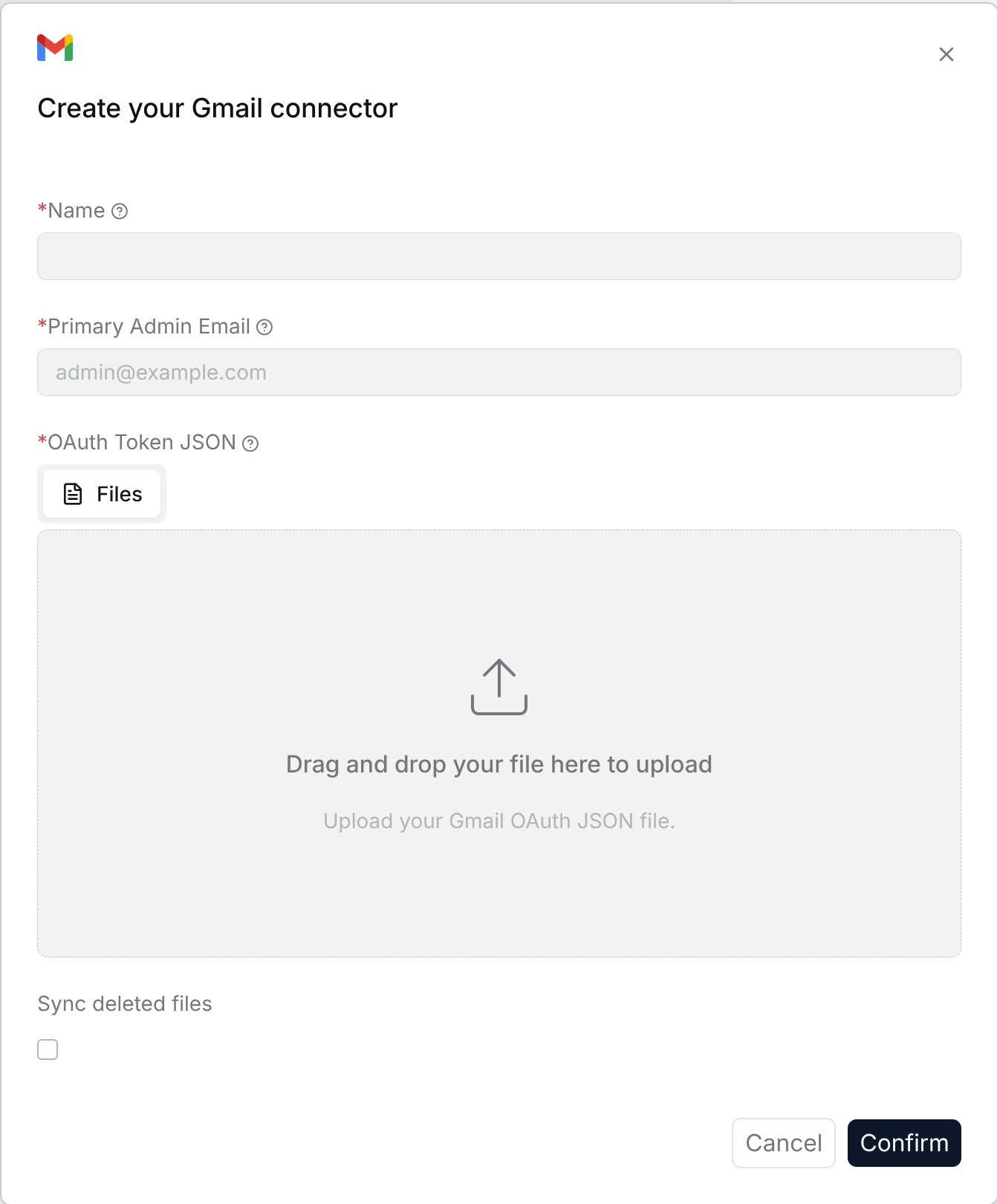## Outlook-The Outlook data source is used to synchronize Outlook mailbox emails to a RAGFlow knowledge base. After configuration, business emails and communication records in Microsoft 365 can be queried.+The Outlook data source is used to synchronize Outlook mailbox emails to a RAGFlow Dataset. After configuration, business emails and communication records in Microsoft 365 can be queried.-**Permission requirements**: The Microsoft account or application authorization must have read permissions for the target mailbox emails.--**Account version requirements**: Microsoft 365 or Outlook organization accounts are recommended. Personal Outlook depends on whether the authorization flow and API permissions are available.+**Requirements**: Use a Microsoft 365 organization account and application authorization with read access to the target mailboxes.**Configuration parameters**:@@ -526,17 +482,15 @@ The Outlook data source is used to synchronize Outlook mailbox emails to a RAGFl- **Mailbox address**: Fill in the mailbox address that needs to be synchronized.- **Folder**: Fill in the mail folder that needs to be synchronized.- **Batch size**: Set the number of emails processed in each batch.-- **Sync deleted files**: After this is enabled, emails deleted from the external system are removed from the knowledge base index.+- **Sync deleted files**: After this is enabled, emails deleted from the external system are removed from the Dataset index.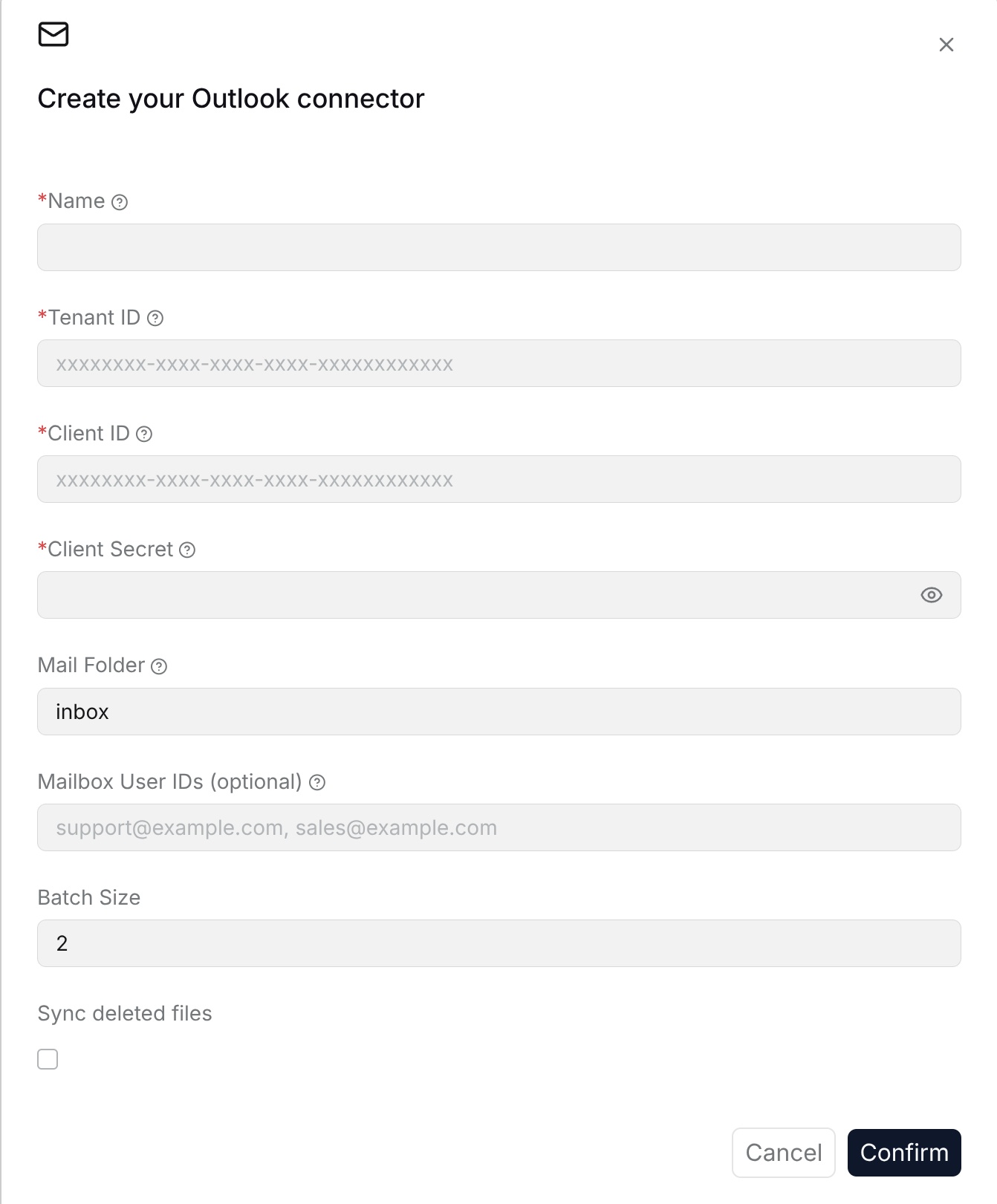## IMAP-The IMAP data source is used to synchronize email content in mail services that support the IMAP protocol to a RAGFlow knowledge base. After configuration, mailboxes that are not covered by standard email connectors can also be included in knowledge base retrieval.--**Permission requirements**: The mailbox account must enable IMAP and have read permissions for the target folder.+The IMAP data source is used to synchronize email content in mail services that support the IMAP protocol to a RAGFlow Dataset. After configuration, mailboxes that are not covered by standard email connectors can also be included in Dataset retrieval.-**Account version requirements**: Personal mailboxes and enterprise mailboxes can both be used, as long as the mail service supports IMAP login and the account has the required permissions.+**Requirements**: Enable IMAP for the mailbox and use an account with read access to the target mail folders.**Configuration parameters**:@@ -548,17 +502,15 @@ The IMAP data source is used to synchronize email content in mail services that- **Mailbox folder**: Fill in the folder that needs to be synchronized.- **SSL/TLS**: Select whether to enable secure connection.- **Batch size**: Set the number of emails processed in each batch.-- **Sync deleted files**: After this is enabled, emails deleted from the external system are removed from the knowledge base index.+- **Sync deleted files**: After this is enabled, emails deleted from the external system are removed from the Dataset index.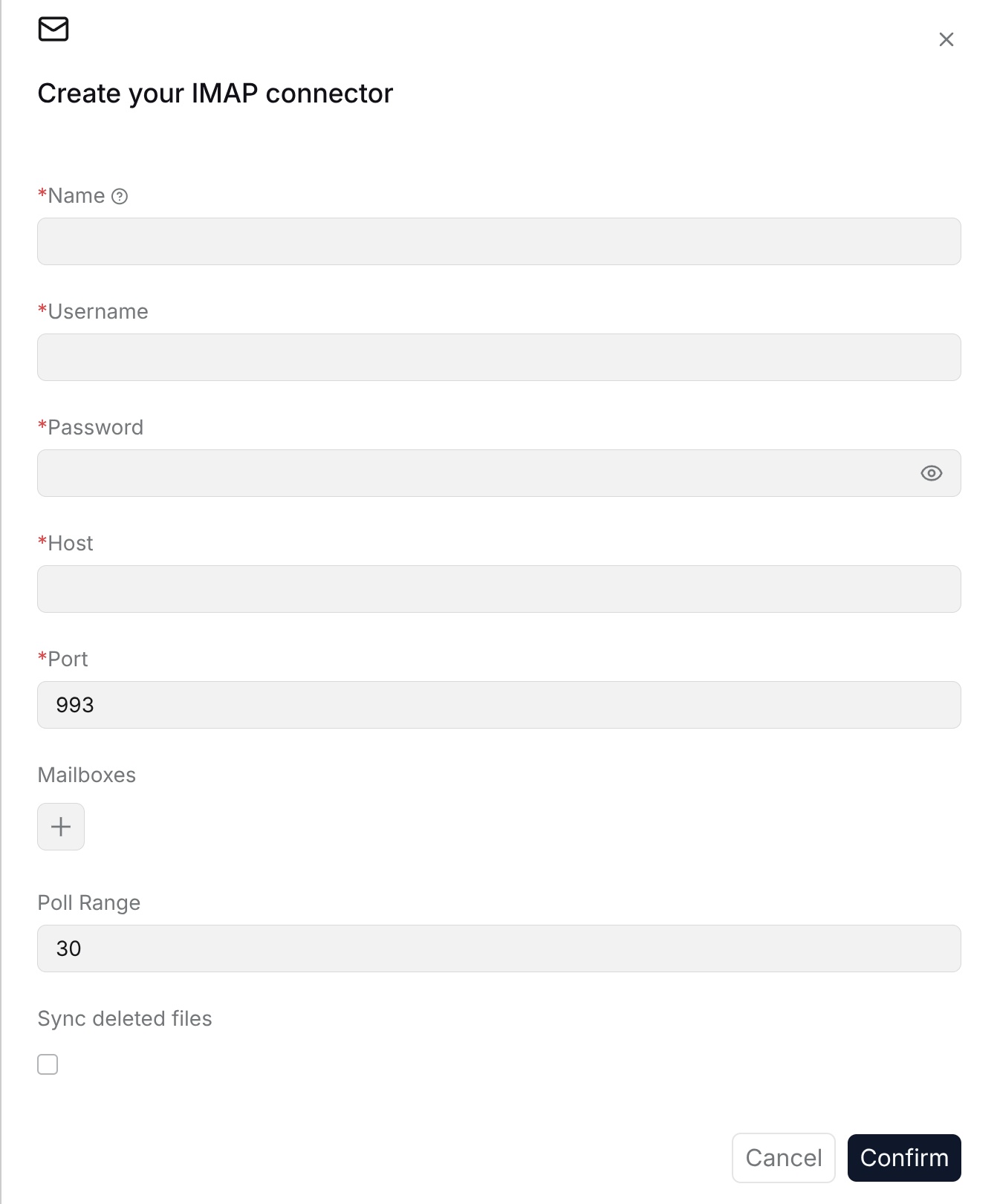## Microsoft Teams-The Microsoft Teams data source is used to synchronize Teams channel messages and related collaboration records to a RAGFlow knowledge base. After configuration, team discussion content can be retrieved and reused.+The Microsoft Teams data source is used to synchronize Teams channel messages and related collaboration records to a RAGFlow Dataset. After configuration, team discussion content can be retrieved and reused.-**Permission requirements**: The Microsoft account or application authorization must have read permissions for the target team, channel, and messages.--**Account version requirements**: Microsoft 365 organization accounts and Teams permissions are required. Personal accounts are generally not applicable.+**Requirements**: Use a Microsoft 365 organization account and application authorization with read access to the target teams, channels, and messages.**Configuration parameters**:@@ -569,17 +521,15 @@ The Microsoft Teams data source is used to synchronize Teams channel messages an- **Team ID**: Fill in the Teams team ID that needs to be synchronized.- **Channel ID**: Fill in the channel ID that needs to be synchronized.- **Batch size**: Set the number of messages processed in each batch.-- **Sync deleted files**: After this is enabled, messages deleted from the external system are removed from the knowledge base index.+- **Sync deleted files**: After this is enabled, messages deleted from the external system are removed from the Dataset index.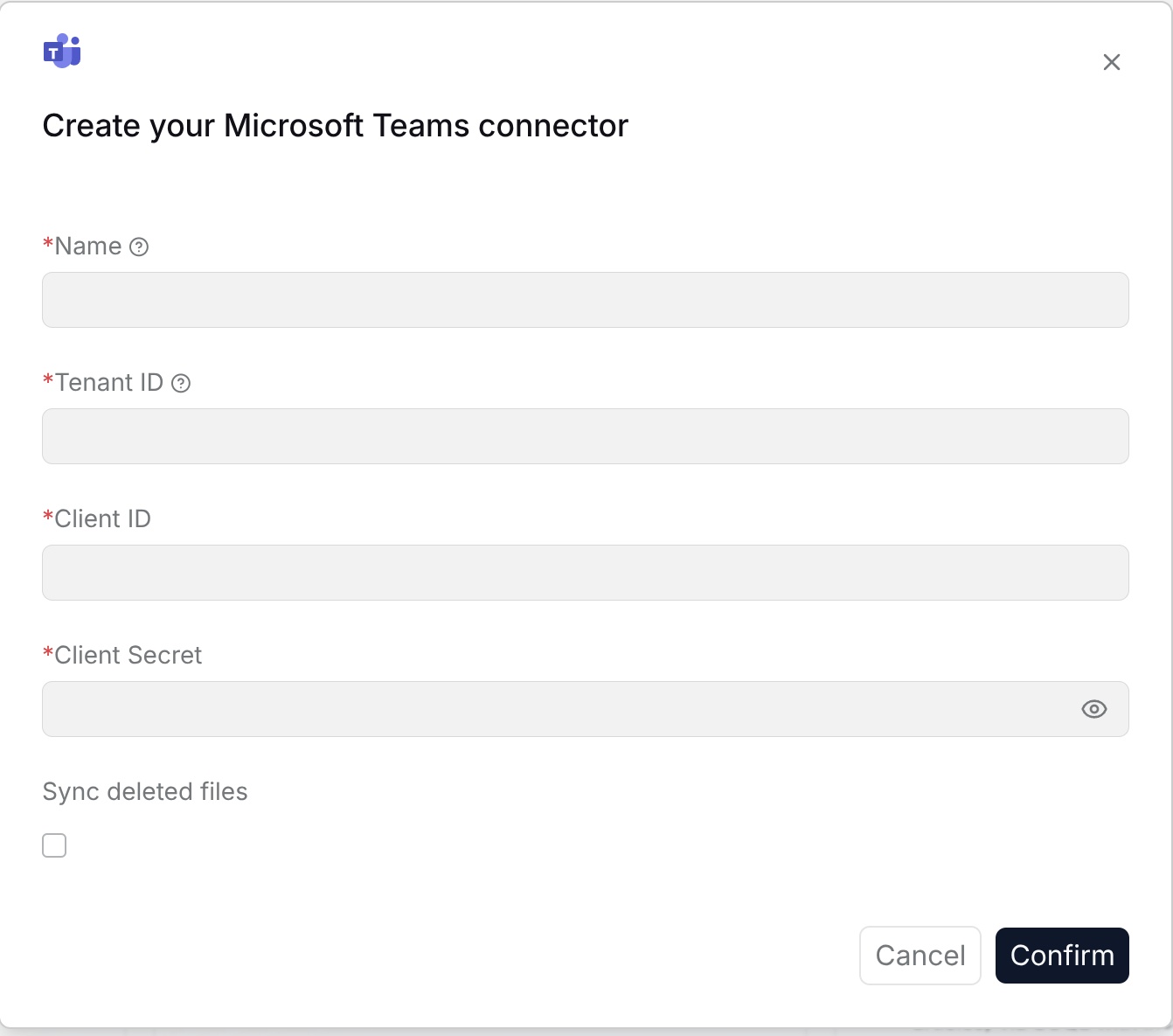## Slack-The Slack data source is used to synchronize Slack channel messages and collaboration content to a RAGFlow knowledge base. After configuration, team communication records can be retrieved and queried.--**Permission requirements**: The Slack application or token must have read permissions for the target workspace and channels.+The Slack data source is used to synchronize Slack channel messages and collaboration content to a RAGFlow Dataset. After configuration, team communication records can be retrieved and queried.-**Account version requirements**: Both personal workspaces and enterprise workspaces can be used. Private channels require the application to be invited or granted the corresponding permissions.+**Requirements**: Use a Slack application or token with read access to the target channels. Invite the application to private channels when required.**Configuration parameters**:@@ -588,17 +538,15 @@ The Slack data source is used to synchronize Slack channel messages and collabor- **Workspace ID**: Fill in the Slack workspace ID.- **Channel IDs**: Fill in the channels that need to be synchronized.- **Batch size**: Set the number of messages processed in each batch.-- **Sync deleted files**: After this is enabled, messages deleted from the external system are removed from the knowledge base index.+- **Sync deleted files**: After this is enabled, messages deleted from the external system are removed from the Dataset index.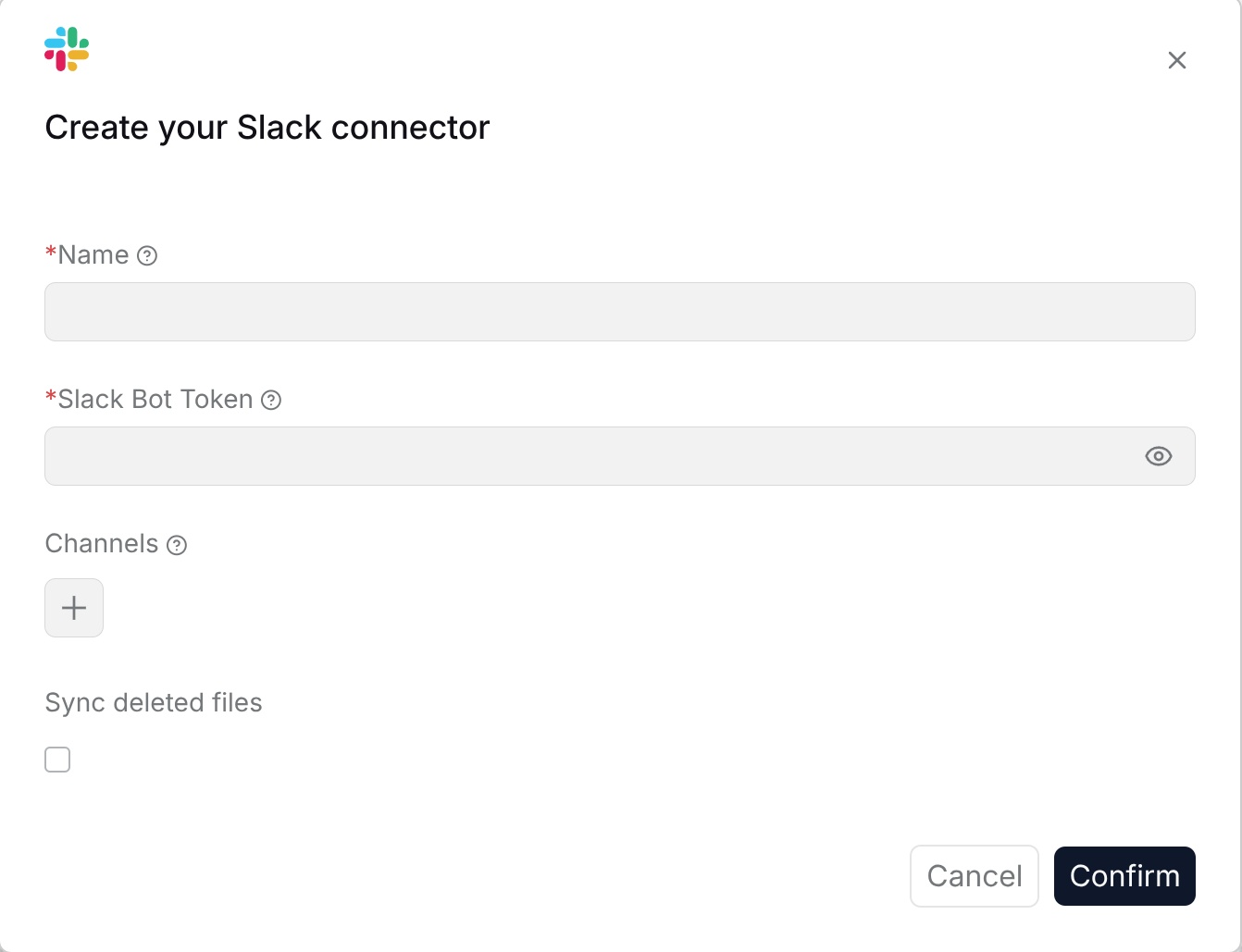## Discord-The Discord data source is used to synchronize Discord server and channel messages to a RAGFlow knowledge base. After configuration, community communication records can be queried and analyzed.--**Permission requirements**: The Discord bot must have permission to read the target servers and channels.+The Discord data source is used to synchronize Discord server and channel messages to a RAGFlow Dataset. After configuration, community communication records can be queried and analyzed.-**Account version requirements**: Personal servers and community servers can both be used, as long as the bot has been added to the target server and granted message reading permissions.+**Requirements**: Add the Discord bot to the target server and grant it permission to read the channels to synchronize.**Configuration parameters**:@@ -607,17 +555,15 @@ The Discord data source is used to synchronize Discord server and channel messag- **Server IDs**: Fill in the list of Discord server IDs that need to be synchronized.- **Channels**: Fill in the Discord channel IDs or channel names that need to be synchronized.- **Batch size**: Set the number of messages processed in each batch.-- **Sync deleted files**: After this is enabled, messages deleted from the external system are removed from the knowledge base index.+- **Sync deleted files**: After this is enabled, messages deleted from the external system are removed from the Dataset index.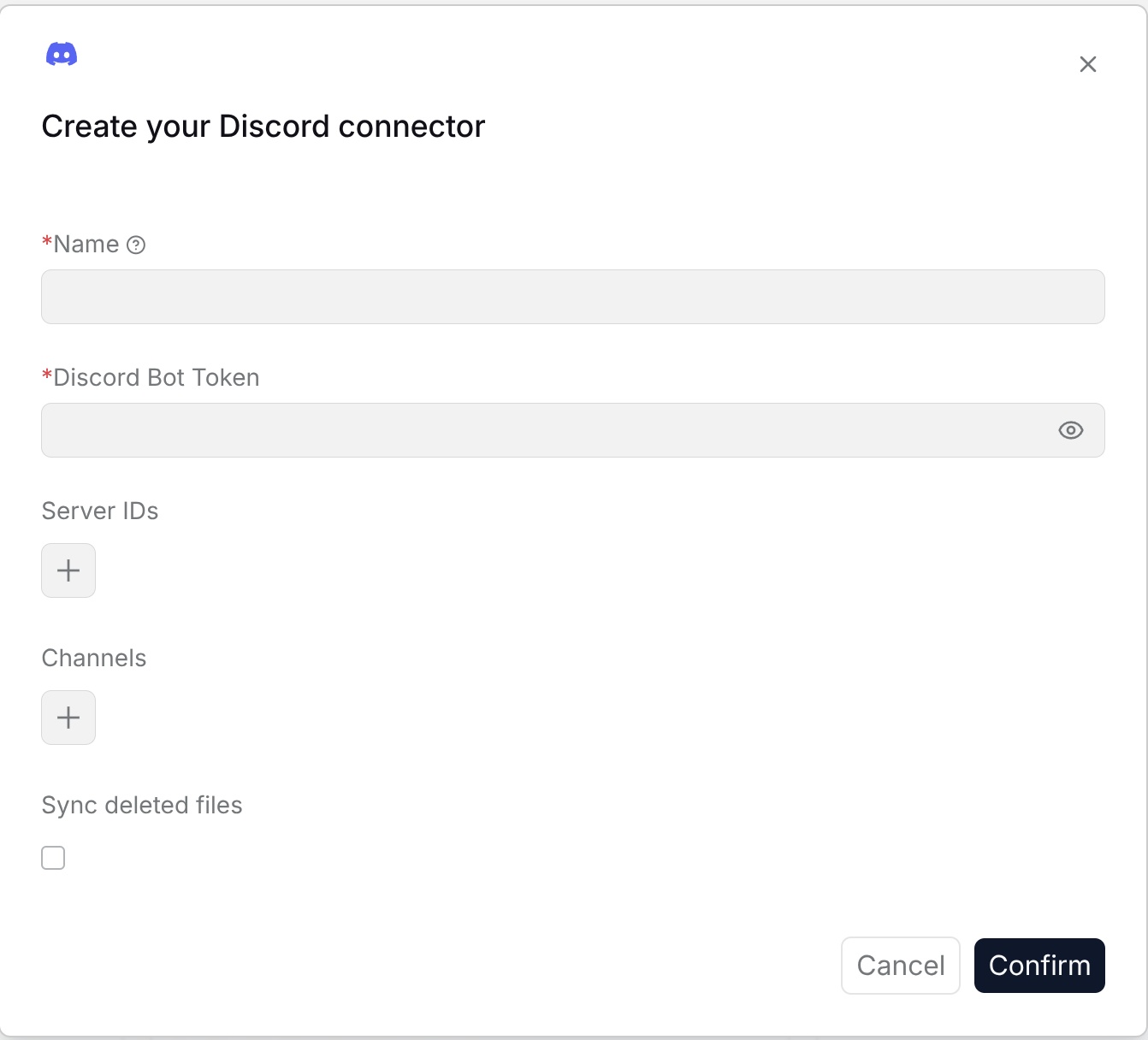## Dingtalk AI Table-The Dingtalk AI Table data source is used to synchronize records in Dingtalk AI Table to a RAGFlow knowledge base. After configuration, online table records, business ledgers, and collaborative data can be queried.+The Dingtalk AI Table data source is used to synchronize records in Dingtalk AI Table to a RAGFlow Dataset. After configuration, online table records, business ledgers, and collaborative data can be queried.-**Permission requirements**: The Dingtalk account or application authorization must have read permissions for the target AI Table.--**Account version requirements**: Dingtalk organization accounts and AI Table permissions are required. Whether it can be synchronized depends on the organization permissions and application authorization.+**Requirements**: Use Dingtalk organization credentials authorized to read the target AI Table.**Configuration parameters**:@@ -628,35 +574,34 @@ The Dingtalk AI Table data source is used to synchronize records in Dingtalk AI- **View ID**: Fill in the view ID that needs to be synchronized.- **Content field**: Select the field to be written as document content.- **Metadata field**: Select the field to be written as metadata.-- **Sync deleted files**: After this is enabled, deleted records are removed from the knowledge base index.+- **Sync deleted files**: After this is enabled, deleted records are removed from the Dataset index.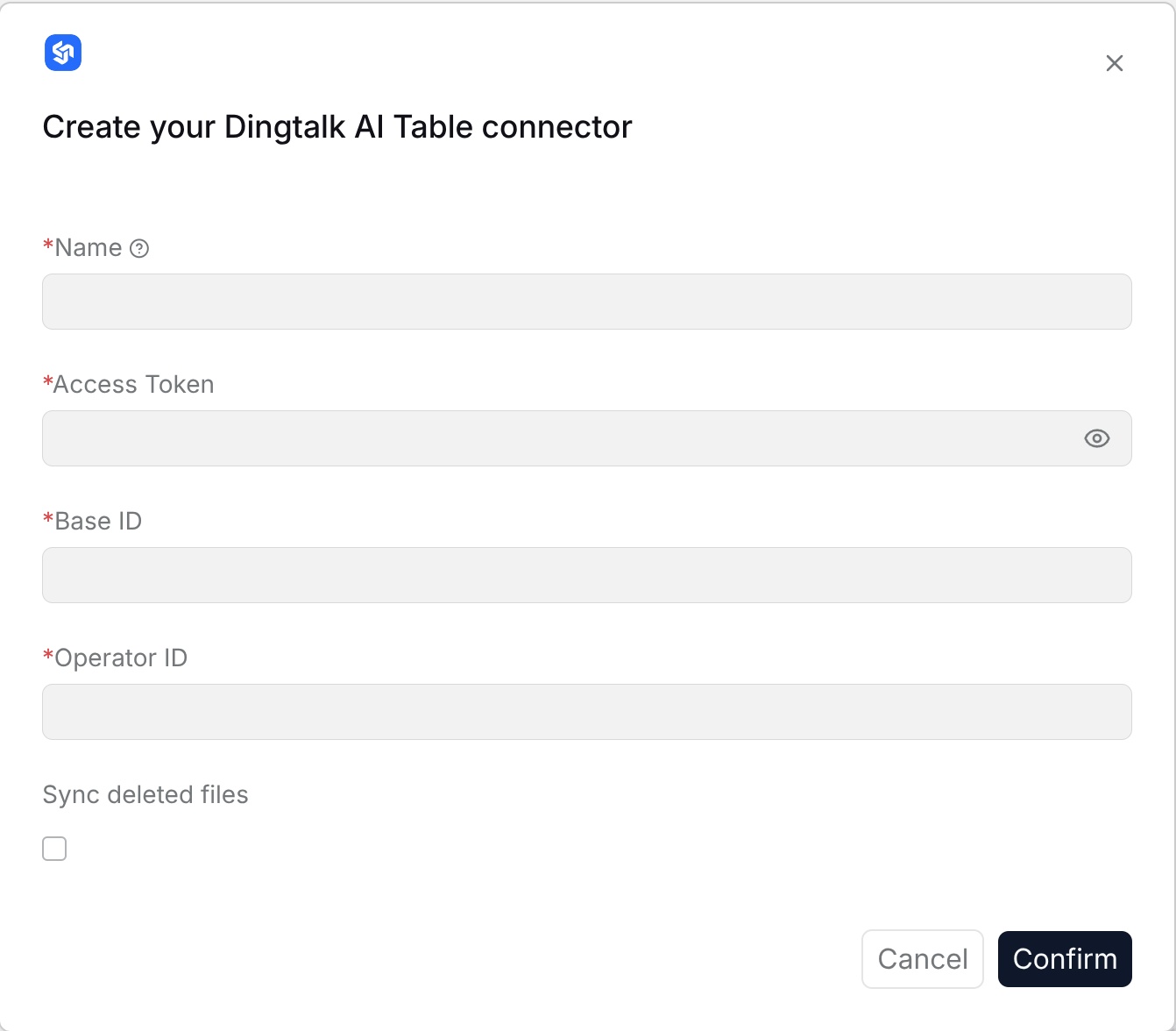## Zendesk-The Zendesk data source is used to synchronize Zendesk tickets, comments, and knowledge base content to a RAGFlow knowledge base. After configuration, customer service records and support knowledge can be queried in a unified way.--**Permission requirements**: The Zendesk account, API token, or application authorization must have read permissions for the target tickets and knowledge base content.+The Zendesk data source is used to synchronize Zendesk tickets, comments, and help center articles to a RAGFlow Dataset. After configuration, customer service records and support knowledge can be queried in a unified way.-**Account version requirements**: Zendesk team or enterprise accounts can be used. The account must have access permissions for the target tickets or help center content.+**Requirements**: Use Zendesk credentials with read access to the tickets or help center articles selected for synchronization.**Configuration parameters**:-- **Name**: Customize the name in RAGFlow to identify this Zendesk connection.-- **Subdomain**: Fill in the Zendesk subdomain.-- **Email**: Fill in the Zendesk account email.-- **API token**: Fill in the Zendesk API token.-- **Synchronization scope**: Select tickets, help center articles, or both.-- **Batch size**: Set the number of records processed in each batch.-- **Sync deleted files**: After this is enabled, content deleted from the external system is removed from the knowledge base index.+- **Name**: Enter a name for the connection.+- **Zendesk Domain**: Enter the Zendesk domain for your account.+- **Zendesk Email**: Enter the email address used to access Zendesk.+- **Zendesk Token**: Enter the API token.+- **Content**: Select **Articles** or **Tickets**.+- **Sync deleted files**: Enable to remove source content deleted from Zendesk during synchronization.-## Moodle+Click **Test connection** to check the completed settings, then **Confirm** to create the connection.++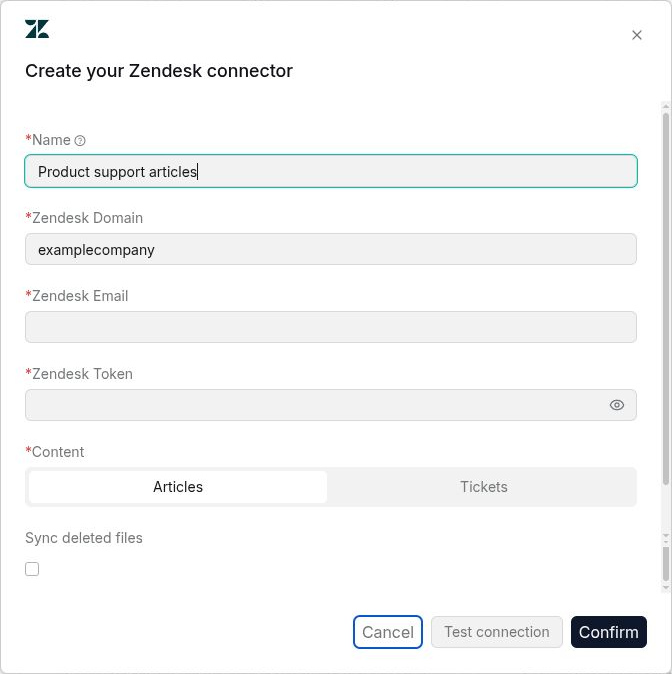-The Moodle data source is used to synchronize course content, forums, resources, and learning records in Moodle to a RAGFlow knowledge base. After configuration, course materials and teaching records can be queried.+## Moodle-**Permission requirements**: The Moodle account or token must have read permissions for the target courses, activities, and resources.+The Moodle data source is used to synchronize course content, forums, resources, and learning records in Moodle to a RAGFlow Dataset. After configuration, course materials and teaching records can be queried.-**Account version requirements**: Self-built Moodle and organization Moodle platforms can be used. The account must have access permissions for the target courses.+**Requirements**: Use a Moodle account or API token with read access to the target courses, activities, and resources.**Configuration parameters**:@@ -666,40 +611,39 @@ The Moodle data source is used to synchronize course content, forums, resources,- **Course ID**: Fill in the course ID that needs to be synchronized.- **Synchronization scope**: Select course resources, forums, assignments, or other content.- **Batch size**: Set the number of records processed in each batch.-- **Sync deleted files**: After this is enabled, content deleted from the external system is removed from the knowledge base index.+- **Sync deleted files**: After this is enabled, content deleted from the external system is removed from the Dataset index.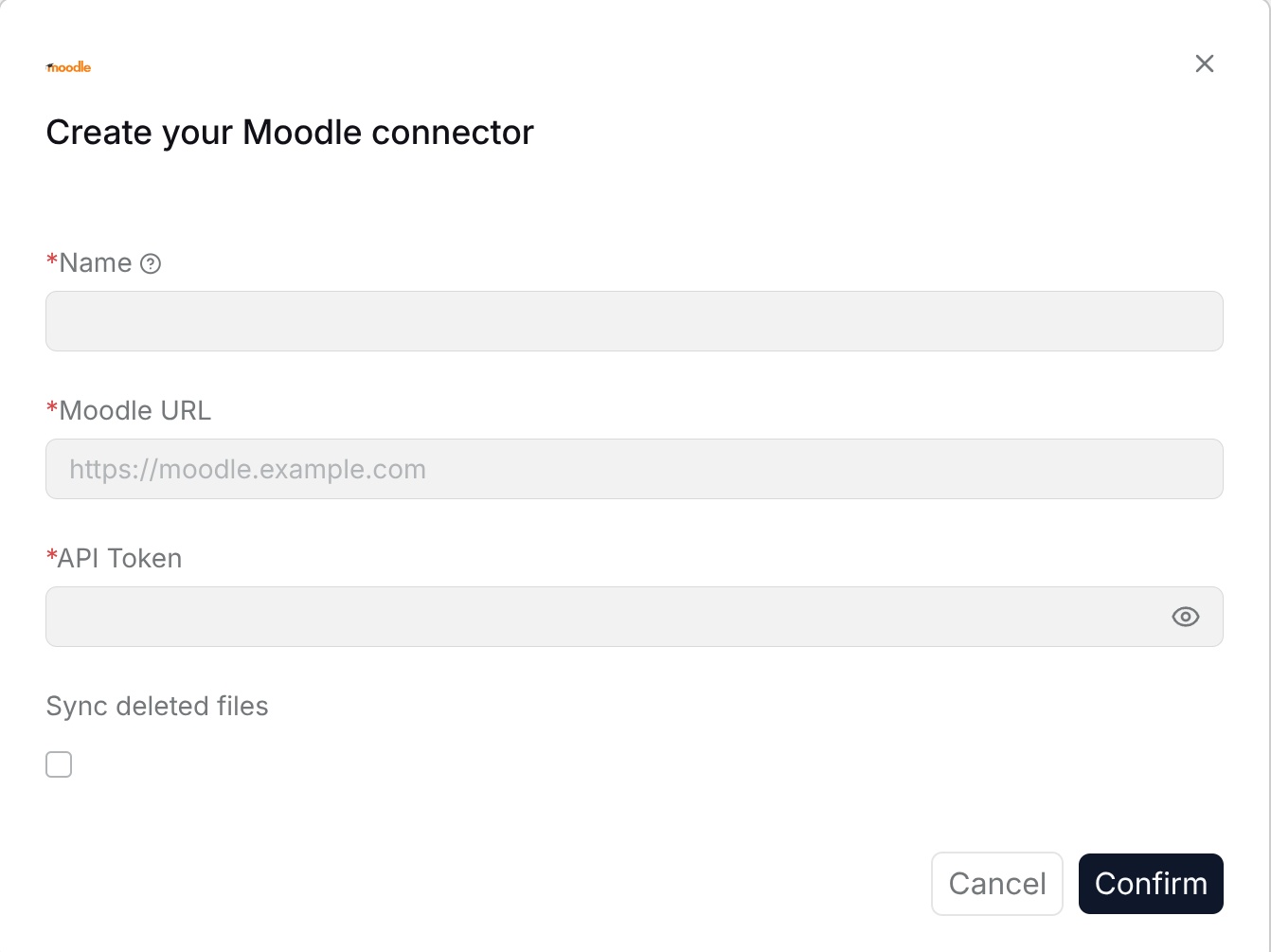## REST API-The REST API data source is used to synchronize data returned by custom business APIs to a RAGFlow knowledge base. After configuration, records in internal systems or third-party systems can enter the knowledge base according to the API structure.+The REST API data source is used to synchronize data returned by custom business APIs to a RAGFlow Dataset. After configuration, records in internal systems or third-party systems can enter the Dataset according to the API structure.-**Permission requirements**: The API credentials must have permission to call the target API, and the data returned by the API must be readable.--**Account version requirements**: Personal or enterprise custom systems can both be used, provided that the target API is accessible and provides a stable data structure and authentication method.+**Requirements**: The API must be reachable from the RAGFlow server. Provide credentials with read access and a response structure that matches the configured content and pagination settings.**Configuration parameters**:-- **Name**: Customize the name in RAGFlow to identify this REST API connection.-- **Request URL**: Fill in the API request address.-- **Request method**: Select GET, POST, or another request method.-- **Request headers**: Fill in the header information required for API authentication or requests.-- **Request body**: Fill in the request body when POST or other methods require it.-- **Pagination method**: Configure the pagination method to ensure that the next page of data can be continuously read.-- **Content field**: Specify the content field returned by the API.-- **Metadata field**: Specify the metadata field returned by the API.-- **Unique ID field**: Specify the unique ID field of each record.-- **Sync deleted files**: After this is enabled, deleted records are removed from the knowledge base index according to the synchronization or cleanup task.+- **Name**: Enter a name for the connection.+- **Base URL**: Enter the API endpoint.+- **HTTP Method**: Select the request method.+- **Query Parameters**: Enter query parameters as `key=value`, one per line.+- **Items Path**: Specify the path to the records in the response, such as `$.items`.+- **ID Field**: Specify the field that uniquely identifies each record.+- **Auth Type**: Select the authentication method and complete the fields that appear.+- **Content Fields**: Specify the fields to use as document content.+- **Metadata Fields**: Specify the fields to retain as metadata.+- **Pagination Type**: Select the pagination method and complete its settings.+- **Advanced Settings**: Enable to configure additional request settings.-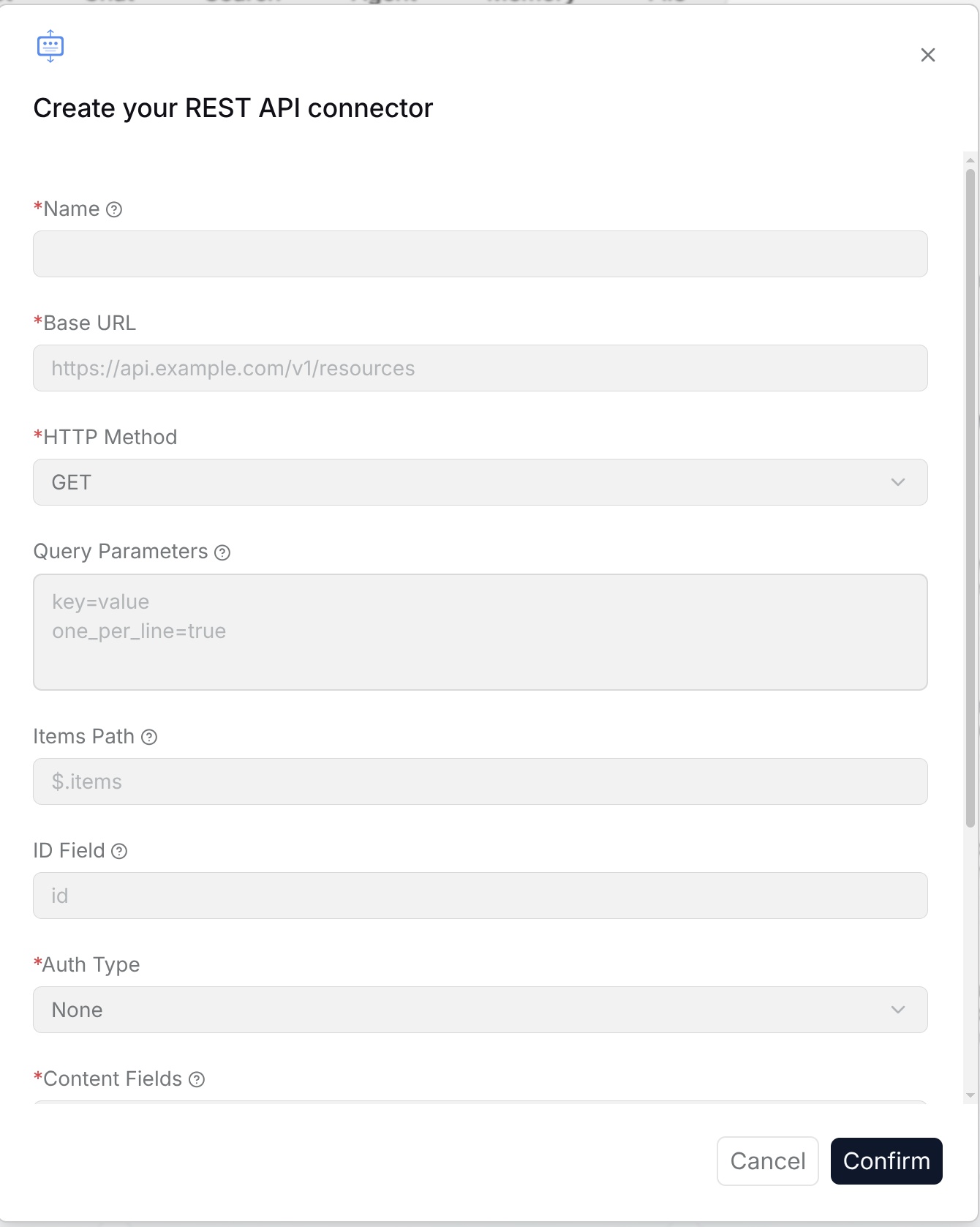+Click **Test connection** to check the completed settings, then **Confirm** to create the connection.-## Xquik+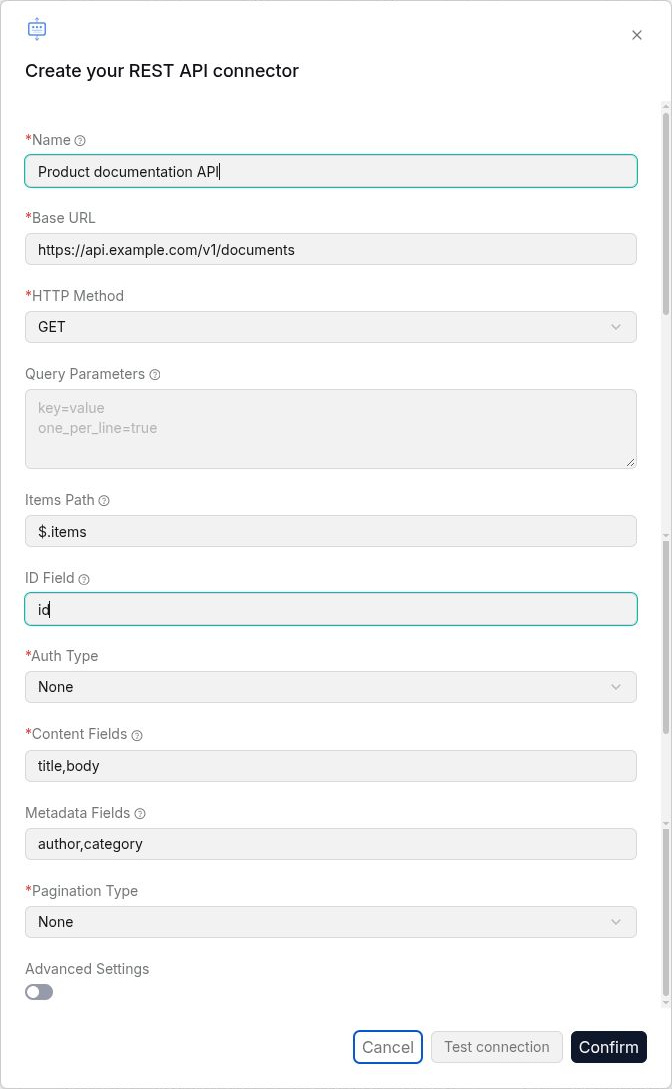-The Xquik data source searches public X posts and syncs each matching post into a RAGFlow knowledge base. Use it to retrieve posts by keyword, hashtag, author, language, or another supported X search operator.+## Xquik-**Permission requirements**: Create an [Xquik API key](https://docs.xquik.com/api-reference/authentication). The key needs access to the Search Tweets API.+The Xquik data source searches public X posts and syncs each matching post into a RAGFlow Dataset. Use it to retrieve posts by keyword, hashtag, author, language, or another supported X search operator.-**Usage requirements**: Each returned post uses 1 Xquik credit. The page size and maximum page count bound each sync. Xquik is an independent third-party service.+**Requirements**: Create an [Xquik API key](https://docs.xquik.com/api-reference/authentication) with access to the Search Tweets API. Each returned post uses 1 Xquik credit. The page size and maximum page count limit each synchronization. Xquik is an independent third-party service.**Configuration parameters**:@@ -713,75 +657,72 @@ The Xquik data source searches public X posts and syncs each matching post intoRAGFlow sends each incremental sync window to Xquik as inclusive `sinceTime` and exclusive `untilTime` bounds. Cursor pagination continues until no page remains or the configured maximum is reached.-## RSS+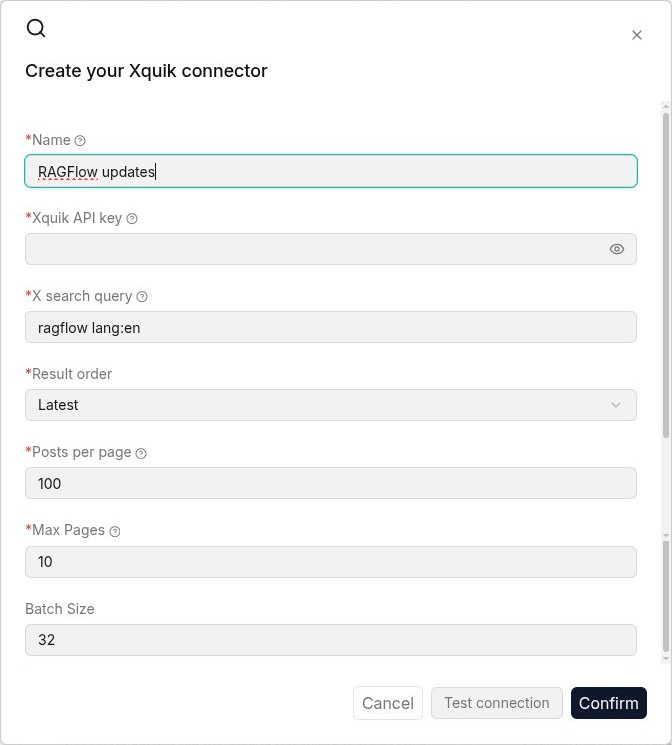-The RSS data source is used to subscribe public websites, blogs, announcements, or product updates to a RAGFlow knowledge base. After configuration, the knowledge base can continuously obtain new content from the subscription source, making it convenient for users to view and ask questions in a unified way.+## RSS-**Permission requirements**: The subscription source must be accessible. If the subscription source is protected, make sure the access address or credentials have read permissions.+The RSS data source is used to subscribe public websites, blogs, announcements, or product updates to a RAGFlow Dataset. After configuration, the Dataset can continuously obtain new content from the subscription source, making it convenient for users to view and ask questions in a unified way.-**Account version requirements**: Public subscription sources can usually be used directly. If the RSS address is protected, provide an account or access address that can access the subscription source.+**Requirements**: Provide an RSS or Atom feed URL accessible from the RAGFlow server.**Configuration parameters**:- **Name**: Customize the name in RAGFlow to identify this RSS connection.- **Feed URL**: Fill in the RSS or Atom subscription address on the page that needs to be synchronized.- **Batch size**: Set the number of subscription entries processed in each batch.-- **Sync deleted files**: After this is enabled, content deleted from the external system is removed from the knowledge base index.+- **Sync deleted files**: After this is enabled, content deleted from the external system is removed from the Dataset index.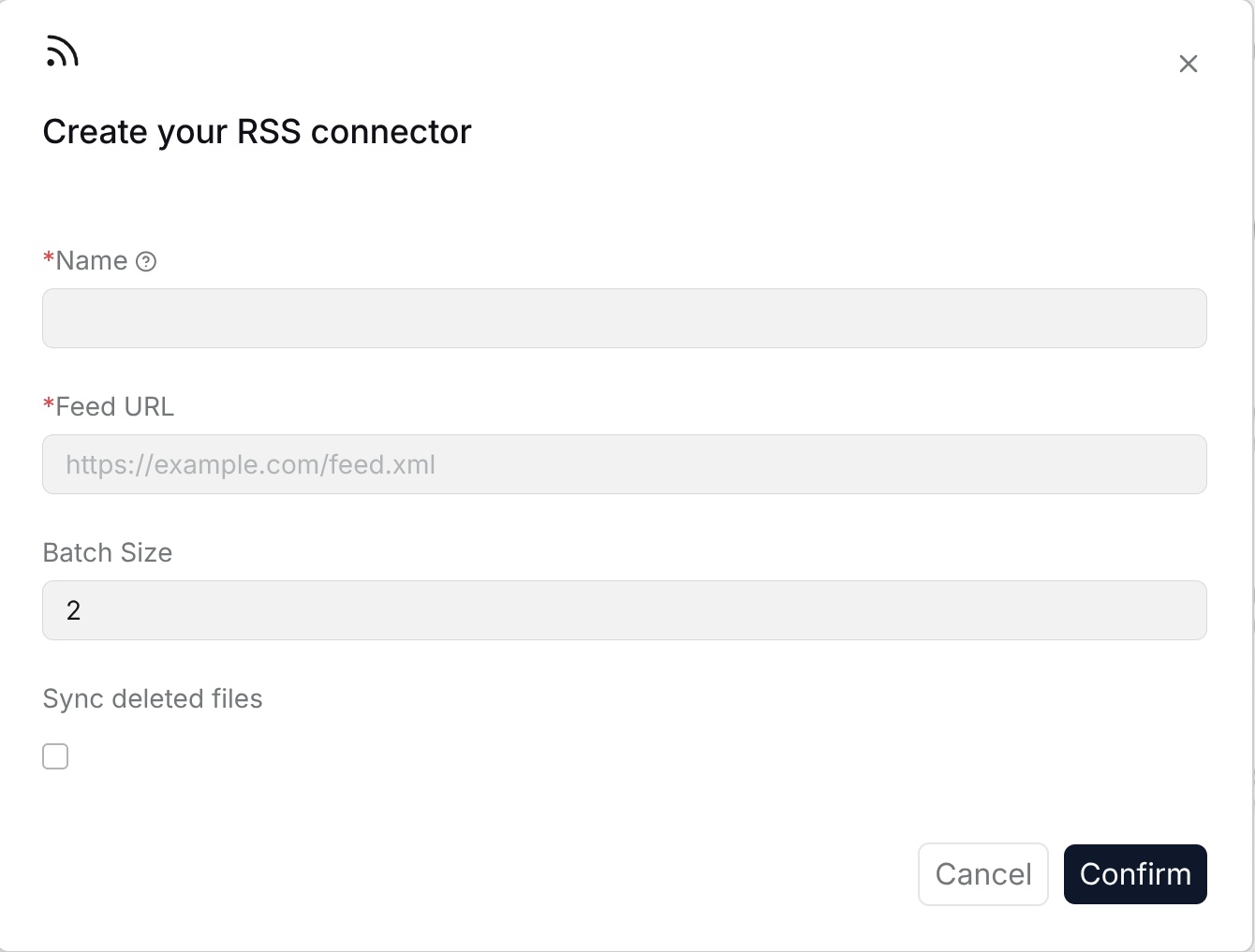## Sitemap-The Sitemap data source is used to synchronize the web pages listed in a public `sitemap.xml` to a RAGFlow knowledge base. It is the simplest way to index a documentation site, a corporate website, or a blog without writing a crawler: the site itself declares which pages exist and when they were last modified.--**Permission requirements**: The sitemap and the pages it lists must be reachable over HTTP or HTTPS from the RAGFlow server. No credentials are used. Every request is checked by the SSRF guard, so private or loopback addresses are rejected.+The Sitemap data source is used to synchronize the web pages listed in a public `sitemap.xml` to a RAGFlow Dataset. It is the simplest way to index a documentation site, a corporate website, or a blog without writing a crawler: the site itself declares which pages exist and when they were last modified.-**Account version requirements**: None. Sitemaps are a public XML standard ([sitemaps.org](https://www.sitemaps.org/protocol.html)); both plain `urlset` files and `sitemapindex` files (followed recursively, up to 5 levels) are supported.+**Requirements**: Provide a public sitemap and web pages accessible over HTTP or HTTPS from the RAGFlow server. Private and loopback addresses are not supported. Both sitemap files and sitemap indexes are supported; see the [sitemap protocol](https://www.sitemaps.org/protocol.html).**Configuration parameters**:- **Name**: Customize the name in RAGFlow to identify this Sitemap connection.- **Sitemap URL**: The URL of the `sitemap.xml` or sitemap index to crawl, for example `https://example.com/sitemap.xml`.-- **URL filter (regex)**: Optional regular expression. Only URLs matching it are indexed, for example `^https://example\.com/docs/` to restrict the sync to one section of the site. The connection test fails when no URL matches. The pattern is limited to 512 characters, nested quantifiers such as `(a+)+` are refused, and it is evaluated with a 1-second timeout against the first 4,096 characters of each URL.+- **URL filter (regex)**: Optionally limit synchronization to matching URLs, for example, `^https://example\.com/docs/`. The connection test fails if no URL matches.- **Follow PDF links**: When enabled, PDF files linked from the crawled HTML pages are indexed as well. Each PDF is indexed once even when several pages link to it.- **Restrict PDFs to sitemap domain**: When enabled (default), only PDF links hosted on the same domain as the sitemap are followed.- **User-Agent**: The `User-Agent` header sent with every request. Leave empty to use `RAGFlow-SitemapConnector/1.0`. Set it when the target site filters unknown crawlers.- **Batch size**: The number of pages fetched and sent to RAGFlow per batch.-- **Sync deleted files**: After this is enabled, pages removed from the sitemap are removed from the knowledge base index.+- **Sync deleted files**: After this is enabled, pages removed from the sitemap are removed from the Dataset index.-Every request goes through the SSRF guard with the resolved address pinned for the duration of the request, response bodies are capped at 64 MB, and at most 1000 sitemap documents are fetched per sync (each sitemap URL once). HTML pages are converted to Markdown and stored as `.md` documents; during conversion, `script`, `style`, `noscript`, `nav`, `header`, `footer`, `aside`, `form`, `iframe`, and `svg` elements are removed. URLs served with `Content-Type: application/pdf` are stored as `.pdf` documents and processed by the regular PDF pipeline. Each document keeps the page URL, the sitemap URL, and, for discovered PDFs, the parent page URL in its metadata.+Web pages are imported as documents. If **Follow PDF links** is enabled, linked PDFs are also imported.-Incremental syncs rely on the `<lastmod>` element: only pages whose `lastmod` falls inside the sync window are fetched again, and pages without `lastmod` are only fetched by a full sync. Every document also carries a content fingerprint, so a page that is fetched again but has not changed is skipped instead of being re-indexed.+Subsequent synchronizations use the sitemap's last-modified dates to identify updates. Pages without a last-modified date are fetched only during a full synchronization; unchanged content is skipped.-## Feishu Wiki+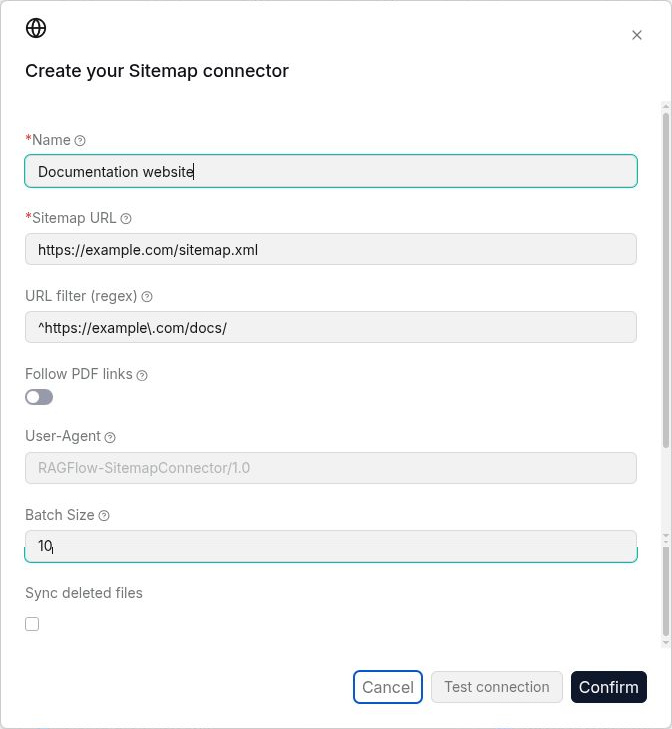-The Feishu Wiki data source is used to synchronize downloadable file nodes from a specified Feishu Wiki space to a RAGFlow knowledge base. After configuration, RAGFlow can retrieve files under the specified root node and filter the files to be synchronized according to the configured conditions.+## Feishu Wiki-**Permission requirements**: The Feishu application must have permission to access the target Wiki space and read or download the files to be synchronized.+The Feishu Wiki data source is used to synchronize downloadable file nodes from a specified Feishu Wiki space to a RAGFlow Dataset. After configuration, RAGFlow can retrieve files under the specified root node and filter the files to be synchronized according to the configured conditions.-**Account version requirements**: A Feishu application with access to the target Wiki space is required. The accessible scope depends on the permissions granted to the application and the target Wiki space.+**Requirements**: Authorize the Feishu application to access the target Wiki space and read or download the files to synchronize.**Configuration parameters**:- **Name**: Customize the name in RAGFlow to identify this Feishu Wiki connection.- **Feishu App ID**: Fill in the App ID of the Feishu application.- **Feishu App Secret**: Fill in the App Secret of the Feishu application.-- **Knowledge base Space ID**: Fill in the Space ID of the Feishu Wiki space to synchronize.+- **Wiki space ID**: Fill in the Space ID of the Feishu Wiki space to synchronize.- **Wiki root node Token**: Fill in the token of the root Wiki node from which synchronization starts.- **Allowed file extensions**: Specify the file extensions that are allowed to be synchronized.-- **File name must contain keywords**: Specify keywords that must appear in the file name. Only matching files are synchronized.-- **File name exclusion keywords**: Specify keywords used to exclude files from synchronization.+- **Required filename keywords**: Specify keywords that must appear in the file name. Only matching files are synchronized.+- **Excluded filename keywords**: Specify keywords used to exclude files from synchronization.- **Maximum file size (bytes)**: Set the maximum size of a single file that can be synchronized. The default value is **52428800** bytes.- **Batch size**: Set the number of files processed in each batch. The default value is **2**.+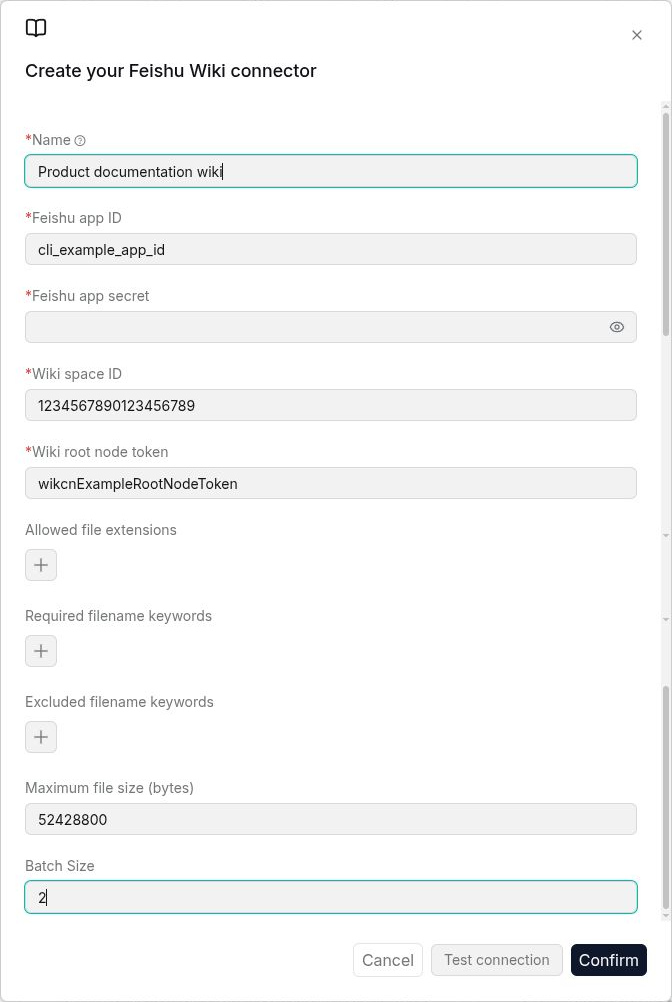## WebDAV-The WebDAV data source is used to connect to a WebDAV server and synchronize files from a specified remote path to a RAGFlow knowledge base.--**Permission requirements**: The configured WebDAV account must have read permission for the target remote path.+The WebDAV data source is used to connect to a WebDAV server and synchronize files from a specified remote path to a RAGFlow Dataset.-**Account version requirements**: A file service that supports the WebDAV protocol is required, together with a valid server URL, username, and password.+**Requirements**: Use a WebDAV server URL and account with read access to the target remote path.**Configuration parameters**:@@ -791,16 +732,15 @@ The WebDAV data source is used to connect to a WebDAV server and synchronize fil- **Password**: Fill in the password for the WebDAV account.- **Remote path**: Specify the remote directory to synchronize. The default value is `/`.- **Custom CA Certificate Path**: Optional. Fill in the path to a custom CA certificate when required, for example, `/etc/ssl/certs/webdav-ca.pem`.-- **Sync deleted files**: After this is enabled, files deleted from the external system are removed from the knowledge base index.+- **Sync deleted files**: After this is enabled, files deleted from the external system are removed from the Dataset index.+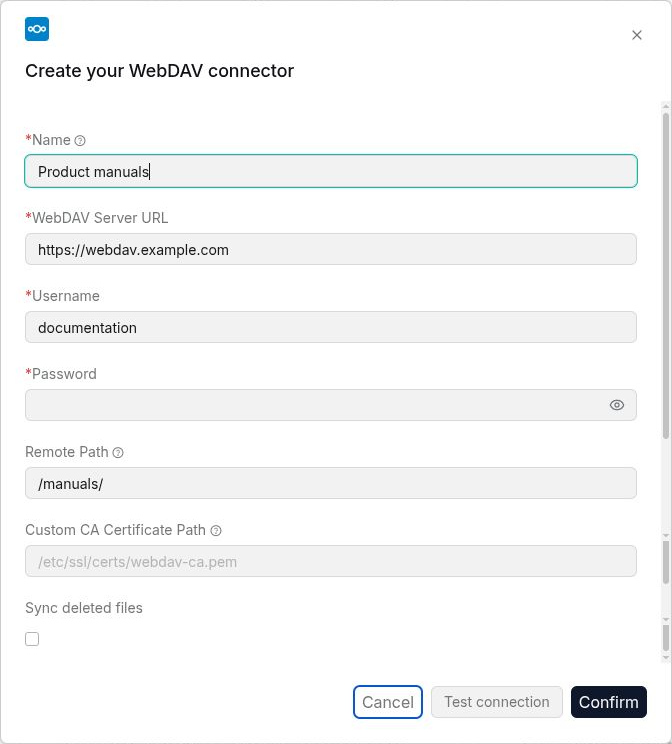## Airtable-The Airtable data source is used to synchronize records from a specified table in an Airtable base to a RAGFlow knowledge base.--**Permission requirements**: The access token must have read permission for the target Airtable base and table.+The Airtable data source is used to synchronize records from a specified table in an Airtable base to a RAGFlow Dataset.-**Account version requirements**: An Airtable account with access to the target base and a valid access token is required.+**Requirements**: Use an Airtable access token with read access to the target base and table.**Configuration parameters**:@@ -808,16 +748,15 @@ The Airtable data source is used to synchronize records from a specified table i- **Access token**: Fill in the access token used to access the Airtable API.- **Base ID**: Fill in the ID of the target Airtable base.- **Table name or ID**: Fill in the name or ID of the table to synchronize.-- **Sync deleted files**: After this is enabled, content deleted from the external system is removed from the knowledge base index.+- **Sync deleted files**: After this is enabled, content deleted from the external system is removed from the Dataset index.+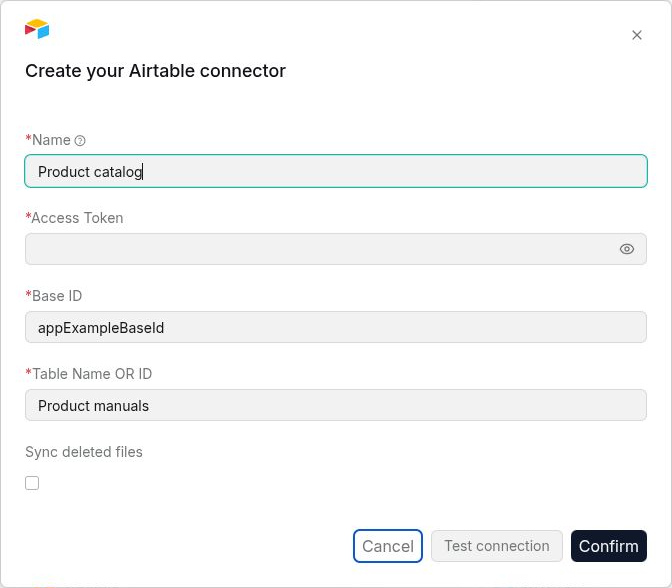## Salesforce-The Salesforce data source is used to connect to Salesforce and synchronize records from specified Salesforce objects to a RAGFlow knowledge base. Supported objects can include accounts, contacts, opportunities, cases, and knowledge content.+The Salesforce data source is used to connect to Salesforce and synchronize records from specified Salesforce objects to a RAGFlow Dataset. Supported objects can include accounts, contacts, opportunities, cases, and knowledge content.-**Permission requirements**: The Salesforce application and account must have API access and read permission for the specified Salesforce objects.--**Account version requirements**: A Salesforce environment with API access and valid client credentials is required.+**Requirements**: Use Salesforce client credentials with API access and read permission for the objects to synchronize.**Configuration parameters**:@@ -828,13 +767,15 @@ The Salesforce data source is used to connect to Salesforce and synchronize reco- **Objects**: Specify the Salesforce objects to synchronize. Multiple objects can be specified, for example, `Account,Contact,Opportunity,Case,Knowledge__kav`.- **API version**: Set the Salesforce API version to use. The default value in the current UI is `v59.0`.- **Batch size**: Set the number of records processed in each batch. The default value is **2**.-- **Sync deleted files**: After this is enabled, content deleted from the external system is removed from the knowledge base index.+- **Sync deleted files**: After this is enabled, content deleted from the external system is removed from the Dataset index.++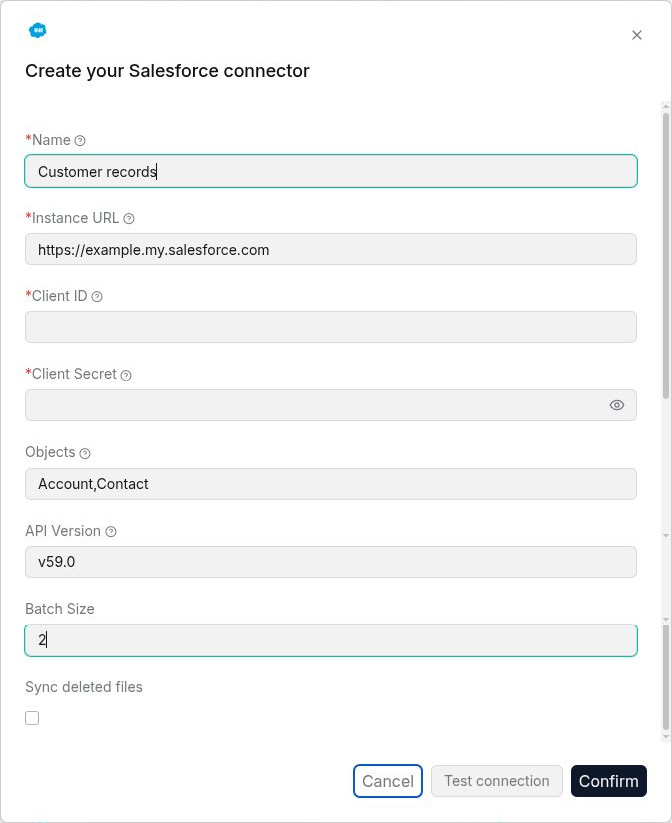## ZoteroUse Zotero to synchronize PDF attachments from a Zotero library into a RAGFlow Dataset for retrieval and question answering about papers and references.-**Permission requirements**: Use a Zotero API key with read access to the target library. Attachment files must be downloadable from the selected storage service. For WebDAV, the account must have read access to the attachment storage.+**Requirements**: Use a Zotero API key with read access to the target library. Attachments must be downloadable from Zotero cloud or the configured WebDAV server.**Configuration parameters**:@@ -846,4 +787,6 @@ Use Zotero to synchronize PDF attachments from a Zotero library into a RAGFlow D- **Batch Size**: Set the number of files processed per batch. The default is `4`.- **Sync deleted files**: Enable if files deleted from the source should also be removed from the Dataset index during synchronization.-Click **Test connection** with the completed settings, then **Confirm** to create the connection. Link it to a Dataset using [Add to a Knowledge Base and Sync](./add_to_knowledge_base_and_sync.md). Check synchronization logs and document parsing results on a small sample before importing a large library.+Click **Test connection** with the completed settings, then **Confirm** to create the connection. Link it to a Dataset using [Add to a Dataset and Sync](./add_to_knowledge_base_and_sync.md). Check synchronization logs and document parsing results on a small sample before importing a large library.++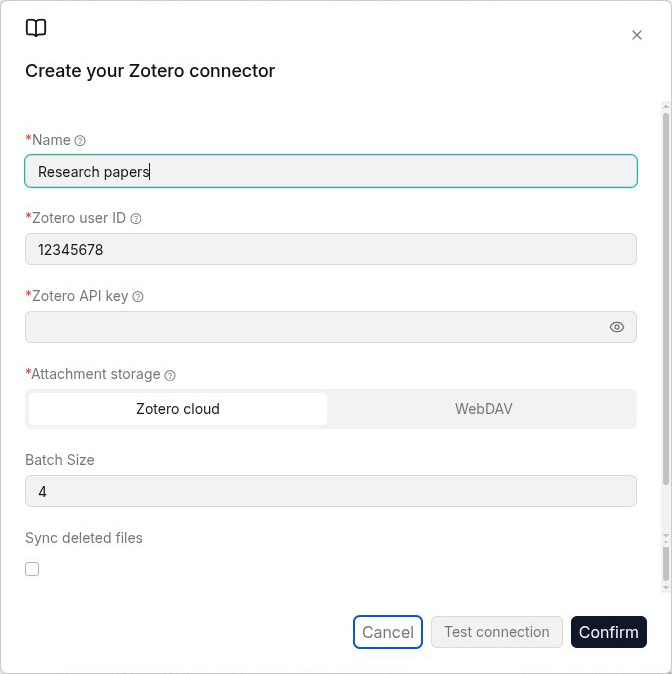diff --git a/docs/guides/data_source/overview_and_page_management.md b/docs/guides/data_source/overview_and_page_management.mdindex 080a7054ba..91928dc624 100644--- a/docs/guides/data_source/overview_and_page_management.md+++ b/docs/guides/data_source/overview_and_page_management.md@@ -12,7 +12,7 @@ sidebar_custom_props: {## Data Source Overview-Data sources are used to connect external systems and synchronize their documents, records, emails, or messages to RAGFlow knowledge bases. After configuring a data source, users can reduce the workload of manually uploading files, and can retrieve and ask questions about content from external systems in the knowledge base.+Data sources are used to connect external systems and synchronize their documents, records, emails, or messages to RAGFlow Datasets. After configuring a data source, users can reduce the workload of manually uploading files, and can retrieve and ask questions about content from external systems in the Dataset.## Data Source Page Management@@ -26,7 +26,7 @@ Enter the **Data Source** page from **User Settings**. The upper part of the pagSelect the system you need to connect from the available data sources. The system opens the creation window for the corresponding data source. When creating a data source, you usually need to complete the following operations:-1. Fill in the connection name, which is used to identify the connection on the data source page and in the knowledge base.+1. Fill in the connection name, which is used to identify the connection on the data source page and in the Dataset.2. Fill in connection information such as the account, token, address, path, or storage scope.3. Set the synchronization options available in the window, then click **Test connection**.4. Click **Confirm** to create the connection.@@ -41,7 +41,7 @@ Successfully created data sources are displayed in the connected data source are**Settings**: Click the settings button to enter the settings page of the data source connection and view or modify connection parameters.-**Delete**: Click the delete button to delete the data source connection. Before deleting it, confirm whether the connection is still used by a knowledge base to avoid affecting subsequent synchronization.+**Delete**: Click the delete button to delete the data source connection. Before deleting it, confirm whether the connection is still used by a Dataset to avoid affecting subsequent synchronization.Area description: the connected data source area is used to manage the connection itself; the available data source area is used to create new data source connections.@@ -58,7 +58,7 @@ Common fields on the settings page include:- **Name**: The connection name, displayed as read-only after creation.- **Authentication information**: The account, token, key, or authorization file used to access the external system.- **Synchronization scope**: The pages, folders, buckets, database tables, channels, or project scope that need to be read.-- **Sync deleted files**: After this is enabled, content deleted from the external system is removed from the knowledge base index during subsequent synchronization or cleanup tasks.+- **Sync deleted files**: After this is enabled, content deleted from the external system is removed from the Dataset index during subsequent synchronization or cleanup tasks.- **Refresh interval**: The interval at which RAGFlow checks the external system for newly added or updated content.- **Cleanup interval**: The interval at which RAGFlow checks the external system for deleted content. It takes effect only when sync deleted files is enabled.- **Timeout**: The maximum time that a single connection or synchronization task is allowed to wait.@@ -74,10 +74,10 @@ Log fields are described as follows:- **Start time**: The time when the synchronization task started.- **Status**: The execution result of the synchronization task, such as successful, failed, or in progress.-- **Knowledge base**: The knowledge base that the synchronization task writes to.+- **Dataset**: The Dataset that the synchronization task writes to.- **Task type**: `sync` synchronizes source content; `prune` removes content deleted from the source.- **Summary**: The synchronization summary or error description, used to troubleshoot permissions, fields, networks, rate limits, and other issues.-If the log is empty, it usually means that the data source has not been used by any knowledge base, or that no synchronization task has been triggered.+If the log is empty, it usually means that the data source has not been used by any Dataset, or that no synchronization task has been triggered.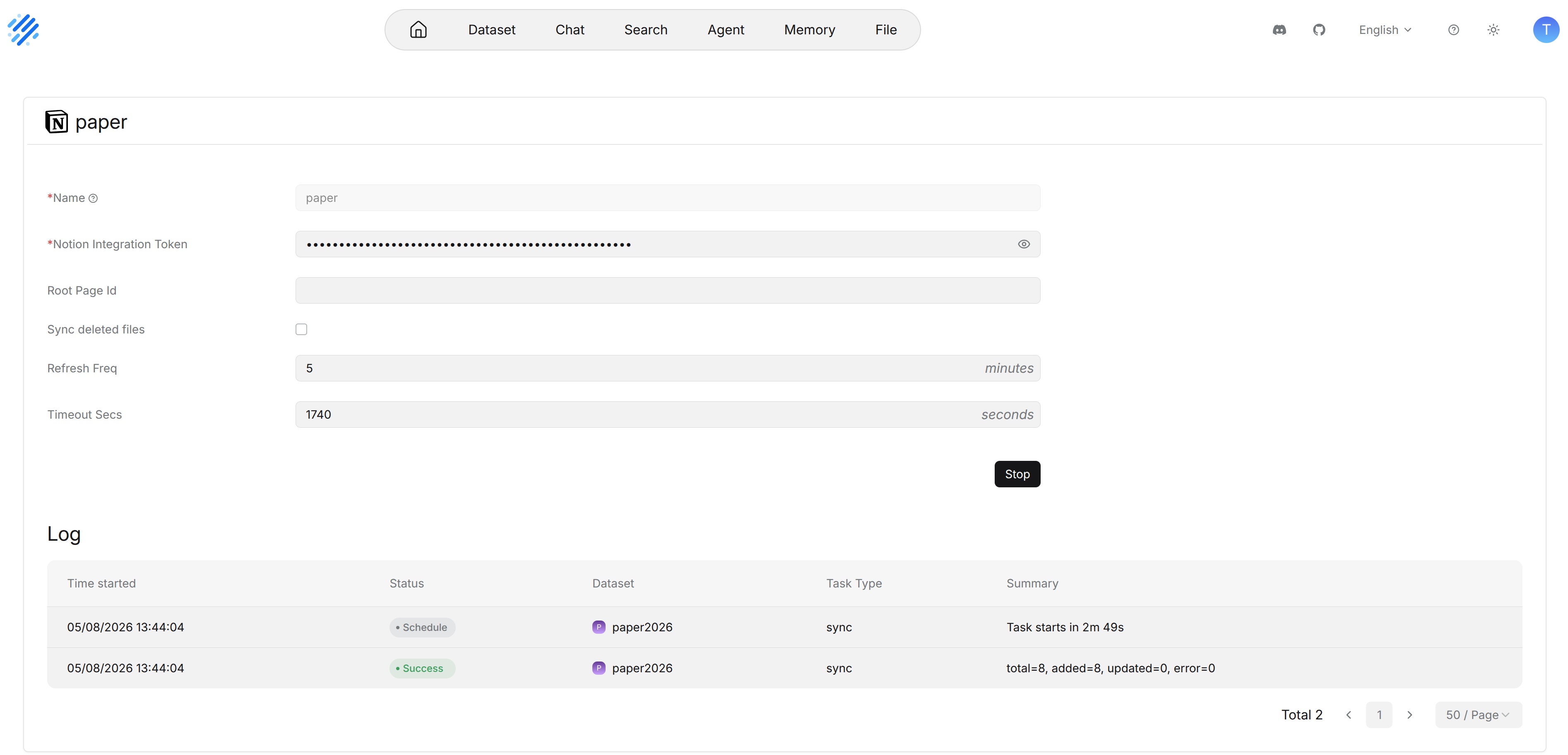diff --git a/docs/guides/dataset/configuration.md b/docs/guides/dataset/configuration.mdindex 7d7f089187..3302d677b4 100644--- a/docs/guides/dataset/configuration.md+++ b/docs/guides/dataset/configuration.md@@ -71,7 +71,7 @@ Configure how PDF documents are parsed. You can select a parsing method based on- **Multi-column layout recognition:** Recognizes PDFs with complex layouts, such as two-column or multi-column pages. When enabled, the parser identifies text regions and extracts content in a suitable reading order. This is useful for papers, journals, reports, and other multi-column documents.- **Remove original table of contents:** Removes the PDF's existing table of contents during parsing so that its text does not enter subsequent chunks or search results as body content.-- **Remove headers and footers:** Identifies and removes repeated page headers and footers to reduce irrelevant content in the knowledge base.+- **Remove headers and footers:** Identifies and removes repeated page headers and footers to reduce irrelevant content in the Dataset.- **Parsing method:** Selects a parser for PDF or table content. Parsing methods differ in text recognition, layout analysis, table recognition, and handling of complex documents. Built-in methods include:- **DeepDOC:** RAGFlow's default document parser. It performs OCR, table structure recognition, and document layout analysis. It is suitable for PDFs containing complex layouts, images, scanned content, or tables.- **Naive:** Suitable for PDFs that primarily contain plain text. It reduces OCR, table recognition, and complex layout analysis, making it faster for simple text-based PDFs.@@ -103,7 +103,7 @@ Parse Markdown documents while preserving their text and basic structure for sub##### HTML Parsing-Parse HTML documents to extract useful text and structured content while filtering page elements that need not be included in knowledge base retrieval.+Parse HTML documents to extract useful text and structured content while filtering page elements that need not be included in Dataset retrieval.- **Remove headers and footers:** Attempts to remove repeated headers and footers, reducing the effect of navigation and copyright information on chunking and retrieval.@@ -235,7 +235,7 @@ Extract or match tags for chunks using a prepared tag file. Tags can classify kn- **Auto-tags:** Sets how many tags are extracted for each chunk. Enable the **Tags** switch to use this function; turn it off to disable processing.- **Tag file:** Selects the file used for tag extraction. The system matches or generates tags for chunks based on the selected tag collection.-Prepare a tag file suitable for the knowledge base before using this feature. A well-designed tag system can support content classification, retrieval, and filtering.+Prepare a tag file suitable for the Dataset before using this feature. A well-designed tag system can support content classification, retrieval, and filtering.##### Summary@@ -273,7 +273,7 @@ Indexer prepares chunks for the retrieval engine. **Search method** displays the- **Filename embedding weight:** Sets the filename's weight in the vector representation. The filename contributes semantic information alongside the chunk content. A higher value gives it more influence. Increase the weight when filenames clearly express document topics; decrease it when filenames are random identifiers or have little meaning.- **Field:** Selects the content to embed. Available fields are **Processed text**, **Questions**, and **Augmented context**.- **Processed text:** Indexes the chunk body produced by the Parser, Chunker, and other preceding steps. This is the most direct method and the default selection.- - **Questions:** Indexes questions generated by the Extractor's **Auto-question** function. A user's question can then match a pre-generated question, which is useful for question-answering knowledge bases. Configure automatic question extraction before using this field.+ - **Questions:** Indexes questions generated by the Extractor's **Auto-question** function. A user's question can then match a pre-generated question, which is useful for question-answering Datasets. Configure automatic question extraction before using this field.- **Augmented context:** Embeds the summary generated by the Extractor's **Summary** function. This is useful when chunks need additional background for effective retrieval.Start with **Processed text**. To use **Questions**, first enable **Auto-question** in Extractor; to use **Augmented context**, enable **Summary**. Validate that the required content is generated before relying on it for retrieval.diff --git a/docs/guides/dataset/dataset_overview.md b/docs/guides/dataset/dataset_overview.mdindex f17c1c43f7..9af630581b 100644--- a/docs/guides/dataset/dataset_overview.md+++ b/docs/guides/dataset/dataset_overview.md@@ -18,15 +18,15 @@ In terms of responsibility, a dataset is more than a "folder". It converts raw d## Basic Information-The configuration page allows you to manage the core settings of a knowledge base. Basic information includes the name, language, avatar, description, permissions, embedding model and PageRank.+The configuration page allows you to manage the core settings of a Dataset. Basic information includes the name, language, avatar, description, permissions, embedding model and PageRank.-- **Name**: The name of the knowledge base. It can be changed after creation and is displayed on knowledge base cards and detail page headers.-- **Language**: The primary language of the knowledge base. This setting affects the language assumptions used during parsing and model processing.-- **Avatar**: The avatar of the knowledge base. Image uploads are supported, with a maximum file size of 4 MB.-- **Description**: A description of the knowledge base, used to explain its data scope, business purpose, or maintenance information.-- **Permissions**: Controls access to the knowledge base and the scope of allowed operations.+- **Name**: The name of the Dataset. It can be changed after creation and is displayed on Dataset cards and detail page headers.+- **Language**: The primary language of the Dataset. This setting affects the language assumptions used during parsing and model processing.+- **Avatar**: The avatar of the Dataset. Image uploads are supported, with a maximum file size of 4 MB.+- **Description**: A description of the Dataset, used to explain its data scope, business purpose, or maintenance information.+- **Permissions**: Controls access to the Dataset and the scope of allowed operations.- **Embedding model**: The model used to vectorize chunks. When chunks already exist, changing the model requires a compatibility check against existing vectors. Saving the change does not automatically re-embed existing chunks.-- **PageRank**: Sets the PageRank score for the knowledge base. During retrieval, this score is added to the hybrid similarity score of matching chunks from the knowledge base, increasing their ranking weight. This is useful when searching across multiple knowledge bases, and you want to prioritize content from a specific knowledge base.+- **PageRank**: Sets the PageRank score for the Dataset. During retrieval, this score is added to the hybrid similarity score of matching chunks from the Dataset, increasing their ranking weight. This is useful when searching across multiple Datasets, and you want to prioritize content from a specific Dataset.## Dataset Page Overviewdiff --git a/docs/guides/dataset/files_dataset_document_management.md b/docs/guides/dataset/files_dataset_document_management.mdindex b8bec0993d..3abb222d07 100644--- a/docs/guides/dataset/files_dataset_document_management.md+++ b/docs/guides/dataset/files_dataset_document_management.md@@ -50,14 +50,14 @@ To import external content, link a configured data source to the target Dataset1. Open the target **Dataset** and select **Configuration**.2. Find the **Data source** section and click **Link data source**.3. Select the configured data source connection and click **Confirm**.-4. Review the linked source and its parsing settings. For synchronization and updates, follow [Add a Data Source to a Knowledge Base and Synchronization and Updates](../data_source/add_to_knowledge_base_and_sync.md).+4. Review the linked source and its parsing settings. For synchronization and updates, follow [Add a Data Source to a Dataset and Synchronization and Updates](../data_source/add_to_knowledge_base_and_sync.md).5. Check synchronized documents and their parsing status on **Files**. Use **Logs > Data source** to inspect synchronization records.### Add Documents from FileAdd documents from File Management-Files that have already been uploaded to **File** can be added to a knowledge base by connecting them to the target knowledge base. Once connected, the files will be processed according to the configuration of the target knowledge base. For detailed instructions, see [**File > Connect to a knowledge base**](../file/link_dataset.md).+Files that have already been uploaded to **File** can be added to a Dataset by connecting them to the target Dataset. Once connected, the files will be processed according to the configuration of the target Dataset. For detailed instructions, see [**File > Connect to a Dataset**](../file/link_dataset.md).## Parse Documentsdiff --git a/docs/guides/file/_category_.json b/docs/guides/file/_category_.jsonindex f97d3c8325..561b03d8b5 100644--- a/docs/guides/file/_category_.json+++ b/docs/guides/file/_category_.json@@ -3,7 +3,7 @@"position": 7,"link": {"type": "generated-index",- "description": "Guides on creating folders, uploading files, managing file operations, linking knowledge bases, and batch file management in RAGFlow."+ "description": "Guides on creating folders, uploading files, managing file operations, linking Datasets, and batch file management in RAGFlow."},"customProps": {"categoryIcon": "LucideFolderDot"diff --git a/docs/guides/file/file_operations.md b/docs/guides/file/file_operations.mdindex 96a431483b..ac98ee8969 100644--- a/docs/guides/file/file_operations.md+++ b/docs/guides/file/file_operations.md@@ -14,7 +14,7 @@ After you hover over a file row, the **Operations** column displays the availabl-**Add to Knowledge Base**: Applies to files. Associates the file with one or more knowledge bases, allowing the knowledge base to use the file as a data source.+**Add to Dataset**: Applies to files. Associates the file with one or more Datasets, allowing the Dataset to use the file as a data source.**Move**: Applies to files or folders. After selecting a target folder and saving, the system moves the selected item to the target directory.@@ -26,5 +26,5 @@ After you hover over a file row, the **Operations** column displays the availabl**Delete**: Applies to files or folders. A confirmation dialog appears before deletion. After confirmation, the file is removed from the current directory.-Deleting files or folders may affect knowledge base data sources that are already associated with them. Before deleting, confirm that the file is no longer used by business workflows, knowledge base parsing, or agent retrieval.+Deleting files or folders may affect Dataset data sources that are already associated with them. Before deleting, confirm that the file is no longer used by business workflows, Dataset parsing, or agent retrieval.diff --git a/docs/guides/file/link_dataset.md b/docs/guides/file/link_dataset.mdindex 5001d0b1cb..373d734530 100644--- a/docs/guides/file/link_dataset.md+++ b/docs/guides/file/link_dataset.md@@ -1,22 +1,22 @@---sidebar_position: 3slug: /file_management/link_knowledge_base-sidebar_label: Link Knowledge Base-title: Link Knowledge Base+sidebar_label: Link Dataset+title: Link Datasetsidebar_custom_props: {categoryIcon: LucideFolderDot}----# Link Knowledge Base+# Link Dataset {#link-knowledge-base}-The file management page allows you to add files directly to a knowledge base. After the association is created, you can continue operations such as parsing, chunking, and retrieval from the knowledge base side. The specific processing status is subject to the knowledge base document page.+The file management page allows you to add files directly to a Dataset. After the association is created, you can continue operations such as parsing, chunking, and retrieval from the Dataset side. The specific processing status is subject to the Dataset document page.## Link a Single File1. Find the target file in the file list.-2. Hover over the row, then click the **Add to Knowledge Base** icon in the **Operations** column.-3. In the pop-up window, select one or more knowledge bases.+2. Hover over the row, then click the **Add to Dataset** icon in the **Action** column.+3. In the pop-up window, select one or more Datasets.4. Click **Save** to save the association.@@ -24,9 +24,9 @@ The file management page allows you to add files directly to a knowledge base. A## Batch Link1. Select multiple files that need to be linked.-2. In the batch operation bar, click **Add to Knowledge Base**.-3. Select the target knowledge base and save.+2. In the batch operation bar, click **Add to Dataset**.+3. Select the target Dataset and save.-A single-file operation replaces the knowledge base associations of that file with the current selection. A batch operation adds the selected files to the target knowledge base. If the same file serves multiple knowledge bases, confirm the target knowledge base name before saving.+A single-file operation replaces the Dataset associations of that file with the current selection. A batch operation adds the selected files to the target Dataset. If the same file serves multiple Datasets, confirm the target Dataset name before saving.diff --git a/docs/guides/knowledge_compilation/apply_knowledge_compilation_template.md b/docs/guides/knowledge_compilation/apply_knowledge_compilation_template.mdindex f7f36ef2fa..7648e48e45 100644--- a/docs/guides/knowledge_compilation/apply_knowledge_compilation_template.md+++ b/docs/guides/knowledge_compilation/apply_knowledge_compilation_template.md@@ -39,15 +39,15 @@ If CompilationTemplate is modified, completed documents are not automatically re## View Knowledge Artifacts-After knowledge compilation is complete, enter the corresponding knowledge base and select **Artifacts** from the left sidebar. In the upper-right corner of the Artifacts page, select the artifact type you want to view from the drop-down list, such as **Wiki**, **Tree/Page index**, **Graph**, **Mindmap**, or **Timeline**, to view the corresponding generated results.+After knowledge compilation is complete, enter the corresponding Dataset and select **Artifacts** from the left sidebar. In the upper-right corner of the Artifacts page, select the artifact type you want to view from the drop-down list, such as **Wiki**, **Tree/Page index**, **Graph**, **Mindmap**, or **Timeline**, to view the corresponding generated results.-Knowledge artifacts can be divided by generation scope into document-level and knowledge-base-level artifacts:+Knowledge artifacts can be divided by generation scope into document-level and Dataset-level artifacts:- **Document-level knowledge artifacts**: Graph, Tree, PageIndex, Mindmap, and Timeline can generate corresponding document-level results. Click a file name in the files list to view its artifacts.-- **Knowledge-base-level knowledge artifacts**: After a document completes a Pipeline that produces compilation results, the system automatically schedules the corresponding knowledge-base-level processing. Wiki pages are generated and merged from the document-level Wiki compilation results in the background. Open **Artifacts > Wiki** to view the results when processing is complete.+- **Dataset-level knowledge artifacts**: After a document completes a Pipeline that produces compilation results, the system automatically schedules the corresponding Dataset-level processing. Wiki pages are generated and merged from the document-level Wiki compilation results in the background. Open **Artifacts > Wiki** to view the results when processing is complete.-Document parsing and knowledge-base-level compilation complete separately. A document can finish parsing while its knowledge-base-level artifacts are still being processed. Check the compilation status and knowledge-base-level logs if results have not appeared or processing fails. The Ingestor service must be running for background compilation to proceed.+Document parsing and Dataset-level compilation complete separately. A document can finish parsing while its Dataset-level artifacts are still being processed. Check the compilation status and Dataset-level logs if results have not appeared or processing fails. The Ingestor service must be running for background compilation to proceed.## Knowledge Artifact Check@@ -66,14 +66,14 @@ For different knowledge artifact types, focus on the following checks:## Update Knowledge Artifacts-The system automatically schedules knowledge-base-level artifact updates when documents finish compilation or documents with compilation results are deleted directly through the knowledge base's document management operations. No manual **Generate** or **Update** action on the Artifacts page is required.+The system automatically schedules Dataset-level artifact updates when documents finish compilation or documents with compilation results are deleted directly through the Dataset's document management operations. No manual **Generate** or **Update** action on the Artifacts page is required.-- **New documents**: Upload the documents and run the Pipeline containing Compiler with the required templates. After document processing completes, the system automatically incorporates the compilation results into the corresponding knowledge-base-level artifacts. Uploading a file without running the Pipeline does not generate knowledge artifacts.-- **Reparsed documents**: After a document completes the Pipeline again, the system automatically updates the corresponding knowledge-base-level artifacts from its latest compilation results.-- **Documents deleted from the knowledge base**: When you delete a compiled document directly from the knowledge base's **Files** page, the system automatically schedules removal of its contributions from the corresponding knowledge-base-level artifacts.+- **New documents**: Upload the documents and run the Pipeline containing Compiler with the required templates. After document processing completes, the system automatically incorporates the compilation results into the corresponding Dataset-level artifacts. Uploading a file without running the Pipeline does not generate knowledge artifacts.+- **Reparsed documents**: After a document completes the Pipeline again, the system automatically updates the corresponding Dataset-level artifacts from its latest compilation results.+- **Documents deleted from the Dataset**: When you delete a compiled document directly from the Dataset's **Files** page, the system automatically schedules removal of its contributions from the corresponding Dataset-level artifacts.-Deleting a user account is a separate operation. Documents removed as part of account deletion may leave content in existing knowledge-base-level artifacts in knowledge bases that are retained. Do not assume that account deletion automatically removes those contributions.+Deleting a user account is a separate operation. Documents removed as part of account deletion may leave content in existing Dataset-level artifacts in Datasets that are retained. Do not assume that account deletion automatically removes those contributions.-Updates run in the background and may take time to appear. Check the compilation status and knowledge-base-level logs to confirm completion or investigate a failure.+Updates run in the background and may take time to appear. Check the compilation status and Dataset-level logs to confirm completion or investigate a failure.-Changing a compilation template alone does not recompile completed documents. Reparse the affected documents with the updated template; their knowledge-base-level artifacts are then updated automatically after document processing completes.+Changing a compilation template alone does not recompile completed documents. Reparse the affected documents with the updated template; their Dataset-level artifacts are then updated automatically after document processing completes.diff --git a/docs/guides/knowledge_compilation/built_in_templates_and_dedicated_configuration.md b/docs/guides/knowledge_compilation/built_in_templates_and_dedicated_configuration.mdindex 82a96d4d8c..851e1629e5 100644--- a/docs/guides/knowledge_compilation/built_in_templates_and_dedicated_configuration.md+++ b/docs/guides/knowledge_compilation/built_in_templates_and_dedicated_configuration.md@@ -423,7 +423,7 @@ When adding entities or relationships, make sure they can form clear associationWiki compiles document content into structured and associated knowledge pages. The system identifies entities, relationships, facts, and concepts in documents, then generates content similar to encyclopedia knowledge pages according to page organization rules.-Wiki is suitable for enterprise knowledge accumulation, product documentation, domain knowledge bases, and similar scenarios. It helps users convert scattered document content into clearly structured knowledge pages that are easy to browse and retrieve.+Wiki is suitable for enterprise knowledge accumulation, product documentation, domain Datasets, and similar scenarios. It helps users convert scattered document content into clearly structured knowledge pages that are easy to browse and retrieve.### Global Rules@@ -570,4 +570,4 @@ Claim is used to supplement factual information and is suitable for scenarios thConcept is suitable for professional domain knowledge organization and can help improve the association capability of Wiki pages.-Blueprint controls the final page display effect. It is recommended to adjust it based on the purpose of the knowledge base.+Blueprint controls the final page display effect. It is recommended to adjust it based on the purpose of the Dataset.diff --git a/docs/guides/knowledge_compilation/faq.md b/docs/guides/knowledge_compilation/faq.mdindex 896b93b75c..fa9698a4c4 100644--- a/docs/guides/knowledge_compilation/faq.md+++ b/docs/guides/knowledge_compilation/faq.md@@ -12,9 +12,9 @@ sidebar_custom_props: {## 1. Why can't I see Wiki in Artifacts after knowledge compilation is complete?-Wiki is a knowledge-base-level knowledge artifact. After a document completes a Pipeline configured with a Wiki compilation template, the system automatically schedules Wiki generation and merging in the background. Document parsing can finish before this knowledge-base-level processing completes.+Wiki is a Dataset-level knowledge artifact. After a document completes a Pipeline configured with a Wiki compilation template, the system automatically schedules Wiki generation and merging in the background. Document parsing can finish before this Dataset-level processing completes.-Open **Artifacts > Wiki** after background compilation completes. No manual generation step is required. If Wiki pages do not appear, confirm that Compiler uses a Wiki template, the document processing succeeded, and the Ingestor service is running. Check the compilation status and knowledge-base-level logs for pending processing or errors.+Open **Artifacts > Wiki** after background compilation completes. No manual generation step is required. If Wiki pages do not appear, confirm that Compiler uses a Wiki template, the document processing succeeded, and the Ingestor service is running. Check the compilation status and Dataset-level logs for pending processing or errors.## 2. Why are no corresponding knowledge artifacts generated after knowledge compilation?diff --git a/docs/guides/memory/connect_to_an_agent.md b/docs/guides/memory/connect_to_an_agent.mdindex 4068219677..3f42d428bc 100644--- a/docs/guides/memory/connect_to_an_agent.md+++ b/docs/guides/memory/connect_to_an_agent.md@@ -17,7 +17,7 @@ A memory must be connected to an Agent before historical messages can be written1. Go to the **Agent** page and open the Agent that needs to be configured.2. Select or add the **Message** component on the Agent canvas.3. In the **Message** component configuration, find **Save to Memory**.-4. Select the target memory. If historical records need to be distinguished by user, configure the user ID.+4. Select the target memory and set **User ID** to identify the user whose messages will be stored.5. Save the Agent and run a test. After it runs, return to the memory's **Messages** page to check whether new messages have been generated.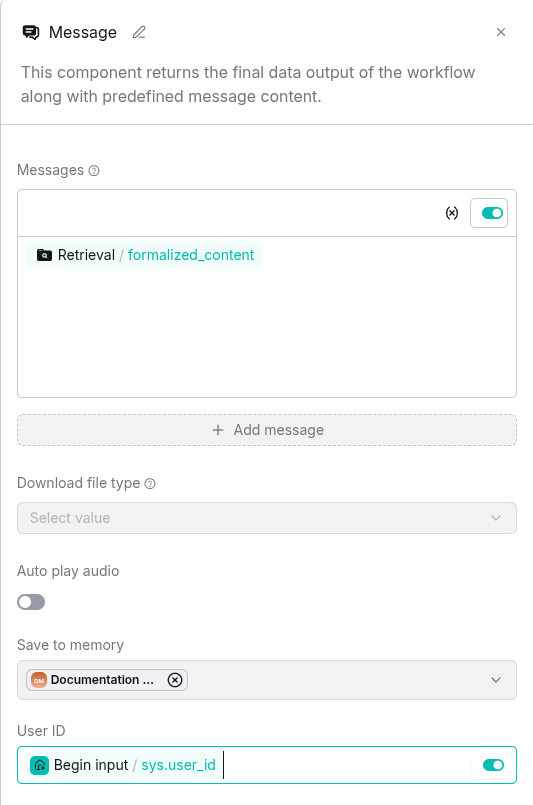@@ -26,9 +26,10 @@ A memory must be connected to an Agent before historical messages can be written1. Select or add the **Retrieval** component on the Agent canvas.2. In **Query variable**, select the query source. `sys.query` is commonly used.-3. In **Retrieval source**, select **Memory**, and select one or more target memories.-4. Adjust **Similarity threshold**, **Keyword similarity weight**, and **Top N** as needed.-5. Connect the retrieval result to a subsequent large language model or answer component, so that the Agent can use the retrieved historical context.-6. Save and run a test, and check whether the answer correctly references historical memories.+3. In **Retrieval from**, select **Memory**.+4. In the Memory selection field below, select at least one target Memory.+5. Set **User ID** to the same value or variable used when writing messages to that Memory. Adjust **Similarity threshold**, **Keyword similarity weight**, and **Top N** as needed.+6. Connect the retrieval result to a subsequent large language model or answer component, so that the Agent can use the retrieved historical context.+7. Save and run a test, and check whether the answer correctly references historical memories.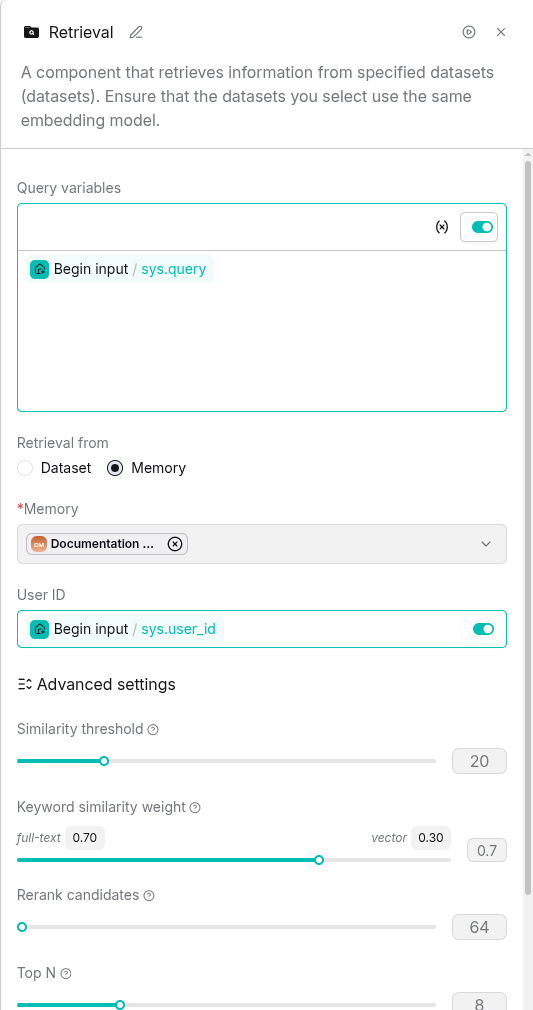diff --git a/docs/guides/memory/message_page.md b/docs/guides/memory/message_page.mdindex f4559aab4d..4a9a401def 100644--- a/docs/guides/memory/message_page.md+++ b/docs/guides/memory/message_page.md@@ -10,7 +10,7 @@ sidebar_custom_props: {# Message Page-The message page is used to view messages written to memory and control whether messages participate in subsequent retrieval. The left side provides **Messages** and **Configurations** entries, and the right side displays the message list, search, and filters.+The message page is used to view messages written to memory and control whether messages participate in subsequent retrieval. The left side provides **Messages** and **Configuration** entries, and the right side displays the message list, search, and filters.Memory extraction uses the prompts and temperature in **Advanced Settings** on the configuration page. If the extraction result does not meet expectations, check these configurations first.@@ -26,8 +26,8 @@ The message list displays information such as sessions, source Agents, message t| Agent | The name of the Agent that wrote the message, such as `customer` or `deep search`. || Type | The message type or extracted memory type. In the current example, this is displayed as **Raw**. || Valid date | The valid time of this memory, that is, the effective time. |-| Forgotten at | The time when this message was forgotten. If it has not been forgotten, this is usually displayed as **None** or left empty. |-| Enabled | Controls whether this message participates in subsequent retrieval. After it is disabled, the message is still retained, but it no longer affects Agent retrieval results. |-| Operation | Used to view, copy, view logs, or forget messages. The specific buttons depend on the current permissions and message status. |+| Forget at | The time when this message was forgotten. If it has not been forgotten, this is usually displayed as **None** or left empty. |+| Enable | Controls whether this message participates in subsequent retrieval. After it is disabled, the message is still retained, but it no longer affects Agent retrieval results. |+| Action | Used to view, copy, view logs, or forget messages. The specific buttons depend on the current permissions and message status. |-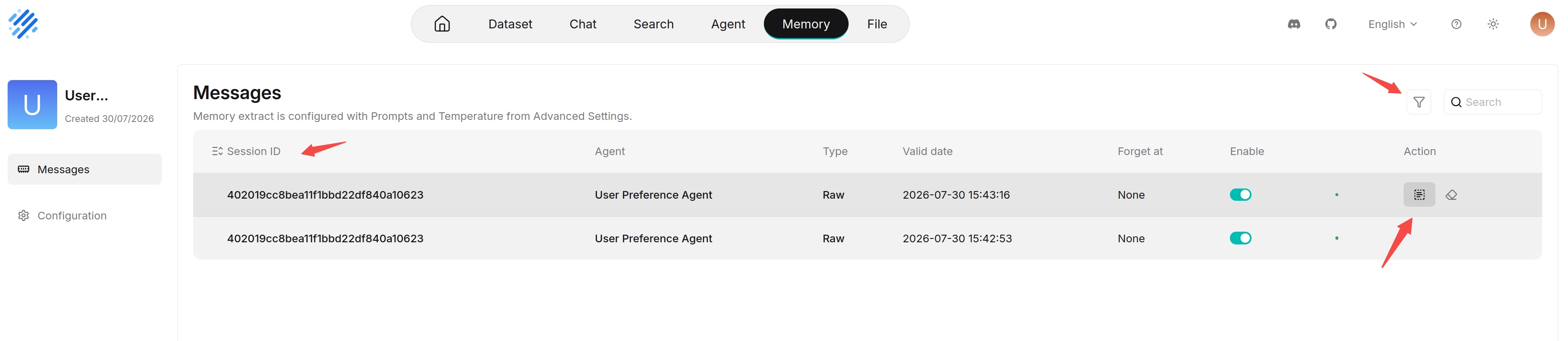\ No newline at end of file+diff --git a/docs/guides/models/deploy_local_llm.mdx b/docs/guides/models/deploy_local_llm.mdxindex 9a8f9db1f8..d0c6895bb8 100644--- a/docs/guides/models/deploy_local_llm.mdx+++ b/docs/guides/models/deploy_local_llm.mdx@@ -27,7 +27,7 @@ This guide provides simple Ollama and vLLM deployment examples for new RAGFlow uOllama uses its registry name. vLLM downloads the model using its Hugging Face repository ID, while RAGFlow and other API clients use the name assigned by `--served-model-name`.:::note-MiniCPM5-2B is a chat model, not an embedding model. To create and parse a RAGFlow knowledge base, you must also configure an embedding model. The Ollama instructions below use `qwen3-embedding:0.6b` as a lightweight example.+MiniCPM5-2B is a chat model, not an embedding model. To create and parse a RAGFlow Dataset, you must also configure an embedding model. The Ollama instructions below use `qwen3-embedding:0.6b` as a lightweight example.:::## Deploy MiniCPM5-2B Using Ollama@@ -73,7 +73,7 @@ Pull the chat model:sudo docker exec ollama ollama pull openbmb/minicpm5-2b```-If you intend to create a knowledge base, also pull a lightweight embedding model:+If you intend to create a Dataset, also pull a lightweight embedding model:```bashsudo docker exec ollama ollama pull qwen3-embedding:0.6b@@ -154,7 +154,7 @@ Successful verification indicates that RAGFlow can reach Ollama and call the sel### 6. Use the Models in RAGFlow- Select `openbmb/minicpm5-2b` as the chat model in **Set default models** or your chat configuration.-- Select `qwen3-embedding:0.6b` as the embedding model when creating a knowledge base.+- Select `qwen3-embedding:0.6b` as the embedding model when creating a Dataset.## Deploy MiniCPM5-2B Using vLLM@@ -293,5 +293,5 @@ Select `MiniCPM5-2B` in **Set default models** or your chat configuration to staSuccessful verification indicates that RAGFlow can reach the vLLM server and call `MiniCPM5-2B`.:::note-You can use the vLLM chat model with an embedding model from another provider. For example, use `MiniCPM5-2B` from vLLM for chat and `qwen3-embedding:0.6b` from Ollama for knowledge-base embeddings.+You can use the vLLM chat model with an embedding model from another provider. For example, use `MiniCPM5-2B` from vLLM for chat and `qwen3-embedding:0.6b` from Ollama for Dataset embeddings.:::diff --git a/docs/guides/models/llm_api_key_setup.md b/docs/guides/models/llm_api_key_setup.mdindex a8190cc735..11b31fed84 100644--- a/docs/guides/models/llm_api_key_setup.md+++ b/docs/guides/models/llm_api_key_setup.md@@ -9,7 +9,7 @@ sidebar_custom_props: {---# Configure Model Providers-RAGFlow model provider management allows you to connect online models, local models, and OpenAI-compatible models to RAGFlow for use in knowledge bases, chats, search, and agents.+RAGFlow model provider management allows you to connect online models, local models, and OpenAI-compatible models to RAGFlow for use in Datasets, chats, search, and agents.## Get a Model Provider API Key@@ -129,8 +129,8 @@ For a particular Chat, you can select its decision model under **Chat setting >| Model type | Full name | Main function | Input | Output | Typical scenarios || --- | --- | --- | --- | --- | --- || LLM | Large Language Model | Understands, reasons over, and generates text | Text prompts | Text | Intelligent question answering, content generation, summarization, and information extraction |-| Embedding | Embedding model | Converts text into vector representations | Text | Vectors | Semantic retrieval, similarity calculation, and knowledge base indexing |-| Rerank | Rerank model | Scores and reorders initially retrieved candidate results by relevance | Query text and candidate text | Relevance scores and ranking results | Optimizing retrieval results and improving knowledge base Q&A accuracy |+| Embedding | Embedding model | Converts text into vector representations | Text | Vectors | Semantic retrieval, similarity calculation, and Dataset indexing |+| Rerank | Rerank model | Scores and reorders initially retrieved candidate results by relevance | Query text and candidate text | Relevance scores and ranking results | Optimizing retrieval results and improving Dataset Q&A accuracy || VLM | Vision-Language Model | Understands images and the text, objects, and scene information in them | Images, text, or images with text | Text | Image Q&A, chart understanding, and visual content analysis || ASR | Automatic Speech Recognition model | Converts speech into text | Audio | Text | Speech transcription, meeting records, and real-time captions || TTS | Text-to-Speech model | Converts text into speech | Text | Audio | Voice playback, audio content, and voice interaction |diff --git a/docs/guides/search/create_search.md b/docs/guides/search/create_search.mdindex 9162dd2ba6..a14e70ae59 100644--- a/docs/guides/search/create_search.md+++ b/docs/guides/search/create_search.md@@ -9,7 +9,7 @@ sidebar_custom_props:# Create a Search-Search provides retrieval capabilities for knowledge bases, helping users quickly find relevant content in parsed knowledge bases. Users can enter natural-language questions and narrow the search scope by configuring document filters, the number of results, and other options.+Search provides retrieval capabilities for Datasets, helping users quickly find relevant content in parsed Datasets. Users can enter natural-language questions and narrow the search scope by configuring document filters, the number of results, and other options.Search also supports features such as AI Summary, Related Search, and Query Mindmap. These features summarize search results, generate related questions, and present the topic structure of the current query as a mind map, helping users further understand and explore knowledge content.@@ -19,4 +19,4 @@ The following sections describe how to create, configure, and use Search.2. Click **Create Search**.3. Enter a name for the Search and confirm.4. Open the newly created Search. If the **Search settings** panel is closed, click the settings button to open it.-5. Under **Datasets**, select at least one knowledge base and click **Save** to save.+5. Under **Datasets**, select at least one Dataset and click **Save** to save.diff --git a/docs/guides/search/faq.md b/docs/guides/search/faq.mdindex 60addc7345..cdb34b8054 100644--- a/docs/guides/search/faq.md+++ b/docs/guides/search/faq.md@@ -11,15 +11,15 @@ sidebar_custom_props:**What are the main differences between Search and Chat?**-Search is designed for knowledge retrieval. It retrieves and displays relevant content from selected knowledge bases based on the user's query, helping users quickly locate the information they need.+Search is designed for knowledge retrieval. It retrieves and displays relevant content from selected Datasets based on the user's query, helping users quickly locate the information they need.Chat is designed for knowledge-based question answering. In addition to retrieving relevant knowledge, it uses an LLM to understand questions and generate answers. It also supports multi-turn conversations and capabilities such as Agentic Retrieval, making it suitable for scenarios that require information synthesis, reasoning, and natural-language responses.-**Why can't I find content that already exists in the knowledge base?**+**Why can't I find content that already exists in the Dataset?**The relevant chunks may not meet the **Similarity threshold**, or the query may differ significantly from the wording in the source content. Try lowering the similarity threshold, adjusting the **Keyword similarity weight**, or using more specific keywords.-Also make sure that the target knowledge base has been added to the current Search and that the relevant documents have been successfully parsed and indexed.+Also make sure that the target Dataset has been added to the current Search and that the relevant documents have been successfully parsed and indexed.**Why do my search results contain a lot of irrelevant content?**@@ -43,4 +43,4 @@ If result ranking quality is more important, you can enable Rerank. If responseNo. A higher threshold can reduce less relevant results, but it may also filter out useful content, resulting in fewer or even no search results.-Adjust the threshold according to your knowledge base and actual search results to achieve a balance between retrieval coverage and result relevance.+Adjust the threshold according to your Dataset and actual search results to achieve a balance between retrieval coverage and result relevance.diff --git a/docs/guides/search/search_settings.md b/docs/guides/search/search_settings.mdindex f7a9452d50..36ce018462 100644--- a/docs/guides/search/search_settings.md+++ b/docs/guides/search/search_settings.md@@ -13,15 +13,15 @@ Search Settings allow you to configure the knowledge sources, retrieval strategy## Datasets-Select the knowledge bases that Search will use. When a user submits a query, the system retrieves relevant content from the selected knowledge bases.+Select the Datasets that Search will use. When a user submits a query, the system retrieves relevant content from the selected Datasets.-You can select one or more knowledge bases. When multiple knowledge bases are selected, Search retrieves relevant content from all of them simultaneously.+You can select one or more Datasets. When multiple Datasets are selected, Search retrieves relevant content from all of them simultaneously.-Select knowledge bases based on the intended use case of the Search. Avoid adding large numbers of knowledge bases that are unrelated to the search topic, as this may increase the number of irrelevant results.+Select Datasets based on the intended use case of the Search. Avoid adding large numbers of Datasets that are unrelated to the search topic, as this may increase the number of irrelevant results.## Metadata-Use **Metadata** to restrict retrieval by document metadata. Available fields depend on the selected knowledge bases. This setting filters content; it is not a switch for displaying metadata in results.+Use **Metadata** to restrict retrieval by document metadata. Available fields depend on the selected Datasets. This setting filters content; it is not a switch for displaying metadata in results.## Similarity threshold@@ -47,14 +47,14 @@ Start with the default value and adjust it based on search results.Sets the number of candidate chunks that enter the reranking stage.-The system first retrieves candidate content from the knowledge bases and then determines which results to display from among those candidates. This parameter controls the candidate pool available for subsequent ranking or reranking.+The system first retrieves candidate content from the Datasets and then determines which results to display from among those candidates. This parameter controls the candidate pool available for subsequent ranking or reranking.For example, a value of `100` means that up to 100 candidate chunks are selected for subsequent processing.- Increase the value: Expands the candidate pool and reduces the likelihood that highly relevant content will be missed during initial retrieval, but increases processing overhead.- Decrease the value: Generally improves search speed, but the smaller candidate pool may omit some relevant content.-For large knowledge bases or use cases that require broader retrieval coverage, you can increase this value as appropriate.+For large Datasets or use cases that require broader retrieval coverage, you can increase this value as appropriate.## Rerank modeldiff --git a/docs/references/glossary.mdx b/docs/references/glossary.mdxindex 1eec35eb45..cf2e3f88d5 100644--- a/docs/references/glossary.mdx+++ b/docs/references/glossary.mdx@@ -21,7 +21,7 @@ import TOCInline from '@theme/TOCInline';**Agent**-An Agent is an AI application that combines large language models, knowledge bases, tools, and workflows to perform tasks.+An Agent is an AI application that combines large language models, Datasets, tools, and workflows to perform tasks.In RAGFlow, users can visually build Agents and combine capabilities such as retrieval, model invocation, conditional logic, loops, variables, code execution, and HTTP requests to implement complex task-processing workflows.@@ -69,7 +69,7 @@ In RAGFlow, BM25 is used for relevance scoring in full-text search and can be co**Chat**-Chat is a knowledge question-answering application provided by RAGFlow that enables conversations based on one or more knowledge bases and large language models. Chat can combine knowledge retrieval, Agentic Retrieval, and web search to obtain relevant information and generate answers based on the retrieved results.+Chat is a knowledge question-answering application provided by RAGFlow that enables conversations based on one or more Datasets and large language models. Chat can combine knowledge retrieval, Agentic Retrieval, and web search to obtain relevant information and generate answers based on the retrieved results.**Chunk**@@ -103,7 +103,7 @@ Context is the information available to a large language model when processing tCross-language search allows users to submit a query in one language and retrieve relevant content written in other languages. For example, an English query can be used to retrieve Chinese documents.-This capability reduces retrieval limitations caused by differences between the query language and the language of the knowledge base content.+This capability reduces retrieval limitations caused by differences between the query language and the language of the Dataset content.**Creativity**@@ -141,13 +141,13 @@ Embedding is the process of converting text or other content into numerical vectAn embedding model converts text into vector representations, enabling the system to perform retrieval based on semantic similarity.-Chunks in a knowledge base and user queries can be converted into vectors through an embedding model to support capabilities such as vector search.+Chunks in a Dataset and user queries can be converted into vectors through an embedding model to support capabilities such as vector search.**Empty response**An empty response is predefined content returned when no knowledge satisfying the retrieval conditions is found.-Configuring an empty response can prevent the model from continuing to generate answers unrelated to the knowledge base when valid supporting knowledge is unavailable.+Configuring an empty response can prevent the model from continuing to generate answers unrelated to the Dataset when valid supporting knowledge is unavailable.**Entity**@@ -161,7 +161,7 @@ Entity Extraction is the process of identifying and extracting meaningful entiti**Full-text search**-Full-text search retrieves relevant content based on lexical matches between query terms and knowledge base content.+Full-text search retrieves relevant content based on lexical matches between query terms and Dataset content.Compared with vector search, which primarily focuses on semantic similarity, full-text search is generally better suited for retrieving proper nouns, identifiers, keywords, and other content requiring exact lexical matching.@@ -203,7 +203,7 @@ An index is a data structure built to improve data retrieval efficiency. In RAGF**Ingestion Pipeline**-Ingestion Pipeline defines how documents are processed after they enter a knowledge base.+Ingestion Pipeline defines how documents are processed after they enter a Dataset.Users can customize document parsing, content processing, chunking, and other processing steps through a Pipeline to accommodate different data types and business requirements.@@ -223,7 +223,7 @@ In RAGFlow, keyword analysis is used to enrich query representation, helping the**Knowledge artifact**-A knowledge artifact is a structured representation of knowledge generated from documents or knowledge base content through Knowledge Compilation.+A knowledge artifact is a structured representation of knowledge generated from documents or Dataset content through Knowledge Compilation.Depending on the Knowledge Compilation template used, different forms of knowledge artifacts can be generated, including Wiki, Graph, Tree, PageIndex, Mindmap, Timeline, and Skills.@@ -231,15 +231,15 @@ These artifacts reorganize existing knowledge into different structures and can**Knowledge Compilation**-Knowledge Compilation further refines, organizes, and structures existing document or knowledge base content.+Knowledge Compilation further refines, organizes, and structures existing document or Dataset content.-Knowledge Compilation can be performed on an individual document or an entire knowledge base. By selecting different compilation templates, raw content can be transformed into knowledge artifacts such as Wiki, Graph, Tree, PageIndex, Mindmap, Timeline, or Skills.+Knowledge Compilation can be performed on an individual document or an entire Dataset. By selecting different compilation templates, raw content can be transformed into knowledge artifacts such as Wiki, Graph, Tree, PageIndex, Mindmap, Timeline, or Skills.**Knowledge Compilation Template**A Knowledge Compilation Template is a predefined template that determines how knowledge is compiled and how the resulting artifact is structured.-In RAGFlow, different templates can compile source documents or knowledge base content into specific forms of knowledge artifacts, such as Wiki, Graph, Tree, Page Index, Mindmap, Timeline, and Skills, to support different knowledge organization and usage scenarios.+In RAGFlow, different templates can compile source documents or Dataset content into specific forms of knowledge artifacts, such as Wiki, Graph, Tree, Page Index, Mindmap, Timeline, and Skills, to support different knowledge organization and usage scenarios.### **L**@@ -325,7 +325,7 @@ In a RAG system, a prompt can include task instructions, role definitions, retriA query is a retrieval request submitted by a user to express the information they want to find or the question they want answered.-In a RAG system, queries are used to retrieve relevant content from knowledge bases or other data sources and provide context for subsequent answer generation.+In a RAG system, queries are used to retrieve relevant content from Datasets or other data sources and provide context for subsequent answer generation.**Query Expansion**@@ -345,11 +345,11 @@ In a RAG system, a question typically serves as input to the retrieval and generRAG (Retrieval-Augmented Generation) is an approach that combines information retrieval with large language model generation.-The system first retrieves content relevant to a question from a knowledge base or other data sources and then provides the retrieved results to a large language model as context for answer generation, improving consistency with existing knowledge and answer traceability.+The system first retrieves content relevant to a question from a Dataset or other data sources and then provides the retrieved results to a large language model as context for answer generation, improving consistency with existing knowledge and answer traceability.**Recall**-Recall refers to the process of retrieving relevant content from a knowledge base based on a user query. In RAGFlow, recall is typically performed through vector search, full-text search, or hybrid search. The recalled content can then be reranked or provided to the model as context for answer generation.+Recall refers to the process of retrieving relevant content from a Dataset based on a user query. In RAGFlow, recall is typically performed through vector search, full-text search, or hybrid search. The recalled content can then be reranked or provided to the model as context for answer generation.**Reranker**@@ -359,7 +359,7 @@ Reranking allows content that is more relevant to the user's question to be prio**Retrieval**-Retrieval is the process of finding relevant content in a knowledge base based on a user query.+Retrieval is the process of finding relevant content in a Dataset based on a user query.RAGFlow supports vector search, full-text search, and hybrid search, and can further optimize retrieval results using mechanisms such as reranking and metadata filtering.@@ -371,7 +371,7 @@ Depending on the configuration, the system can perform keyword analysis, semanti**Retrieval test**-Retrieval test is used to evaluate the retrieval performance of a knowledge base.+Retrieval test is used to evaluate the retrieval performance of a Dataset.Users can enter test queries and inspect the recalled chunks and related information to evaluate and adjust retrieval methods, similarity thresholds, reranking, and other configurations.@@ -397,7 +397,7 @@ This parameter controls the target size of generated chunks. Smaller chunks gene**Search**-Search is one of the knowledge applications provided by RAGFlow. It searches knowledge base content and returns relevant results.+Search is one of the knowledge applications provided by RAGFlow. It searches Dataset content and returns relevant results.Unlike Chat, which generates answers in a conversational format, Search focuses more on knowledge retrieval and the presentation of search results.@@ -415,11 +415,11 @@ Candidate chunks with relevance scores below this threshold are filtered out. In**Skills**-Skills are a knowledge organization mechanism that precompiled knowledge from a knowledge base into a navigable hierarchical directory.+Skills are a knowledge organization mechanism that precompiled knowledge from a Dataset into a navigable hierarchical directory.They organize knowledge into a hierarchical structure based on thematic and semantic relationships, with directory summaries describing the knowledge contained at each level and its child branches. During retrieval, an Agent reads these summaries based on the user query, selects relevant branches, and progressively navigates down the hierarchy to locate and retrieve the relevant source documents or evidence.-Unlike traditional retrieval methods that recall Top-K text chunks based on similarity scores, Skills transform retrieval into a process of navigation and localization over a hierarchical knowledge structure. This enables the Agent to actively explore the knowledge base and progressively narrow the retrieval scope.+Unlike traditional retrieval methods that recall Top-K text chunks based on similarity scores, Skills transform retrieval into a process of navigation and localization over a hierarchical knowledge structure. This enables the Agent to actively explore the Dataset and progressively narrow the retrieval scope.**System prompt**@@ -434,7 +434,7 @@ Users can use the system prompt to specify response style, task rules, how knowlA tag is an attribute used to label and categorize documents or content and can describe their category, topic, or other characteristics.-In RAGFlow, tags can be used to classify and manage documents in a knowledge base and can also serve as retrieval criteria to help the system filter and locate relevant content.+In RAGFlow, tags can be used to classify and manage documents in a Dataset and can also serve as retrieval criteria to help the system filter and locate relevant content.**Temperature**@@ -493,7 +493,7 @@ A vector is a data representation consisting of a set of numerical values. In RA**Vector search**-Vector search retrieves relevant content by comparing the similarity between query vectors and vectors representing knowledge base content.+Vector search retrieves relevant content by comparing the similarity between query vectors and vectors representing Dataset content.Unlike full-text search, which relies on lexical matching, vector search primarily focuses on semantic similarity between texts, allowing it to retrieve content with different wording but similar meanings.diff --git a/docs/references/http_api_reference.md b/docs/references/http_api_reference.mdindex 373933b921..01f1cecd5f 100644--- a/docs/references/http_api_reference.md+++ b/docs/references/http_api_reference.md@@ -1228,7 +1228,7 @@ curl --request PATCH \- `"delimiter"`: Defaults to `"\n"`.- `"task_page_size"`: Defaults to `12`. For PDF only.- `"enabled"`: (*Body parameter*), `integer`- Whether the document should be **available** in the knowledge base.+ Whether the document should be **available** in the Dataset.- `1` → (available)- `0` → (unavailable)@@ -5075,7 +5075,7 @@ Failure:**POST** `/api/v1/chat/mindmap`-Generates a mind map from a question and a set of knowledge base IDs.+Generates a mind map from a question and a set of Dataset IDs.#### Request@@ -5086,7 +5086,7 @@ Generates a mind map from a question and a set of knowledge base IDs.- `'Authorization: Bearer <YOUR_LOGIN_TOKEN>'`- Body:- `"question"`: `string` *(Required)* The central question or topic.- - `"kb_ids"`: `list[string]` *(Required)* Knowledge base IDs to search.+ - `"kb_ids"`: `list[string]` *(Required)* Dataset IDs to search.- `"search_id"`: `string` *(Optional)* ID of a saved search configuration to merge additional `kb_ids` and settings.##### Request examplediff --git a/docs/release_notes.md b/docs/release_notes.mdindex 00999eb219..4d8c7993d6 100644--- a/docs/release_notes.md+++ b/docs/release_notes.md@@ -117,7 +117,7 @@ Released on Aug 28, 2026.- Retrieval API exposes rerank_candidates_count, knn top_k, and num_candidates ([#18768](https://github.com/infiniflow/ragflow/pull/18768), [#18737](https://github.com/infiniflow/ragflow/pull/18737))- Metadata filters pushed down to the metadata index for faster retrieval ([#18219](https://github.com/infiniflow/ragflow/pull/18219))- Chat settings form auto-scrolls to the error location on save ([#18811](https://github.com/infiniflow/ragflow/pull/18811))-- Search page validates deleted knowledge bases ([#18522](https://github.com/infiniflow/ragflow/pull/18522))+- Search page validates deleted Datasets ([#18522](https://github.com/infiniflow/ragflow/pull/18522))### Bug fixes- Fixed PDF parsing failure in chat ([#18860](https://github.com/infiniflow/ragflow/pull/18860))@@ -909,8 +909,8 @@ Released on August 8, 2025.### New agent templates (both workflow and agentic)- Text-to-SQL data expert Workflow: Empowers non-technical teams (e.g., operations, product) to independently query business data.-- Choose Your Knowledge Base Workflow: Lets users select a dataset to query during conversations. [#9325](https://github.com/infiniflow/ragflow/pull/9325)-- Choose Your Knowledge Base Agent: Delivers higher-quality responses with extended reasoning time, suited for complex queries. [#9325](https://github.com/infiniflow/ragflow/pull/9325)+- Choose Your Dataset Workflow: Lets users select a dataset to query during conversations. [#9325](https://github.com/infiniflow/ragflow/pull/9325)+- Choose Your Dataset Agent: Delivers higher-quality responses with extended reasoning time, suited for complex queries. [#9325](https://github.com/infiniflow/ragflow/pull/9325)### Fixed Issues