
Code at the speed of thought – Zed is a high-performance, multiplayer code editor from the creators of Atom and Tree-sitter.
docs: Clarify how to turn edit predictions off (#27592)
Danilo Leal1c7cf1a5c1c1
diff --git a/docs/src/completions.md b/docs/src/completions.mdindex 1b283027498..0d3aad65348 100644--- a/docs/src/completions.md+++ b/docs/src/completions.md@@ -32,15 +32,9 @@ Clicking on it would take you to a modal with a button ("Enable Edit Prediction"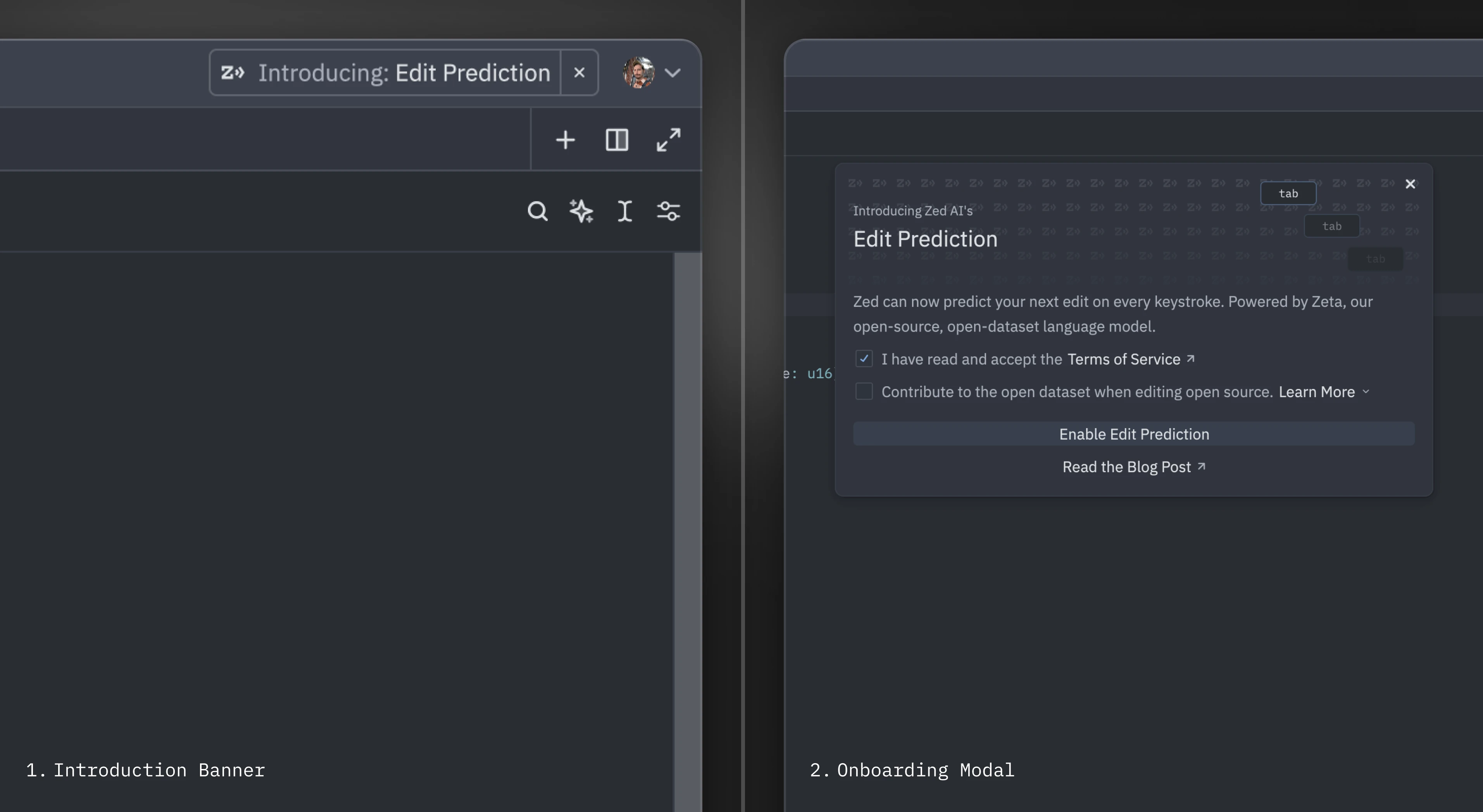-But, if you haven't come across the banner, start using Zed's Edit Prediction by adding this to your settings:+But, if you haven't come across the banner, Zed's Edit Prediction is the default edit prediction provider and you should see it right away in your status bar.-```json-"features": {- "edit_prediction_provider": "zed"-},-```--### Switching modes+### Switching modes {#switching-modes}Zed's Edit Prediction comes with two different display modes:@@ -224,7 +218,7 @@ If you would like to use the default keybinding, you can free it up by either mo## Disabling Automatic Edit Prediction-To disable predictions that appear automatically as you type, set this within `settings.json`:+To not have predictions appear automatically as you type, set this within `settings.json`:```json{@@ -246,6 +240,18 @@ You can also add this as a language-specific setting in your `settings.json` to}```+Alternatively, if you're using Zed's Edit Prediction, you can [use Subtle Mode](/#switching-modes).++### Turning Off Completely++To completely turn off edit prediction across all providers, explicitly set the settings to `none`, like so:++```json+"features": {+ "edit_prediction_provider": "none"+},+```+## Configuring GitHub Copilot {#github-copilot}To use GitHub Copilot, set this within `settings.json`: