
Code at the speed of thought – Zed is a high-performance, multiplayer code editor from the creators of Atom and Tree-sitter.
docs: Improve introduction to Edit Prediction (#26620)
Danilo Leald9590f3f0ef7
diff --git a/docs/src/completions.md b/docs/src/completions.mdindex 3836f53d62d..09019e3faee 100644--- a/docs/src/completions.md+++ b/docs/src/completions.md@@ -22,10 +22,24 @@ For more information, see:## Edit Predictions {#edit-predictions}-Zed has built-in support for predicting multiple edits at a time via its [Zeta model](https://huggingface.co/zed-industries/zeta). Clicking "Introducing: Edit Prediction" on the top right will open a brief prompt setting up this feature.-+Zed has built-in support for predicting multiple edits at a time [via Zeta](https://huggingface.co/zed-industries/zeta), Zed's open-source and open-data model.Edit predictions appear as you type, and most of the time, you can accept them by pressing `tab`.+### Configuring Zeta++Zed's Edit Prediction was initially introduced via a banner on the title bar.+Clicking on it would take you to a modal with a button ("Enable Edit Prediction") that sets `zed` as your `edit_prediction_provider`.++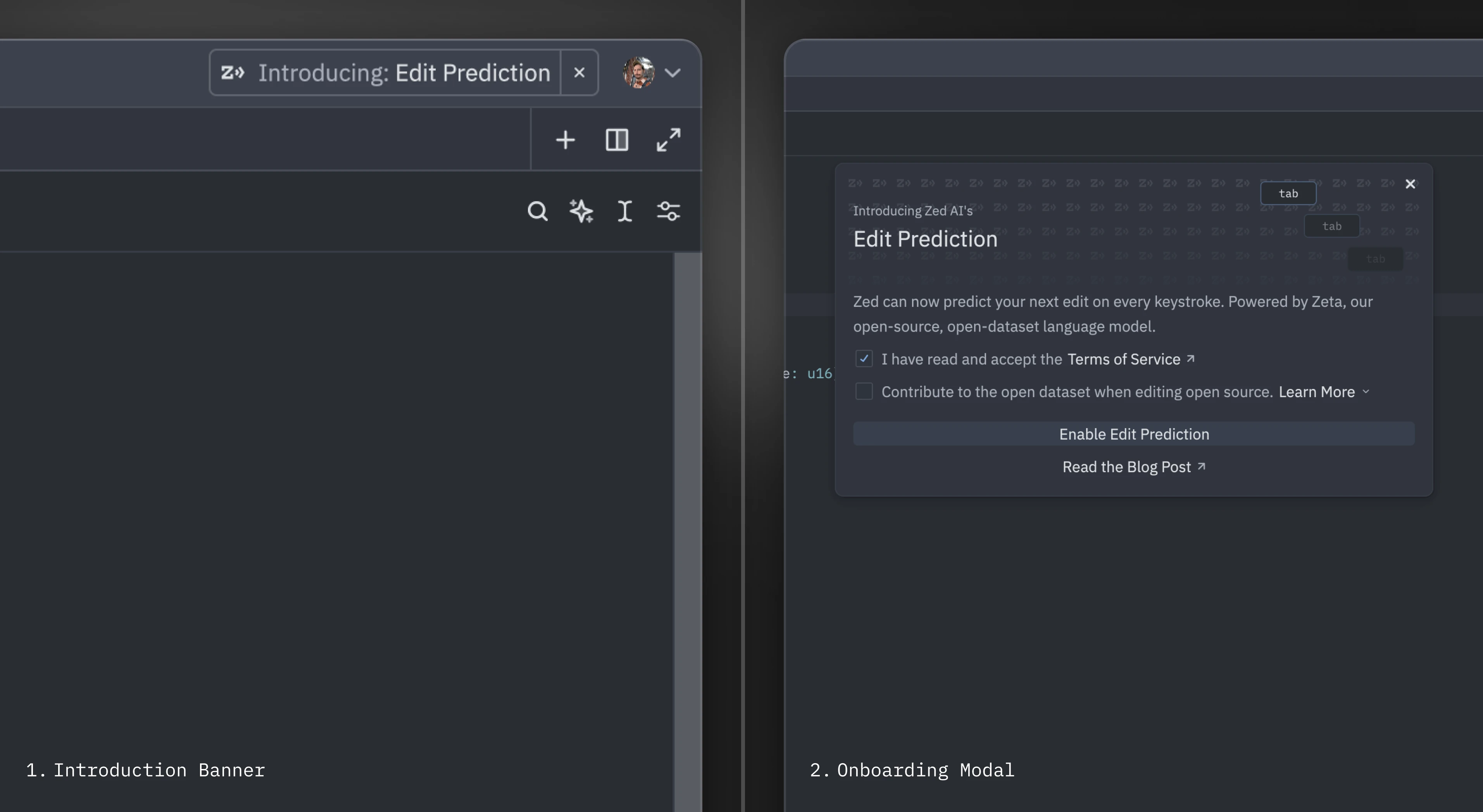++But, if you haven't come across the banner, start using Zed's Edit Prediction by adding this to your settings:++```json+"features": {+ "edit_prediction_provider": "zed"+},+```+### Conflict With Other `tab` Actions {#edit-predictions-conflict}By default, when `tab` would normally perform a different action, Zed requires a modifier key to accept predictions: